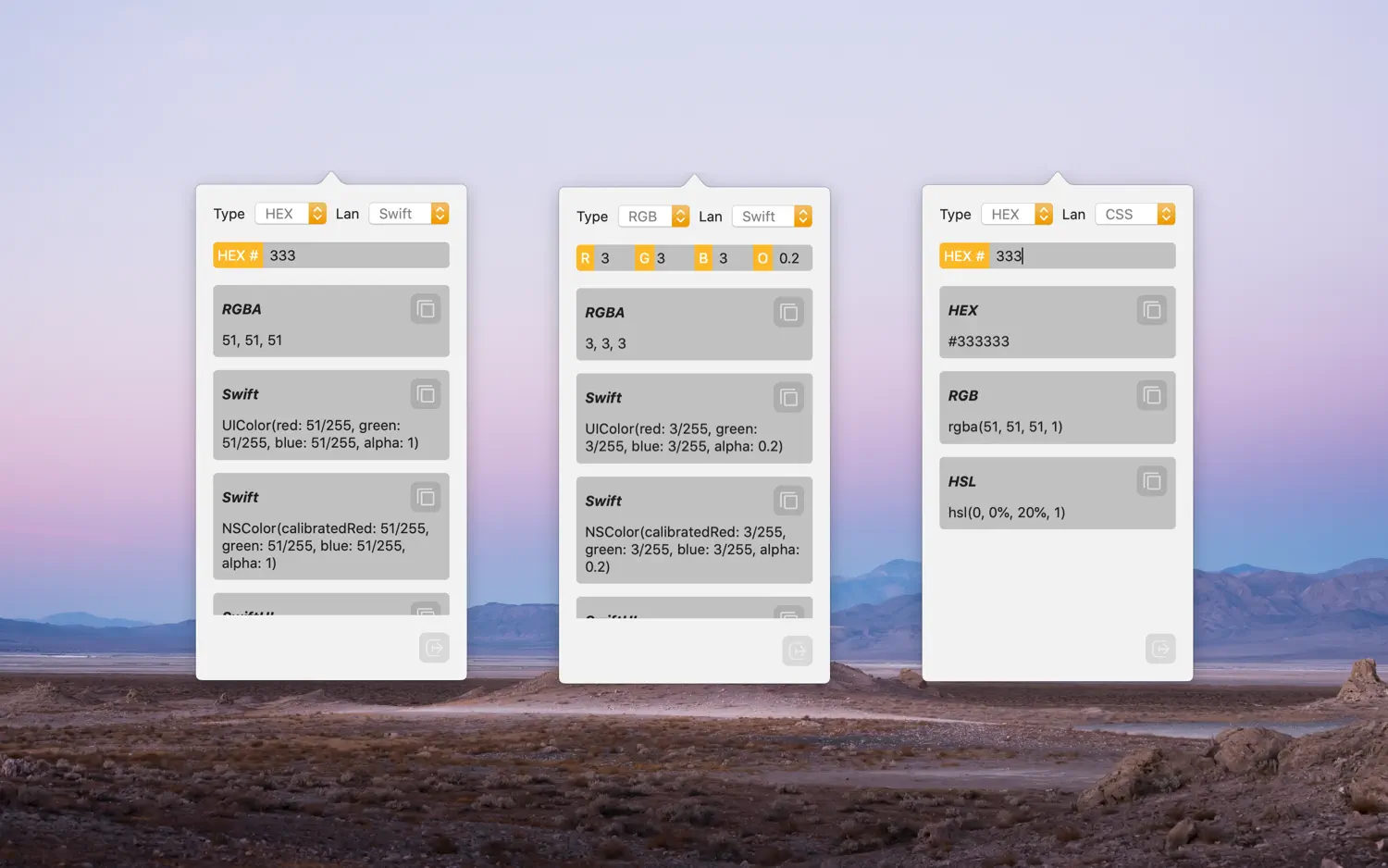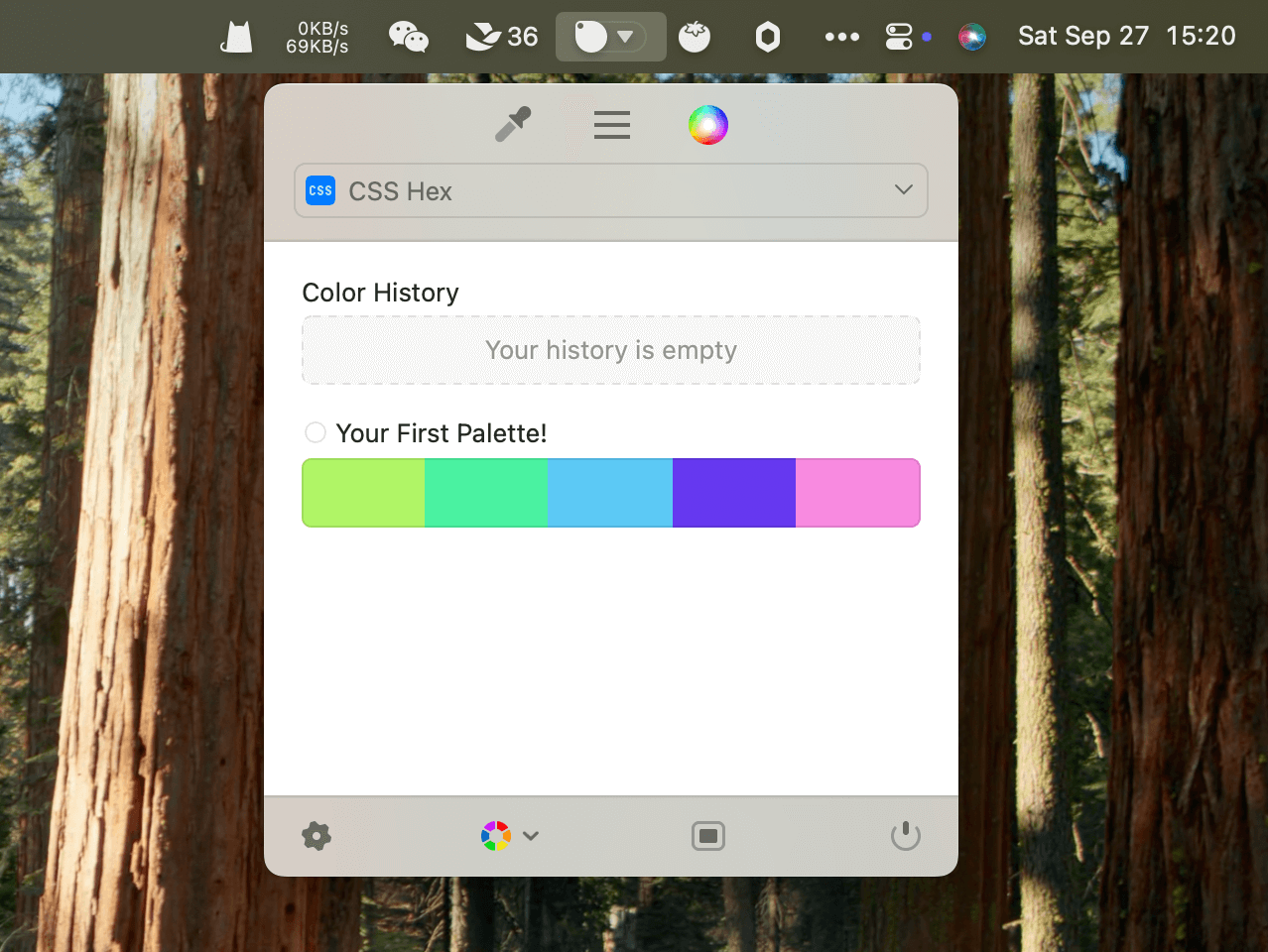

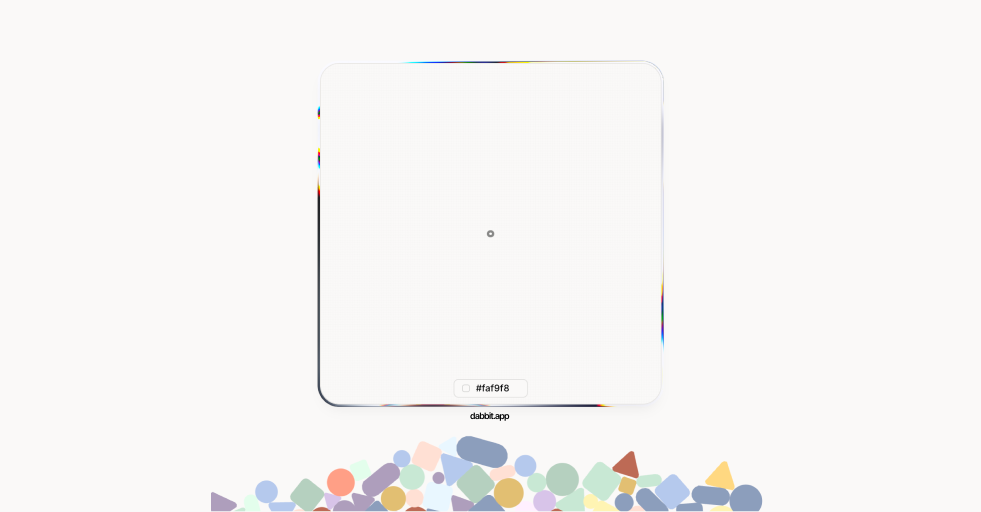
Dabbit is a powerful color picker designed for macOS that lives in your menu bar. Pick any pixel on any screen with precision, copy it in the format your code needs, and build complete design systems without leaving your Mac.
Features
- Menu Bar Integration: The petal mark sits in your menu bar, monochrome or wearing your last pick.
- Universal Picking: Pick any pixel on any screen, exactly. Color-managed and reads Display P3 color space.
- Smart Formats: Copy colors as Hex, RGB, OKLCH, SwiftUI Color, Tailwind, Android #AARRGGBB, and thirty more formats. Smart format automatically detects the frontmost app and copies in the expected format.
- Palettes & Scales: Turns picks into palettes, palettes into scales, and scales into complete design systems with light and dark modes.
- Figma Plugin: Included with the app — sync palettes directly to Figma as variables, color styles, or swatch sheets without export or file transfer.
- Recent Picks: Every pick is kept with its timestamp and the app it came from. Copy again in any format or drag into a palette.
- Accessibility: Built-in contrast checking (WCAG and APCA), color vision simulation for four kinds of color blindness.
- URL Scheme: Control Dabbit from Shortcuts, Raycast, or any URL via
dabbit://. - Undo Support: Every edit to palettes and picks is a step — ⌘Z takes it back.
- Private & Native: Nothing leaves your Mac. Signed, notarized, and updates in place.
Dabbit is a one-time purchase of $9.99 with a 5-day free trial. Apple silicon required.