Descreen
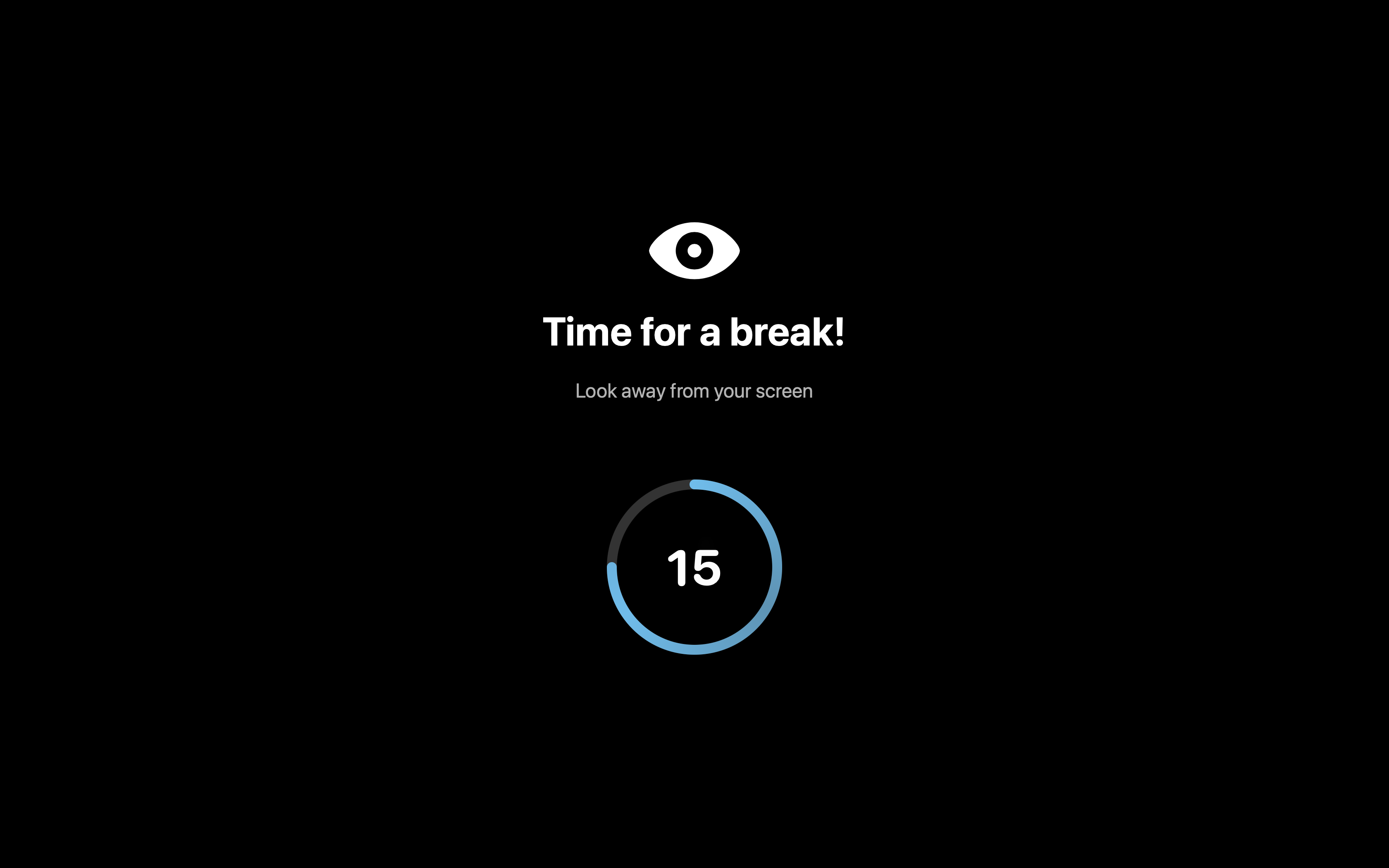
Make your eyes a little more happy by looking away from your screen with this simple, open-source and customized app that sits right up in your menu bar.
Features
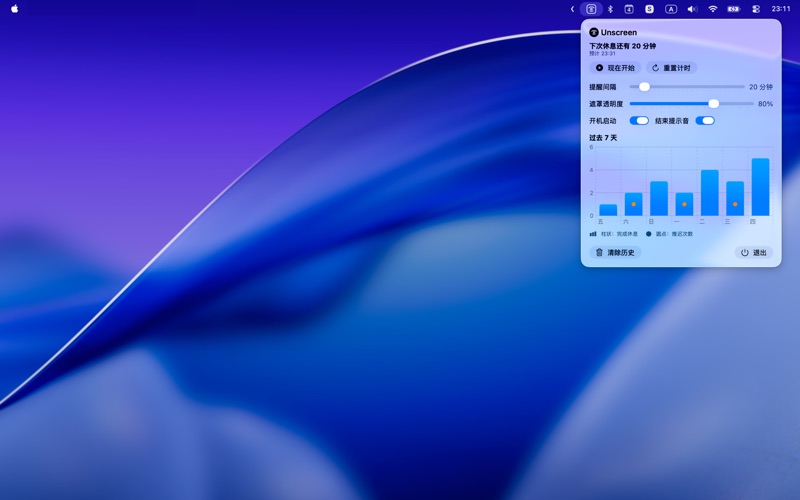
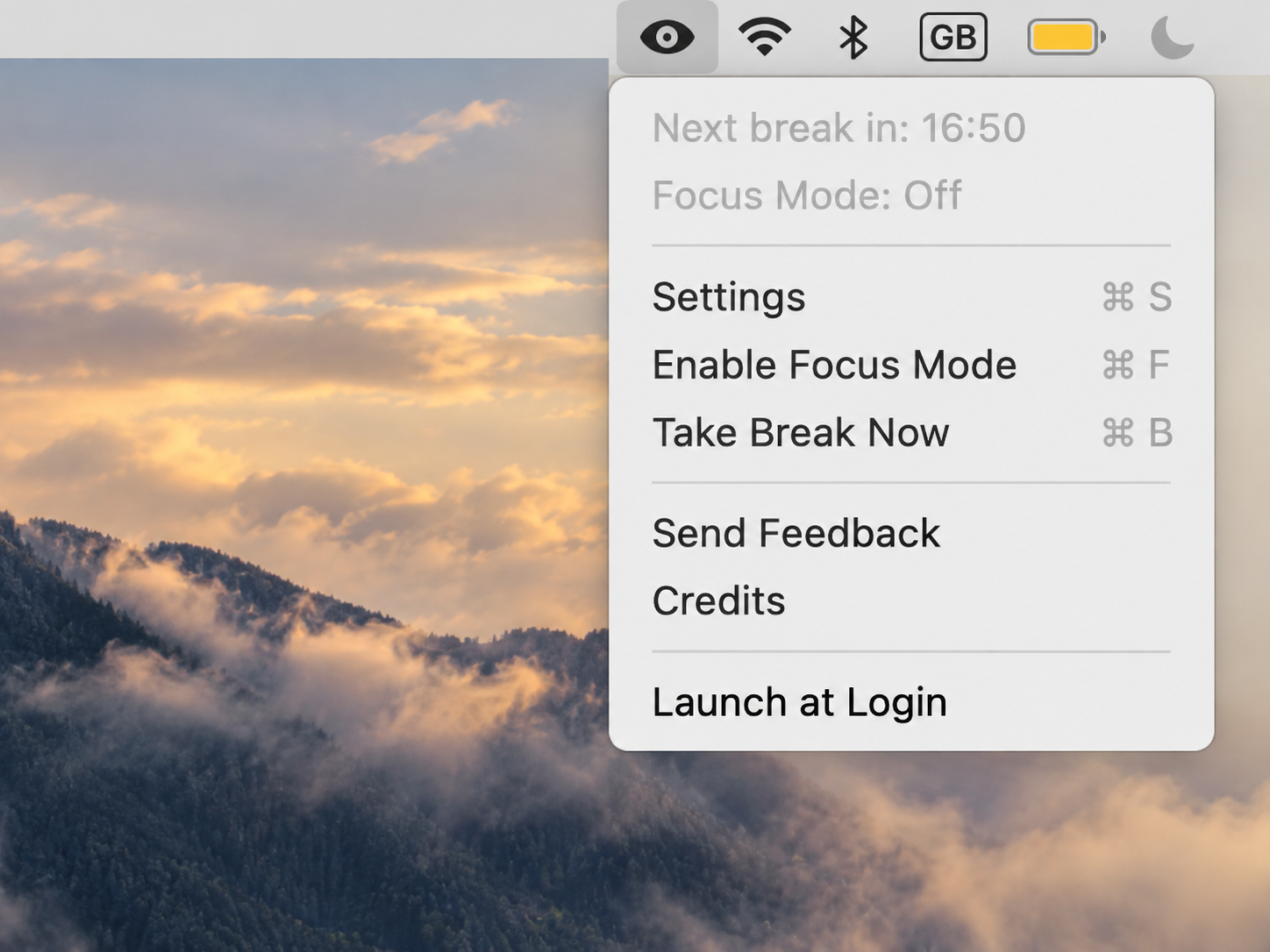
- Focus time: You can set a focus time and in that time you won't be blocked. For example in a meeting. you can change your time in the settings.
- Take break now: You can also take an early break by pressing the "Take break now" button
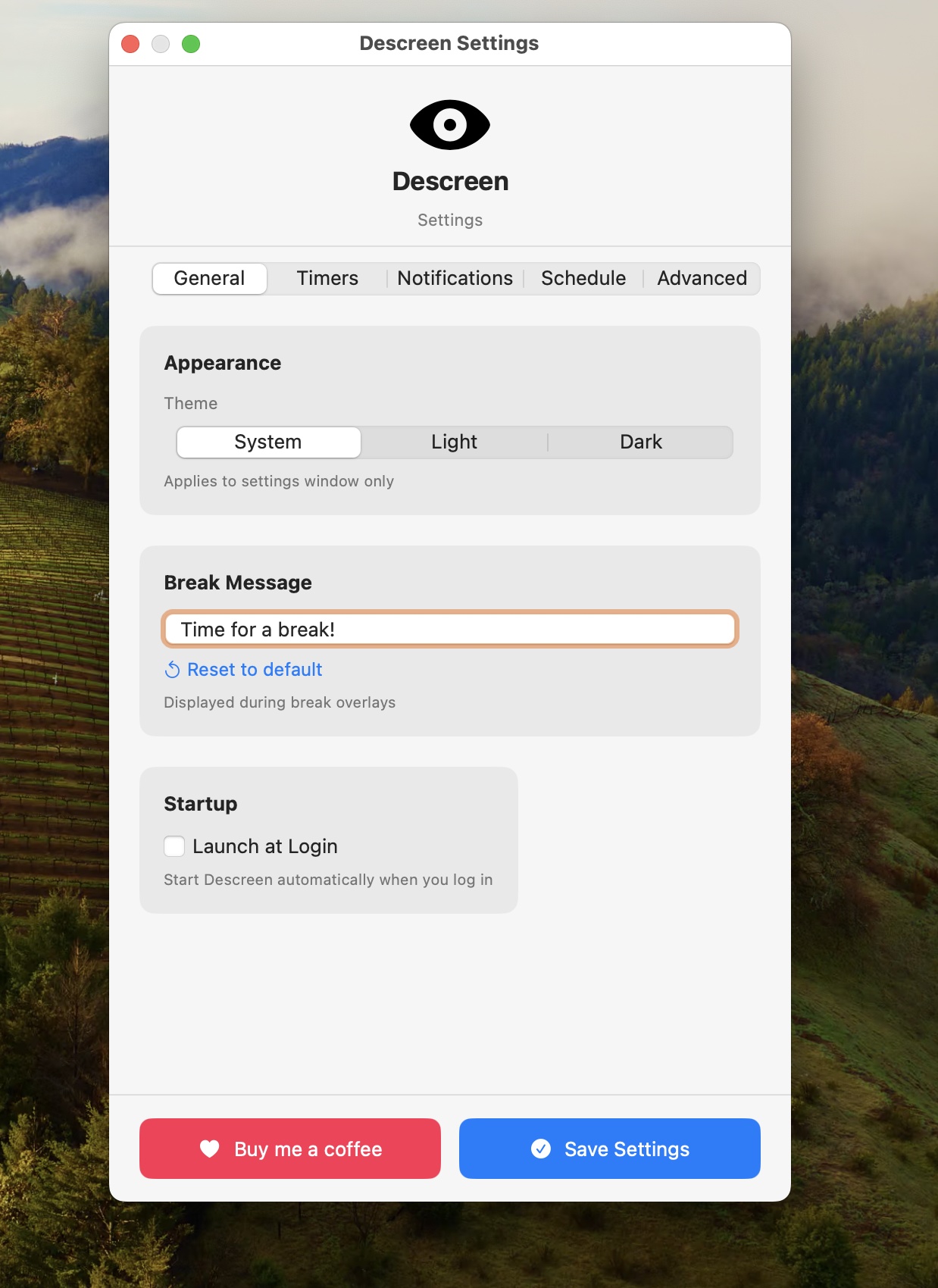
- Focus time cooldown: this is a feature that you have to turn on yourself in the settings but it sets a cooldown of a few minutes before you can enable the focus time again this prevents you from spamming the focus mode and not taking a break.
- Schedule: You can set days for when you do not want to get blocked. You can set those days in the settings, if this feature is not enabled it blocks every day.
- Break intervalls: You change the break interfalls in the settings, this is the amount of time between after a break has ended and when your next break starts.
- Notifications: You can enable notifications for 1, 2 and 5 minutes before your upcomming break starts. I do recomend the in-app notifications because these have a count down after your 1 minute notification and they don't stack up in your notification center. You can also disable notifications
- Quitting: You will only be able to quit the app in the app settings. (settings than the Advanced tab where you have the quit button).
- Cooldown before quittng: This feature adds a cooldown before you can press the quit button. This feature can be turned off.