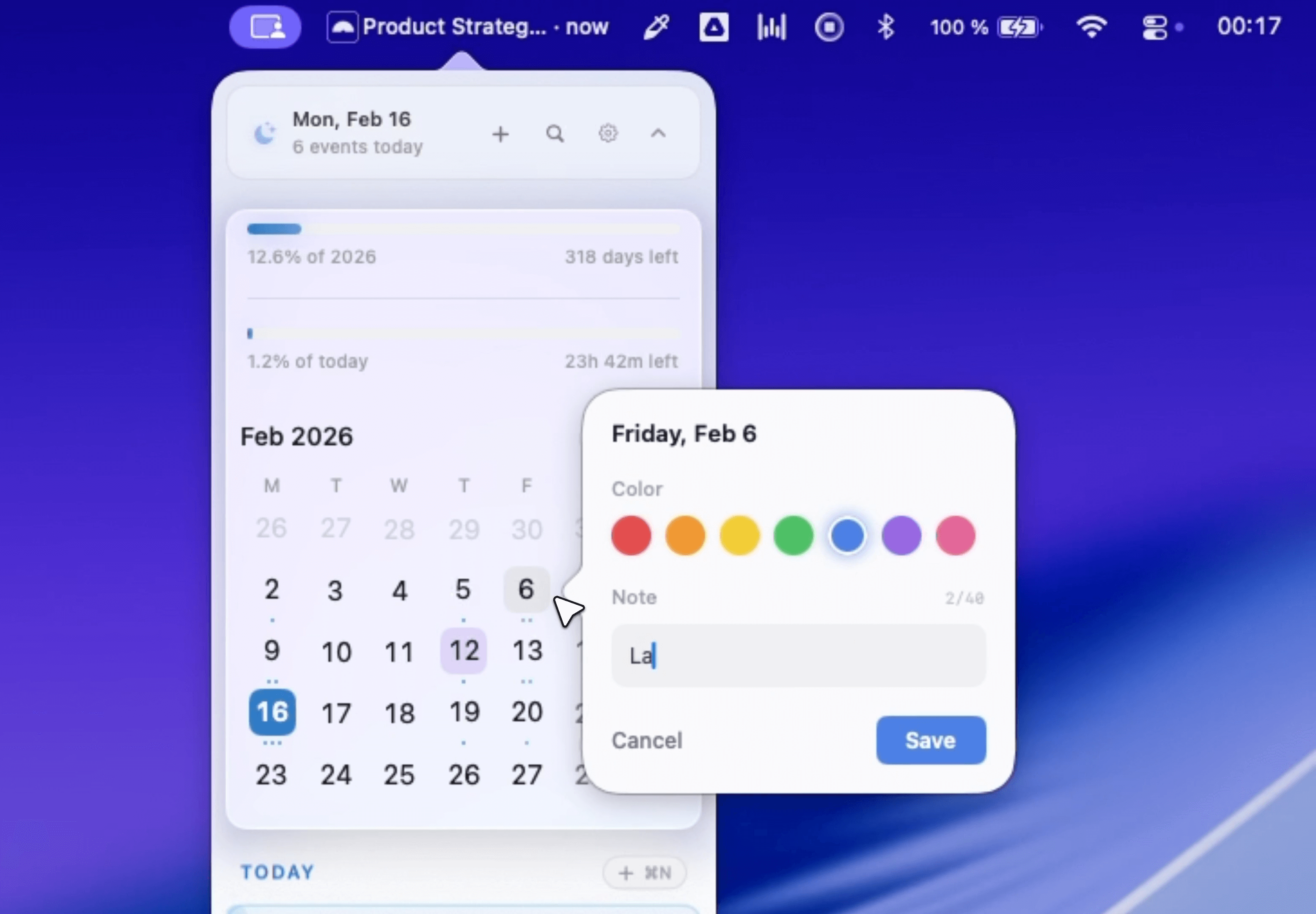
Dot is a native macOS calendar application that lives in your menu bar, designed to help users manage their schedules and join meetings effortlessly. Built with SwiftUI, it offers instant launch times and battery-friendly performance on macOS 13 Ventura or later, supporting both Apple Silicon and Intel processors.
Key Features
Meeting Management
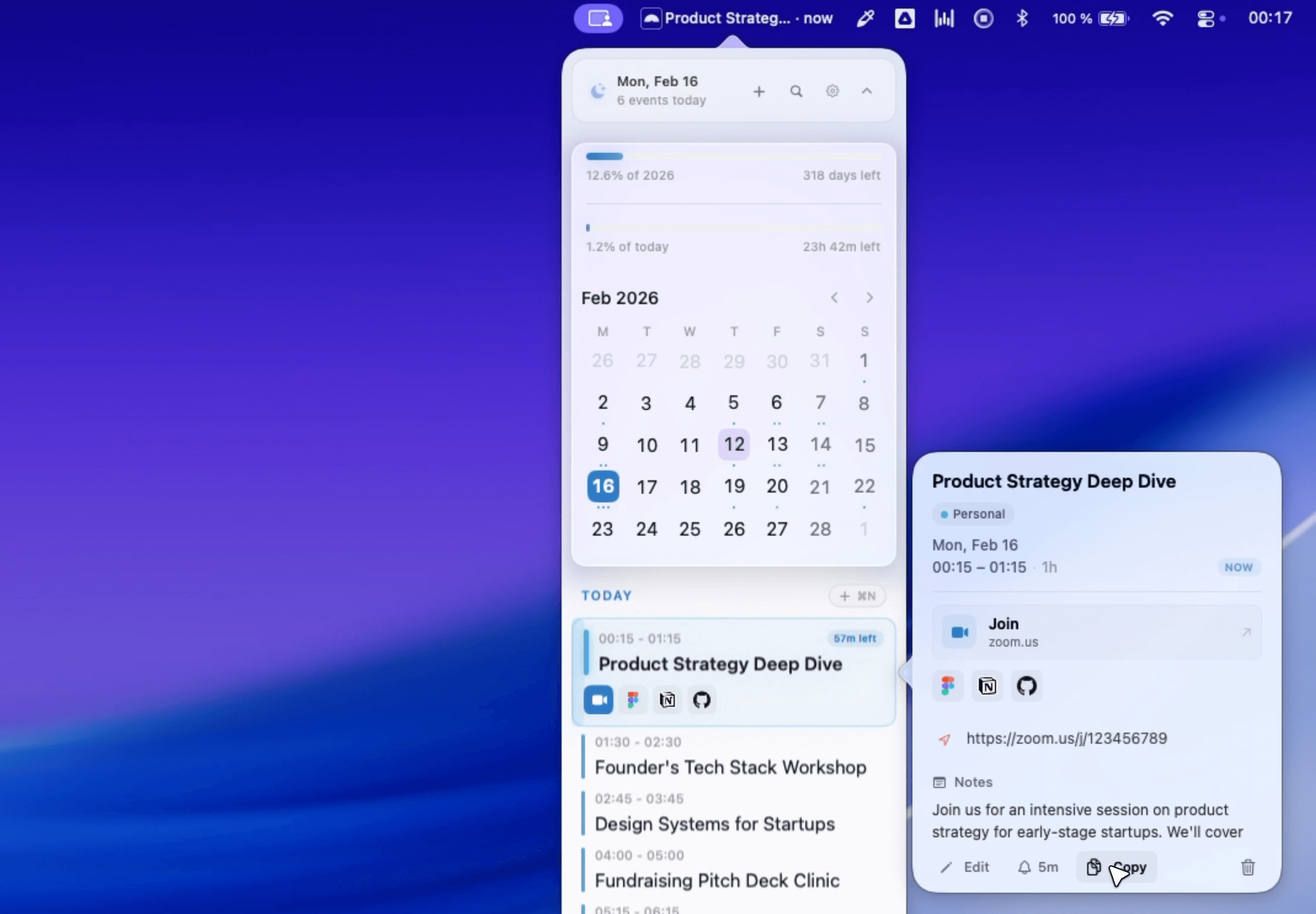
- Smart Meeting Reminders: Floating or fullscreen alerts that notify you before meetings start
- One-Click Join: Instantly join video calls from Zoom, Meet, Teams, or Webex with a simple click or keyboard shortcut (⌘⇧J)
- Meeting Prep: Automatically surfaces links from meeting invites (Google Docs, Notion, GitHub, Figma) so you don't have to dig through emails
- Camera Preview: Check your camera, microphone levels, and lighting before joining calls
Calendar Interface
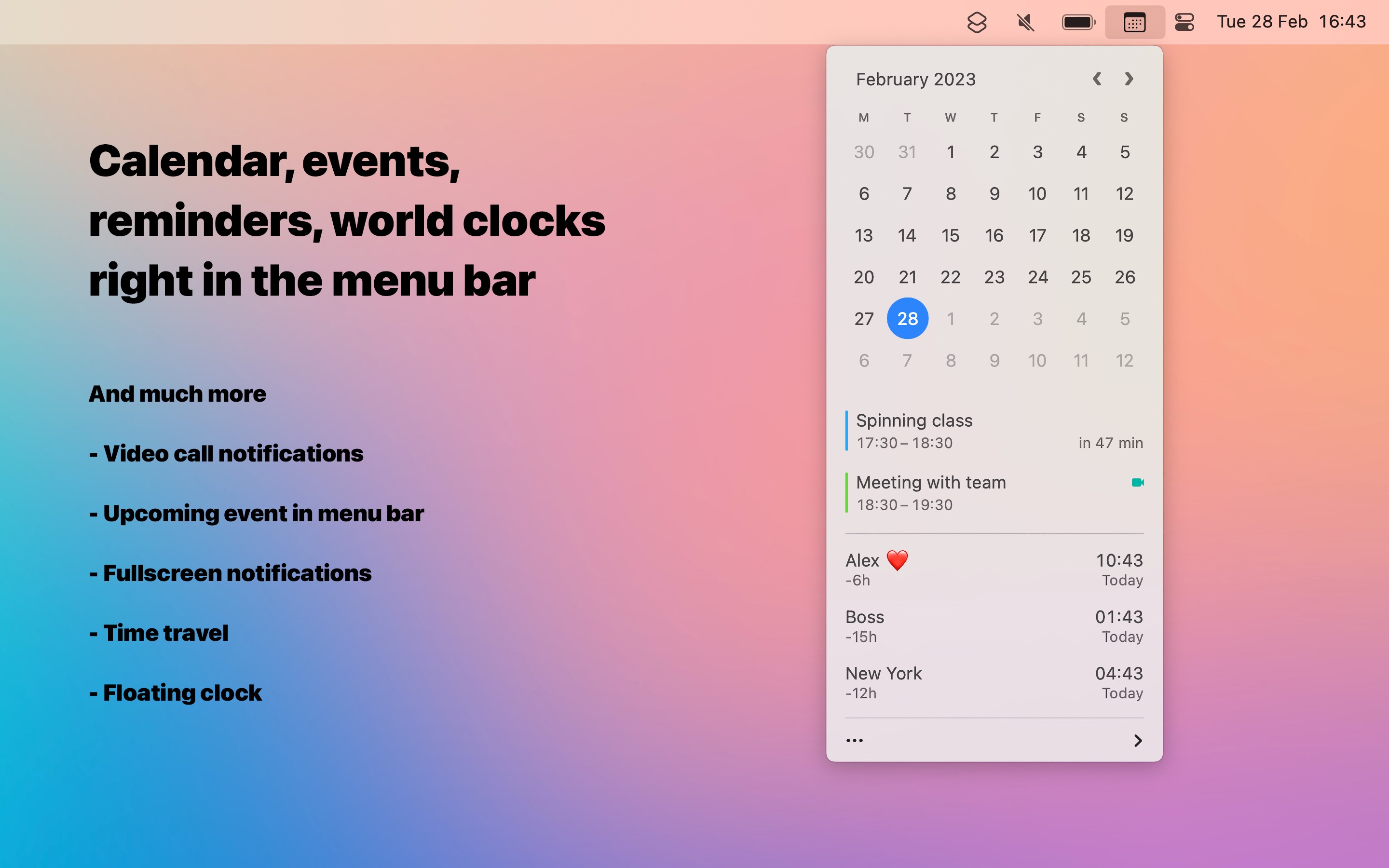
- Menu Bar Integration: Full calendar accessible with one click from your menu bar
- Composable Menu Bar (New): Customize your menu bar display by mixing and matching tokens like date, event countdown, week number, and time
- Next Event Display: Shows upcoming event title and countdown at a glance in the menu bar
Event Management
- Natural Language Processing: Create events by typing naturally (e.g., "Team sync every Monday 10am for 1 hour")
- Full Event Search: Find any event by searching title, notes, location, or attendees (⌘F)
- Quick Editing: Modify event details directly within Dot
- Location Autocomplete: Type "@" followed by a place name for search suggestions
- Calendar Picker: Quickly switch between calendars by typing "/"
- Quick Date Jump: Press F and type a date to navigate instantly
Customization Options
- World Clock: Add multiple time zones with drag-and-drop reordering
- Countdown Styles: Choose your preferred format (2h, 2h 30m, or 2:30)
- Date Markers: Flag important days like launches, paydays, or trips
- Calendar Icon (New): Choose between outlined or filled calendar icons showing today's date
- Day & Year Progress: Visual indicators of time passing
- Hide Empty Days: Cleaner agenda view by removing days without events
Privacy & Integration
- No Account Required: Download and use immediately without signup
- Privacy-First: All data stays on your Mac with no servers involved
- Multi-Calendar Support: Works with iCloud, Google Calendar, Outlook, and Exchange through macOS Calendar integration
- Native Performance: Built with SwiftUI for fast, responsive experience
Pricing
- One-time purchase: $9.99 (launch special, regularly $14.99) using code "LAUNCH"
- 14-day free trial: No credit card required
- No subscription: Pay once, own forever with updates included
Recognition
Dot has received positive coverage from tech publications, with The Verge's Editor-at-Large David Pierce calling it his "main Mac calendar app" and MacStories' Managing Editor John Voorhees praising its "simple, modern design and lots of customization options".