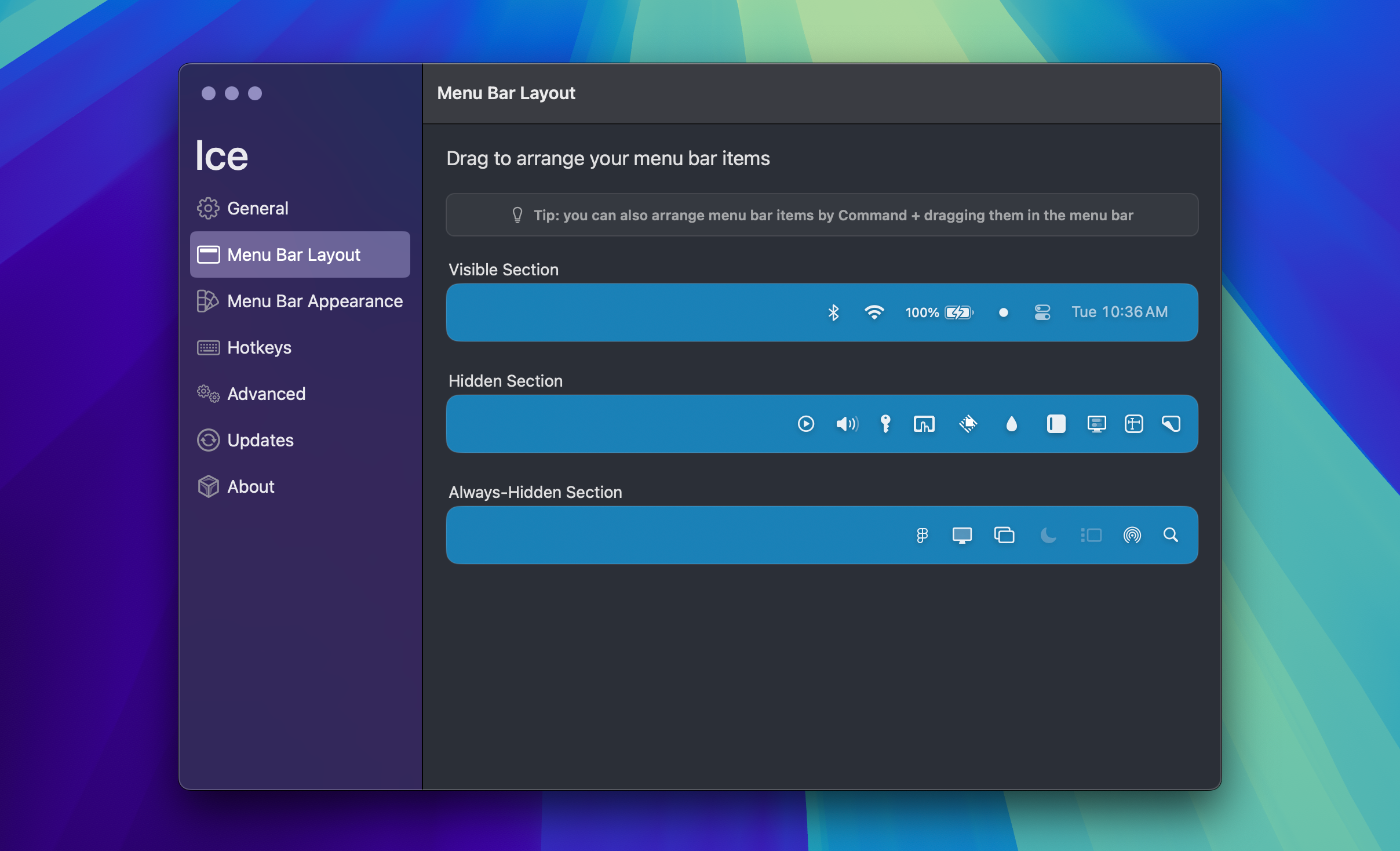
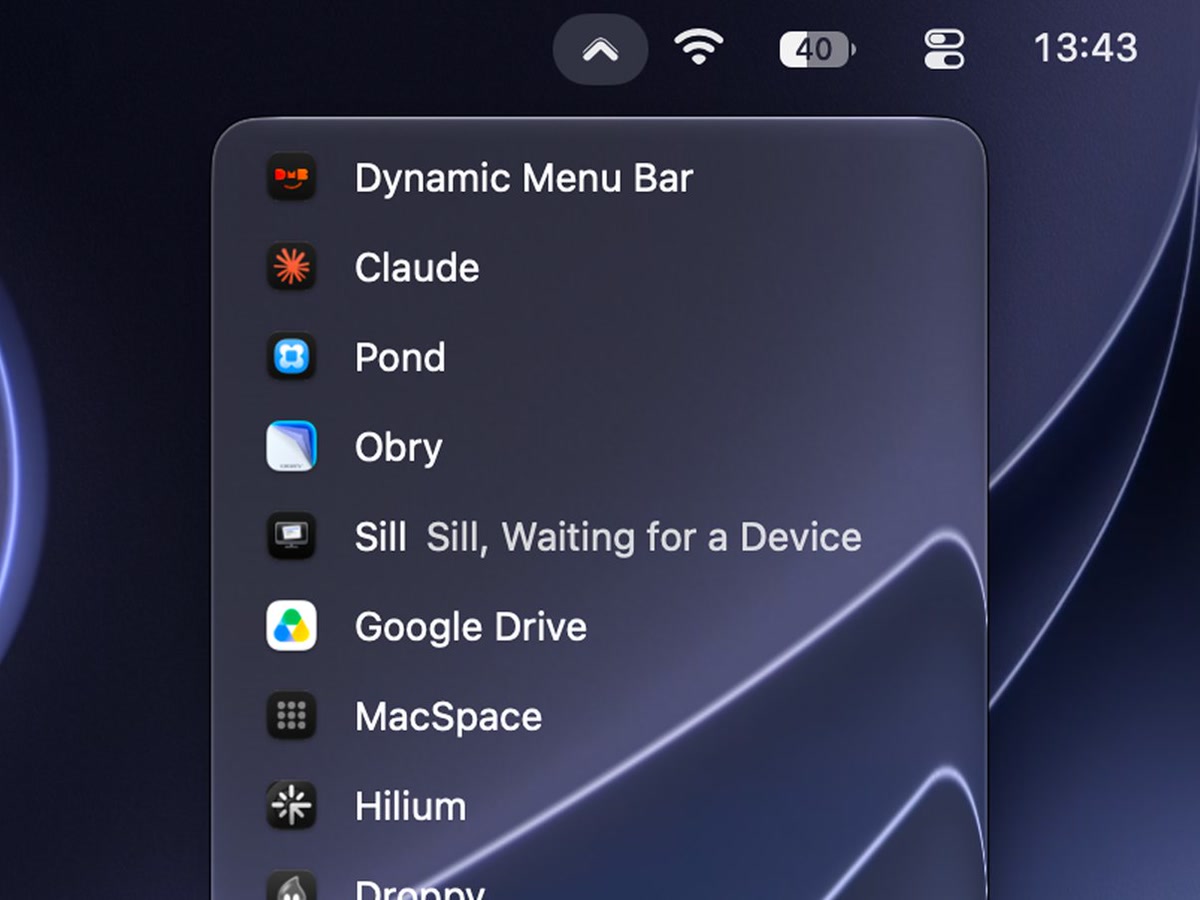
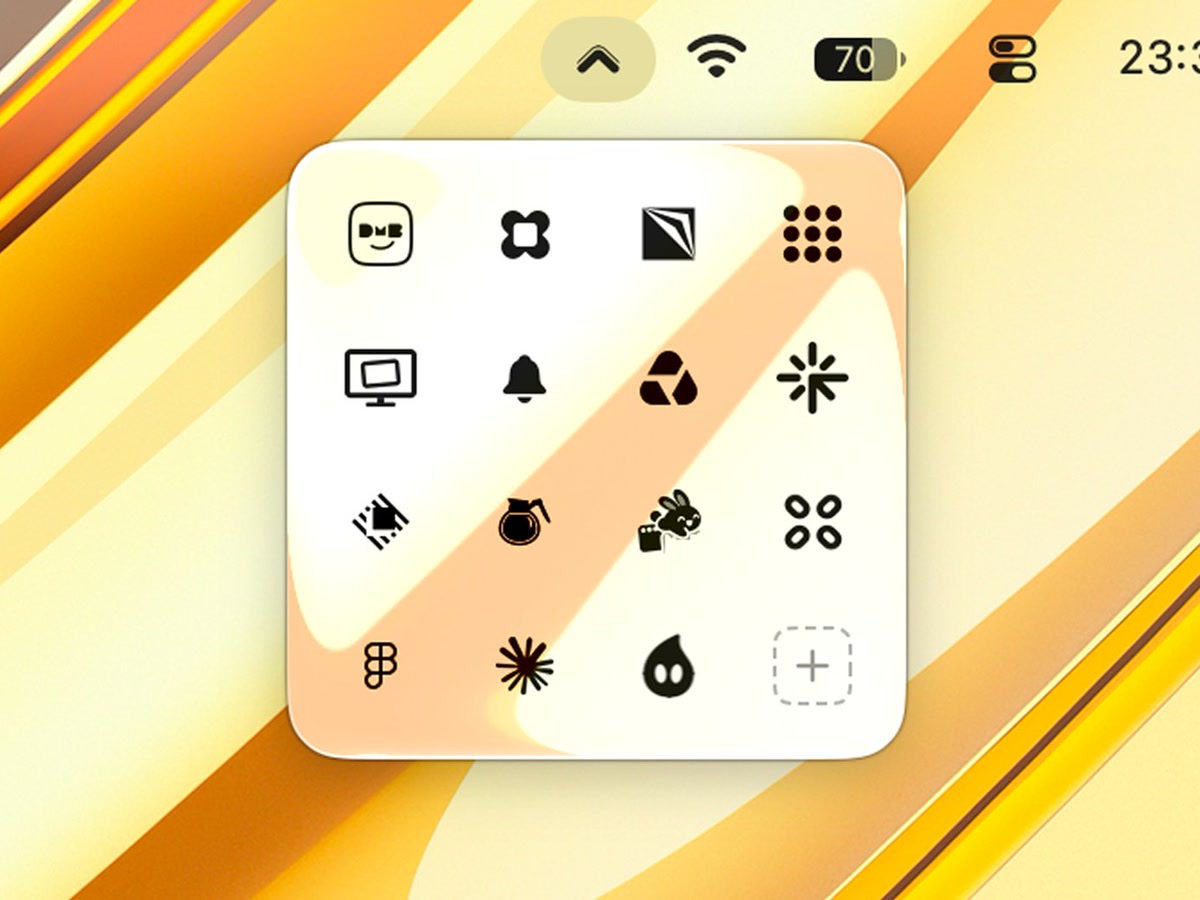
Drop Down is a menu bar organizer for macOS 15 and later on Apple silicon.
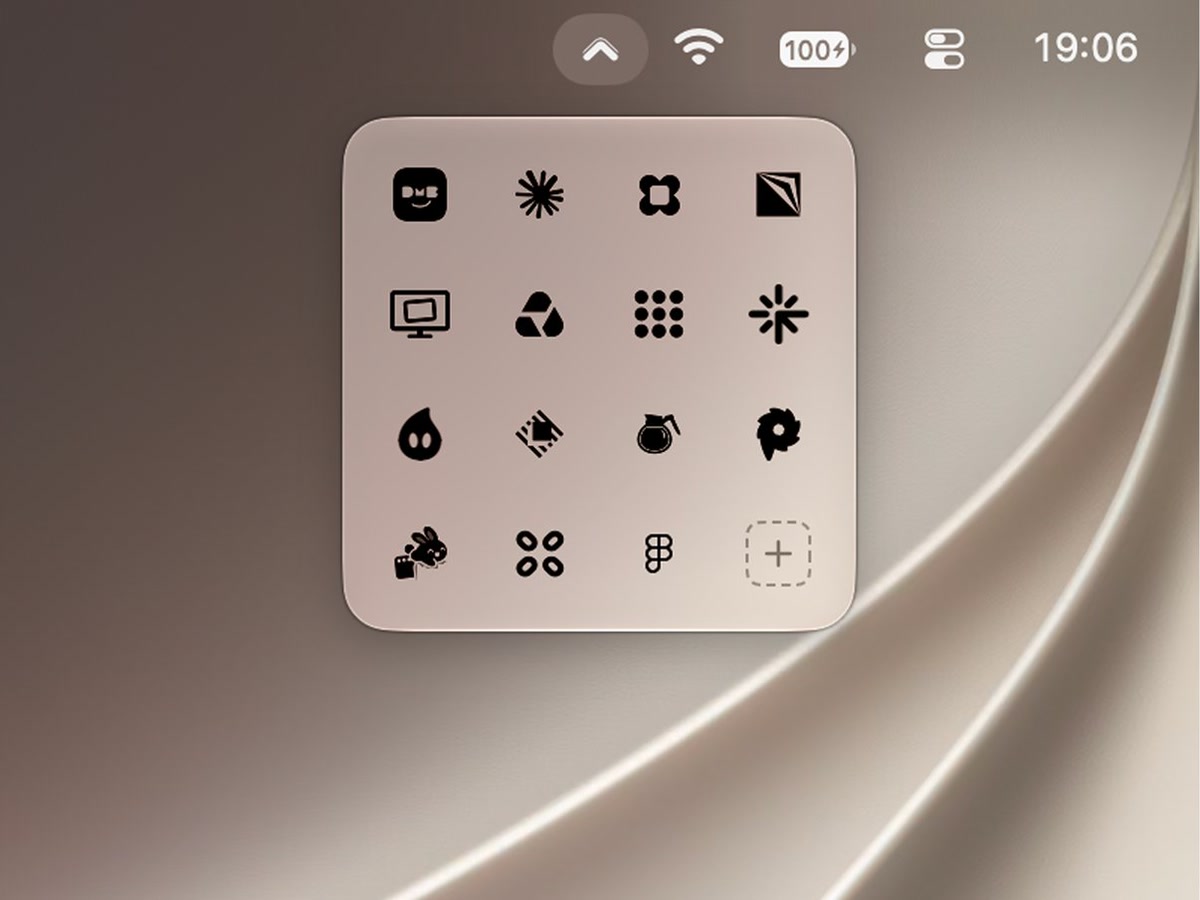
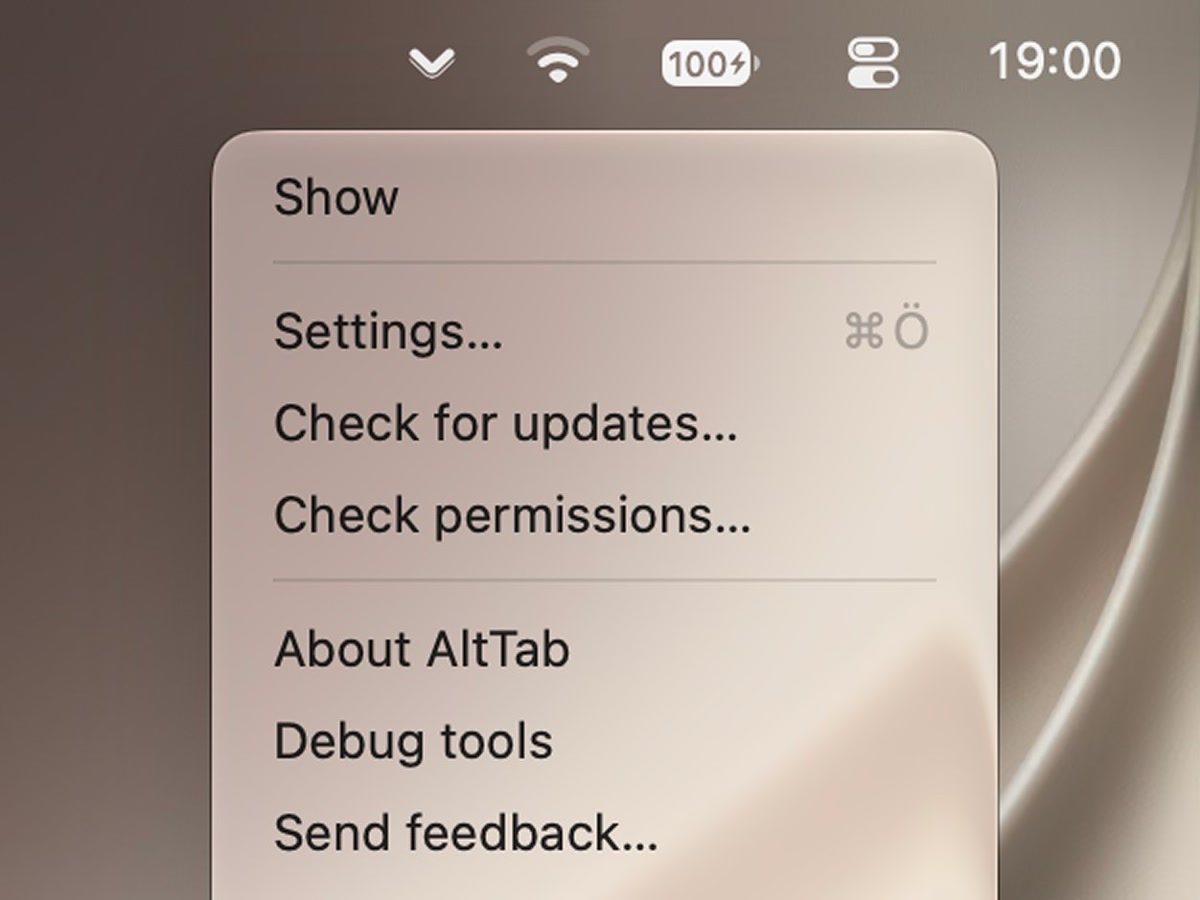
Choose the apps you rarely need and their icons leave the menu bar. One chevron stays. Click it, or press Control-Option-Command-D, and a small glass panel opens right under it with the hidden icons in a grid, like the hidden-icons tray on Windows. Click an icon in the panel and that app's own menu opens under the chevron; right-click for its secondary menu, or drag the icon back onto the bar.
Basic, free with no time limit and no account
- Hide the icons you choose, including some of Apple's own items
- The panel, with real menu bar icons
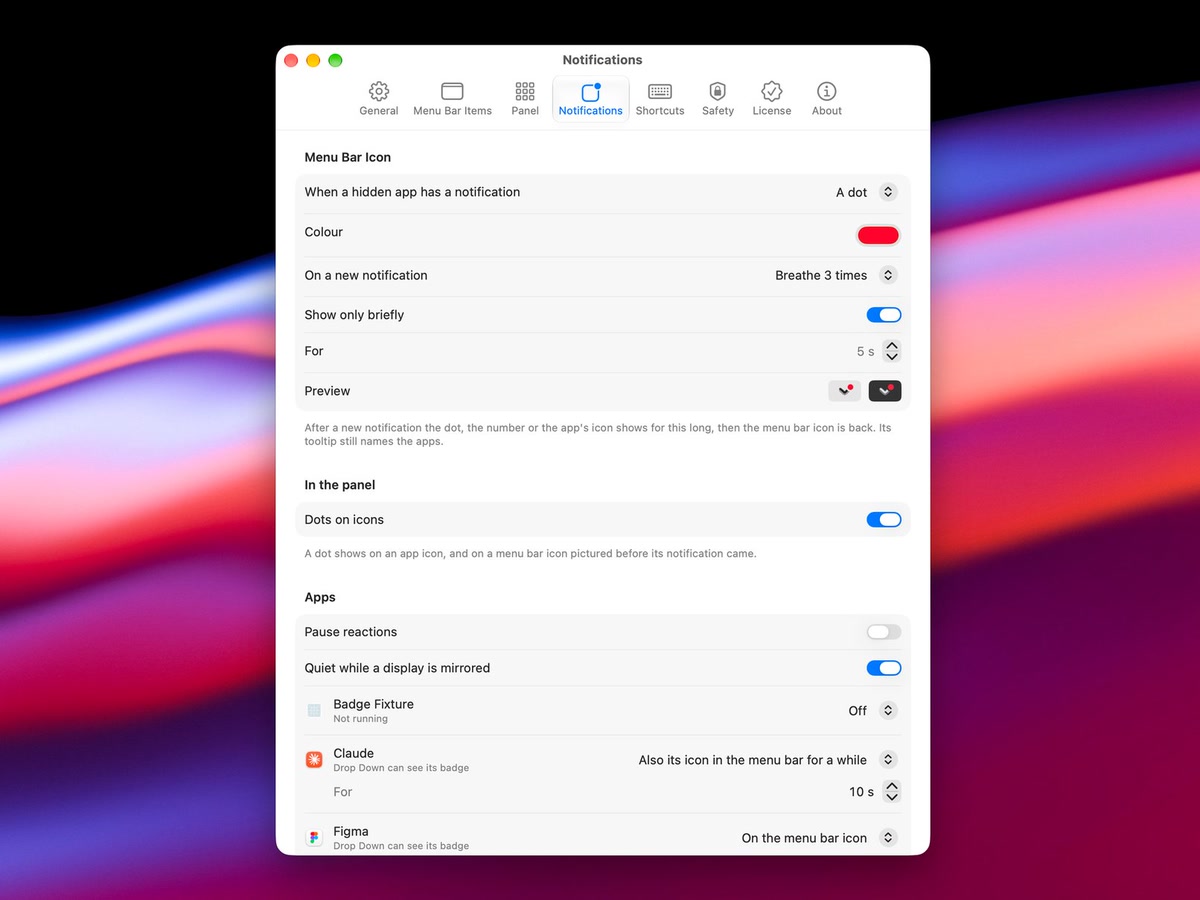
- A dot on the chevron when a hidden app has a notification
- Every safety feature: one shortcut shows every icon at any time, and quitting Drop Down brings them all back
Pro, a one-time purchase for up to 3 Macs
- Grid sizes, pages, icon sizes and list view
- Panel themes, including Liquid Glass on macOS 26 and 27
- Your own names and icons for apps in the panel
- Type to filter, custom order, a custom shortcut
- Numbers, colours and app icons as notification signs
No analytics, no telemetry, no account. Drop Down is in Early Access until version 1.0 and is updated often. It is a notarized download from getdropdown.app, not on the Mac App Store.