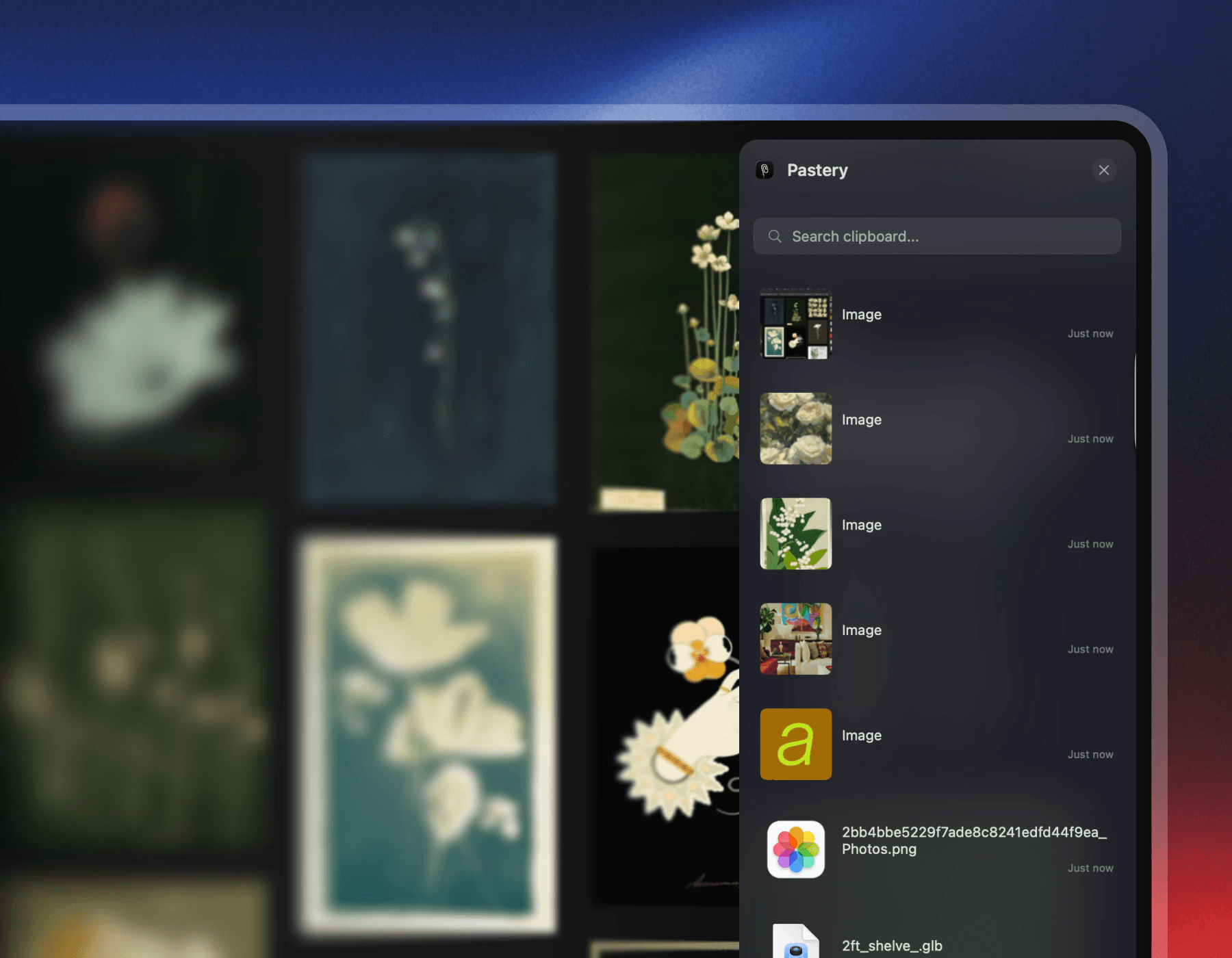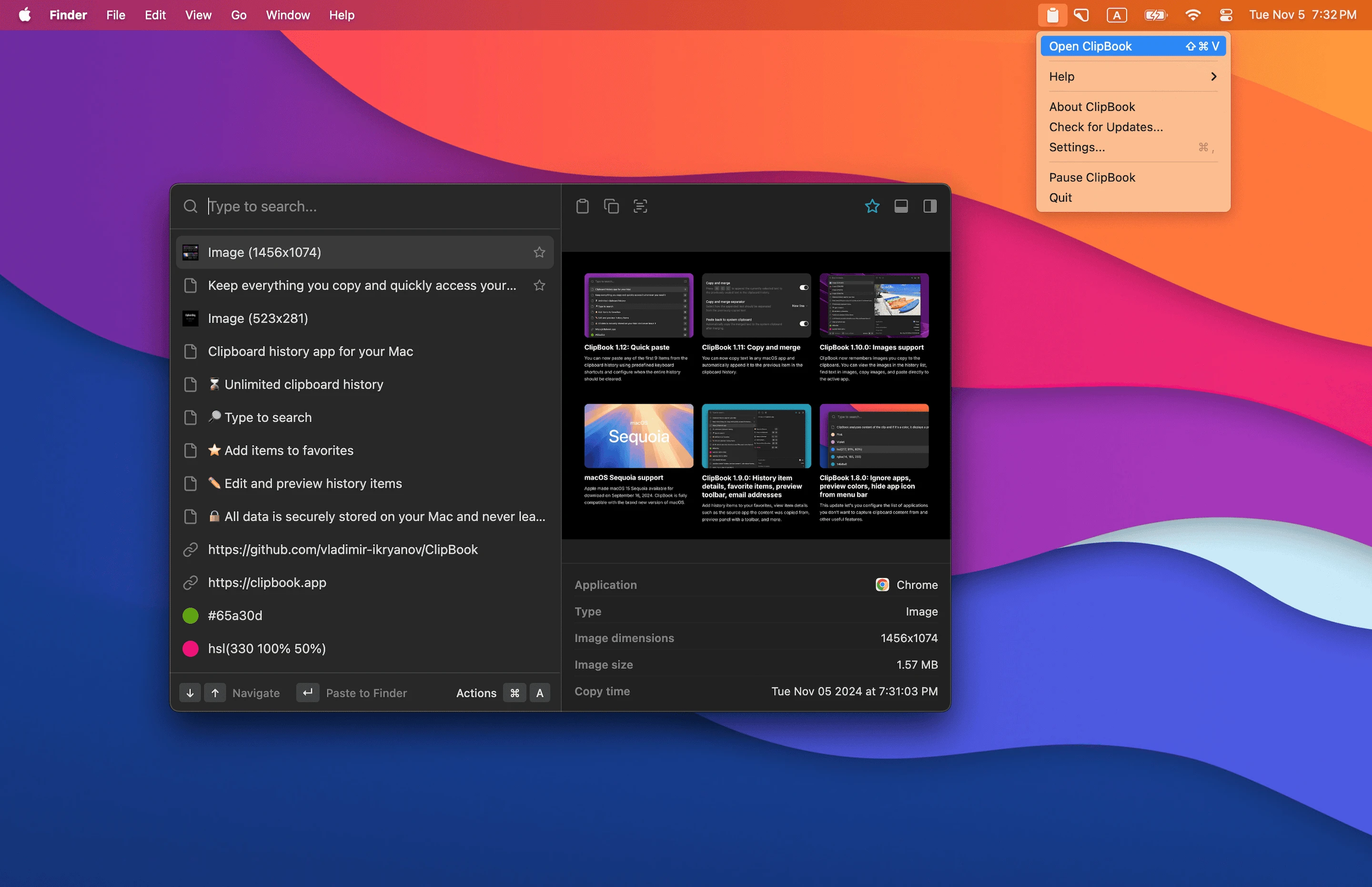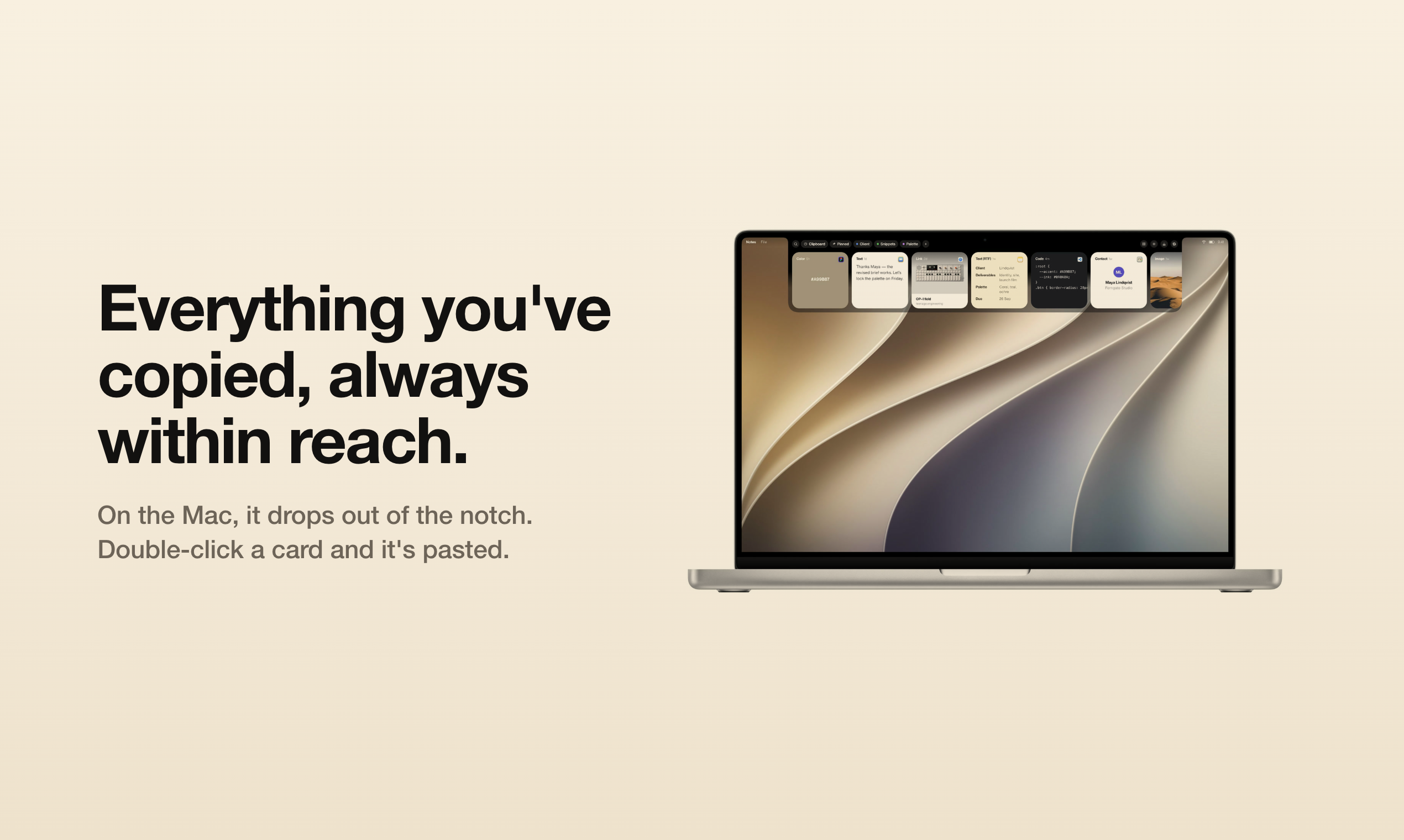
OneClip is a professional clipboard manager built for macOS. It uses 100% SwiftUI for smooth animations, native system integration, and low resource usage.
💡 Why OneClip?
- ✅ Pure native: 100% SwiftUI, no third-party UI frameworks, great performance
- ✅ Unique features: Stack clipboard, drag container, scripting, AI integration, and more
- ✅ Privacy-first: All data stored locally, no uploads
- ✅ Actively maintained: Community-driven, quick response to feedback
- ✅ Free tier is powerful: Full features, no limits, no ads, no data collection
Core Features
- Smart history: Auto-save clipboard history for text, images, files
- Full format support: Images, video, audio, documents with metadata preserved
- Edit text/images: Edit and delete with undo; pin, favorite, delete
- Stack clipboard: ⌘+⇧+C to open stack; ⌘+V to paste in order; ⌘+⇧+S to split by line
- Quick paste panel: ⌘+; to open quick paste panel
- Drag container: ⌘+⇧+D to open drag container for temporary files/images
- Fast search: ⌘+F to search as you type, filters and highlight
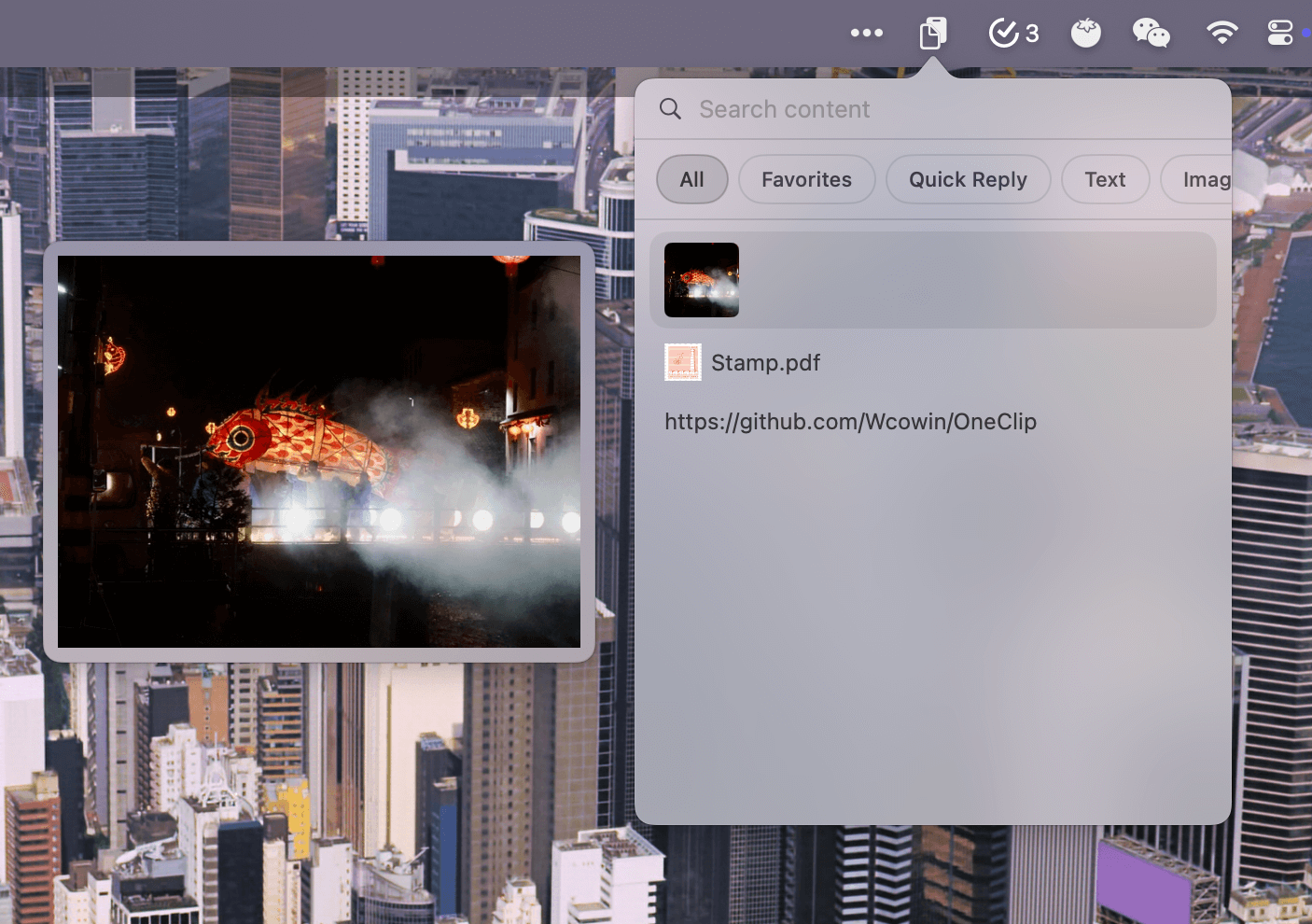
- Menu bar: Quick access, category search, hover preview, one-click copy/paste
- Global hotkeys: ⌘+⇧+V for main window (customizable)
- Quick reply: ⌘+⇧+R for text/image/file templates, import/export
- OCR: Screen or image text recognition, OCR translation
- Scripting: JS scripts for automation
- AI: Local (Ollama/LMStudio) and cloud AI for summarization and translation
- Sync: iCloud/Dropbox and custom sync, backup/import/export
- Custom storage: Choose where to store data
- Flexible options: Dock icon, background mode, theme; list/card view
- Modern UI: macOS design, vibrancy and dark mode
- Easy install: Homebrew one-line install (Sparkle auto-update)
- Finder enhancement: Finder ⌘+X cut, ⌘+V paste to move files (free in OneClip)