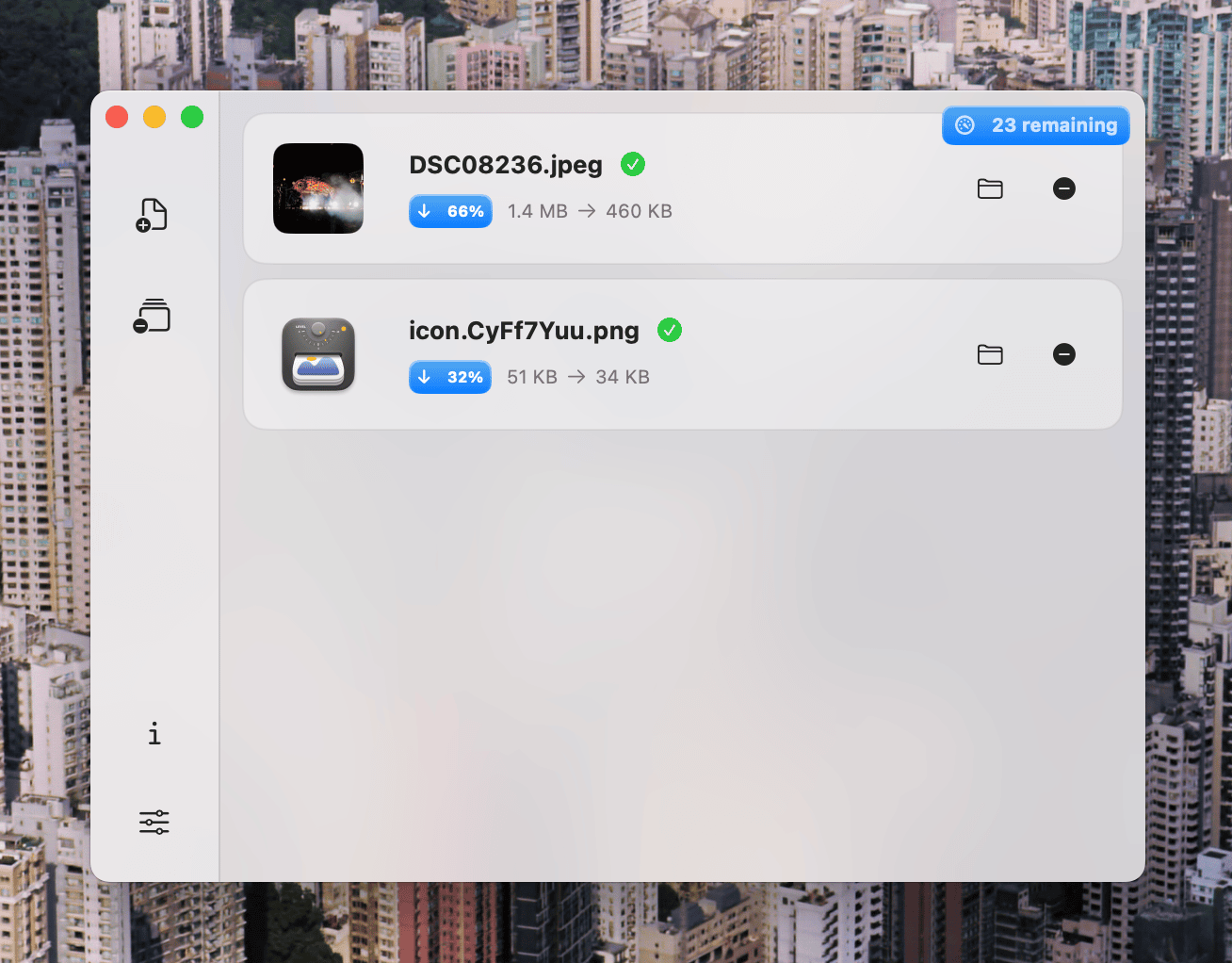
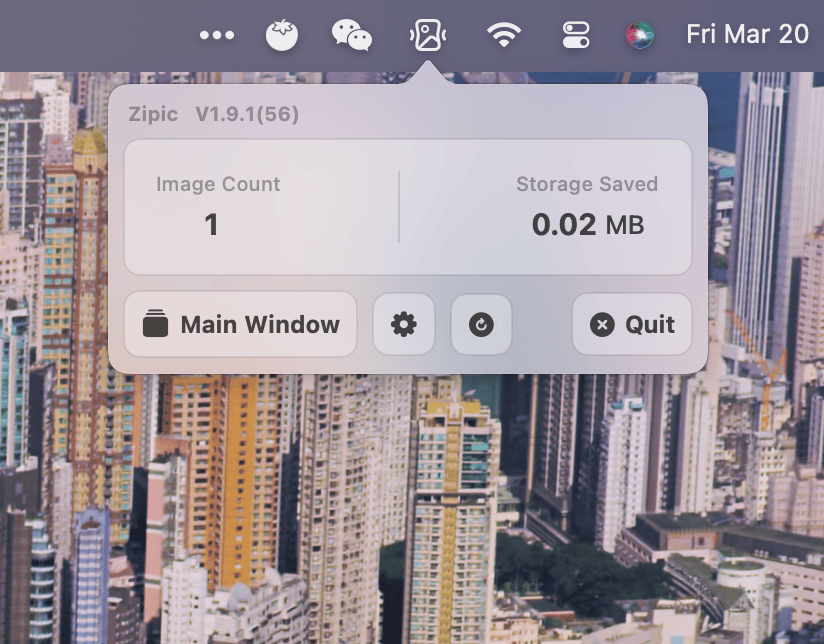
Zipic is a native macOS application designed for efficient image compression while maintaining visual quality. The software focuses on providing a balance between file size reduction and image quality preservation.
Core Functionality
Compression Capabilities
Zipic offers high compression ratios with minimal quality loss. The application can reduce file sizes significantly while preserving the original resolution. For example, the software can compress a 1512px x 1512px image from 403KB to 108KB at compression level 3, with results that are virtually indistinguishable from the original.
Supported Formats
The application supports 12 different image formats:
- Basic formats (Free tier): JPEG, PNG, WebP, HEIC, and GIF
- Pro formats: AVIF, JXL (JPEG XL), TIFF, ICNS, PDF, SVG, and APNG
Zipic also supports batch processing across all these formats, making it efficient for handling multiple files simultaneously.
Key Features
Multiple Compression Methods
Zipic provides various ways to compress images:
- Drag-and-drop functionality into the main window
- Notch Drop for instant compression (Pro feature)
- Clipboard auto-compress (Pro feature)
- Folder monitoring for automatic compression (Pro feature)
- Finder integration through right-click context menu
- Raycast extension support
- Menu bar quick access
Customization Options
The software includes custom preset configurations for different compression scenarios and quality levels. Users can create unlimited presets (Pro version) and switch between them instantly to adapt to various workflow requirements. Ready-to-use default settings are also available for common scenarios.
Privacy and Security
All image processing happens locally on the user's device with no cloud uploads or internet connection required. This ensures complete privacy and data security, as no images are transmitted over the network.
Pricing Structure
Zipic offers three pricing tiers:
- Free: Limited to 25 daily image compressions with basic formats and 1 custom preset
- Personal ($29.99): Unlimited compressions for 2 devices with all Pro features
- Team License ($129.99): Unlimited compressions for 10 devices with priority support
The pricing model is "Pay Once, Updates Always," meaning users receive lifetime updates with their purchase.
System Requirements
Zipic requires macOS 13.0 (Ventura) or later and is optimized for both Apple Silicon and Intel Macs. The application is lightweight with minimal system footprint and automatically adapts to system theme preferences.
Professional Features
Pro users gain access to advanced workflow enhancements including:
- Advanced controls with custom notifications and metadata preservation
- Smart automation through clipboard auto-compress and folder monitoring
- API integration via DeepLink for third-party app compatibility
- Unlimited custom presets with favorites
- Silent background monitoring