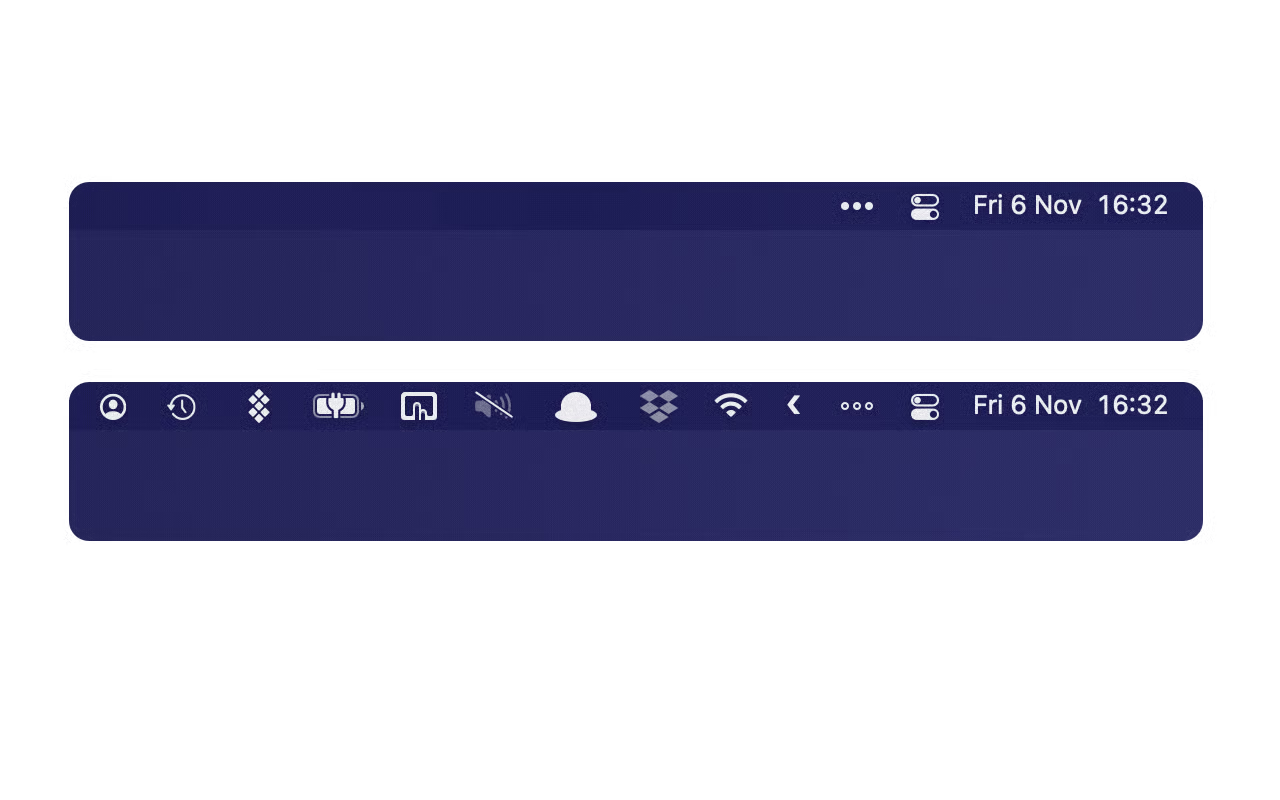
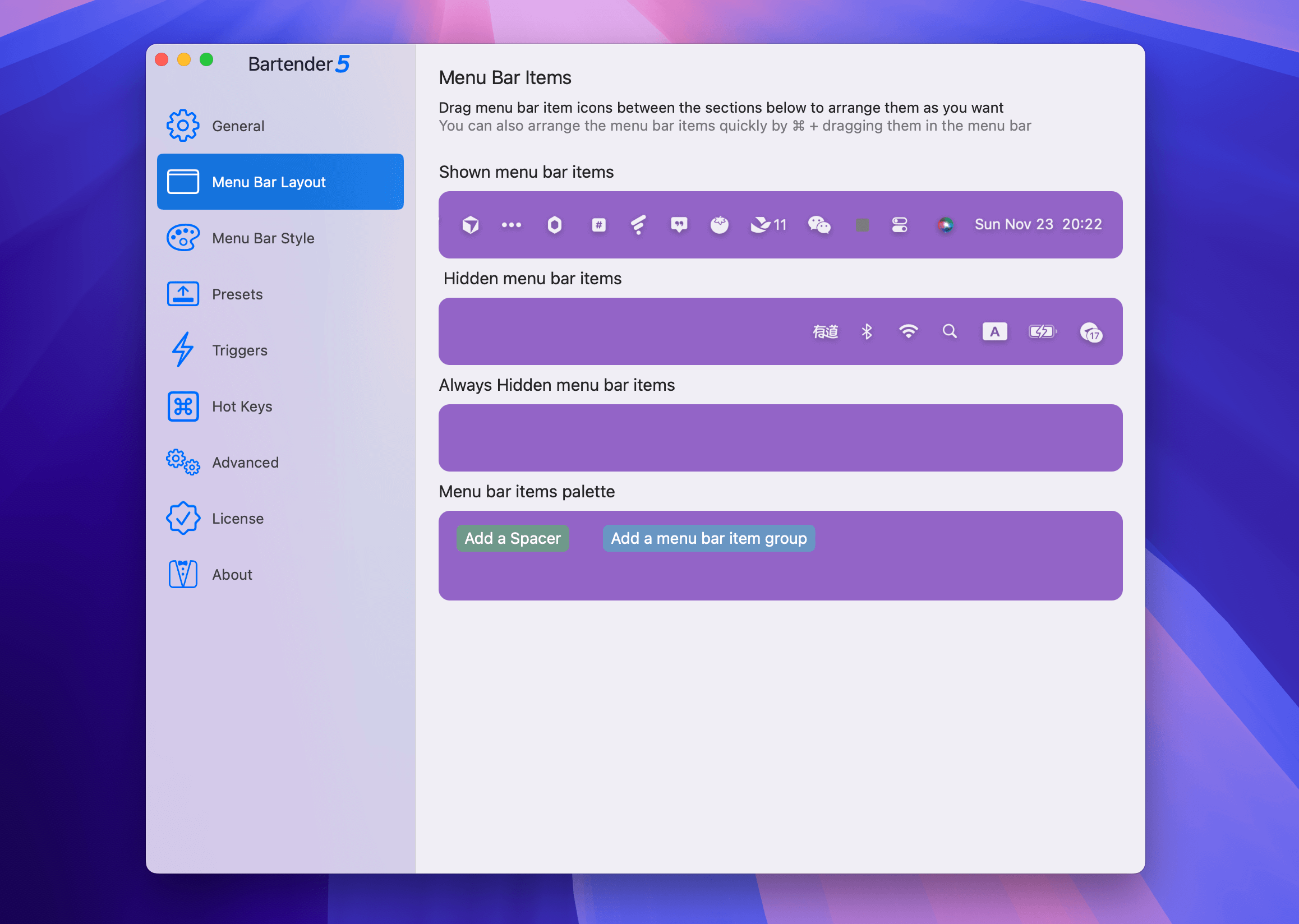
Bartender 6 is a powerful menu bar customization tool for macOS that helps users organize, hide, and access their menu bar items efficiently, especially useful for Macs with limited menu bar space due to the notch.
Core Features
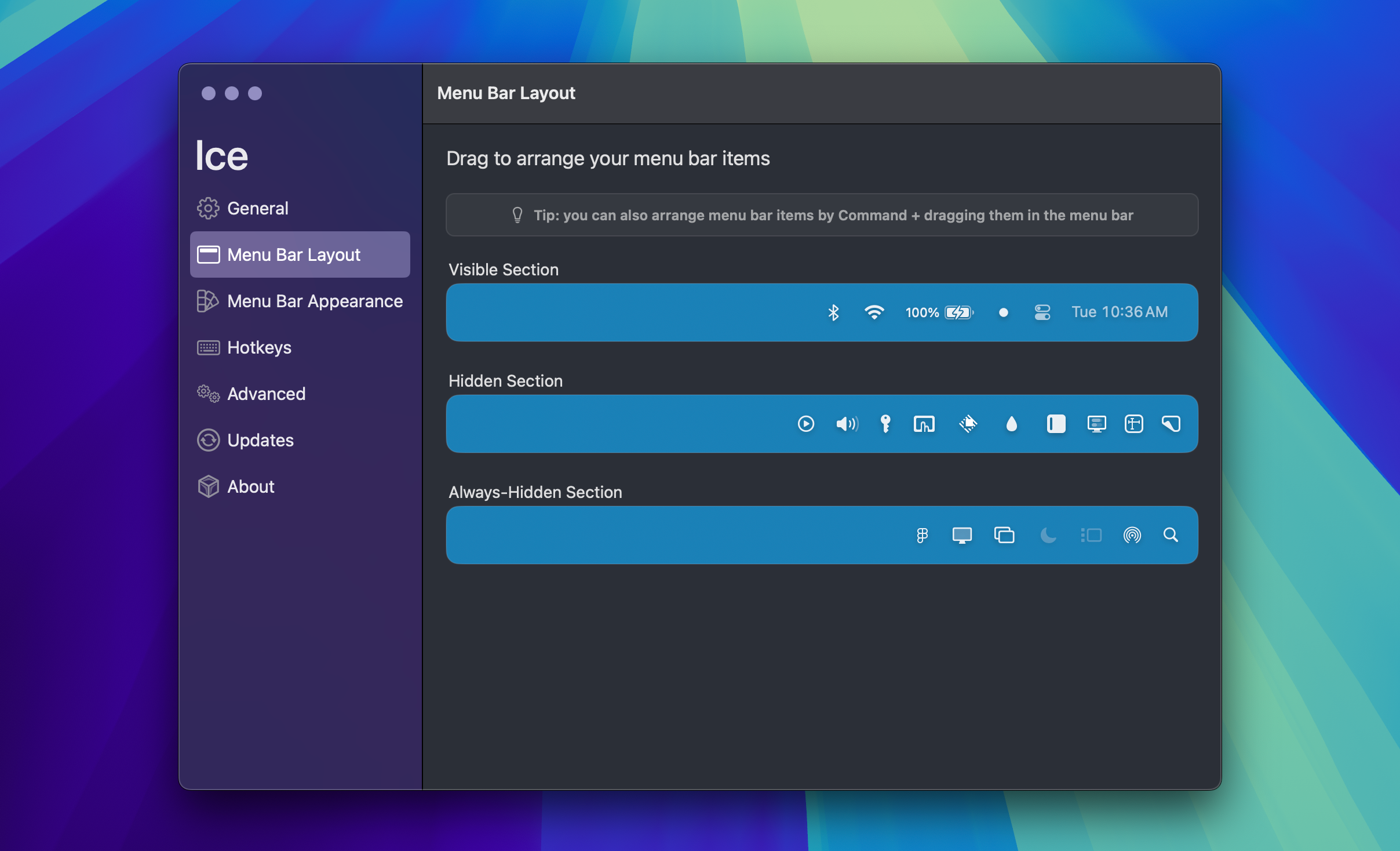
Menu Bar Organization
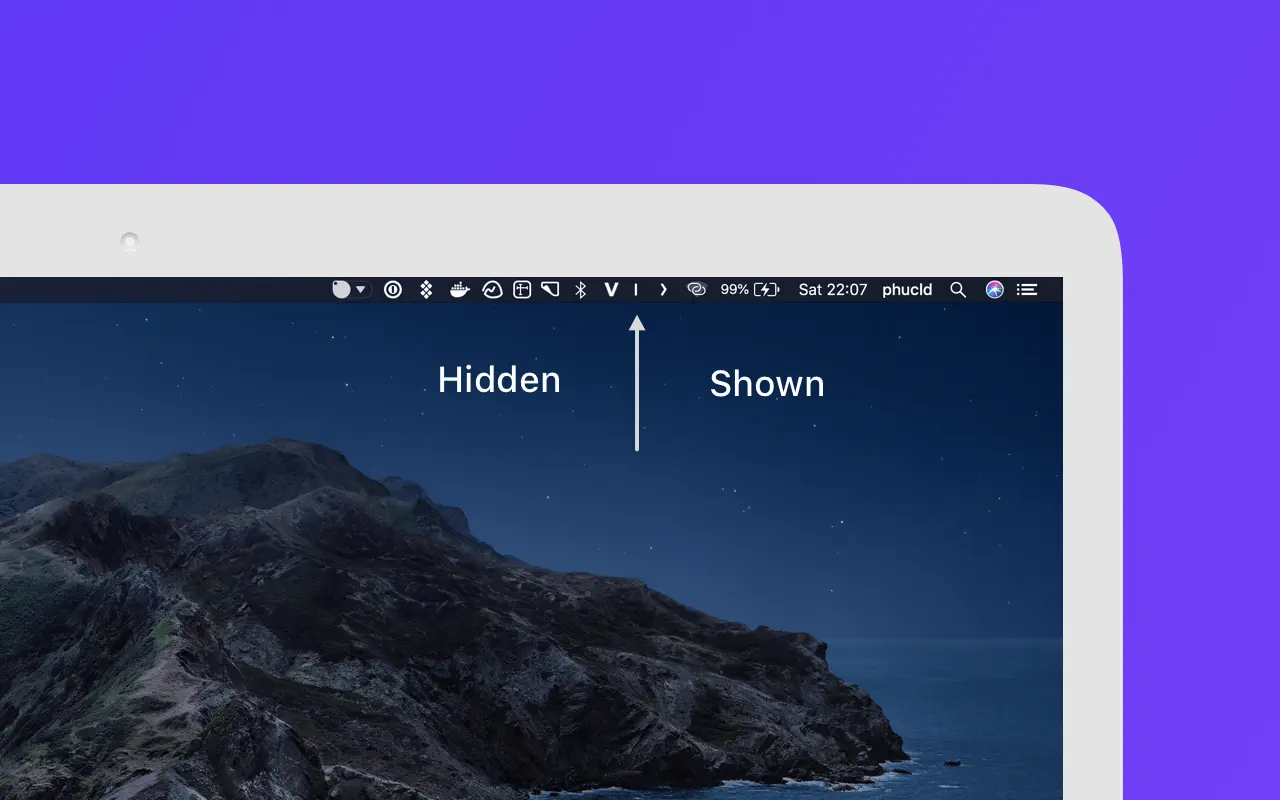
- Hide and rearrange menu bar items
- Quick access via swipe, scroll, click, or hover
- Bartender Bar: Additional space below the menu bar for hidden items
- Full access to items hidden by MacBook notch
Groups
- Combine multiple menu bar items into single customizable groups
- Example uses: Cloud drives (Dropbox, OneDrive, Google Drive), connections (Wi-Fi, VPN), media controls
- Ideal for MacBooks with limited menu bar space
Presets & Triggers
- Create multiple menu bar layouts for different workflows
- Automatic preset switching based on triggers:
- Battery status/level
- Wi-Fi connection/specific networks
- Location
- Time/date schedules
- macOS Focus modes
Customization Options
Menu Bar Styling
- Color or gradient tints
- Rounded/pill-shaped menu bars
- Custom borders with adjustable color and thickness
- Shadow effects
- Rounded display corners
- Individual styling per menu bar/space
Advanced Controls
- Hotkeys for any menu bar item
- Menu bar spacers with labels/emojis
- Adjustable spacing between items
- Quick Search for instant menu bar item access
- AppleScript support for automation
Technical Details
System Requirements
- macOS 15.0 Tahoe or later (Sequoia compatible)
- Native support for Apple Silicon and Intel Macs
- Optimized performance (minimal resource usage)
Pricing
- 4-week free trial
- One-time purchase (not free)
- Discounted upgrades for previous version owners
- Free upgrade for 2025 Bartender 5 purchases
- Available on Setapp subscription service
- License valid for all personally owned Macs
New in Version 6
Complete Redesign
- Built specifically for macOS Tahoe and Liquid Glass
- Faster, smoother, more responsive interface
- Cannot import Bartender 5 settings due to macOS changes
Widgets Beta
- Create custom menu bar items
- Trigger custom actions without coding
Why Use Bartender 6?
Bartender 6 is essential for Mac users who:
- Have many menu bar apps competing for limited space
- Own MacBooks with notch displays
- Want different menu bar setups for different contexts
- Prefer a cleaner, more organized menu bar
- Need quick keyboard access to menu bar items
The app has been featured by Forbes, MacStories, and Macworld as a must-have utility for Mac owners, particularly praised for solving the menu bar space limitations on modern MacBooks.