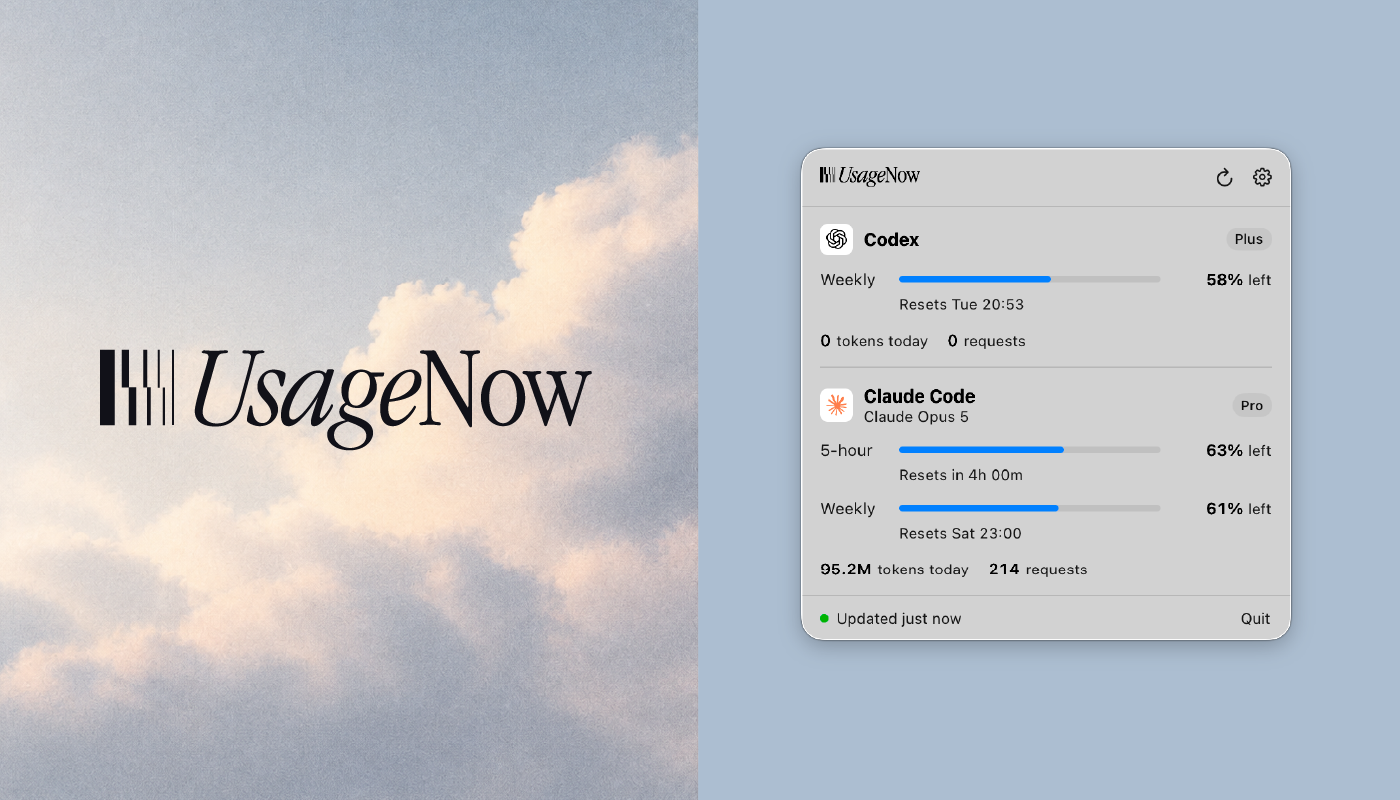
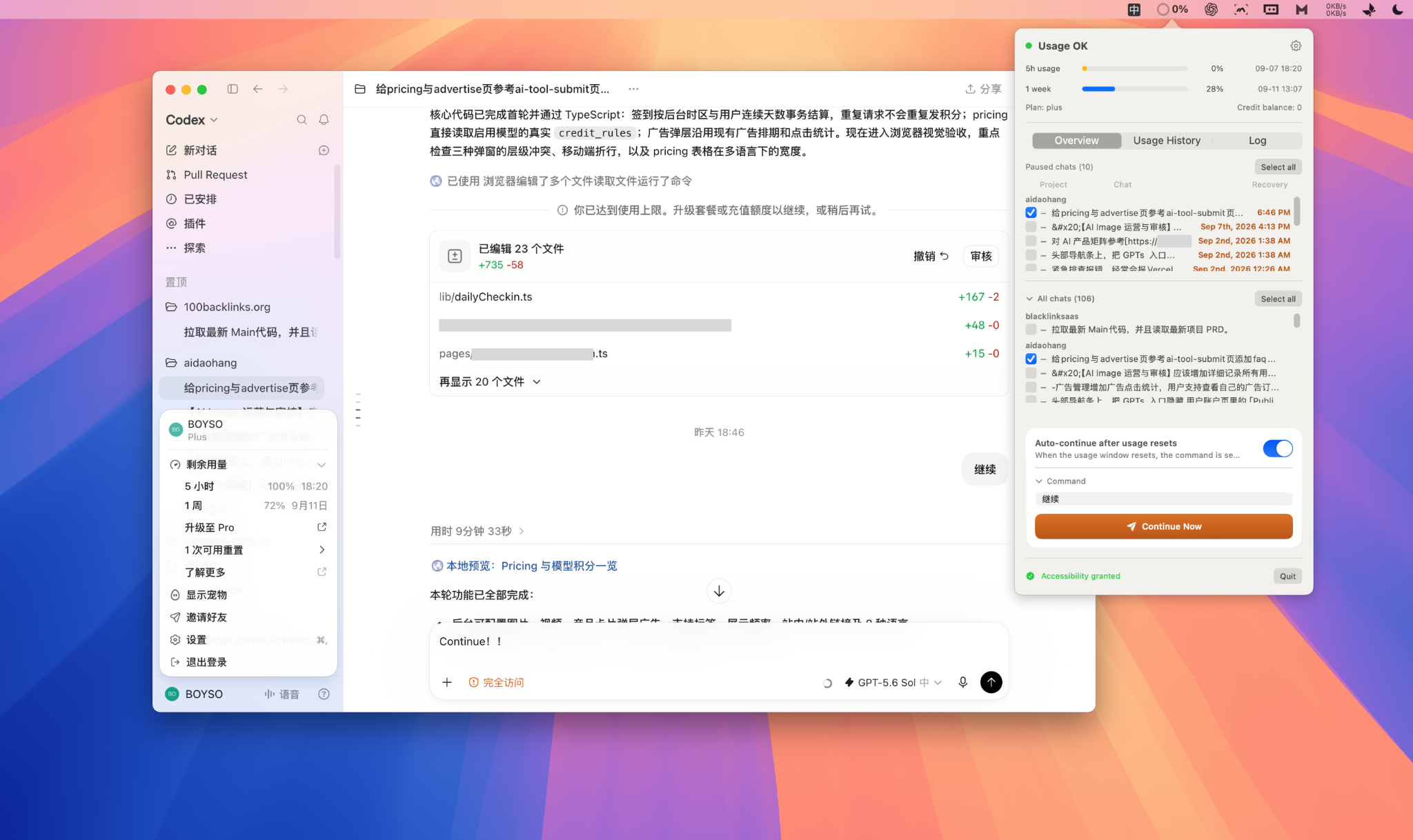
CodexReset is a lightweight open-source macOS menu-bar utility designed for users of the Codex desktop app. It lives in your menu bar and helps you manage Codex's usage limits without constant babysitting.
What It Does
When Codex hits its usage cap, it pauses active conversations and asks you to upgrade or wait. CodexReset monitors your rolling 5-hour and 1-week usage windows directly from local state files, and automatically resumes paused conversations the moment your usage resets — no manual intervention needed.
Key Features
- Menu-bar status — Live usage bars, next-reset countdown, plan type and credit balance at a glance
- Auto-resume — Automatically sends a continue command (default: "继续") to selected paused conversations when the usage window resets
- Browse all conversations — Lists every project and conversation, grouped by project, with archived threads filtered out
- Double-click to jump — Opens any conversation directly in Codex via deep link
- Usage history timeline — Records each 5-hour window reset automatically
- Pause detection — Automatically finds conversations stopped by
usageLimitExceededand shows recovery time - CLI mode — Query usage or resume specific threads from the terminal
How Auto-Resume Works
- Local app-server (preferred) — Talks to Codex's bundled local server and starts a new turn with your command. No accessibility permissions needed.
- GUI fallback — Deep-links into Codex, focuses the input box, pastes your command, and sends it with ⌘Enter (requires Accessibility permission).
Requirements
- macOS 14+
- Codex desktop app
- Xcode command line tools for building
Privacy
CodexReset only reads local files (~/.codex state and history databases) and talks to Codex's local app-server over a local socket. No data leaves your machine. No account, no telemetry.