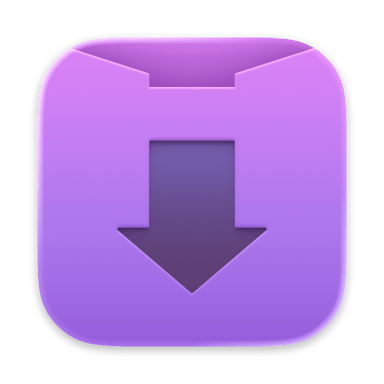
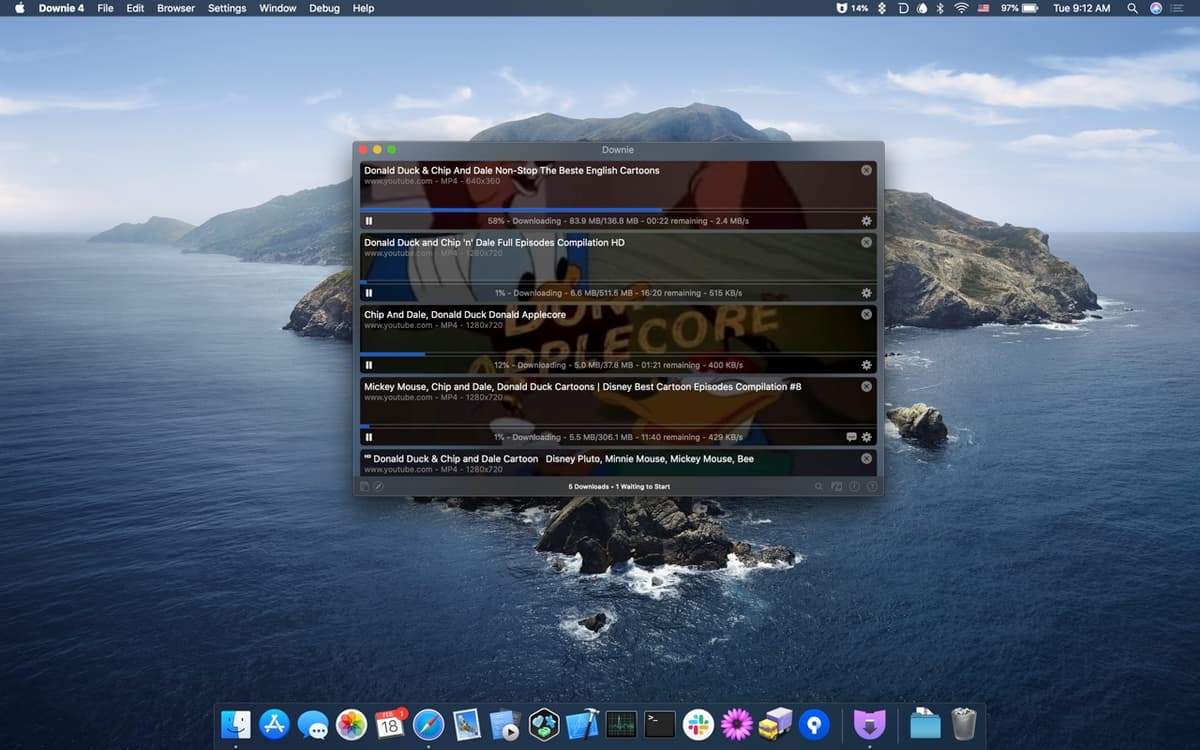
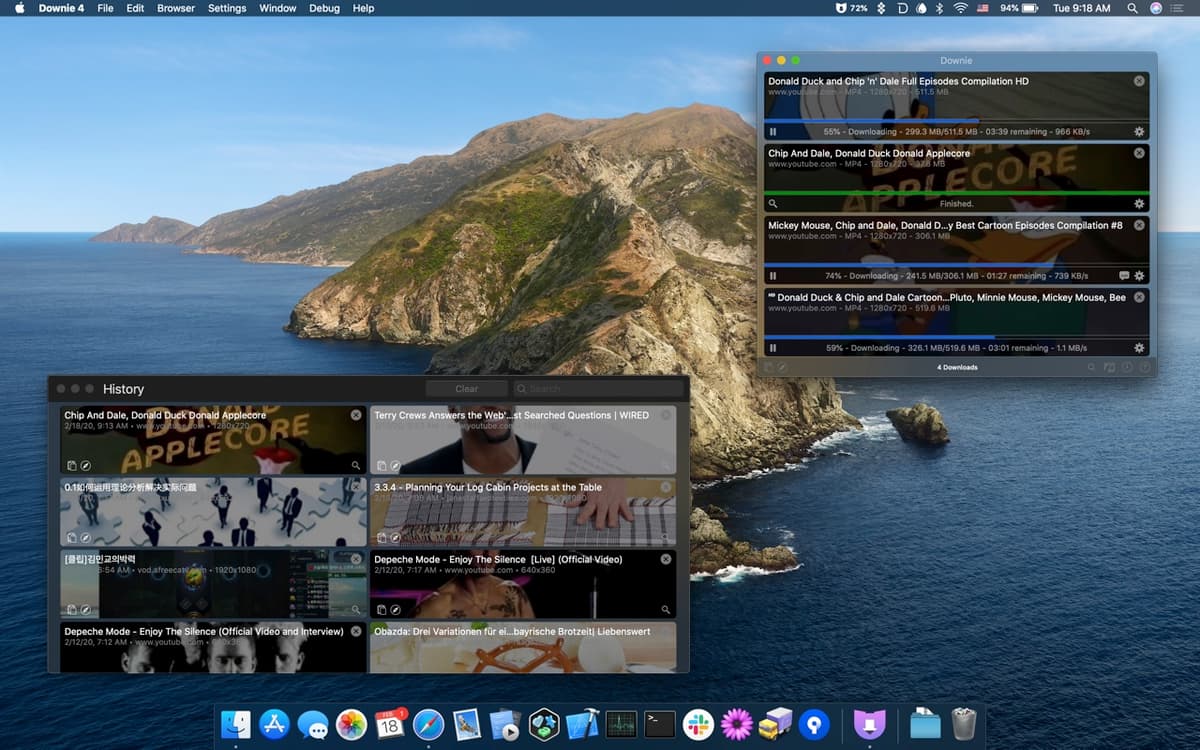
Downie is a powerful yet simple video downloader for macOS that lets you save videos from YouTube, Vimeo, Facebook, Instagram, Bilibili, and over 1,200 other websites.
Key Features
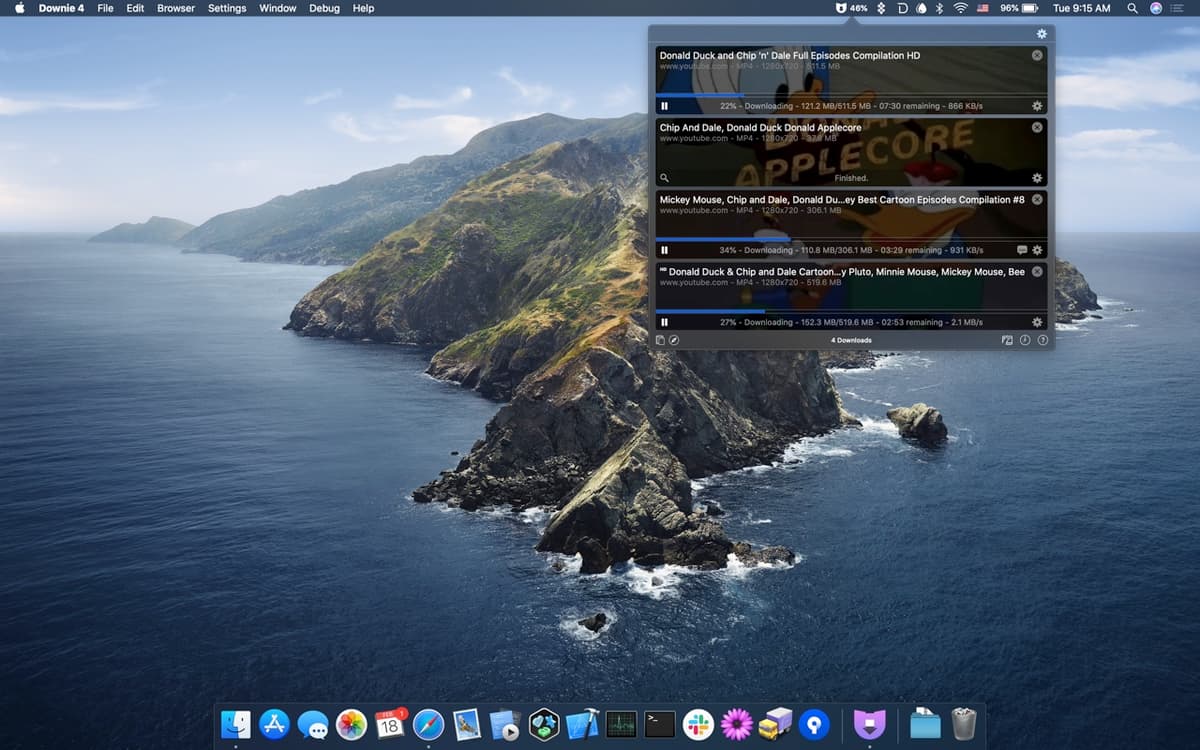
- Menu Bar Control: Control Downie directly from the menu bar and hide the dock icon for a cleaner workflow
- 4K Support: Download high-quality, high-definition 4K videos from YouTube and other sites
- Audio Extraction: Extract audio tracks from videos when you don't need the full video file
- Built-in Search: Search for videos directly within the app without switching to your browser
- Browser Extensions: Use browser extensions to quickly send video links to Downie
- Post-processing: Seamlessly integrate with Permute for video conversion and format changes
How to Use
Simply copy-and-paste or drag-and-drop the video URL into Downie, and it will download automatically. The app intelligently detects video content even when there's text and other content on the page.