ExtraBar is a macOS application that transforms the traditional menu bar into a customizable action center, allowing users to create personalized shortcuts, deep links, and custom actions tailored to their workflow.
Key Features
Custom Actions and Deep Links
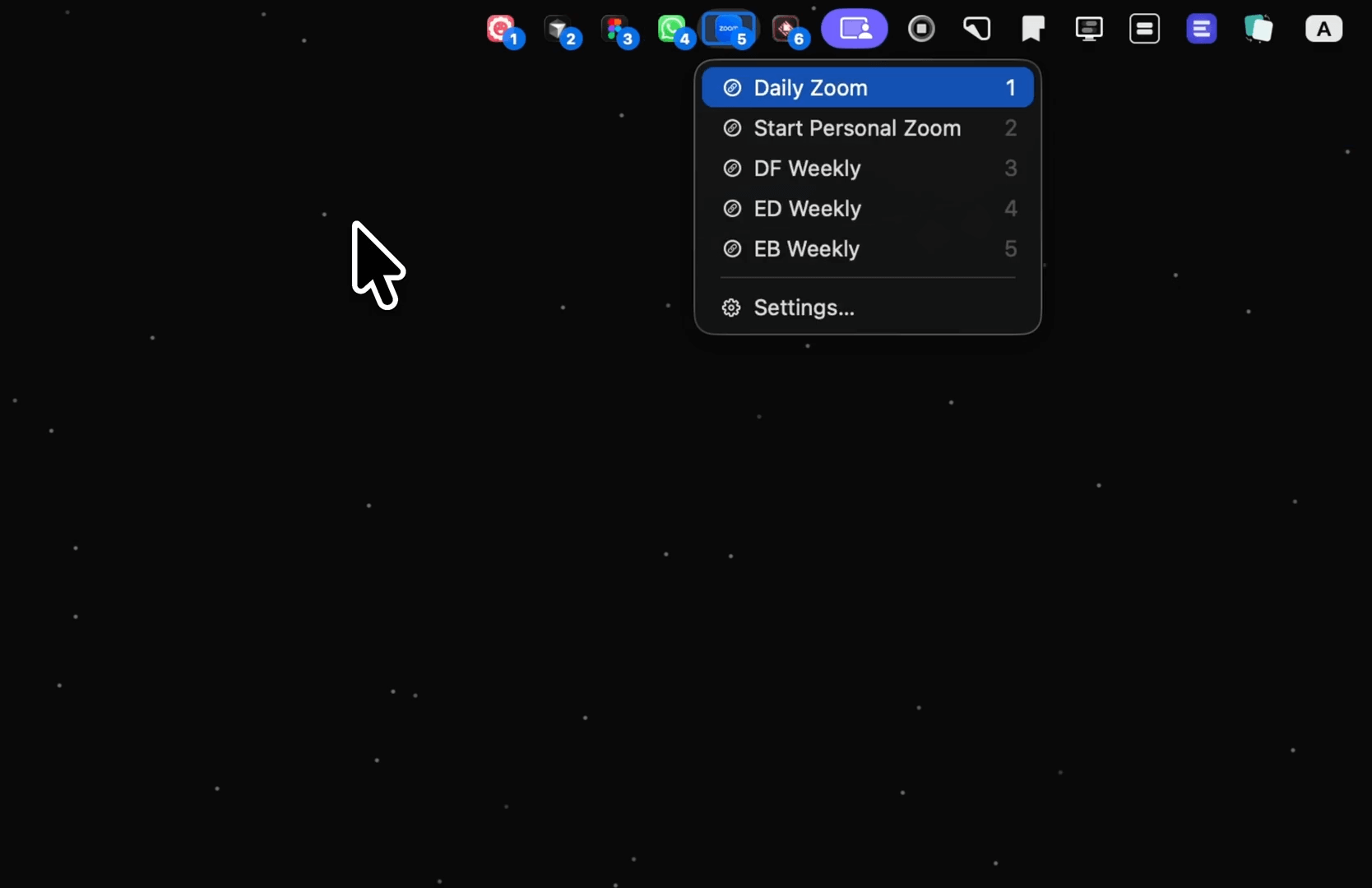
ExtraBar enables users to build personalized actions for any app or file, utilizing deep links to jump directly to specific app screens, settings, or features without navigating through menus. This eliminates unnecessary clicks and provides instant access to exactly where users need to be.
Flexible Bar Modes
The application offers two display modes: inline mode for native menu bar integration, and floating mode for a customizable separate bar. This flexibility allows users to choose the setup that best fits their workspace preferences.
Keyboard Shortcuts
Users can assign a single global hotkey to interact with ExtraBar and navigate between apps and menus using numbers or arrows. This keyboard-first approach significantly speeds up workflow operations.
Integration with macOS Shortcuts
ExtraBar can trigger macOS Shortcuts, expanding its functionality beyond simple app launching to include complex automated workflows.
Target Users
ExtraBar is designed for various user types:
- Designers: Quick access to Figma files, frames, prototypes, and design assets
- Developers: Direct launching of IDE projects, terminal sessions, and code repositories
- Managers: Instant access to dashboards, reports, Slack channels, and meeting links
- Power Users: Complete workflow customization with custom actions and keyboard shortcuts
Privacy and Permissions
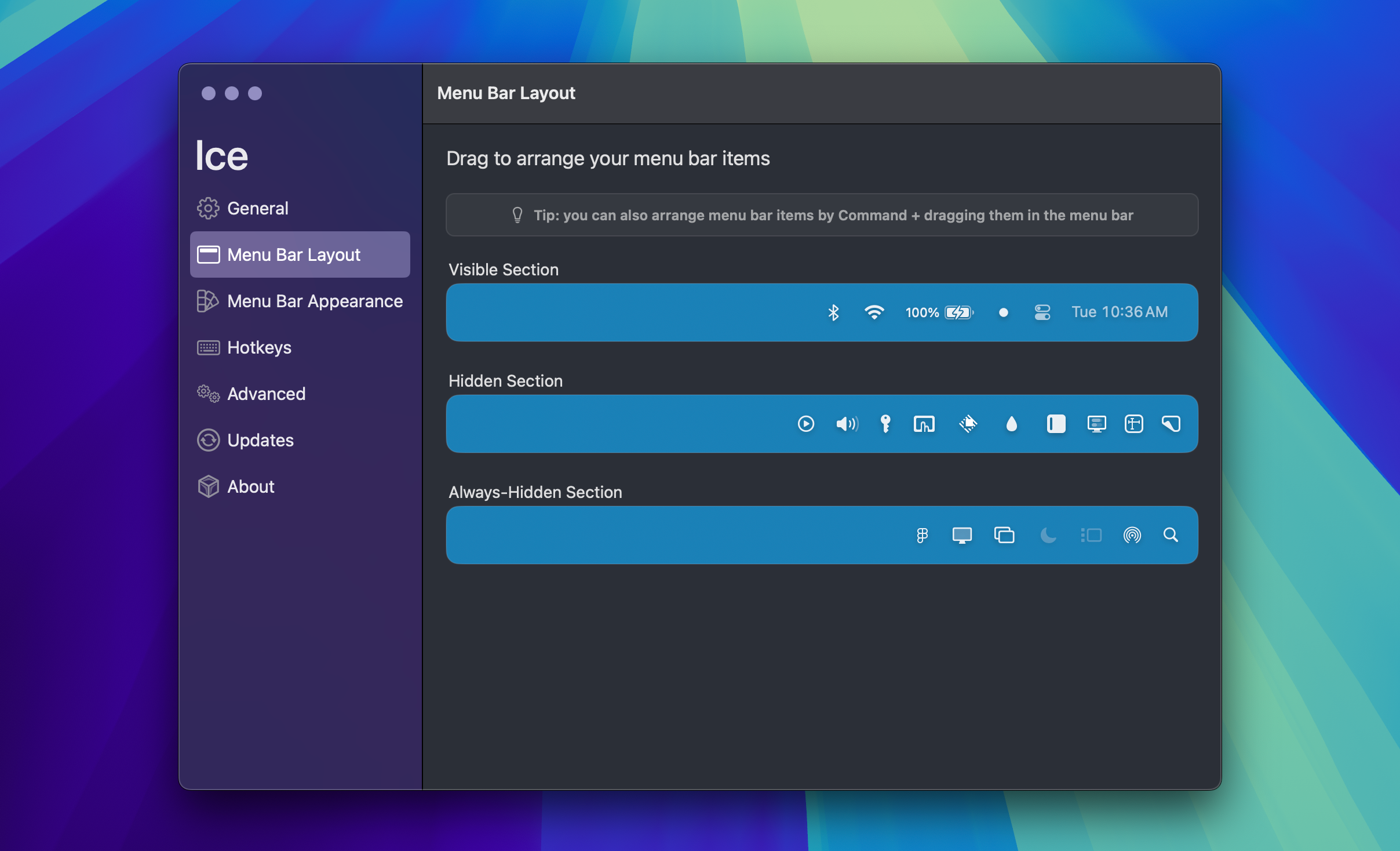
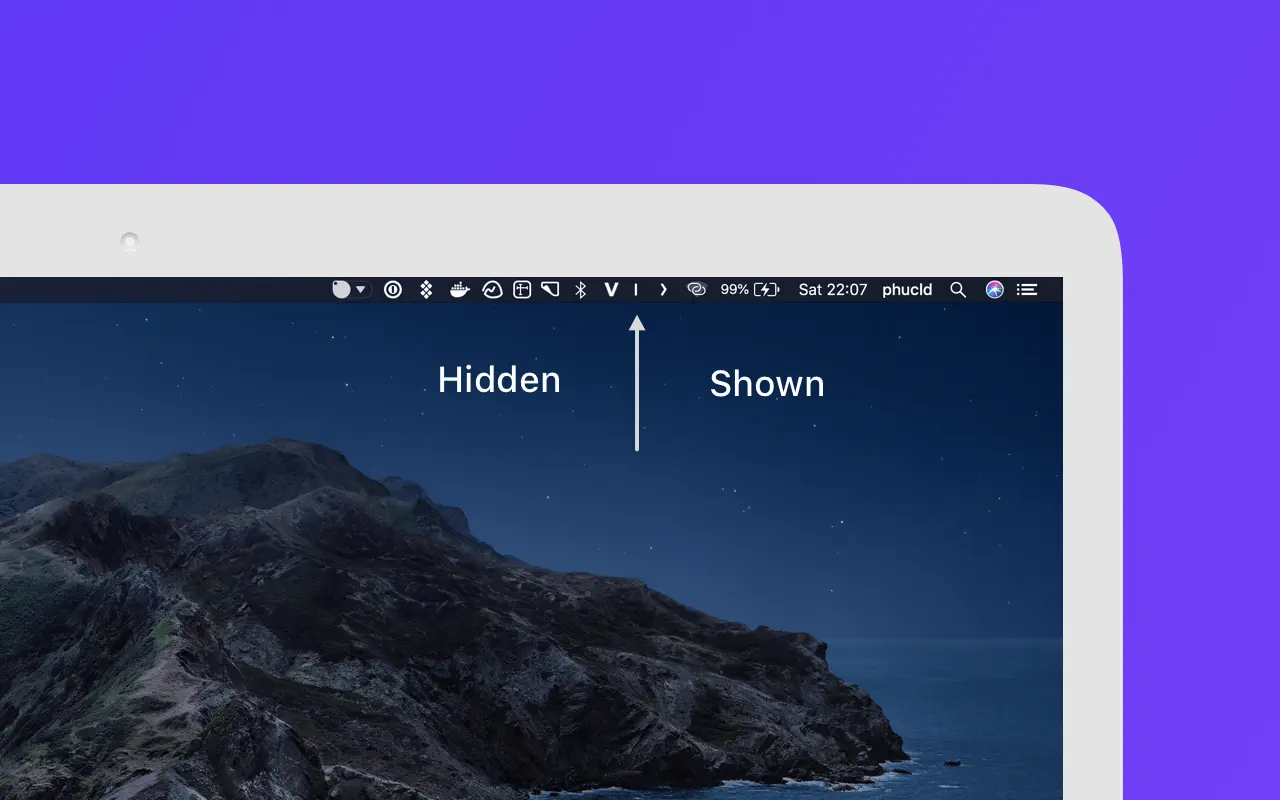
Unlike menu bar icon managers such as Bartender, Ice, and Barbee, ExtraBar requires zero system-level permissions to function. It doesn't need screen recording or accessibility permissions for basic operation, though accessibility can be optionally enabled for enhanced keyboard navigation.
The application works entirely offline with no analytics, telemetry, or data collection. All configuration data is stored locally on the user's Mac, and the only internet connection required is during license activation.
Pricing and Availability
ExtraBar is currently offering a launch promotion with lifetime access at a special price until January 31, 2026, after which the regular price will be €24.99. The purchase includes:
- Full access to all features
- All future updates
- 14-day money-back guarantee
The application supports macOS 12.4 and later, including macOS 26 (Tahoe).
Configuration Management
Users can export and import their ExtraBar configuration, making it easy to sync setups across multiple Macs or create backups. The configuration files are stored locally in the Mac's Application folder, giving users complete control over their data.