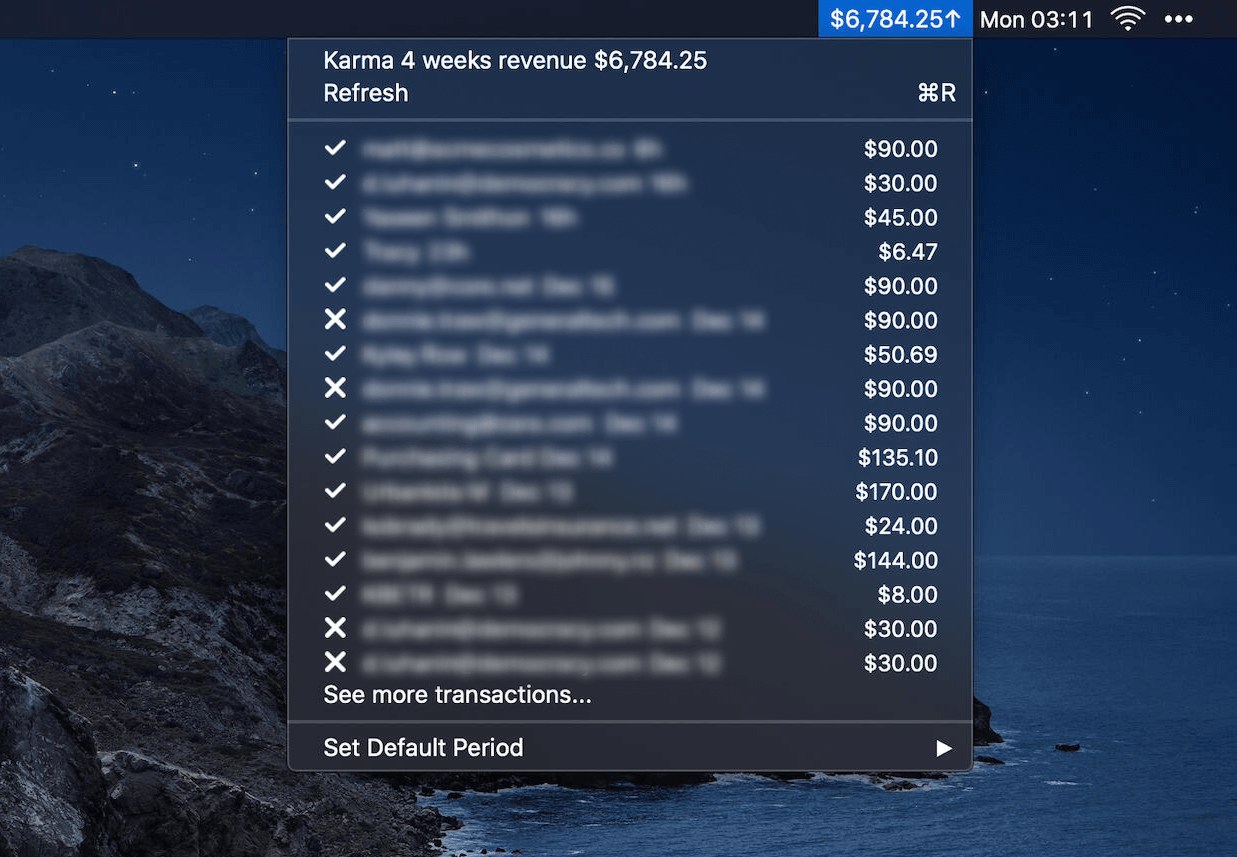
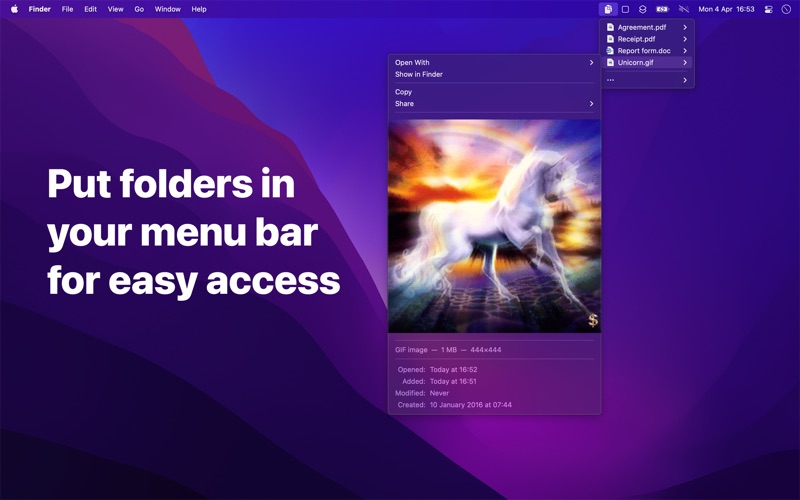

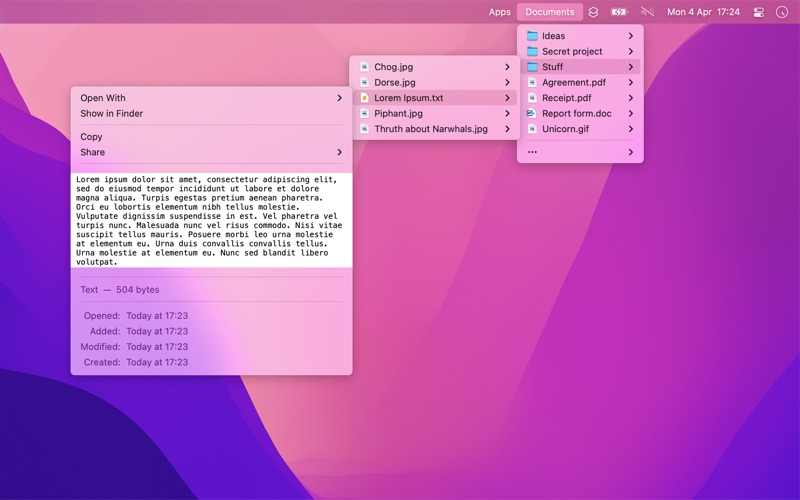
Folder Peek lets you put folders in your menu bar for quick access to documents, files, folders, and apps. Think of it as a more powerful and customizable alternative to Dock folders.
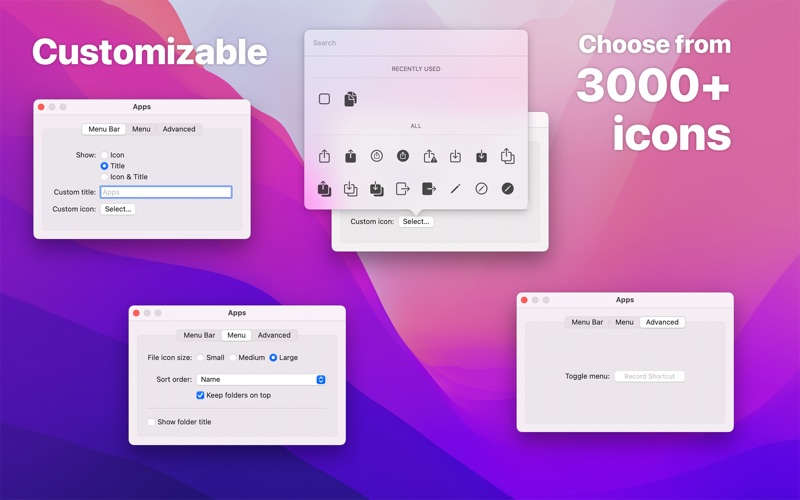
Each folder you add gets its own menu bar icon that you can customize and move around by dragging while holding the Command key. You can click on any file or folder in the menu to open it. If you have limited menu bar space, you can also show multiple folders in a single menu bar item.
Features
- Add multiple folders to the menu bar
- Each folder can be individually customized
- File preview
- View and copy image & video dimensions
- Drag & drop from the file submenu
- Global keyboard shortcut to show/hide each folder menu (optionally opens at cursor position)
- Open a folder in a specific app
- Follows aliases and symlinks
- Shortcuts support
- Search files by typing when the menu is open