
Glint is a fast, lightweight screenshot tool that lives in your menu bar. Press a shortcut, drag out an area, mark it up, and you're done.
Capture
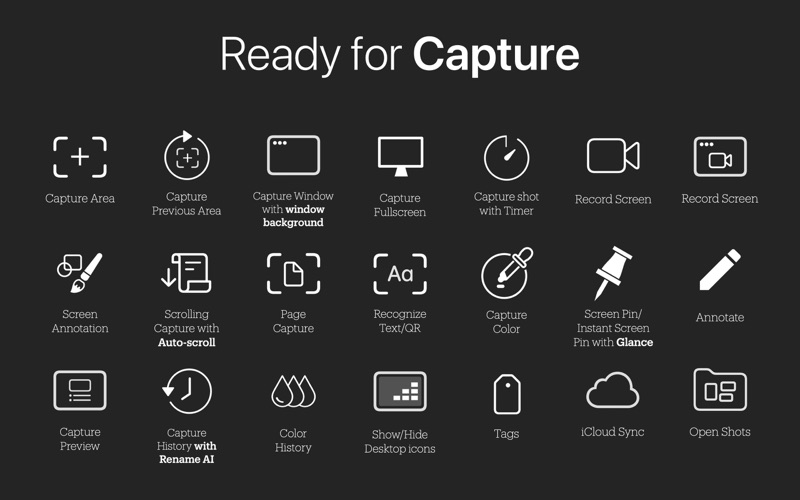
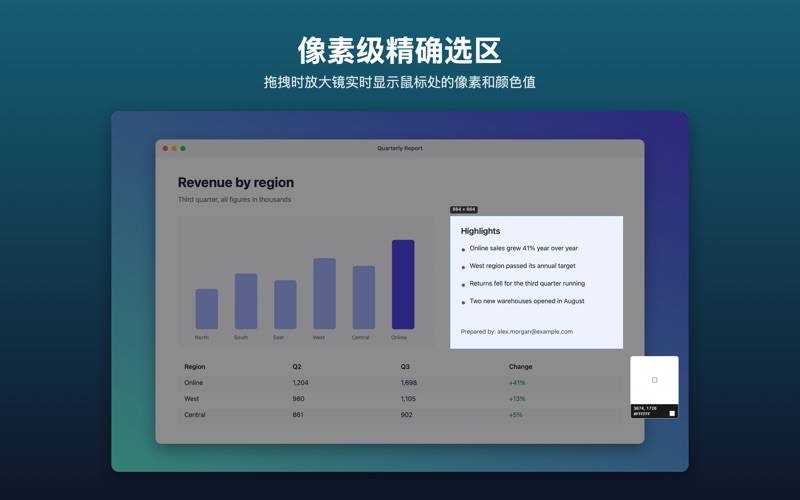
- Drag to select any area, or click to grab the window under the pointer
- A pixel magnifier shows the exact coordinates and the color under the cursor
- Move or resize the selection, or nudge it with the arrow keys
- Scrolling capture: scroll inside the frame and Glint stitches a long page into a single image
Annotate
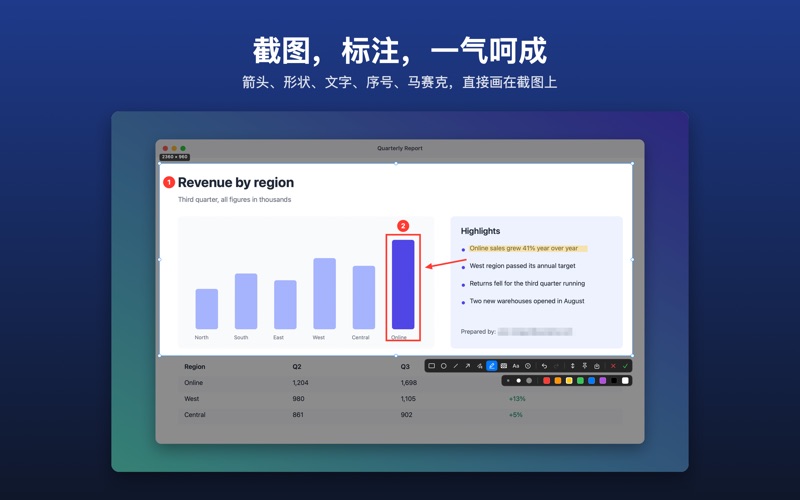
- Rectangle, ellipse, line, arrow, pen and highlighter
- Mosaic to hide sensitive details
- Text and numbered steps
- Three sizes and eight colors, with undo and redo
- Press 1–9 to switch tools without leaving the keyboard
Share
- Copy to the clipboard with Return or a double-click
- Save as PNG or JPEG at full Retina resolution
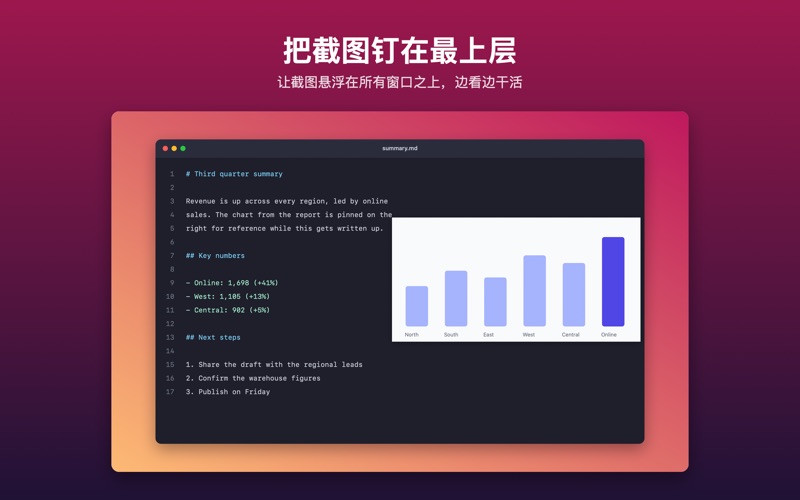
- Pin a screenshot on top of your other windows for reference
Made for the Mac
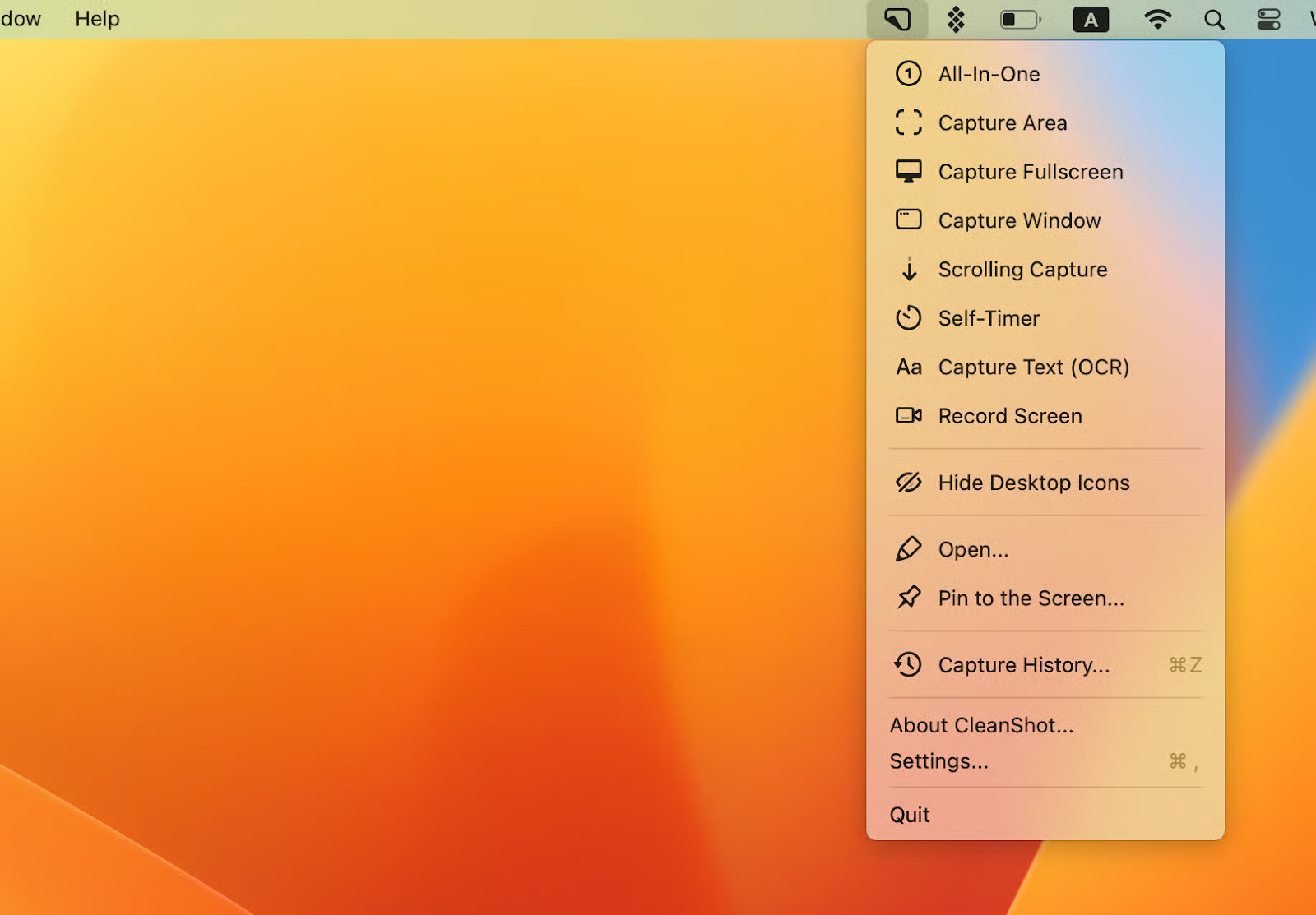
- Lives in the menu bar and stays out of your way
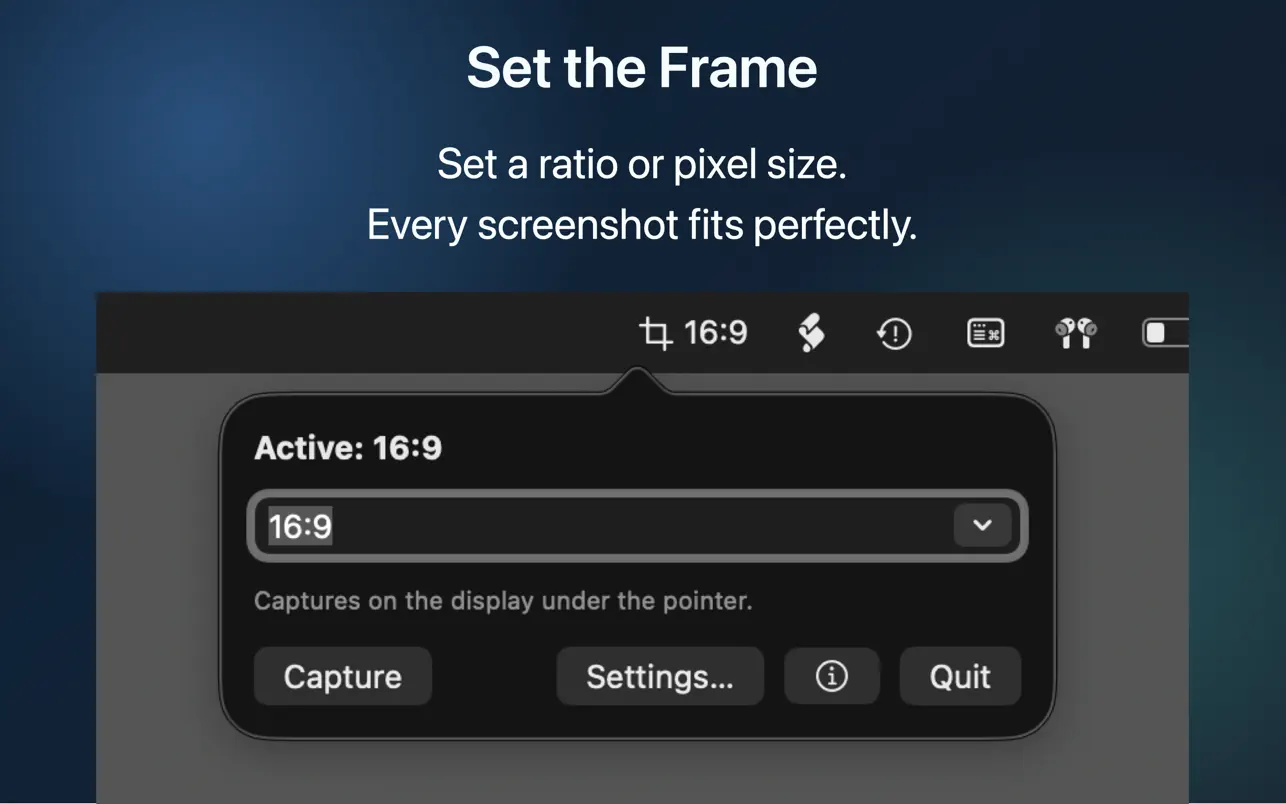
- Global shortcut you can change
- No account and no tracking. Your screenshots never leave your Mac.