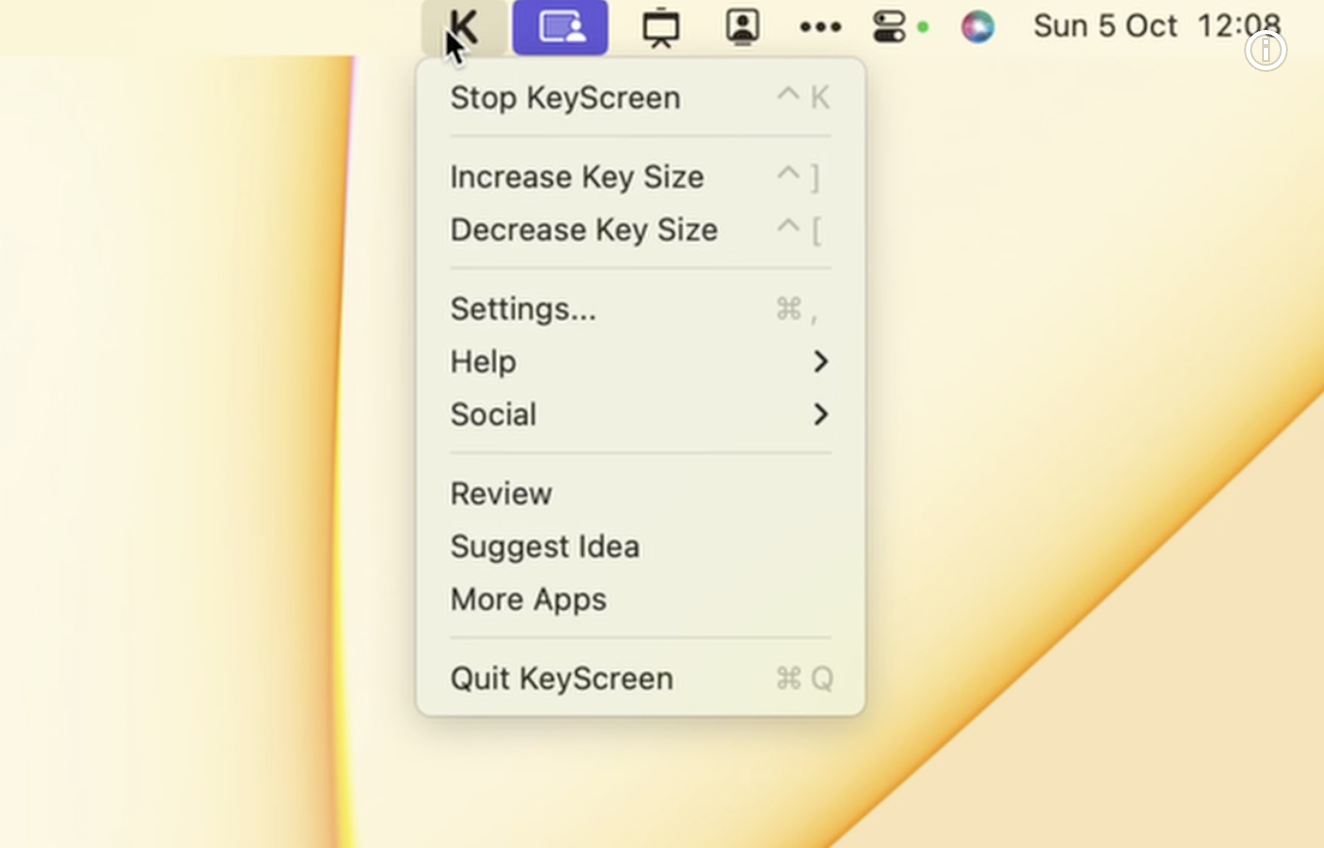
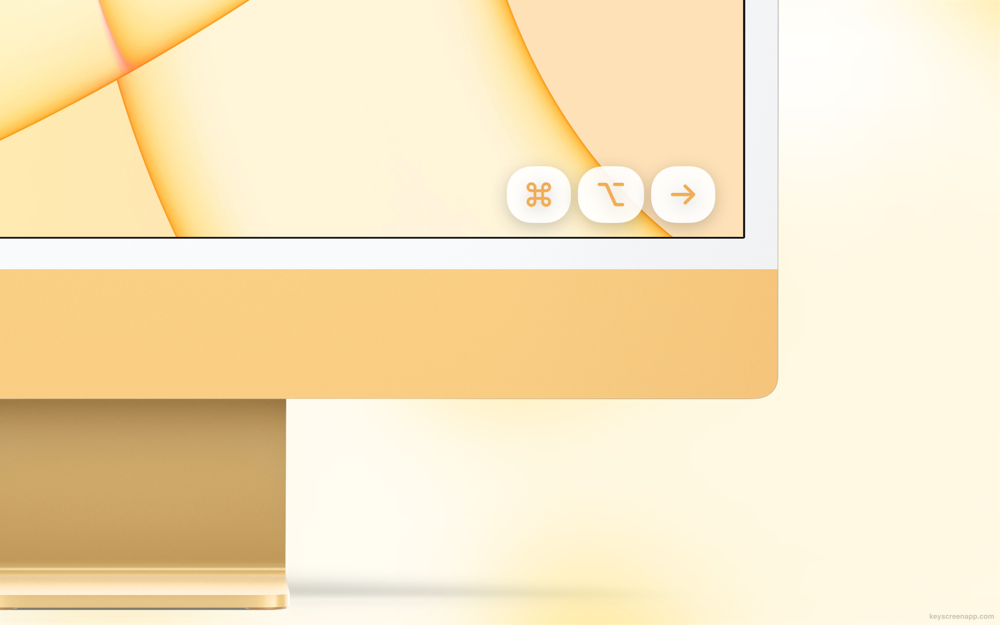
KeyScreen is a macOS menu bar app that displays your keystrokes beautifully on screen—perfect for tutorials, presentations, and screen recordings.
Features
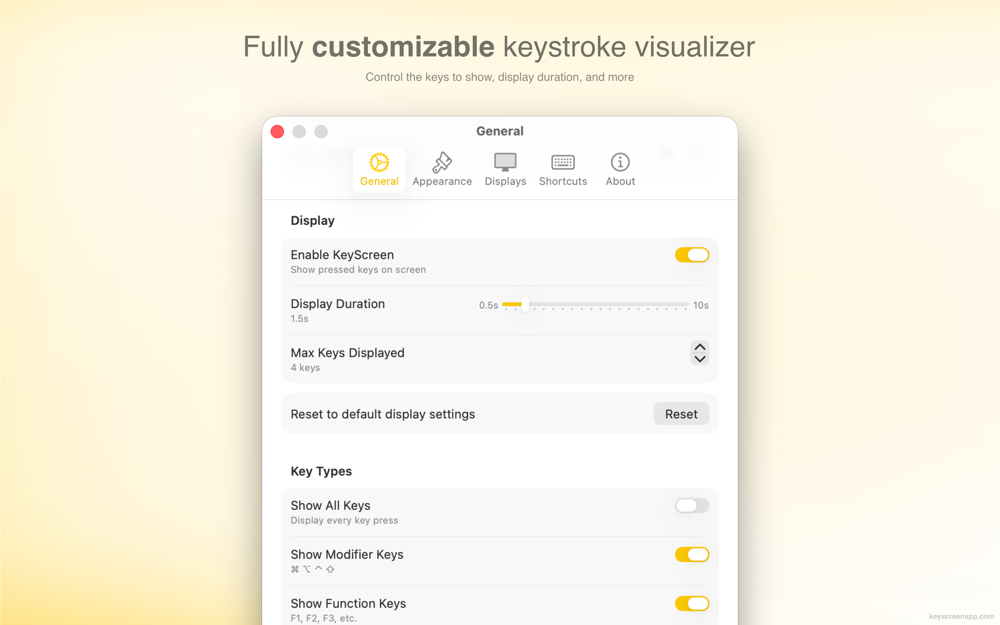
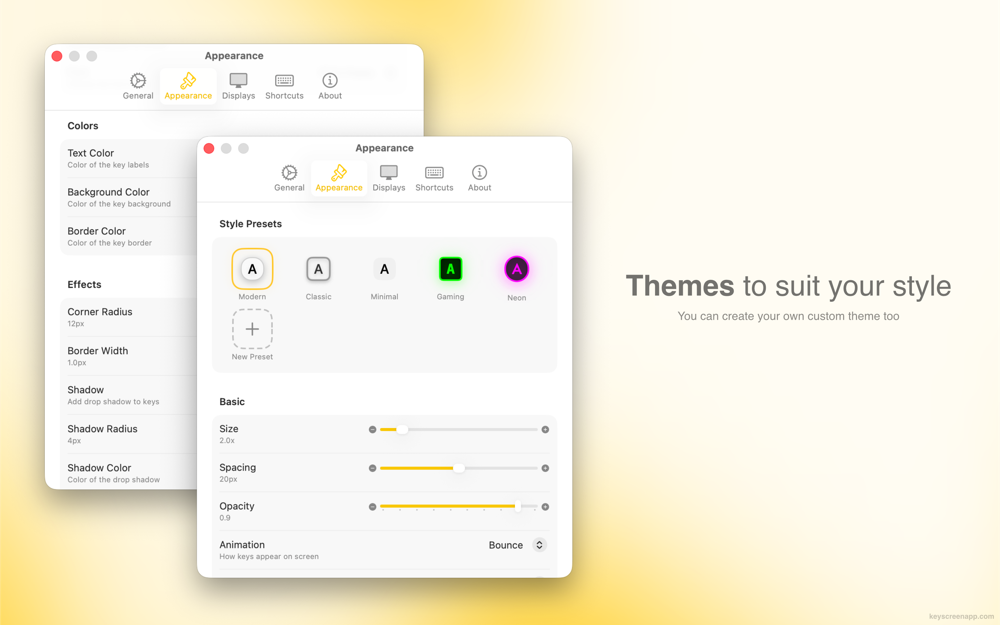
- Fully Customizable: Choose fonts, colors, sizes, positions, animations, and more to match your brand or preferences
- Smart Key Combinations: Display all keys—or any combination of modifiers (⌘, ⌥, ⌃, ⇧), function keys (F1–F12), and special keys (Enter, Esc, Tab, Delete)
- Multiple Display Support: Position the overlay wherever works best, on any screen
- Themes: Use one of five default themes, or create your own
- Keyboard Layouts: Works with all keyboard layouts like QWERTY, AZERTY, QWERTZ, Arabic, and more
- Lightweight and Fast: Native app that uses minimal system resources
- Privacy-Focused: Doesn't show passwords and works entirely on-device
Perfect For
- Tutorial creators and educators
- Software demonstrations and product demos
- Live presentations and webinars
- Streaming and content creation
- Accessibility and teaching environments
Pricing
$4.99 - One-time purchase on the Mac App Store
Requirements
- macOS 15.0 (Sequoia) or later