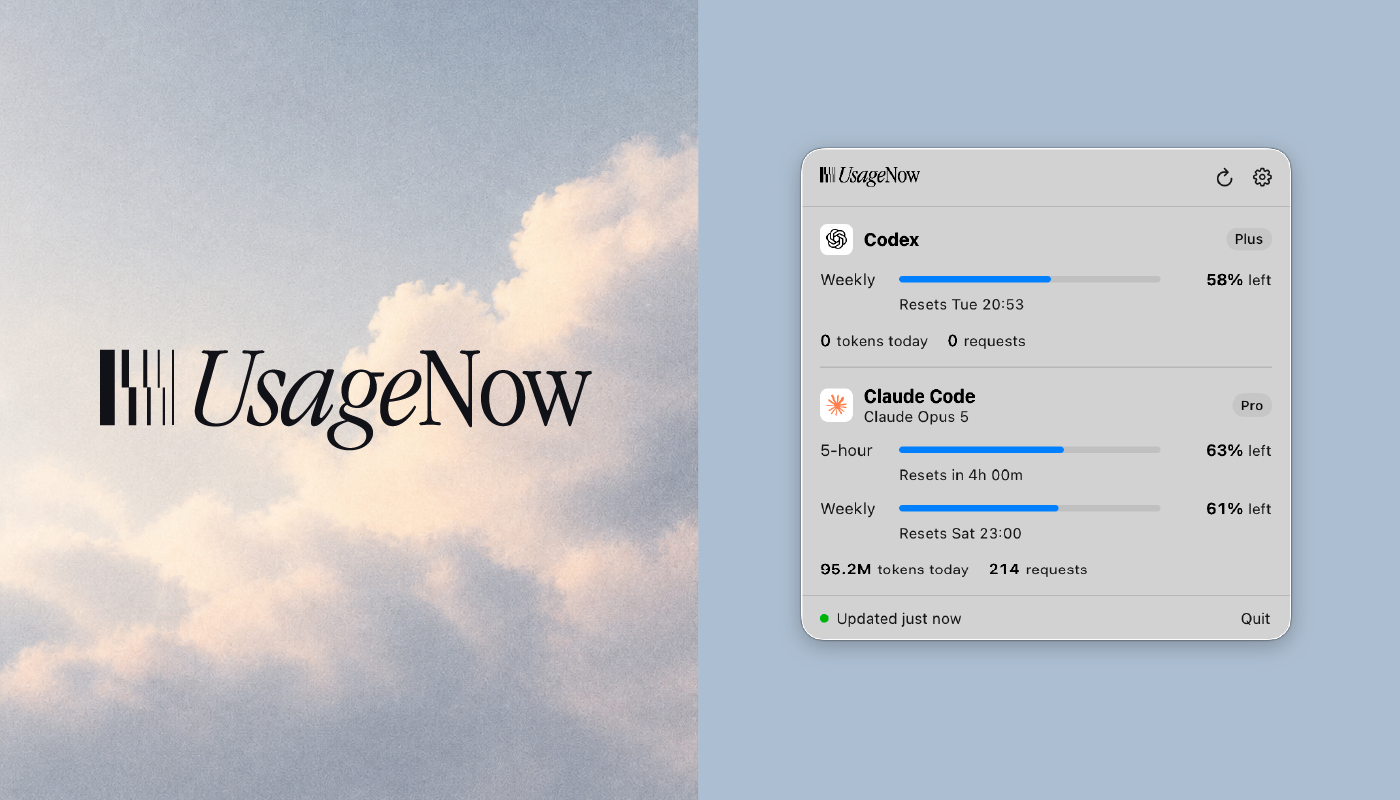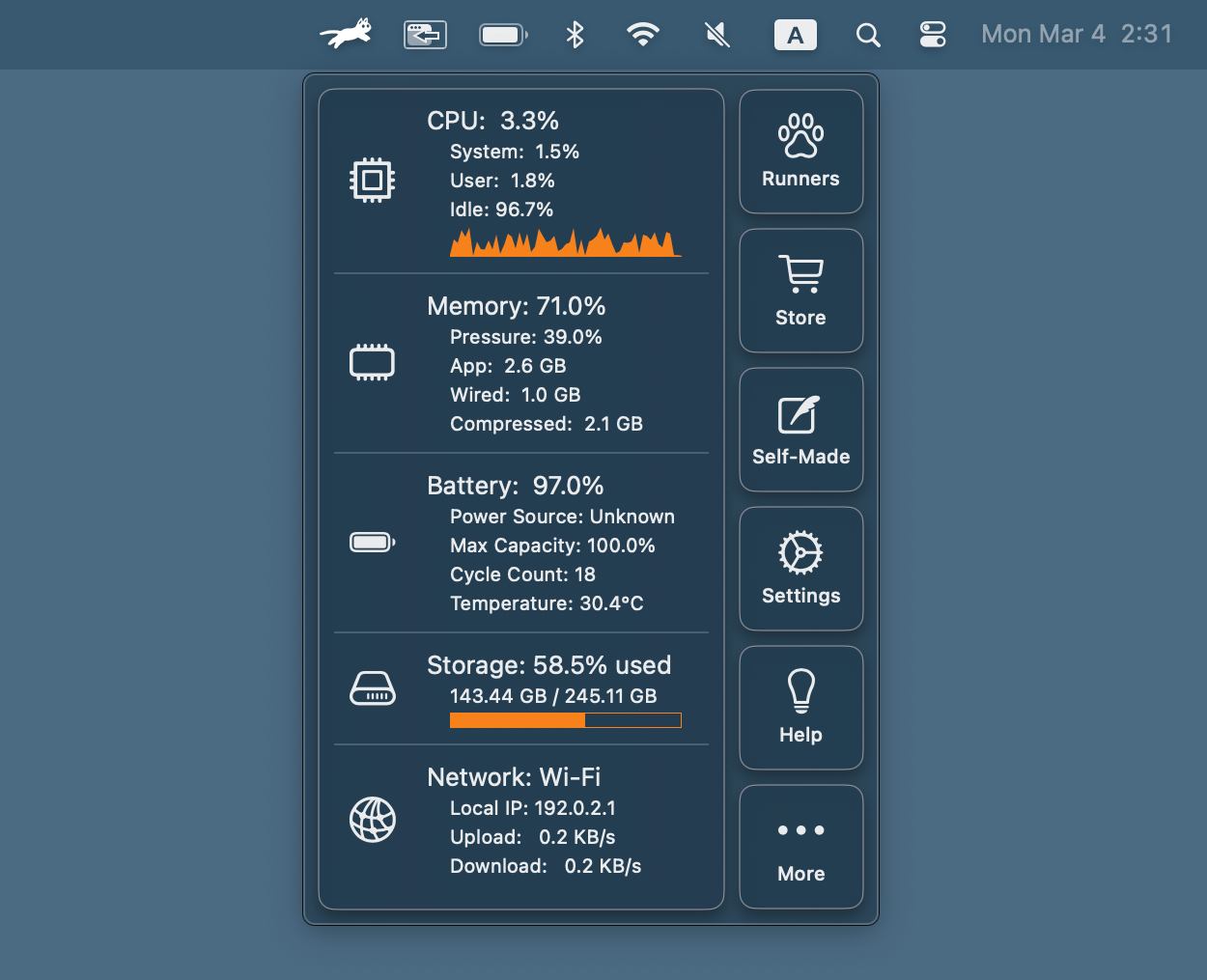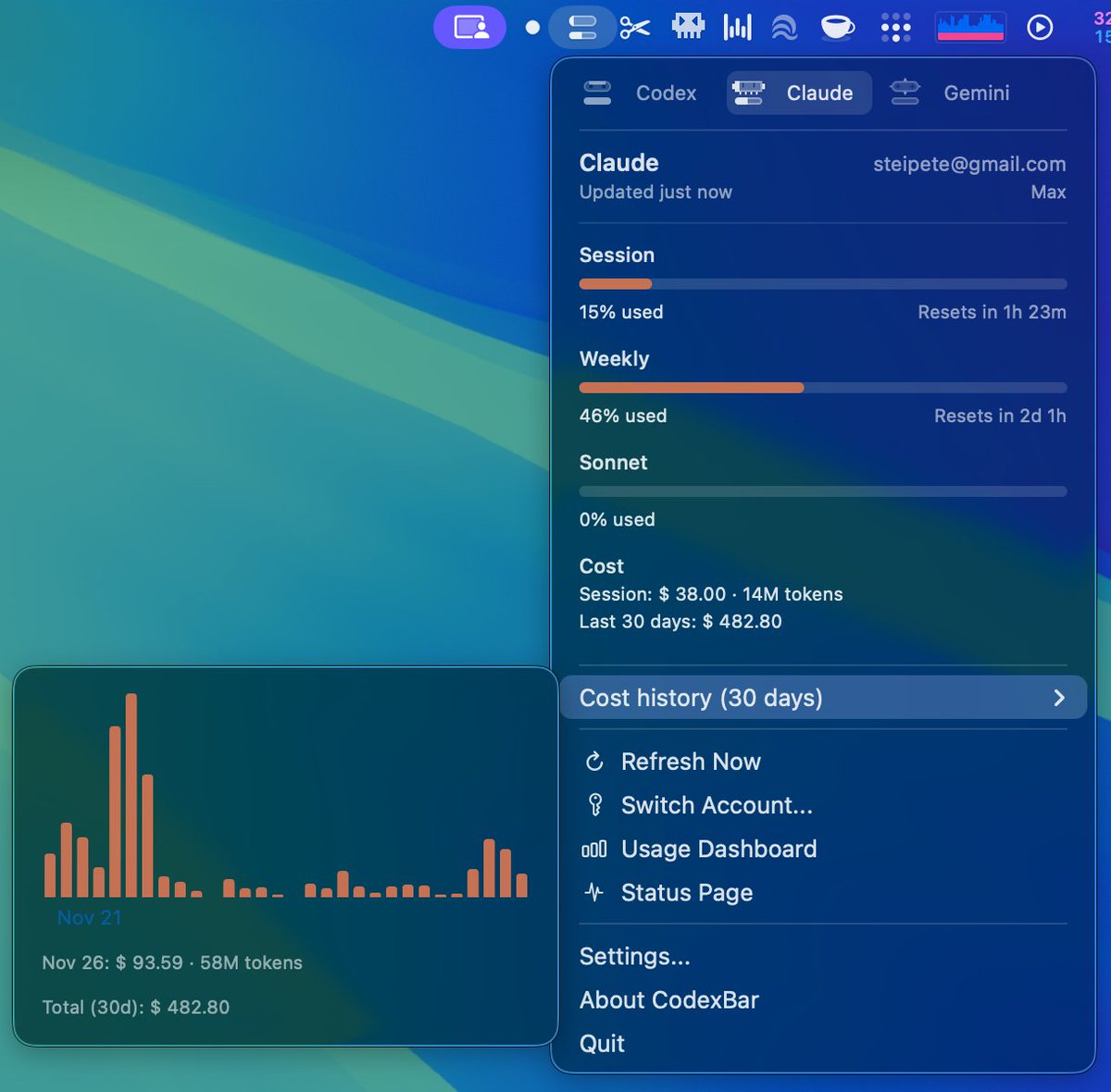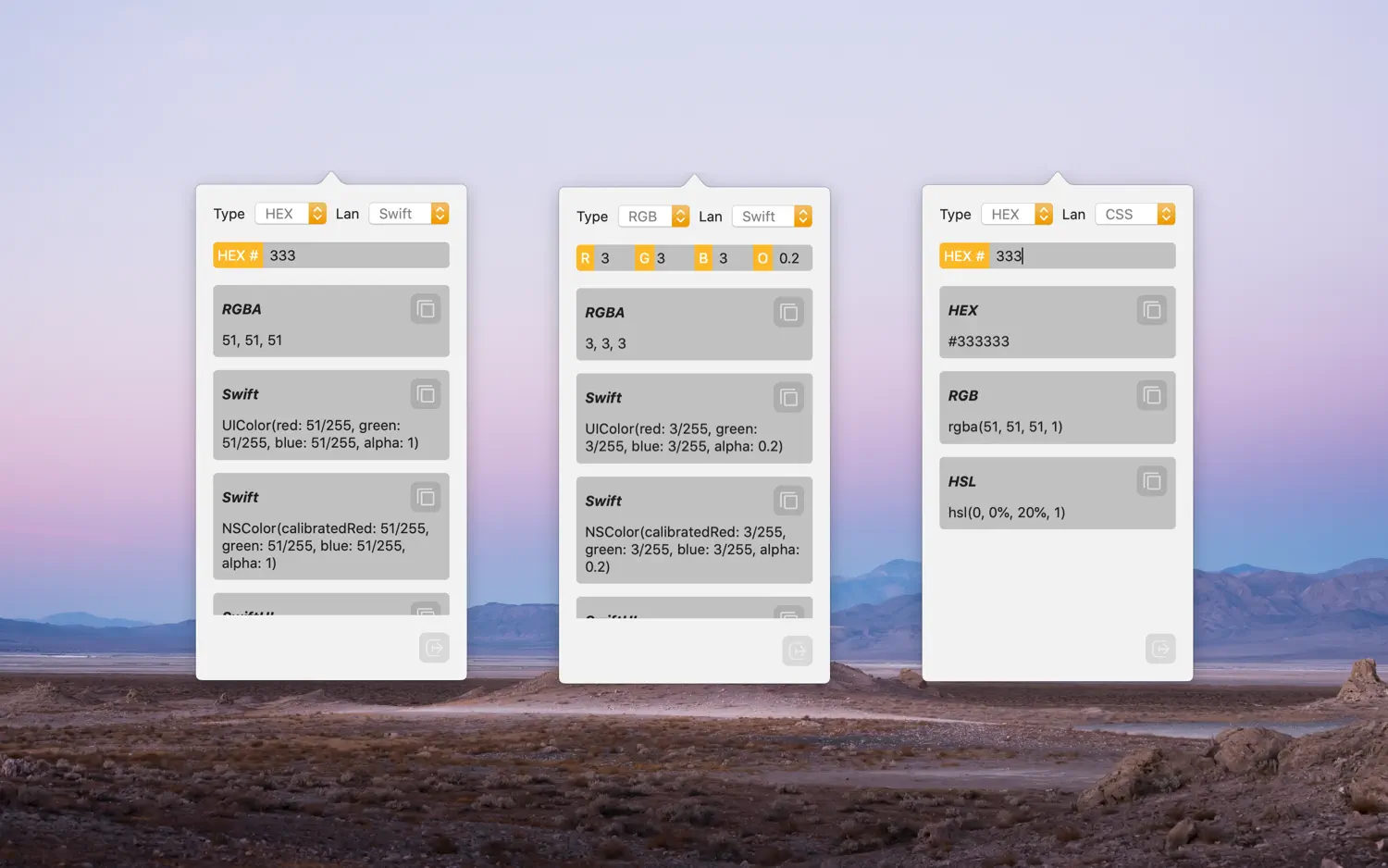
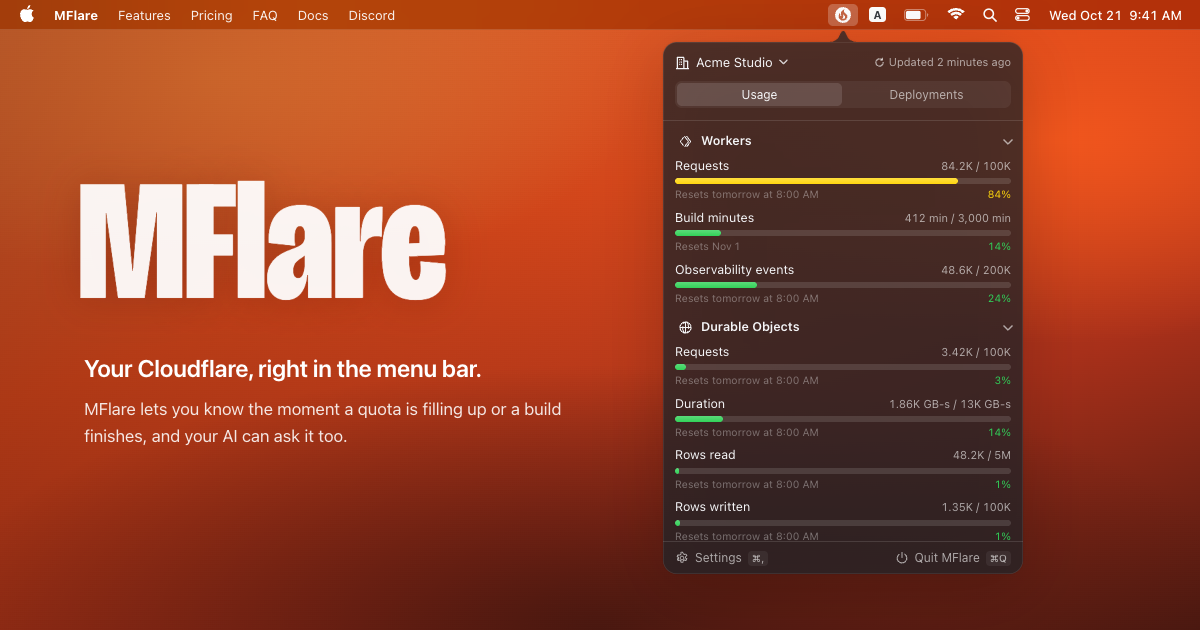
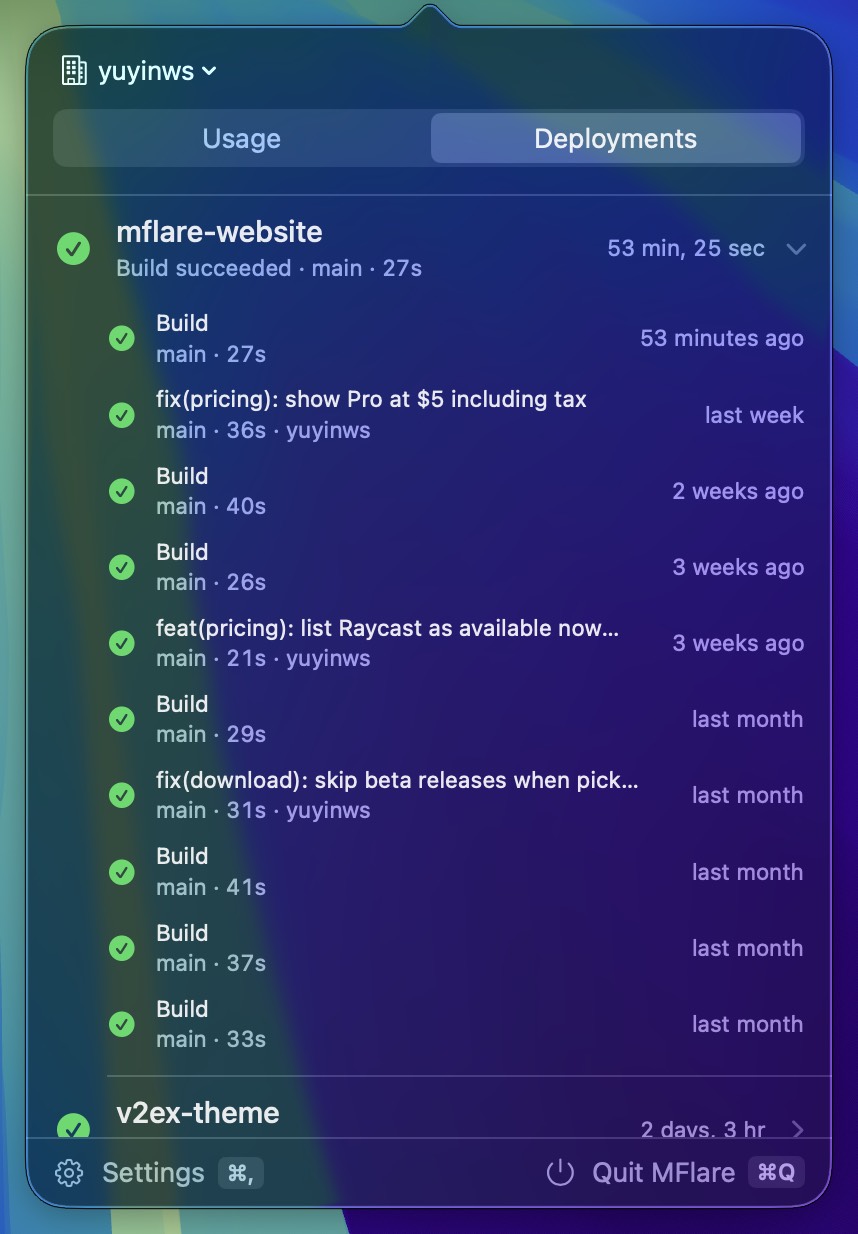
MFlare lives in your Mac menu bar (no Dock icon, no separate main window) so you can keep an eye on your Cloudflare usage, quotas, and Workers deployments without keeping the Cloudflare dashboard open. Click the menu bar icon to inspect Usage and Deployments, and spot a status dot the moment a quota needs attention.
In the menu bar:
- Usage & quotas: Track Workers, Durable Objects, KV, R2, and D1 out of the box—plus optional Browser Run and Stream—against Free hard limits or Paid included allowances, with billing reset times and estimated overage costs. Hide or reorder services to match what you use.
- Quota alerts: Get notified once per billing period when a hard limit hits 80% and 100%, backed by an at-a-glance menu bar indicator.
- Workers builds & deployments: Continuously watches Workers across your accounts for Git-triggered Workers Builds and deployments (
wrangler, dashboard, API, Terraform, rollbacks), with notifications when builds start, succeed, or fail. Mute noisy Workers or entire accounts while keeping them watched. - Live build logs: Open a build log straight from the menu bar panel to watch output stream in real time or debug failures without opening a browser tab.
Free: Full usage tracking, quota alerts, build and deployment watching, and live build logs for 1 Cloudflare user and 1 account.
Pro ($5 one-time for 1 Mac, no subscription):
- Unlimited Cloudflare users and accounts, with instant account switching from the menu bar
- Native macOS desktop widgets (Small, Medium, and Large)
- Built-in read-only local MCP server (
127.0.0.1, token-authenticated) so AI agents like Claude Code, Codex, and Cursor can check remaining quotas, reset times, alerts, deployments, and build logs - Official MFlare Raycast extension from the Raycast Store
Private by design: Sign in with Cloudflare OAuth in your browser—no manual API tokens to paste. Credentials stay in the macOS Keychain, and MFlare talks directly to Cloudflare from your Mac with no backend server.
Native Swift app, Developer ID signed, notarized, and sandboxed, with automatic updates. Runs on macOS 14 Sonoma or later (Apple Silicon and Intel). English and Simplified Chinese.
Independent app, not affiliated with Cloudflare.