Macuse is a macOS application that enables AI assistants to directly control and automate native Mac applications through natural language conversation. The platform serves as a bridge between AI tools and macOS, allowing users to manage their digital workflows without manual intervention.
Core Features
Native App Integration
Macuse provides direct access to essential macOS applications including Calendar, Mail, Notes, and Reminders. Users can schedule meetings, reply to emails, capture notes, and set reminders through natural conversation with their AI assistant, eliminating the need for manual app switching and data entry.
Universal Application Control
Beyond native app integration, Macuse offers universal control capabilities that allow AI assistants to interact with any Mac application. This includes clicking buttons, filling forms, navigating menus, and switching between apps - essentially enabling AI to control anything visible on screen, even applications without APIs.
Ready-to-Use Automation Workflows
The platform includes over 30 pre-built automation workflows covering common tasks like email triage, meeting preparation, daily reviews, and achieving inbox zero. These workflows span across Mail, Calendar, Notes, and Reminders, providing users with copy-paste prompts to automate their daily routines.
AI Tool Compatibility
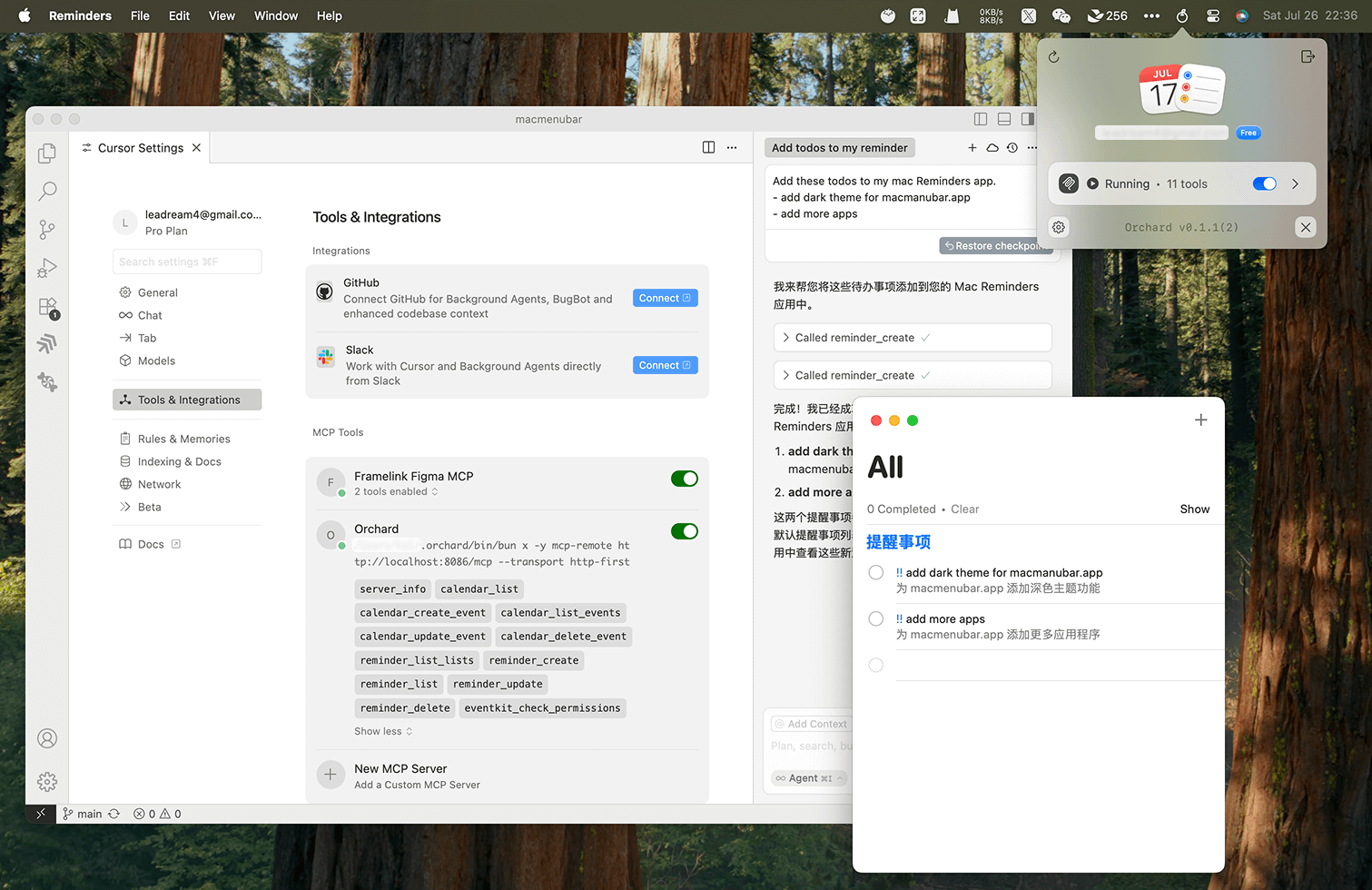
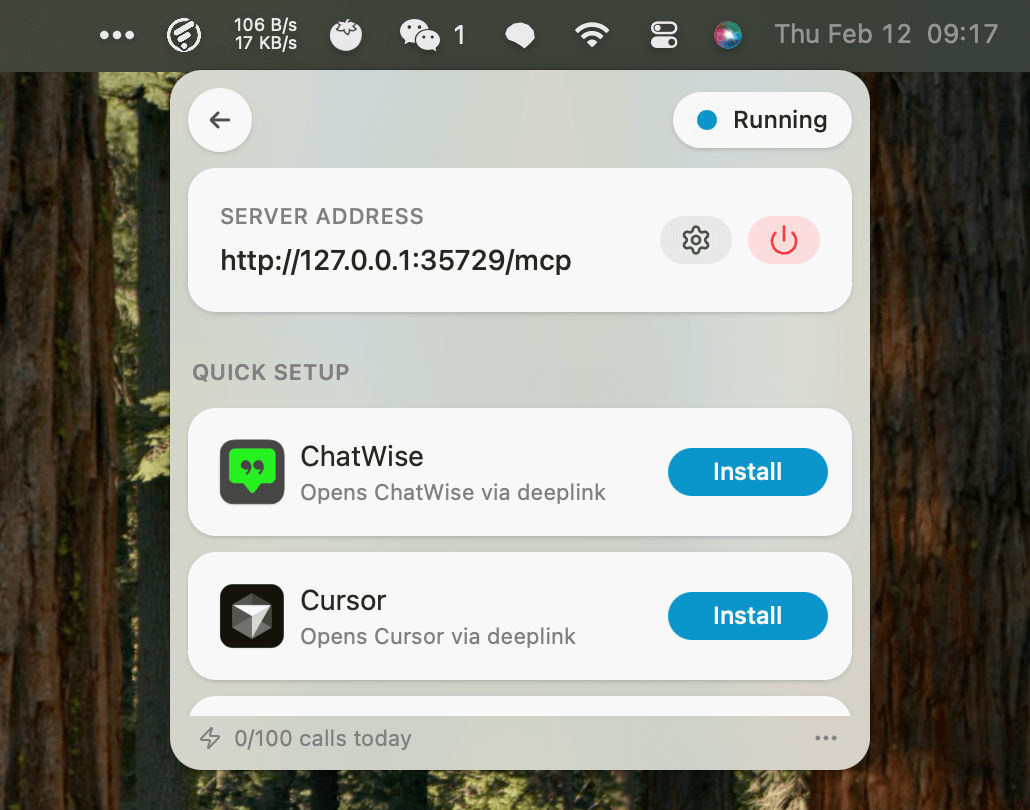
Macuse supports multiple AI platforms through the MCP (Model Context Protocol) standard. Compatible tools include:
- Claude Desktop
- Cursor
- Raycast
- Any MCP-compatible client
The platform offers one-click setup without requiring configuration files, terminal commands, or JSON editing.
Privacy and Security
Local Data Processing
All personal content including calendar events, emails, notes, and messages is processed locally on the user's device and never leaves the Mac. This ensures complete privacy for sensitive personal and professional information.
Permission Management
Macuse implements a granular permission system where users can control exactly what the AI can access. The application requests only necessary permissions for each feature:
- Calendar, Reminders, and Contacts access for respective apps
- Full Disk Access for Mail and Notes functionality
- Accessibility permissions for UI control features
Users can revoke access at any time with a single click, maintaining full control over their data.
Pricing Structure
Macuse offers two pricing tiers:
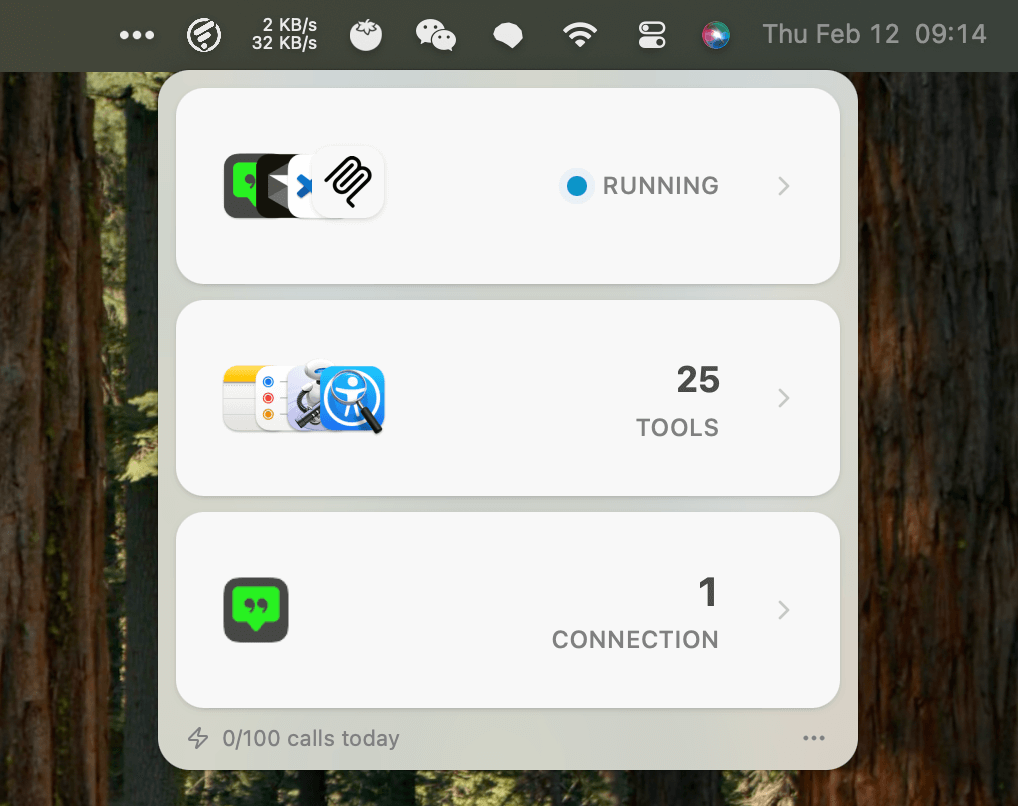
- Free Version: Includes all features with 100 tool calls per day and support for 1 connected client
- Lifetime Version: Removes all usage limits for unlimited tool calls and multiple client connections
Both versions maintain the same level of privacy and security features.
Technical Implementation
The application uses the MCP protocol to communicate with AI tools, enabling seamless integration without complex setup procedures. Macuse auto-detects installed AI tools and configures connections automatically, making it accessible to non-technical users.
Macuse represents a significant advancement in AI-powered productivity tools for macOS, offering a comprehensive solution for users who want to leverage AI assistants for practical, everyday tasks while maintaining strict privacy standards.