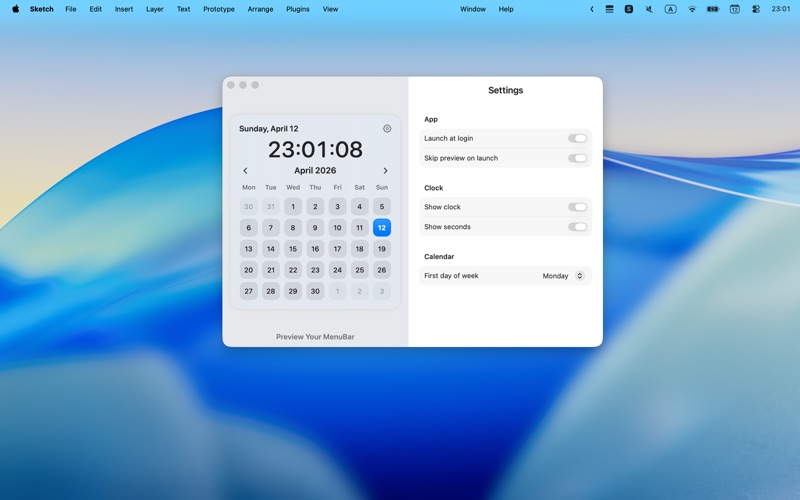
MCalendar puts a simple, lightweight calendar right in your macOS menu bar.
It's perfect for those who just want to quickly glance at the date, browse this month's schedule, or temporarily check a future date—without opening a full calendar app or interrupting their current workflow.
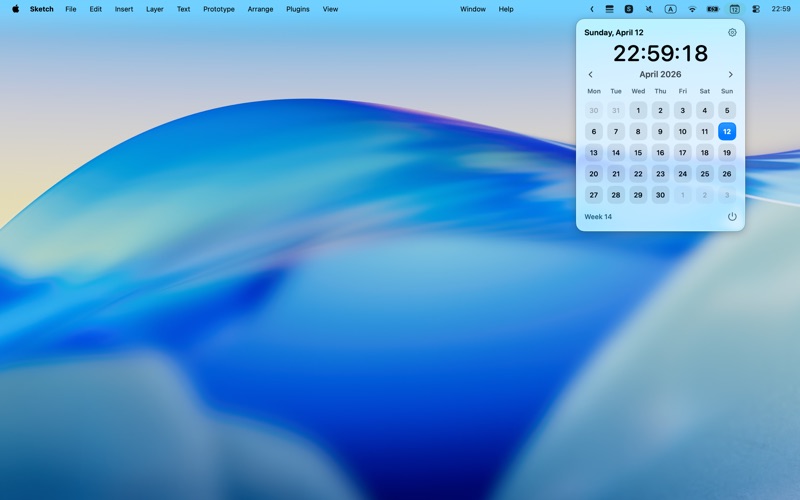
The menu bar icon always displays today's date, keeping the calendar within sight at all times. When clicked, you'll see a clean and direct monthly calendar view where you can quickly confirm dates, browse previous and next months, and plan your time more easily. With real-time clock display, week numbers, and flexible calendar settings, MCalendar provides just the right amount of information for daily use while remaining restrained and simple.
Key Features: • View today's date directly in the menu bar • One-click to open the full monthly calendar • Quickly view week numbers and switch between months • Display real-time clock with optional seconds • Customize the first day of the week • Supports auto-start on boot
Simple, fast, and always available when you need it.