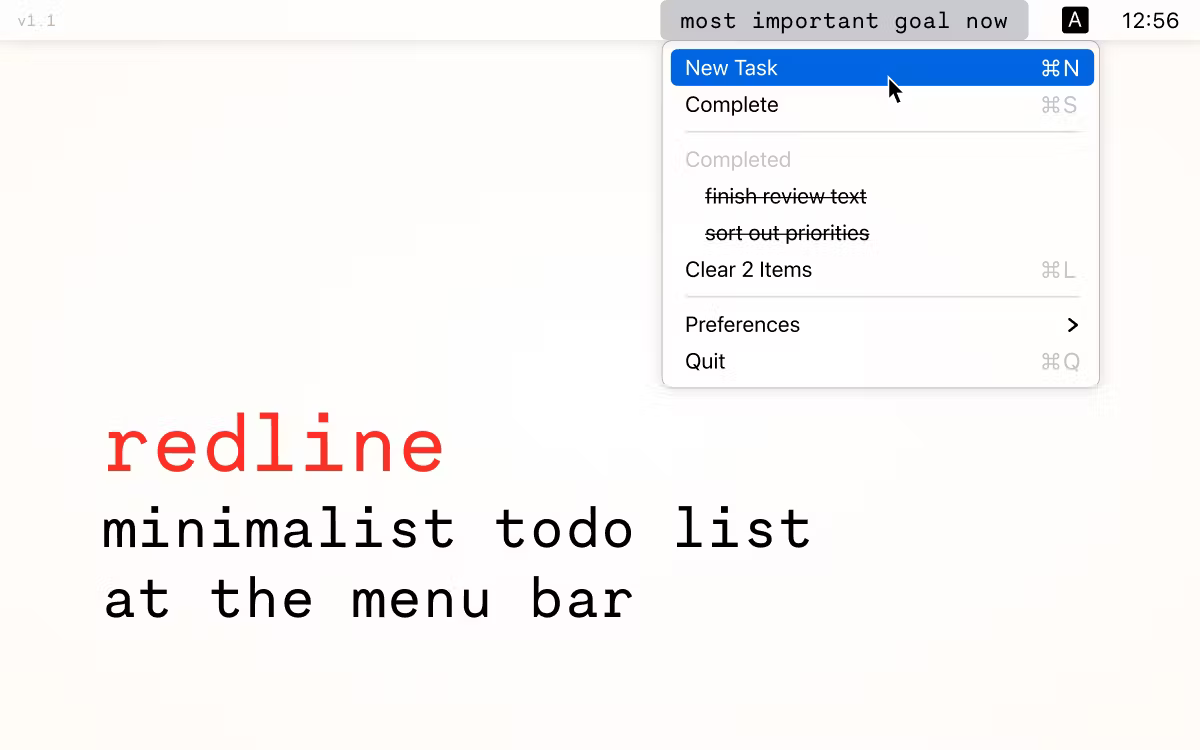
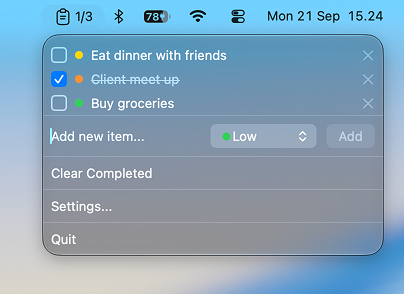
Memo turns your macOS menu bar into a running task list — no Dock icon, no window to manage, just a click away whenever you need it.
Features:
- Menu Bar Access — Manage your entire to-do list from a dropdown in the macOS menu bar
- Quick Add — Add new tasks instantly via a text field with Enter-to-submit
- Inline Editing — Click any task title to rename it in place
- Drag-to-Reorder — Reorder tasks by dragging them within the list
- Task Priorities — Assign each task a priority (Low, Medium, High, Critical), shown with a color indicator
- Due Dates — Give any task a due date via a quick date picker; shows as "Today," "Tomorrow," or the date, and turns red when overdue
- Task Completion — Toggle tasks as done with one click, with configurable behavior: Keep in Place, Move to Bottom, or Hide Immediately
- Clear Completed — Remove all completed tasks in one click
- Completion Counter — Optionally show a "completed/total" counter directly in the menu bar icon
- Sound Feedback — Optional sound effect on task completion, with adjustable volume
- Customizable Icon — Choose from several menu bar icon styles (Default, Checklist, Checkmark Circle, List, Star, Tray)
- Launch at Startup — Optionally launch the app automatically at login
- Persistent Storage — Tasks and preferences are saved locally and restored between launches
Requirements: macOS 27 Golden Gate or later, Apple Silicon, Xcode 26 or later to build from source.