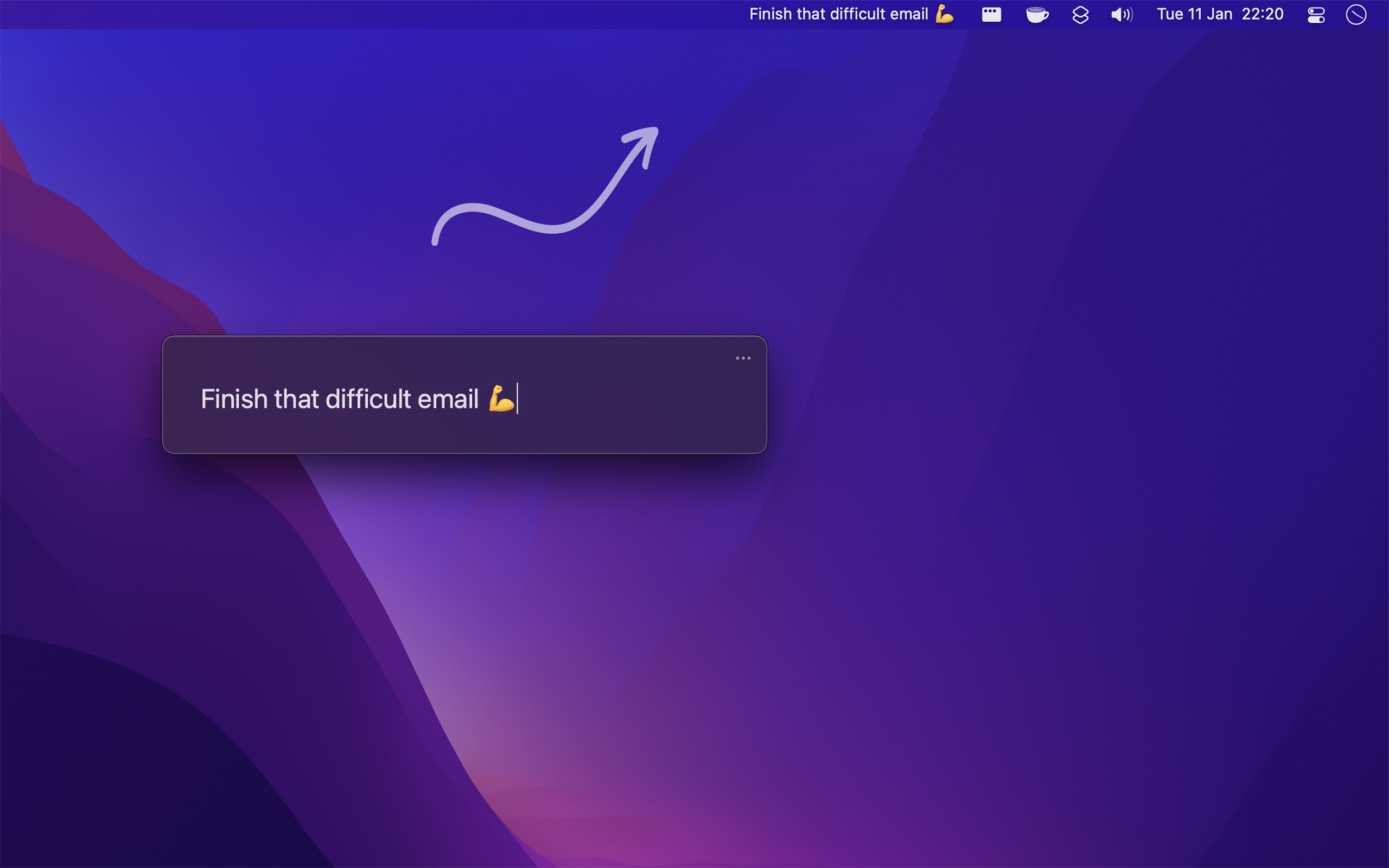
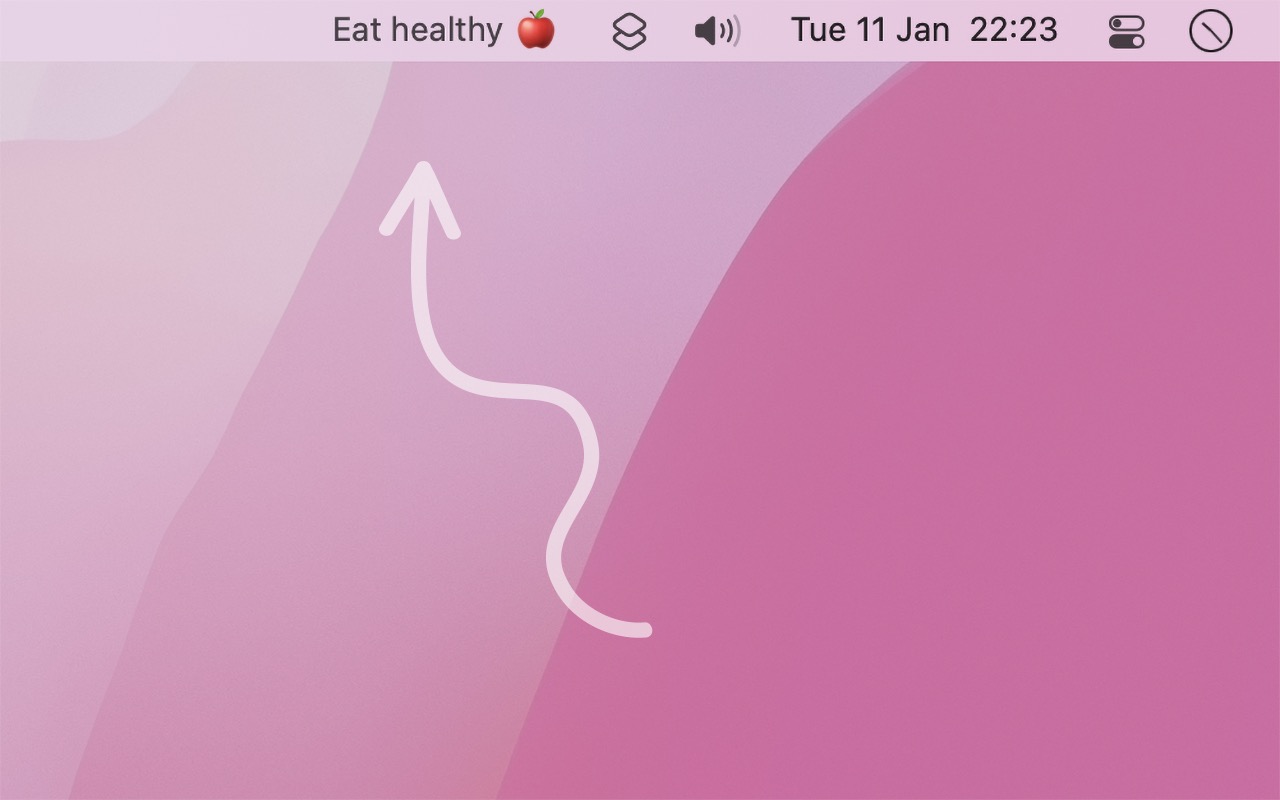
Put your most important task or goal in the menu bar. Its presence there will help remind you without being annoying.
Features
- Display a single task or goal permanently in your menu bar
- Support for Markdown styling (bold, italic, strikethrough) and links
- Drag & drop text directly onto the menu bar item
- Share extension and system service support
- Shortcuts app integration for automation
- Custom URL scheme for scripting (
one-thing:?text=...) - Optional history tracking to keep a dated log of previous entries
- Free and native macOS app
Tips
- Press return/esc or click the menu bar item to close the edit window
- Click the menu bar item while pressing shift to clear the text
- Right-click the menu bar item to quit the app quickly
- If the text is truncated, hover over it to see the full text in a tooltip
Integrations
One Thing can be integrated with various apps and tools:
- Reminders app: Show latest due reminder
- Things: Show the first todo in the "Today" list
- Raycast commands available
- Node.js API and command-line tool for advanced users