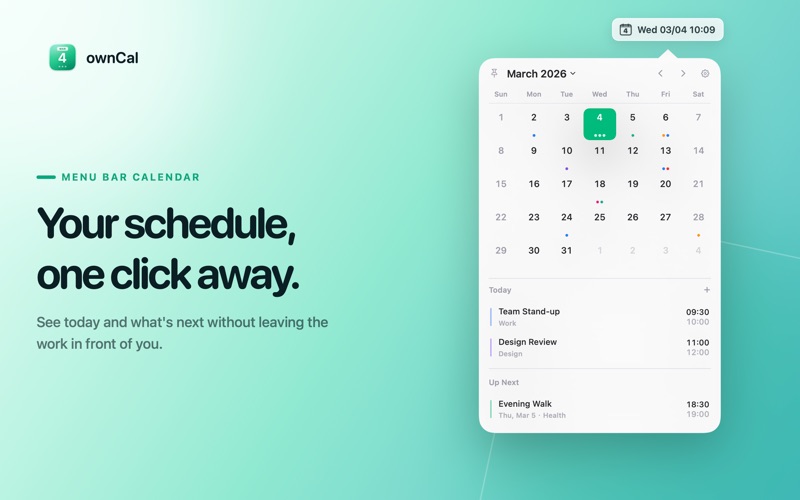
Tired of switching apps just to check your schedule? ownCal lives in your macOS menu bar with no dock icon, no window clutter — your calendar is always one click away.
One Click to See Your Day
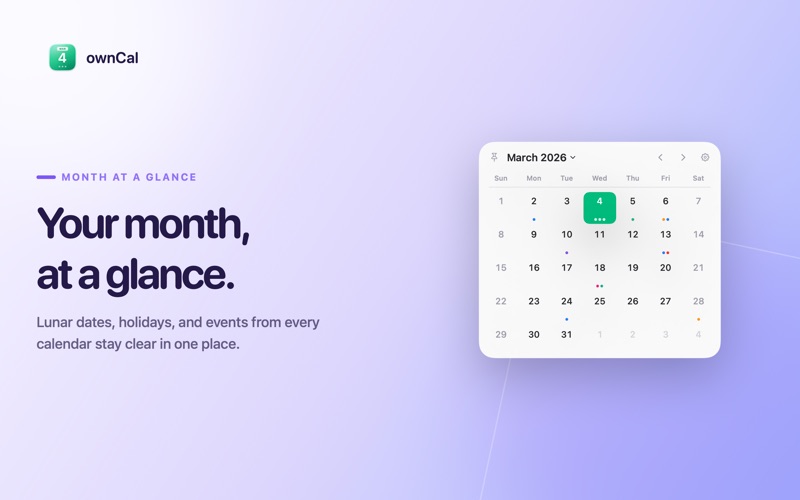
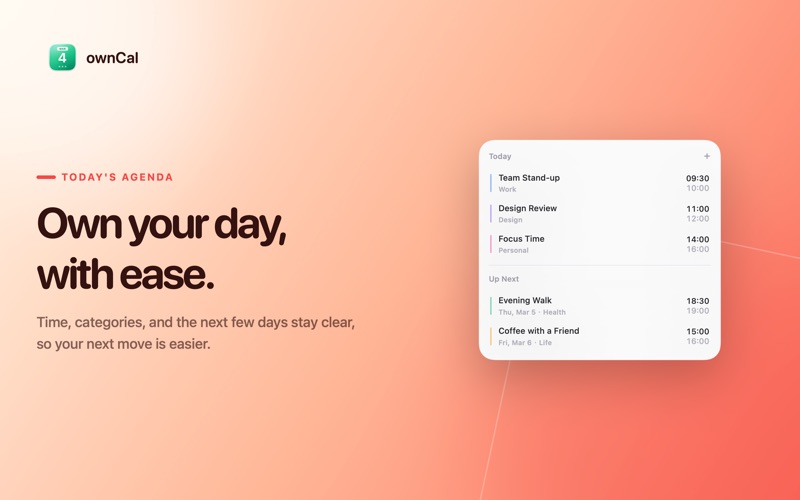
Click the date in the menu bar to instantly open a beautiful calendar popover. A compact monthly grid with event dots gives you a quick overview, while the event list below shows what's coming up — grouped by date and color-coded by calendar.
Manage Events on the Fly
Create, edit, or delete events directly from the popover without ever opening the Calendar app. Set titles, dates, times, locations, and notes, or mark events as all-day. It's fast, frictionless, and stays out of your way.
Works with Your Calendars
Connect your existing calendars through Apple Calendar (EventKit) — iCloud, local, and synced accounts all work out of the box. A built-in Demo Calendar lets you explore the app, and Chinese holiday calendar support is available.
Make It Yours
- Customizable menu bar display — choose the date/time format, show/hide the calendar icon, or display the ISO week number
- 4 accent colors — from Emerald to Rose
- Light, Dark, or System theme
- Flexible week start — Monday or Sunday
- 12h / 24h time format
- Show event dots
- Lunar calendar support
Smart & Convenient
- Launch at login
- Open calendar on startup
- Local API server — expose your events on 127.0.0.1 for integrations with Raycast, Alfred, scripts, etc.
Privacy First
Your calendar data stays on your machine. ownCal reads events directly from your local calendar providers — no cloud sync, no accounts to create, no data leaves your computer.