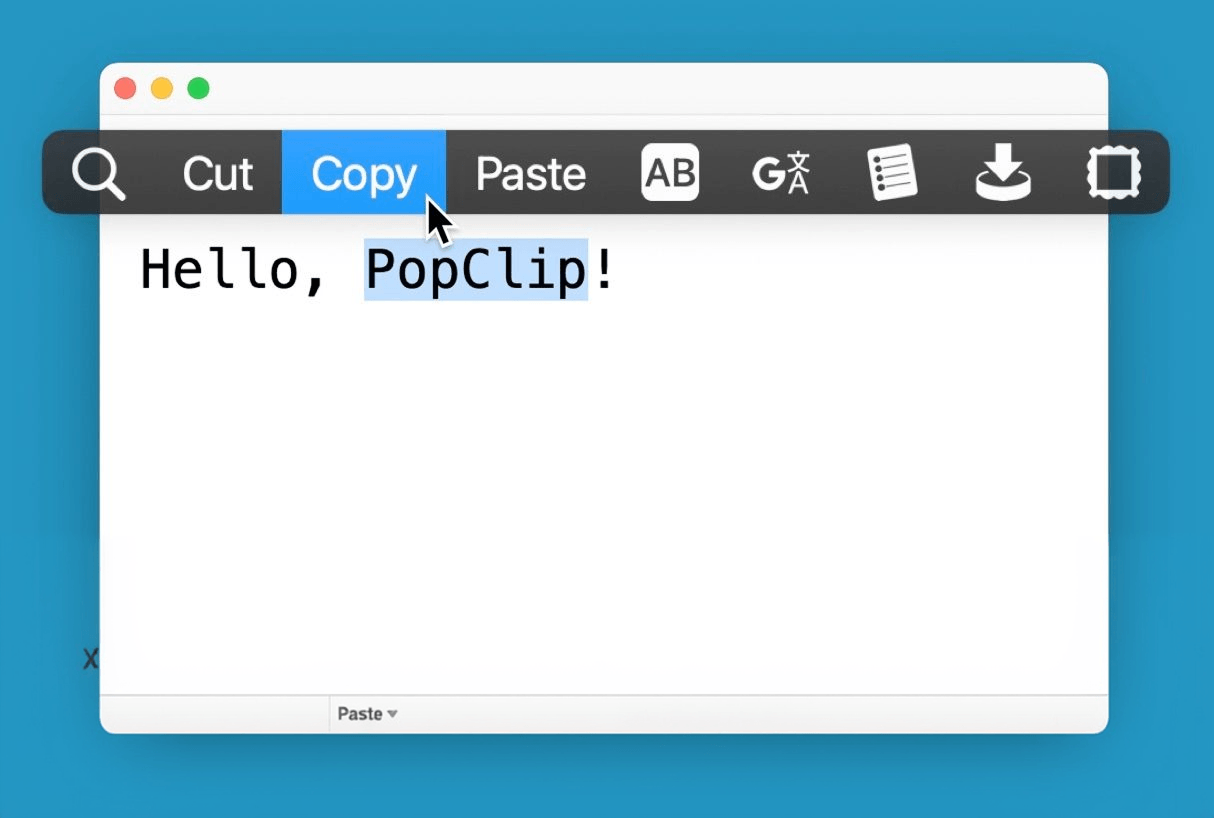
PopClip is a Mac utility tool that pops up with a menu of actions when you select text on your screen.
Features
- Instant Text Actions: PopClip appears automatically when you select text, giving you instant access to useful actions like copy, paste, search, and share.
- Rich Extension Library: From productivity boosters to language translation, the library of extensions has tools for a huge range of tasks.
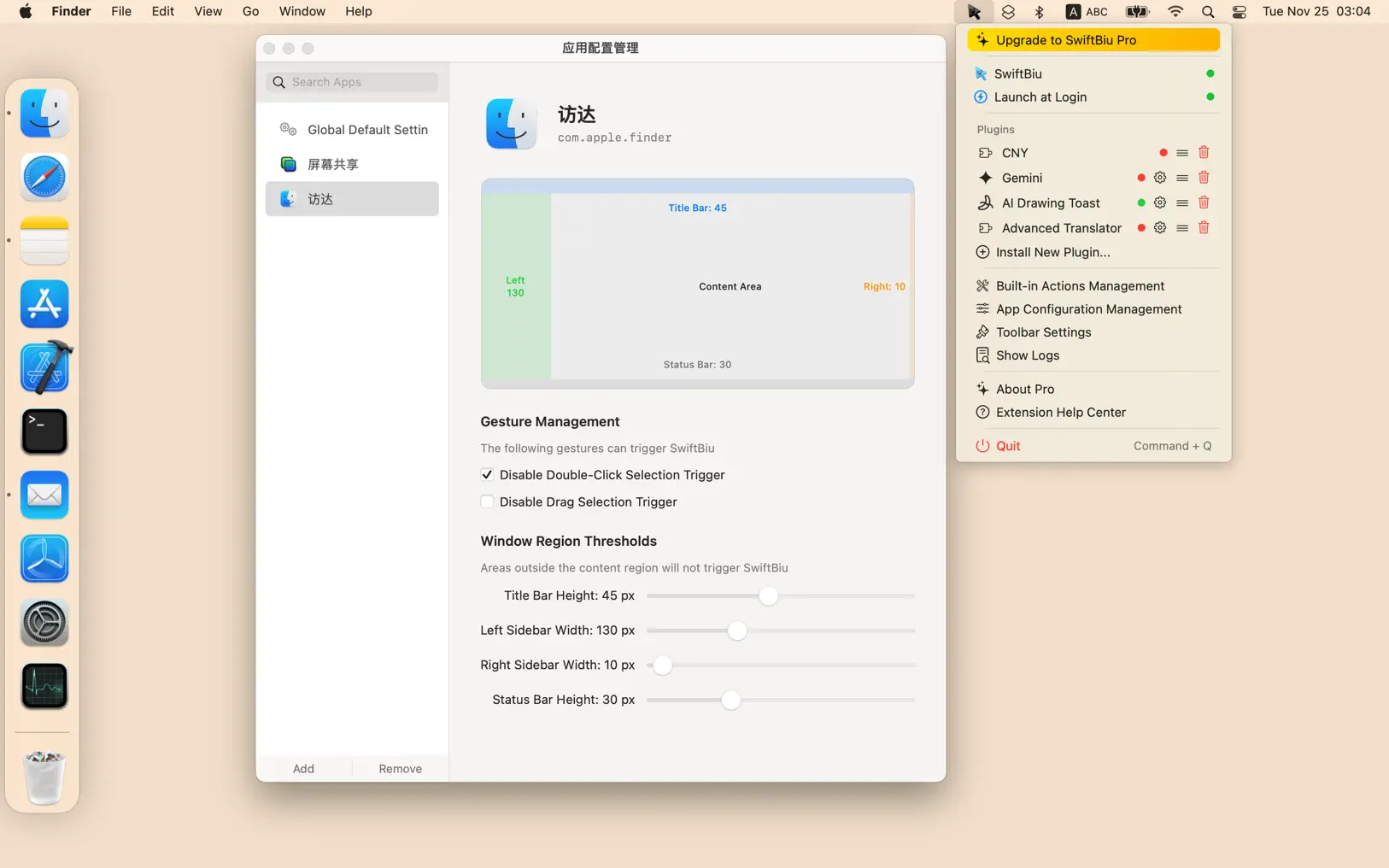
- Status Menu: Access PopClip's status menu by clicking the icon in the menu bar. Toggle automatic appearance, open settings, or quit the app.
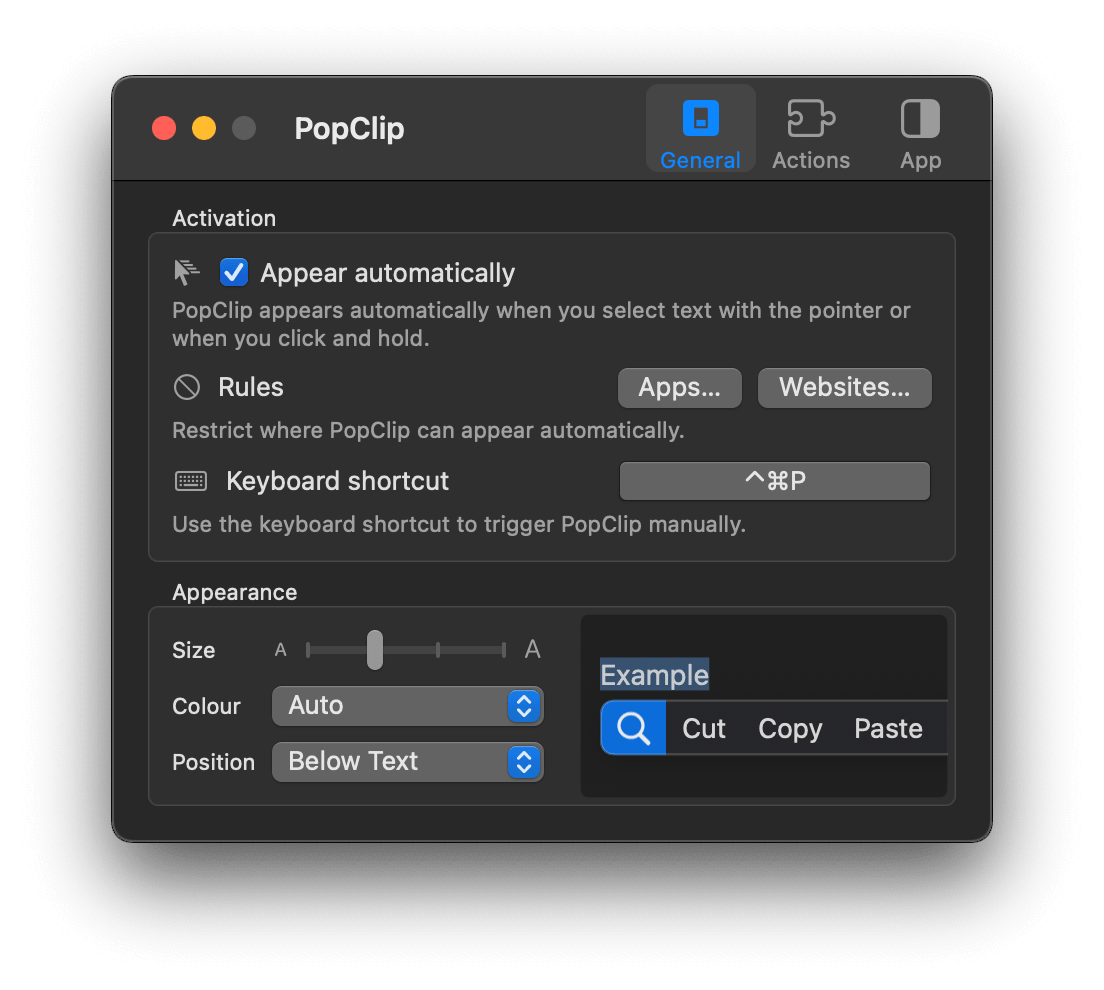
- Customizable: Re-order actions, set up rules for when PopClip appears, and customize the appearance to your liking.
- Keyboard Shortcut: Trigger PopClip manually with a customizable keyboard shortcut.
How It Works
PopClip streamlines your workflow by providing a context-aware assistant that appears whenever you select text. Whether it's copying, pasting, searching, or sharing, PopClip saves you time by putting common actions at your fingertips.
Availability
PopClip is available as a standalone app for macOS with a free trial. It has been in continuous development since 2011.