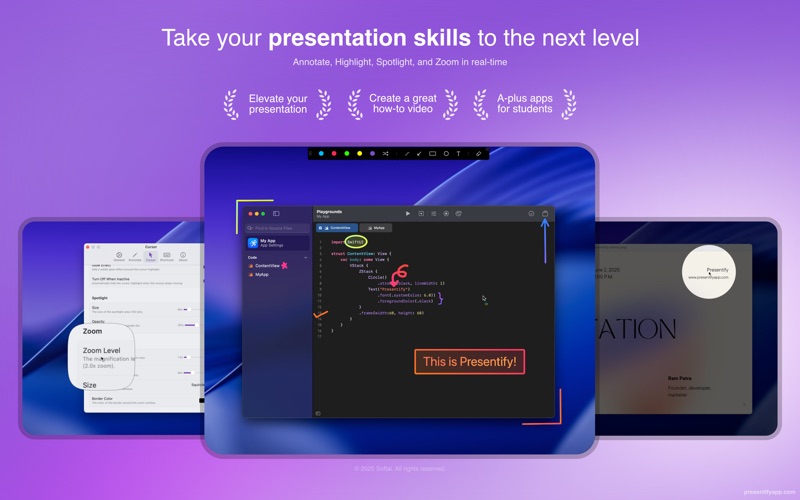
Presentify is a macOS menu bar app that helps you give better presentations, online classes, or video tutorials by letting you annotate any screen, highlight your cursor, and more.
Features
Annotation
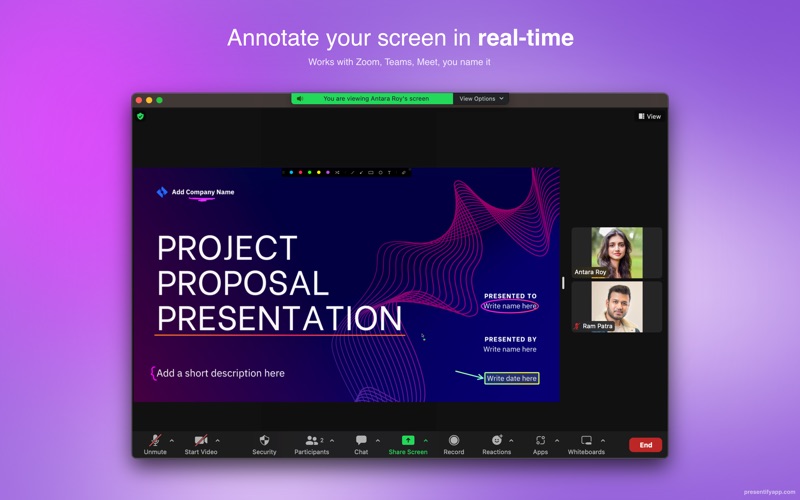
- Draw on or annotate any screen. Select "Annotate Screen" from the menu bar and start doodling
- Multiple drawing shapes including arrows, circles, squares, lines, and text
- Draw with random gradient colors or plain colors
- Auto-erase annotations after a set time
- Draw even when other applications are running in full-screen mode
- Interactive Mode: Opens Presentify in the background, allowing annotation by pressing and holding the Fn key
- Highlighter feature lets you highlight portions of text without obscuring it
- Works on iPad connected to a MacBook via Sidecar, Astropad, or Duet
- Compatible with Keynote (even in Presentation mode)
- Works with all video calling software like Zoom, Google Meet, Skype, etc.
- Works with drawing tablets like XP-Pen, Wacom, etc.
Whiteboard
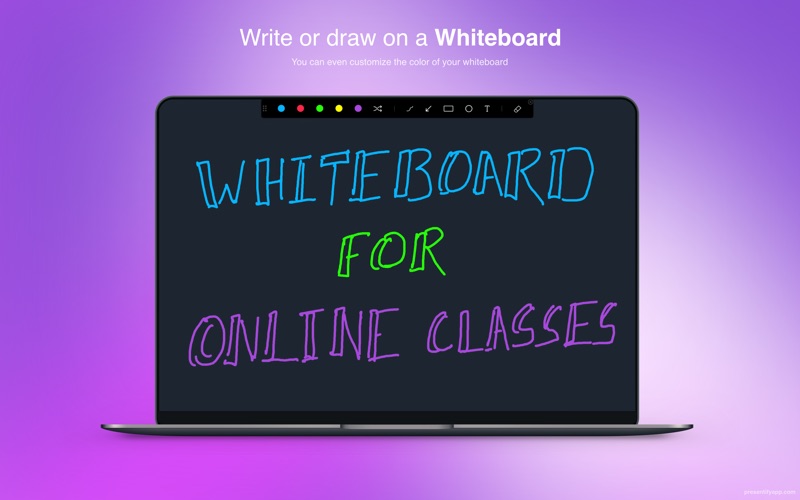
- Draw on a whiteboard instead of over other apps
- Change the whiteboard color to your preference
Cursor Highlight
- Puts a circle, squircle, or rhombus around your mouse pointer
- Customize color, opacity, size, and animation style
- Option to highlight only when moving the cursor
Spotlight
- Focus attention by dimming everything except the cursor area
- Control spotlight size and dimmed area opacity
Zoom
- Transform cursor into a magnifying glass
- Customize shape, border, and zoom level
Keyboard Shortcuts
- Start annotating, highlight cursor, change colors and shapes from any app
- Fully customizable shortcuts
Pricing
$14.99 on the Mac App Store. Also available on Setapp.
Recognition
Featured by Apple multiple times, as well as on Hacker News, Reddit, Product Hunt, and various tech blogs.