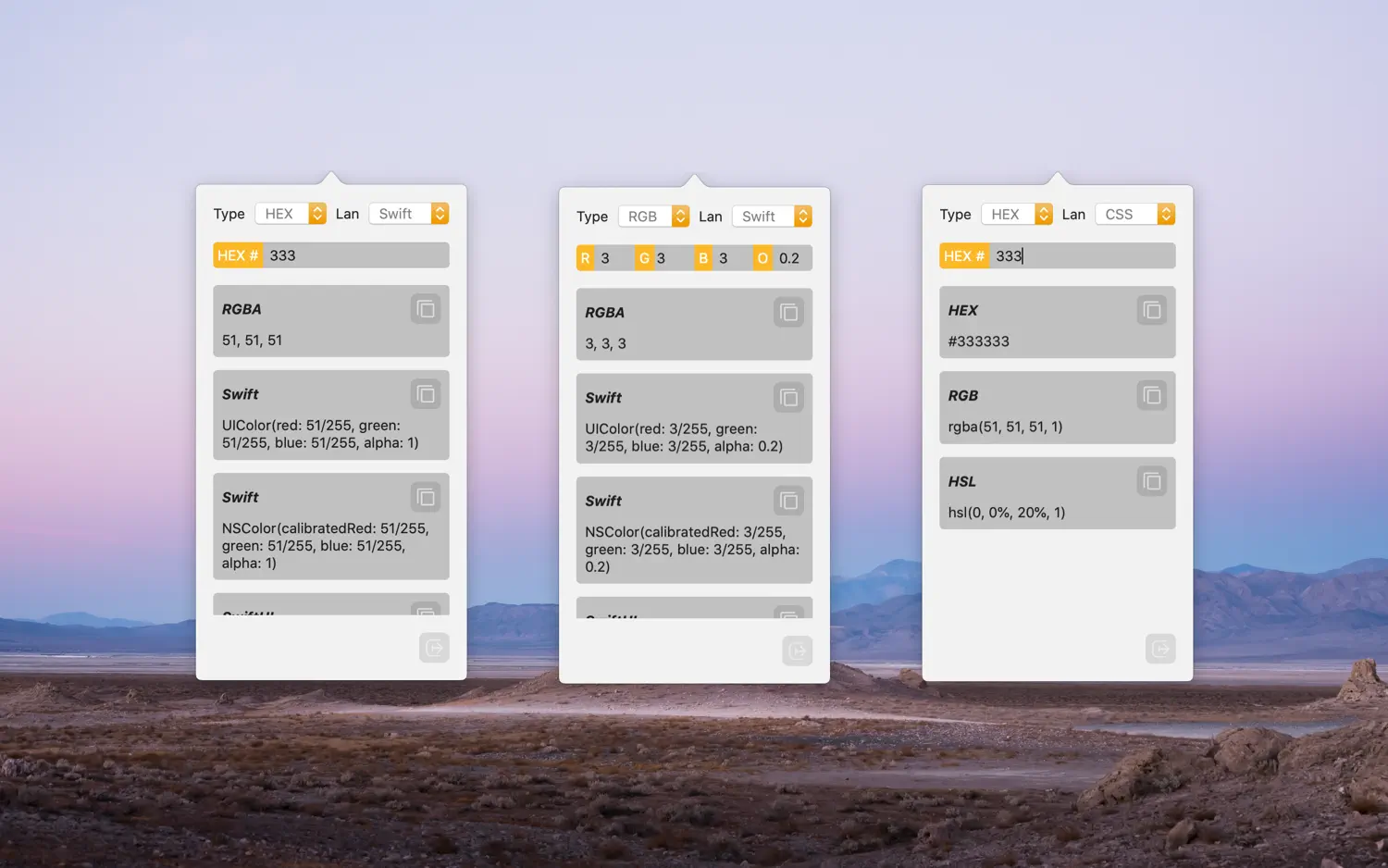
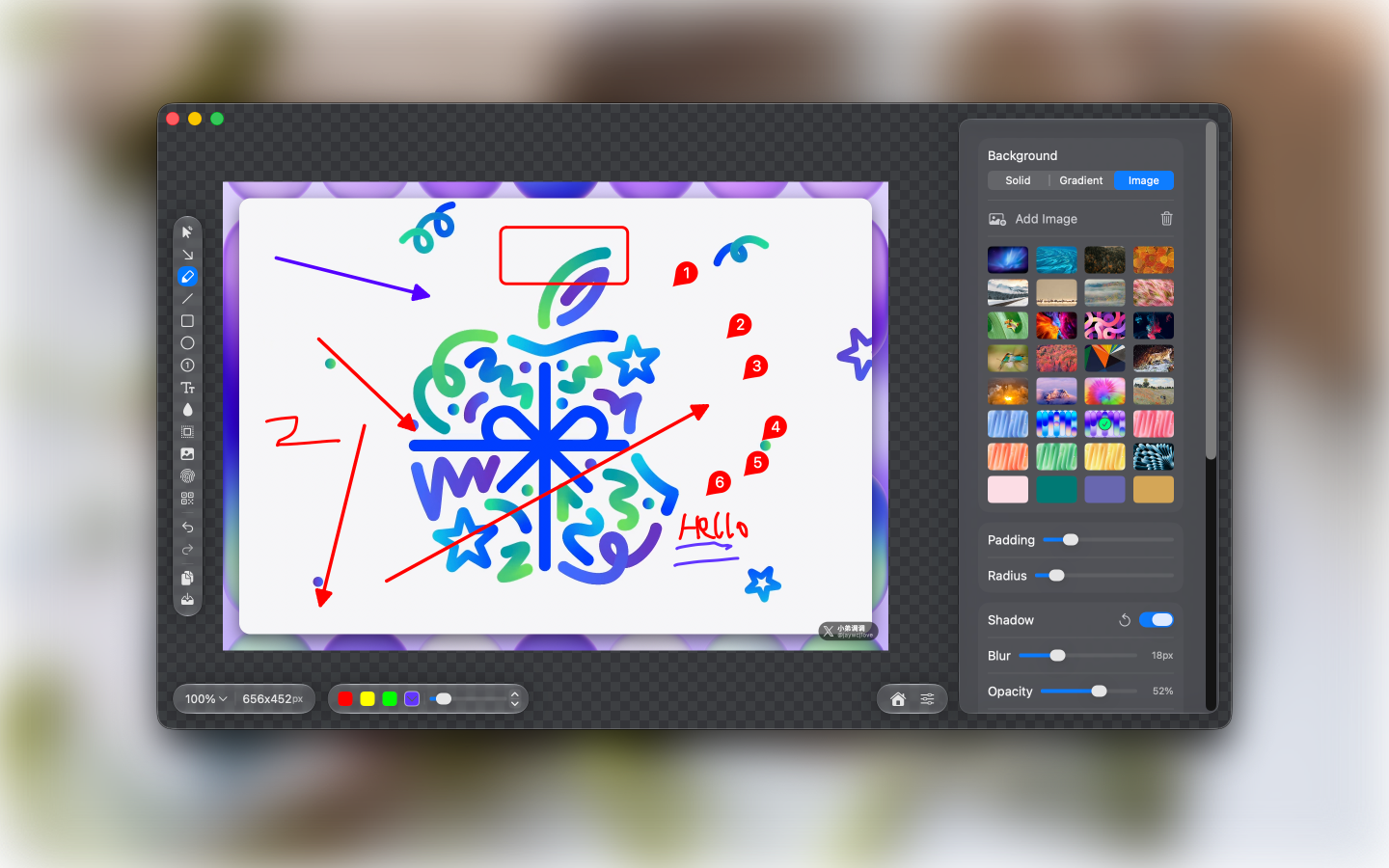
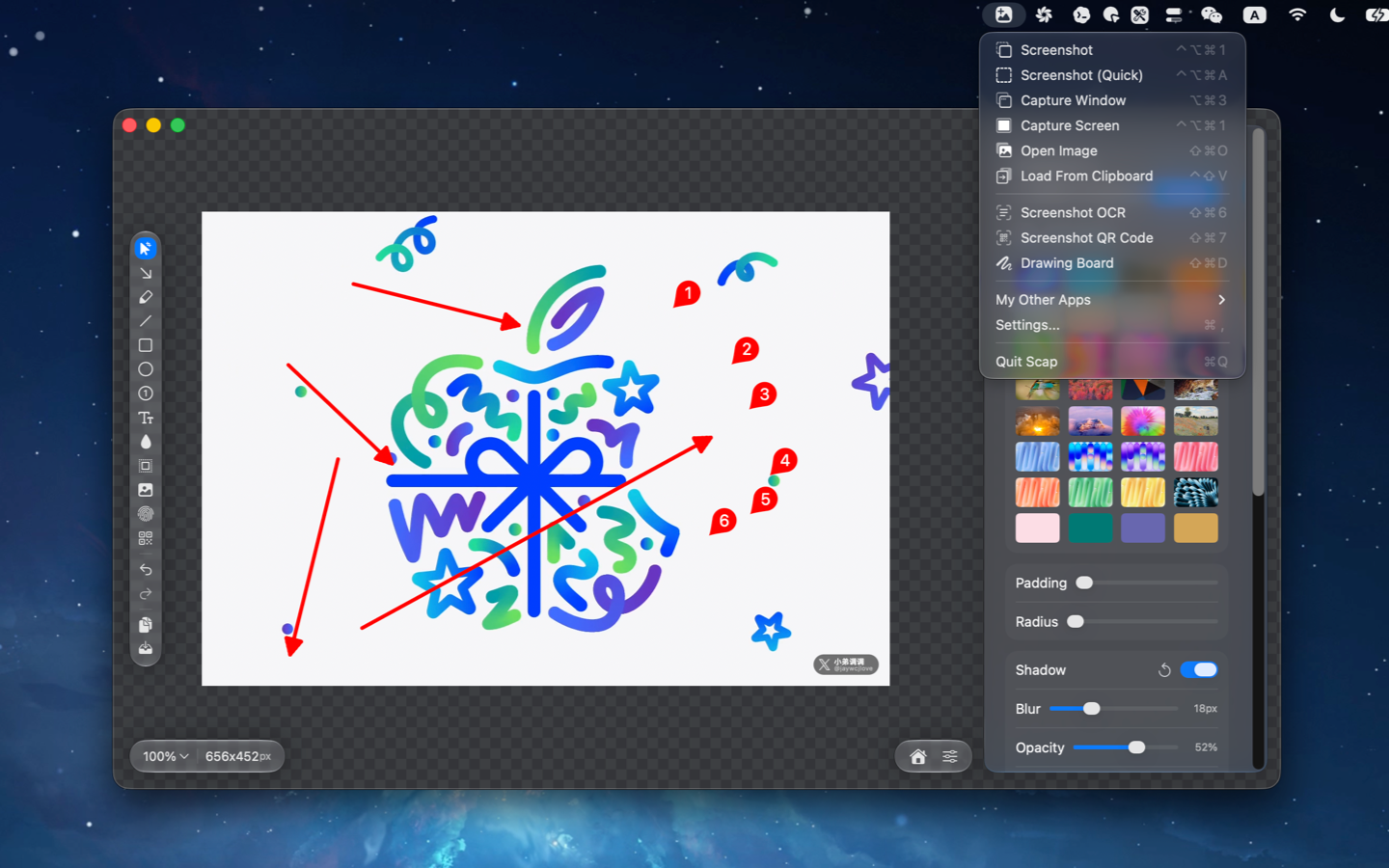
Scap is a macOS app designed for image screenshotting, annotation, and canvas creation. It provides a focused editing canvas with powerful tools for efficiently completing image processing tasks.
Features
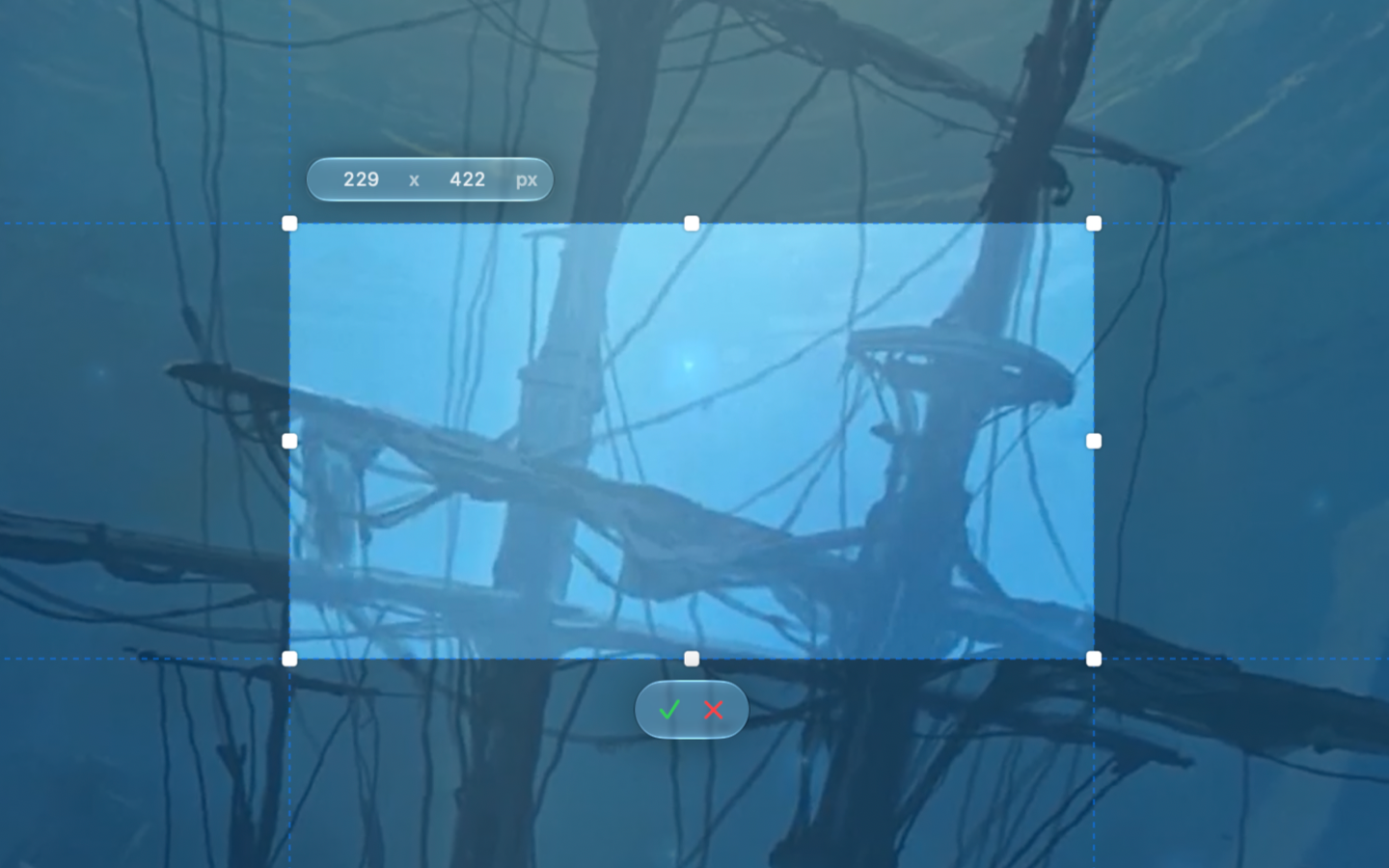
- Screenshots: Area capture mode with crosshair guidance, plus OCR and QR code recognition for captured content.
- Edit Mode: Annotation workflow designed for photos and screenshots.
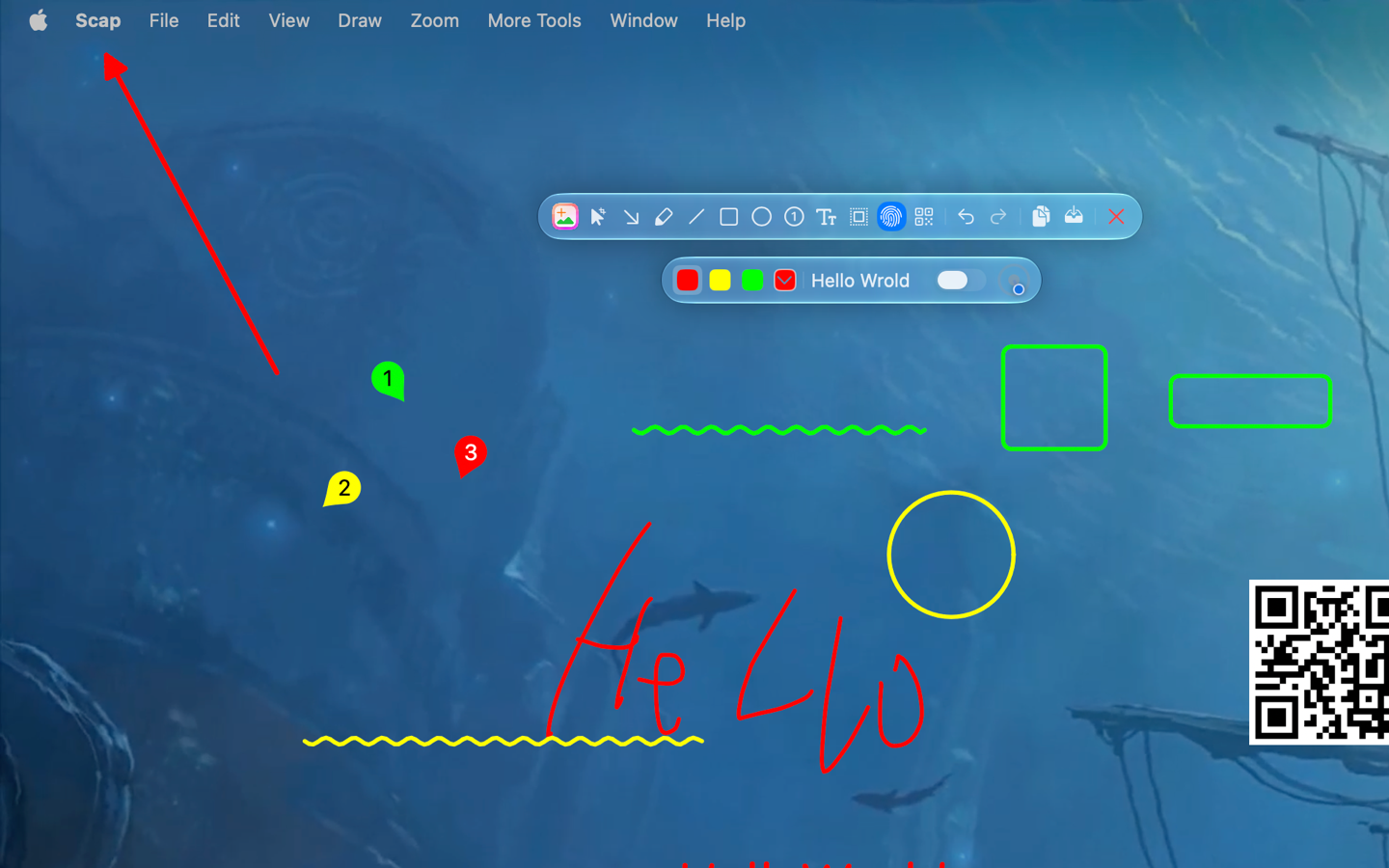
- Drawing Board Mode: A blank canvas for freeform creation.
- Toolbox: Crop/selection, arrow, freehand brush, line (solid/dashed), rectangle, ellipse, counter marks, blur/mosaic, spotlight, QR code, watermark, and pasted image layers.
- OCR Results: Recognized text remains editable for quick cleanup and reuse.
- Image Overlay: Paste images with auto-scaling to fit the canvas.
- Export & Sharing: Export or copy to clipboard with precise DPI handling.
- Localization: Supports Simplified Chinese, Traditional Chinese, English, German, French, Japanese, and Korean.
Modes
- Edit: Annotate a specific image.
- DrawingBoard: Free drawing canvas.
- ScreenCrop: Select and capture a screen region.
Shortcuts
V: Crop / SelectA: ArrowT: TextD: Free BrushL: LineR: RectangleO: EllipseC: Number MarkerB: Blur / MosaicS: SpotlightW: WatermarkQ: QR Code⌘V: Paste Image