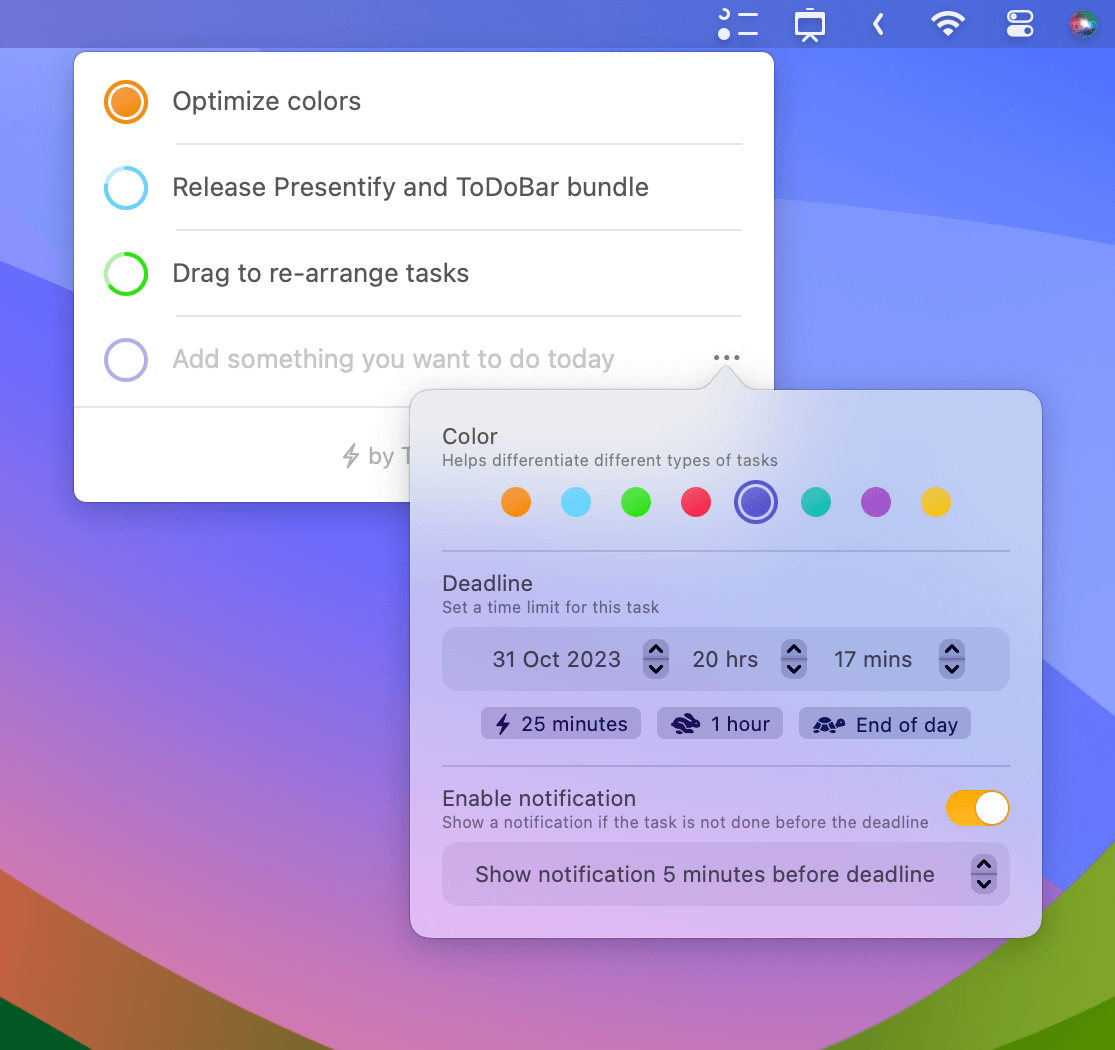
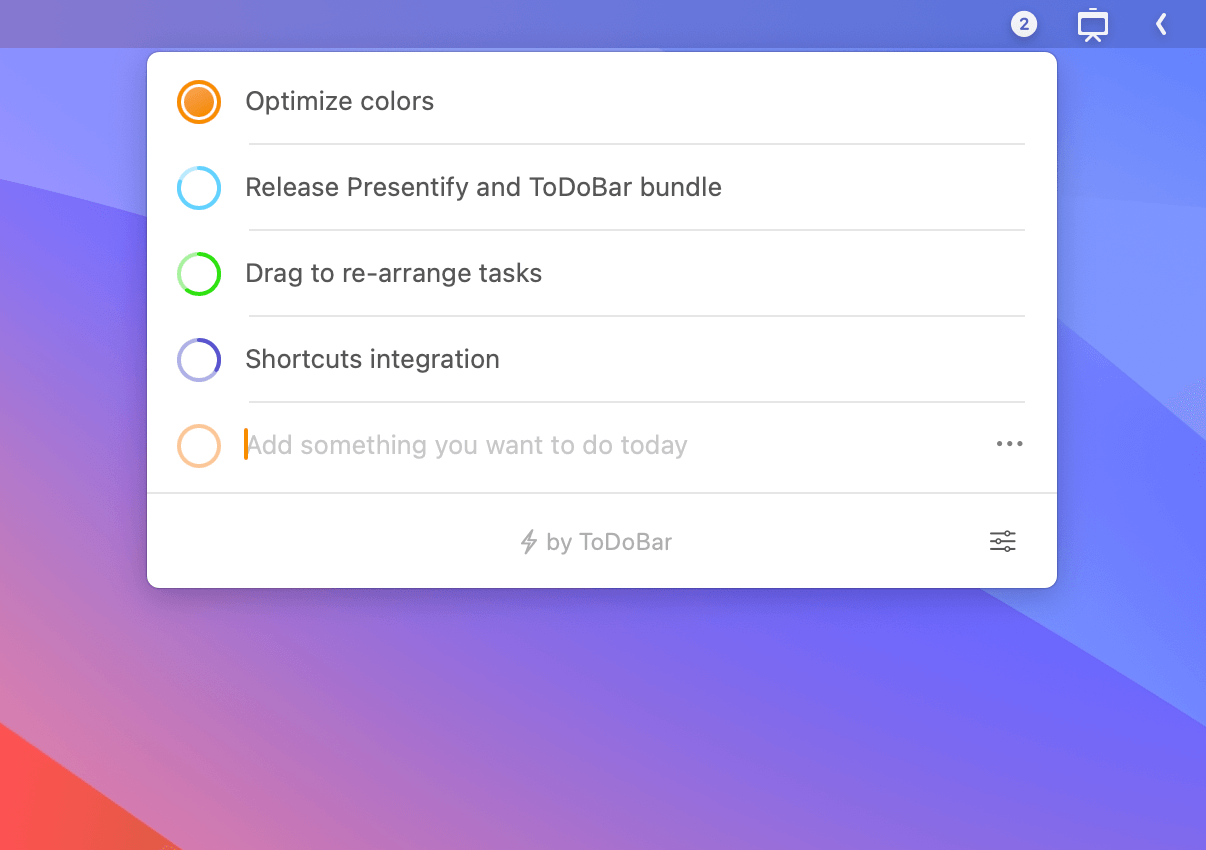
ToDoBar is a lightweight, native macOS application that brings task management directly to your menu bar, offering quick access and timely reminders without cluttering your workspace.
Key Features
Menu Bar Integration
- Lives permanently in your Mac's menu bar for instant access
- Displays pending task count directly on the menu bar icon
- Shows next pending task without opening the app
- Always running in background for super-fast interaction
Task Management
- Simple task creation - just type and press Enter
- Visual time tracking with colorful progress rings
- Drag and rearrange tasks (coming soon)
- Individual task customization (colors, deadlines, notifications)
- One-click task deletion
Smart Notifications
- Customizable reminder timing before deadlines
- Global and per-task notification settings
- Never miss important deadlines
Analytics & Export
- View productivity analytics for the past year
- Access complete task history
- Export data as CSV files
- Track completion patterns
Design & Customization
Native Mac Experience
- Lightweight native app (not Electron)
- Full Dark Mode support
- Follows system theme or manual override
- Customizable popover size
- Multiple icon options
Technical Details
System Requirements
- macOS 10.13 (High Sierra) or later
- Compatible with macOS Ventura and newer
Pricing Model
- One-time purchase
- Lifetime access
- No in-app purchases or subscriptions
- 50% discount for bulk purchases (20+ licenses) through Apple Business/School Manager
- Currently at launch pricing (will increase with new features)
Developer Background
Created by the maker of Presentify, an app featured by Apple three times for presentations and educational content. ToDoBar represents the same commitment to quality and simplicity.
Future Roadmap
- Drag and drop task reordering
- Recurring tasks
- Integration with other apps
- Community-driven feature development
Why Choose ToDoBar?
ToDoBar is perfect for users who want a no-frills, always-accessible task manager that doesn't require switching between apps or windows. Its menu bar design ensures tasks are always visible and manageable with minimal friction, making it ideal for staying on top of daily responsibilities without disrupting your workflow.