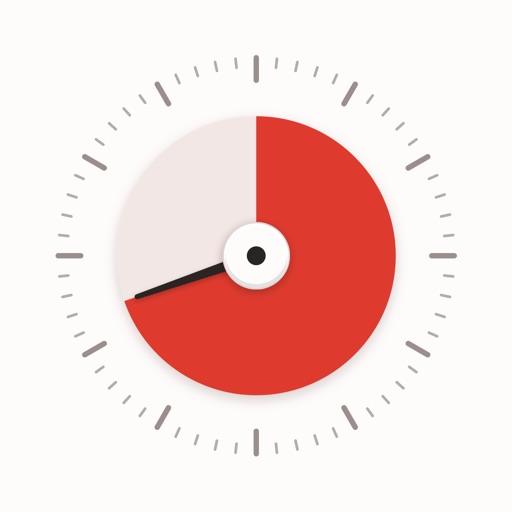
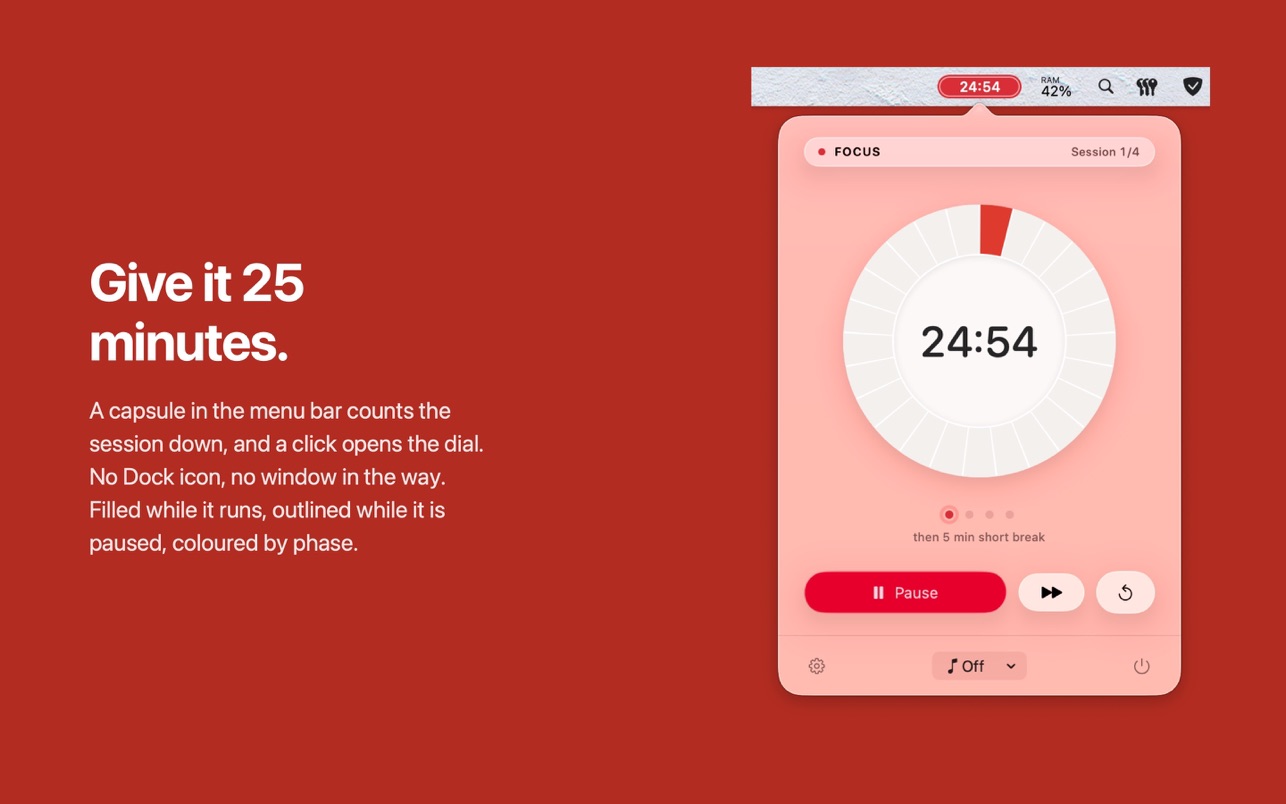
Tomatino is a Pomodoro timer for the macOS menu bar. It counts your session down on a dial, and it takes over the two steps around it: a work session turns on a Focus mode and starts your music, the break turns Focus off and pauses the music again.
Features
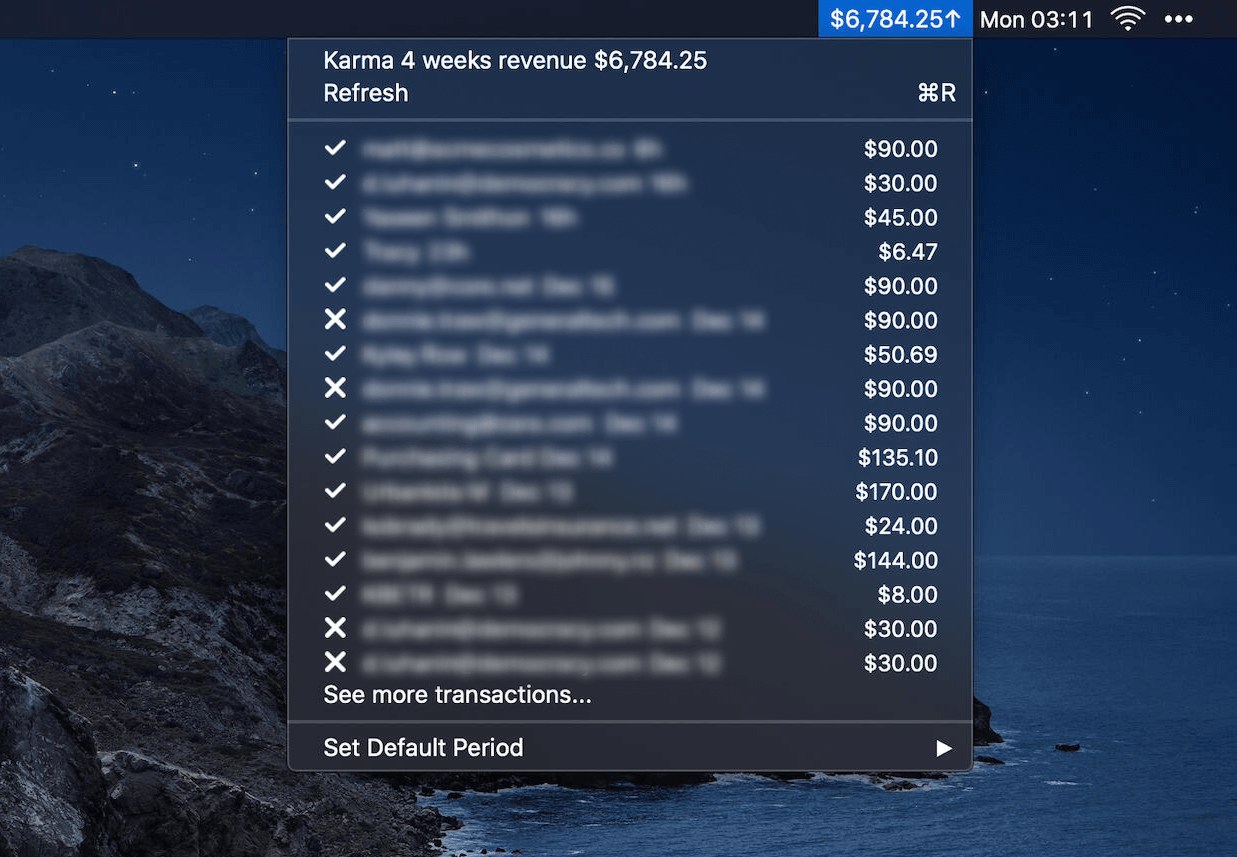
- Menu Bar Timer: A capsule in the menu bar shows the time left. Filled while it runs, outlined while paused, and coloured by phase. A glance up tells you the state along with the time.
- Quick Controls: Click for the overview. Option-click, right-click or a global shortcut start and pause without opening anything.
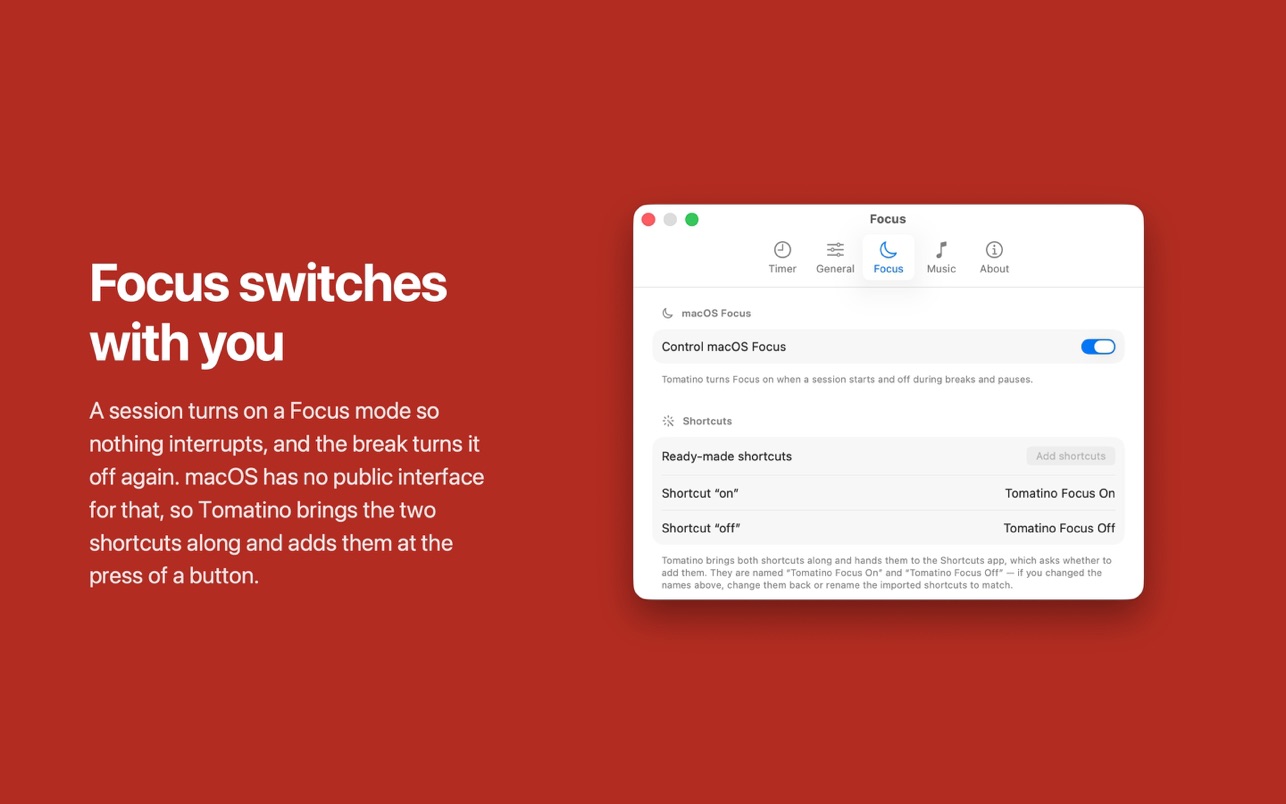
- Focus Integration: Work sessions automatically turn on a macOS Focus mode; breaks turn it off. Tomatino brings along the Shortcuts it needs.
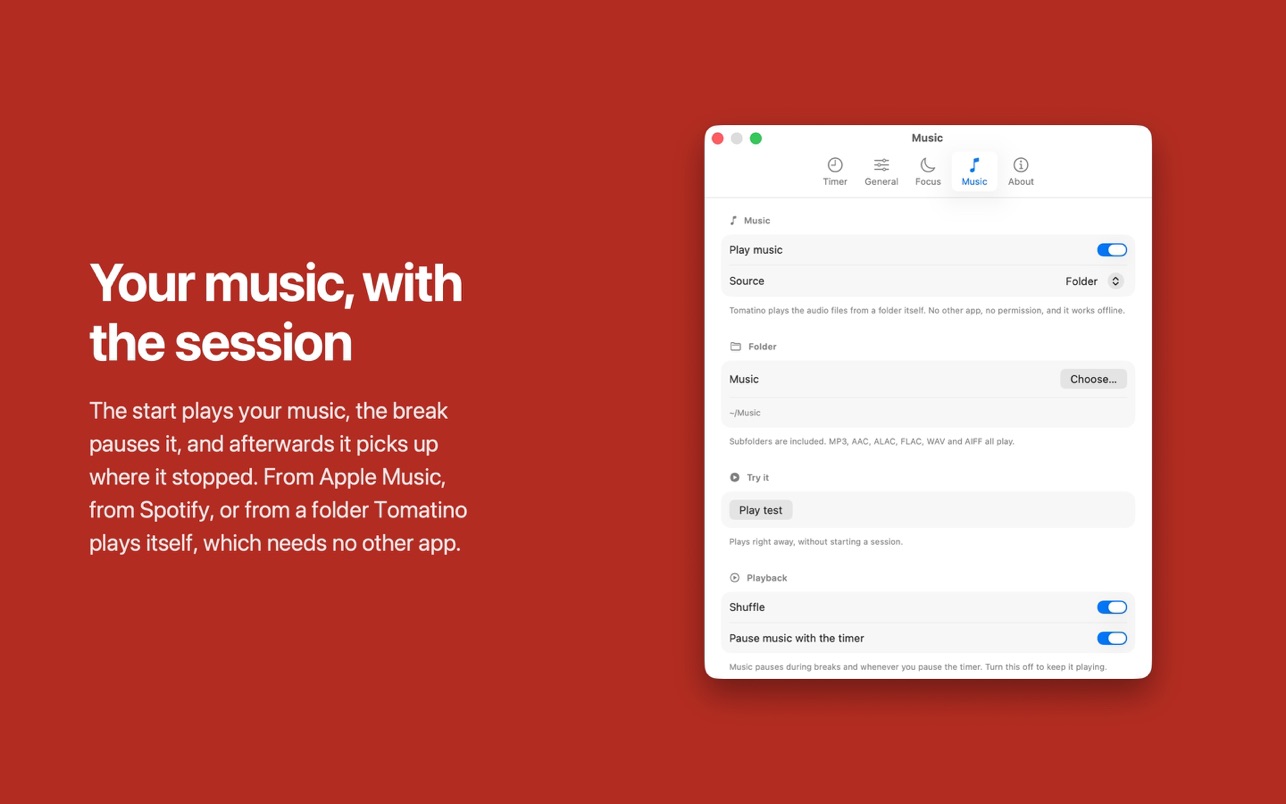
- Music Control: Start your music with a session and pause it on break. Supports Apple Music, Spotify, or a local folder of files.
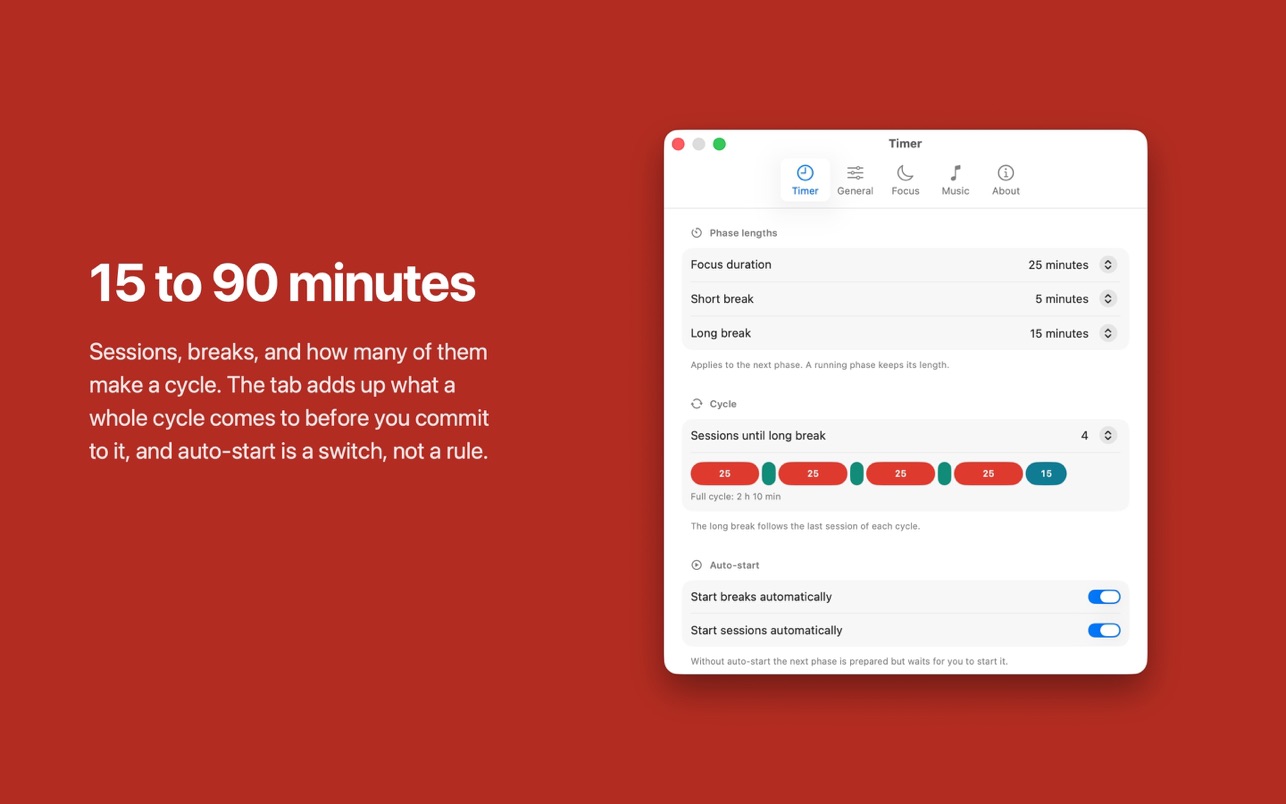
- Customizable Sessions: 15 to 90 minutes per session, configurable cycle length, break durations, and auto-start options.
- Screen Cover: Optional break screen that covers all displays, including full-screen apps.
- Lightweight: Lives in the menu bar on about 20 MB of memory, with no Dock icon and no window standing open behind your work.
- Universal Purchase: One purchase covers Mac, iPhone, and iPad. Settings sync via iCloud.
Requirements
macOS 26 or newer.