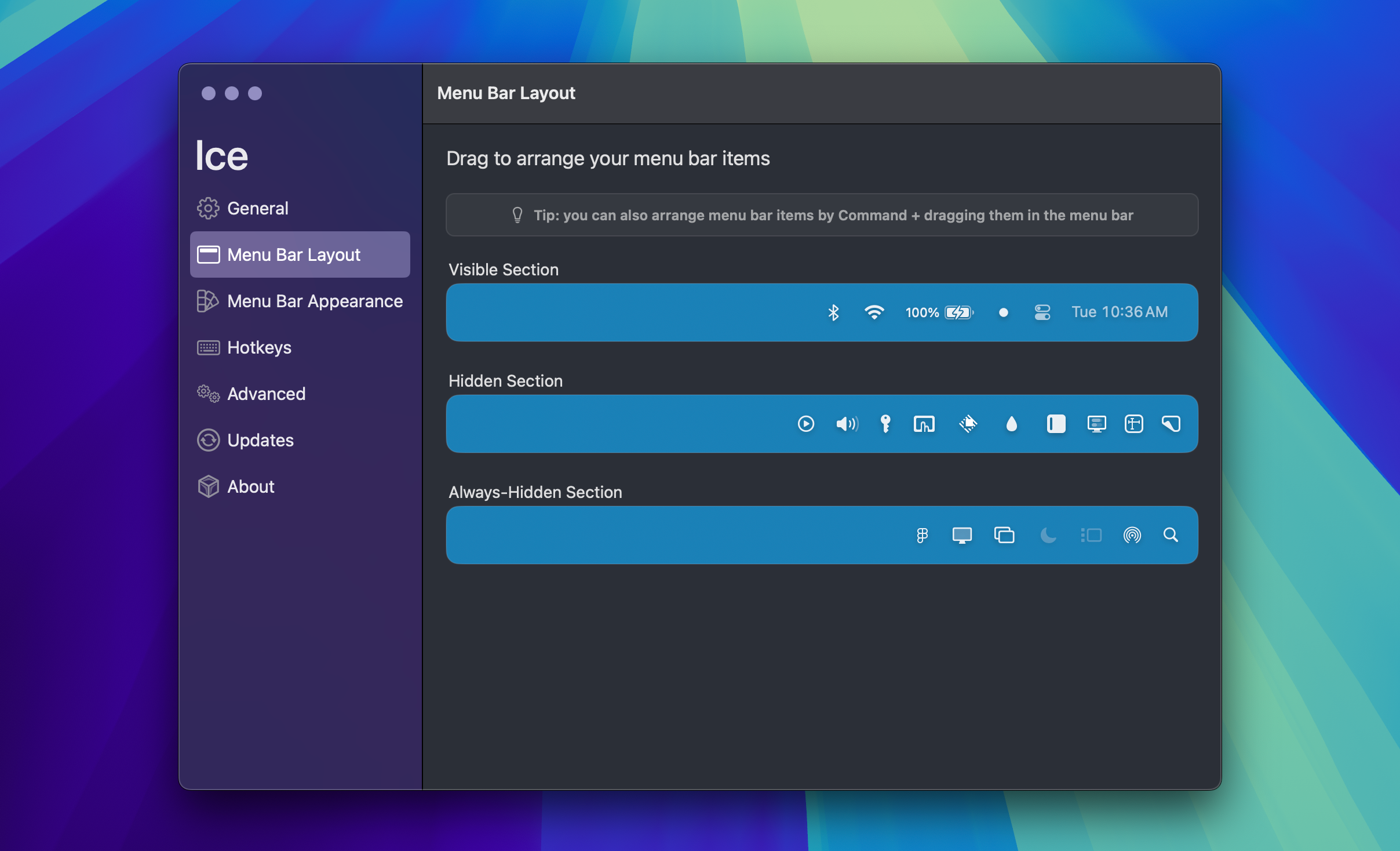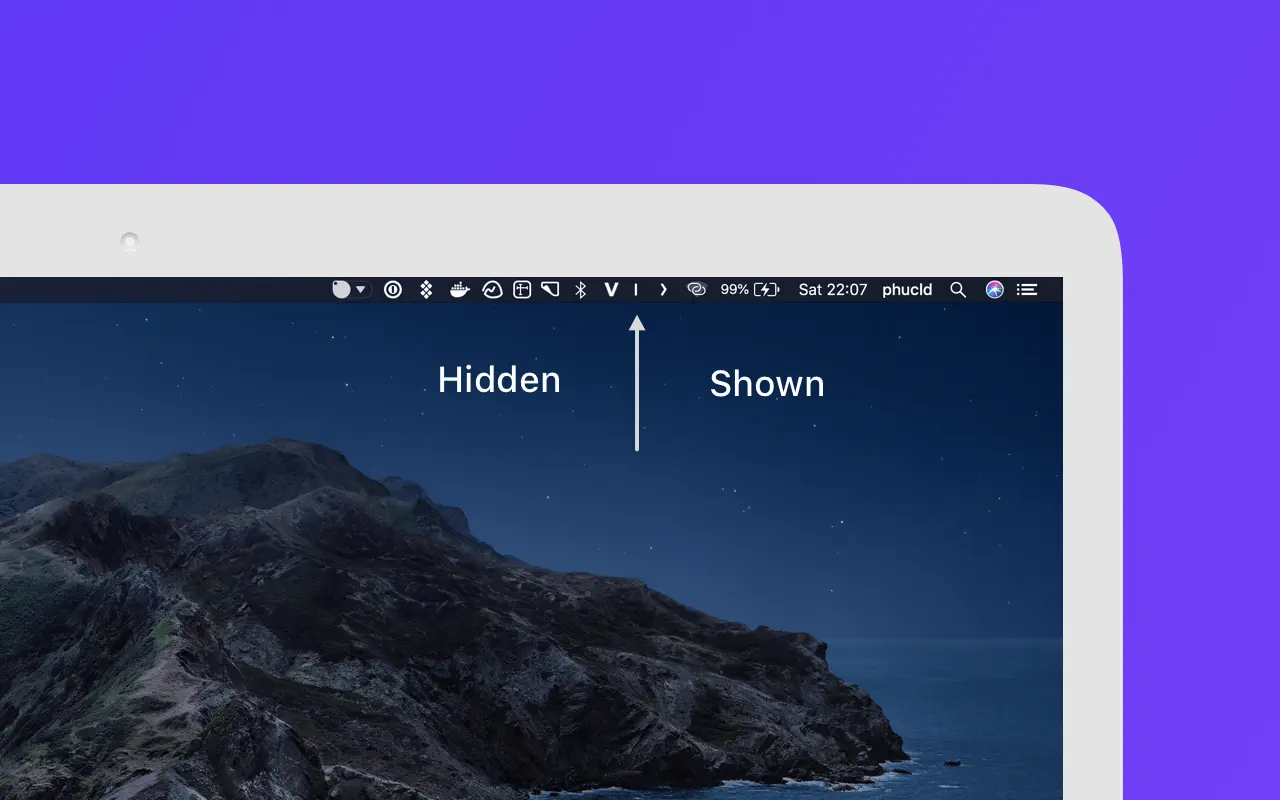
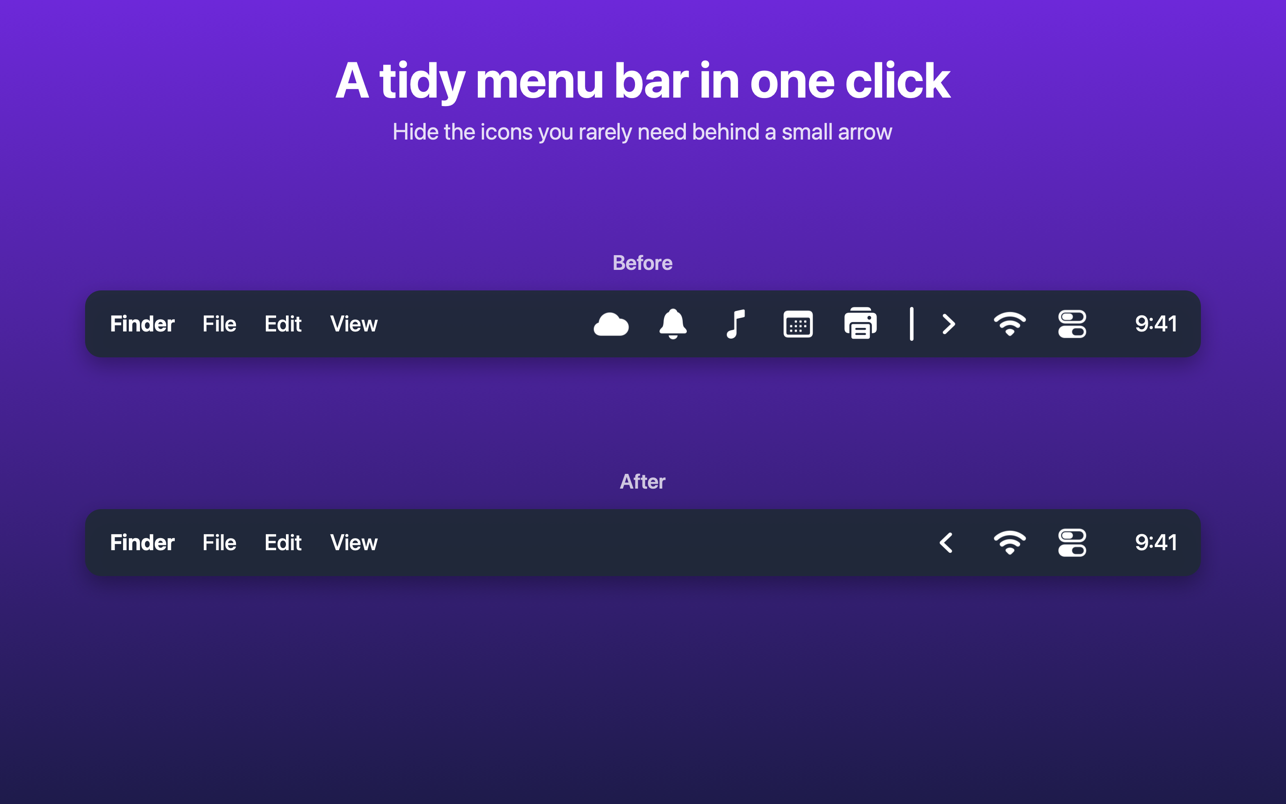
Tuck keeps your menu bar tidy. Hide the icons you rarely need behind a small arrow, and bring them back with one click.
How it works
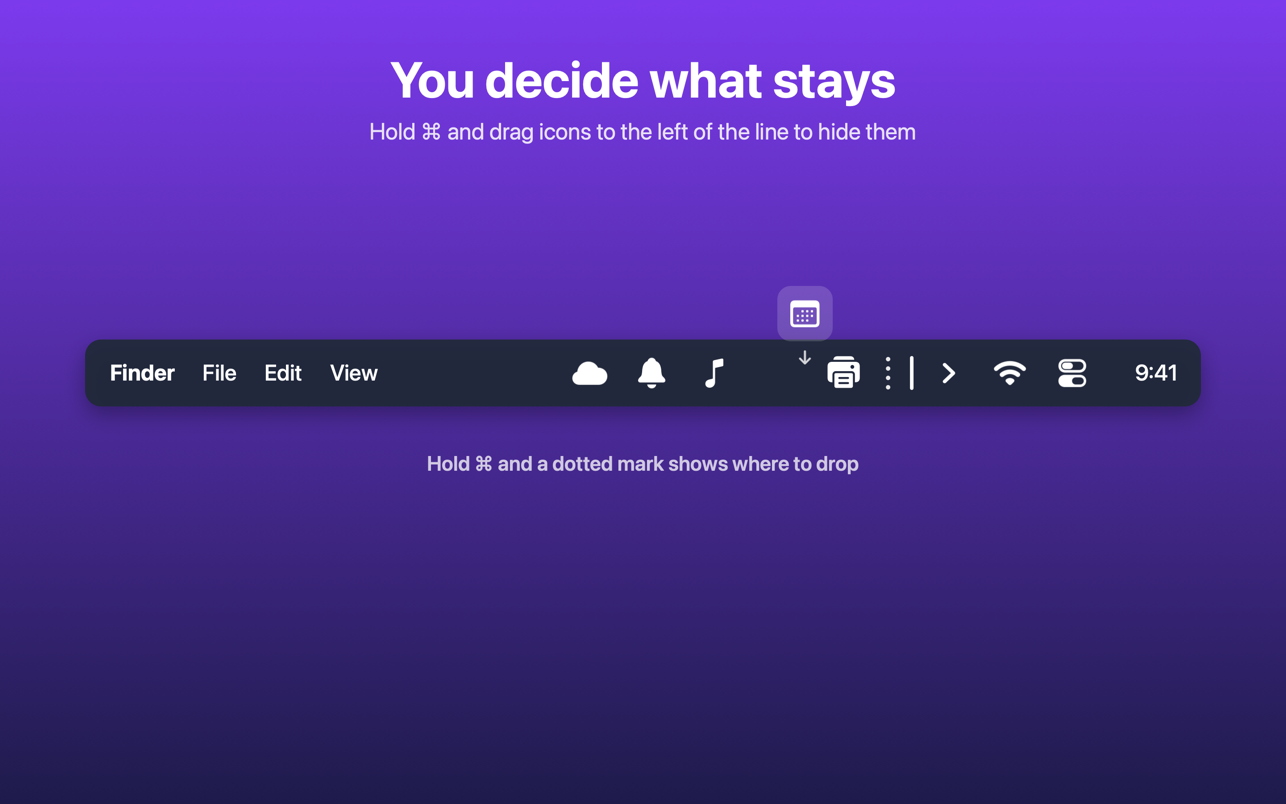
- Hold ⌘ and drag icons to the left of the separator line to hide them
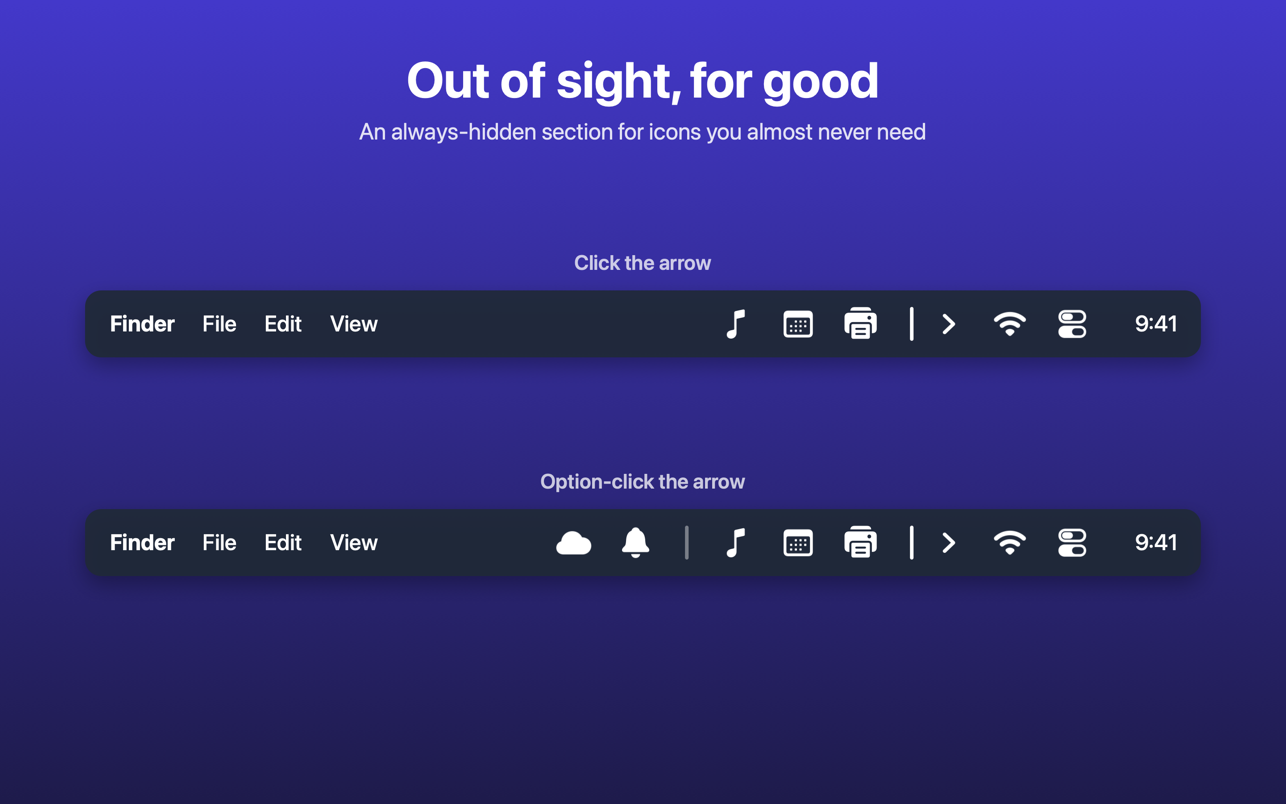
- Click the arrow to show or hide them
- Shown icons tuck themselves away again after a few seconds
- While you hold ⌘, a dotted mark shows exactly where to drop
More control
- Always-hidden section for icons you almost never need. Option-click the arrow to reveal them.
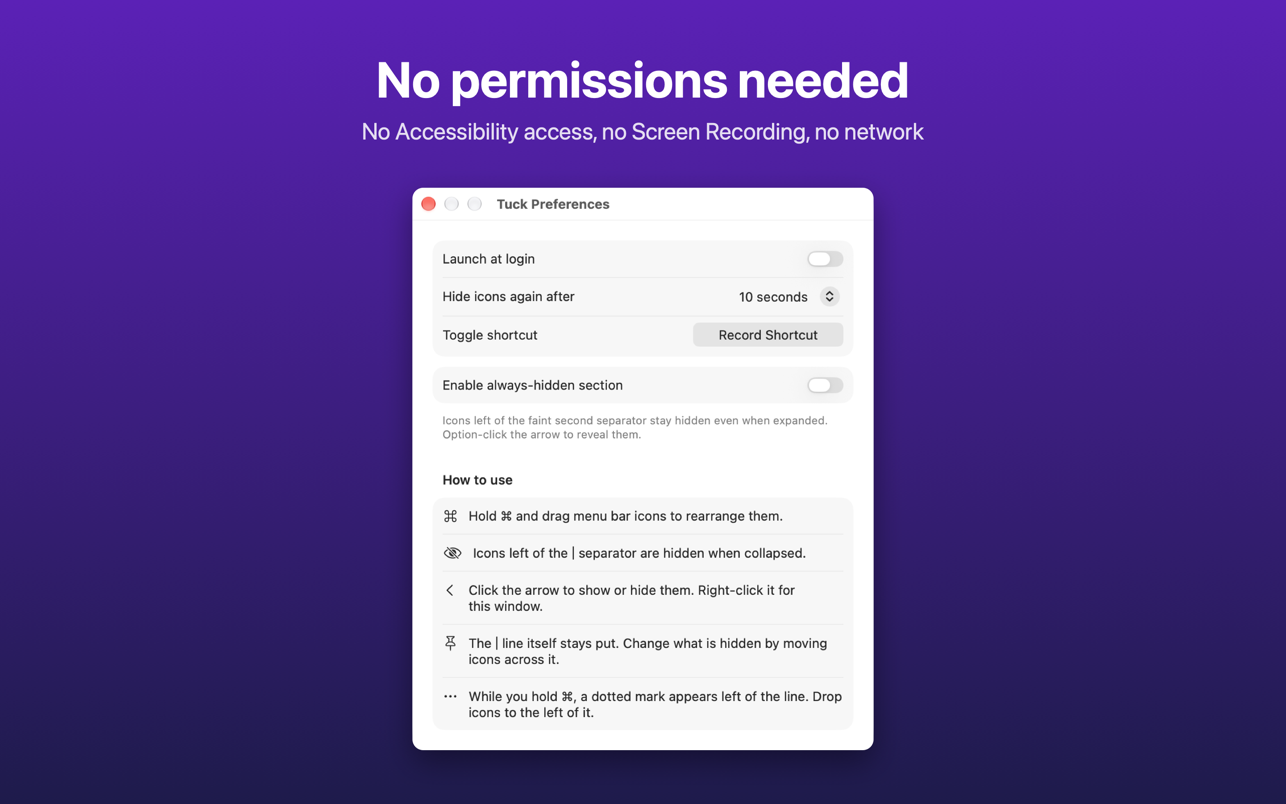
- Global shortcut to show and hide
- Launch at login
- tuck:// links for Shortcuts and other automation tools
Built for macOS 27 macOS 27 redesigned the menu bar, and the trick menu bar organizers relied on for years stopped working. Tuck was written for the new menu bar from the start.
Private by design Tuck needs no special permissions: no Accessibility access and no Screen Recording. It collects no data and never connects to the internet.