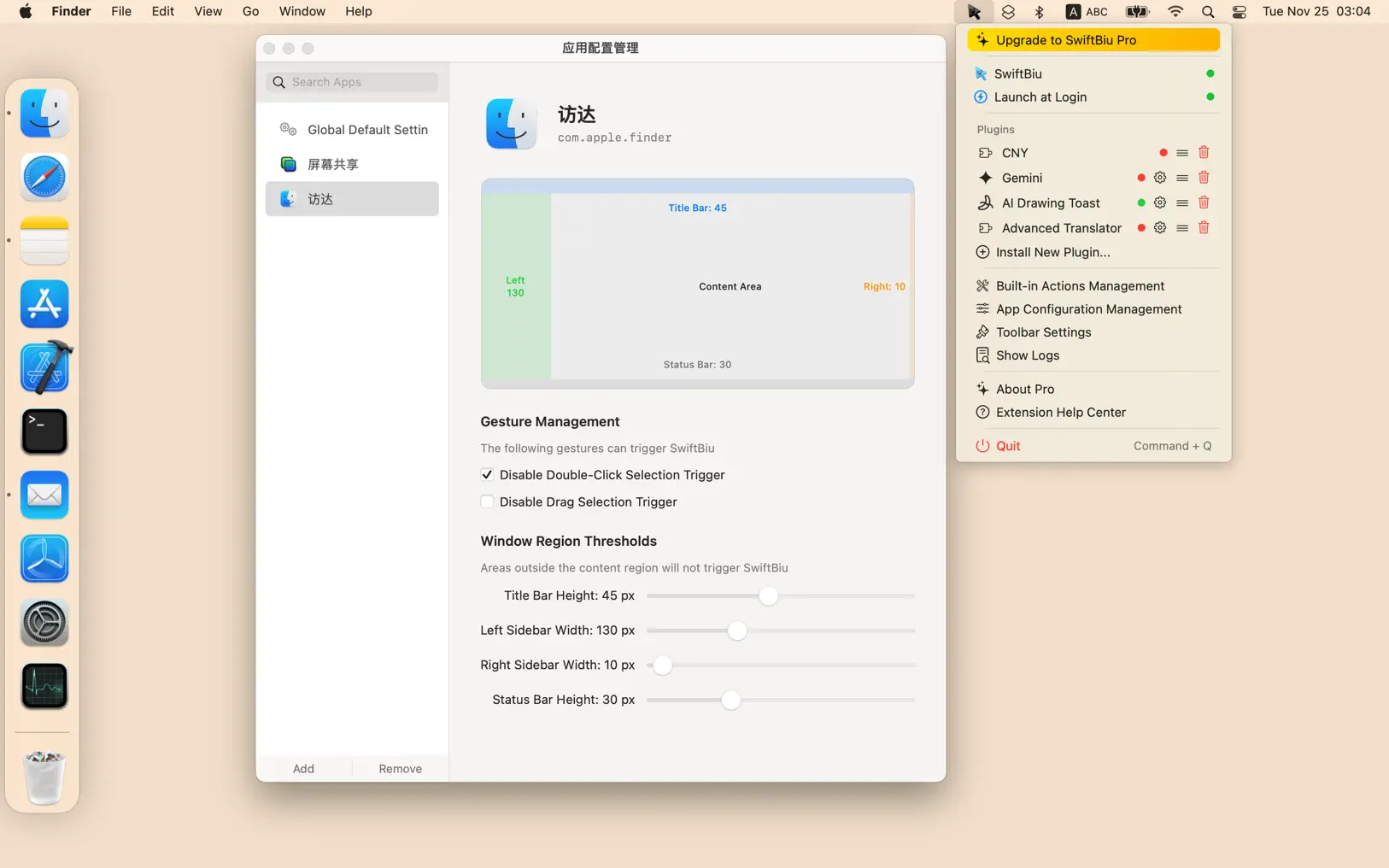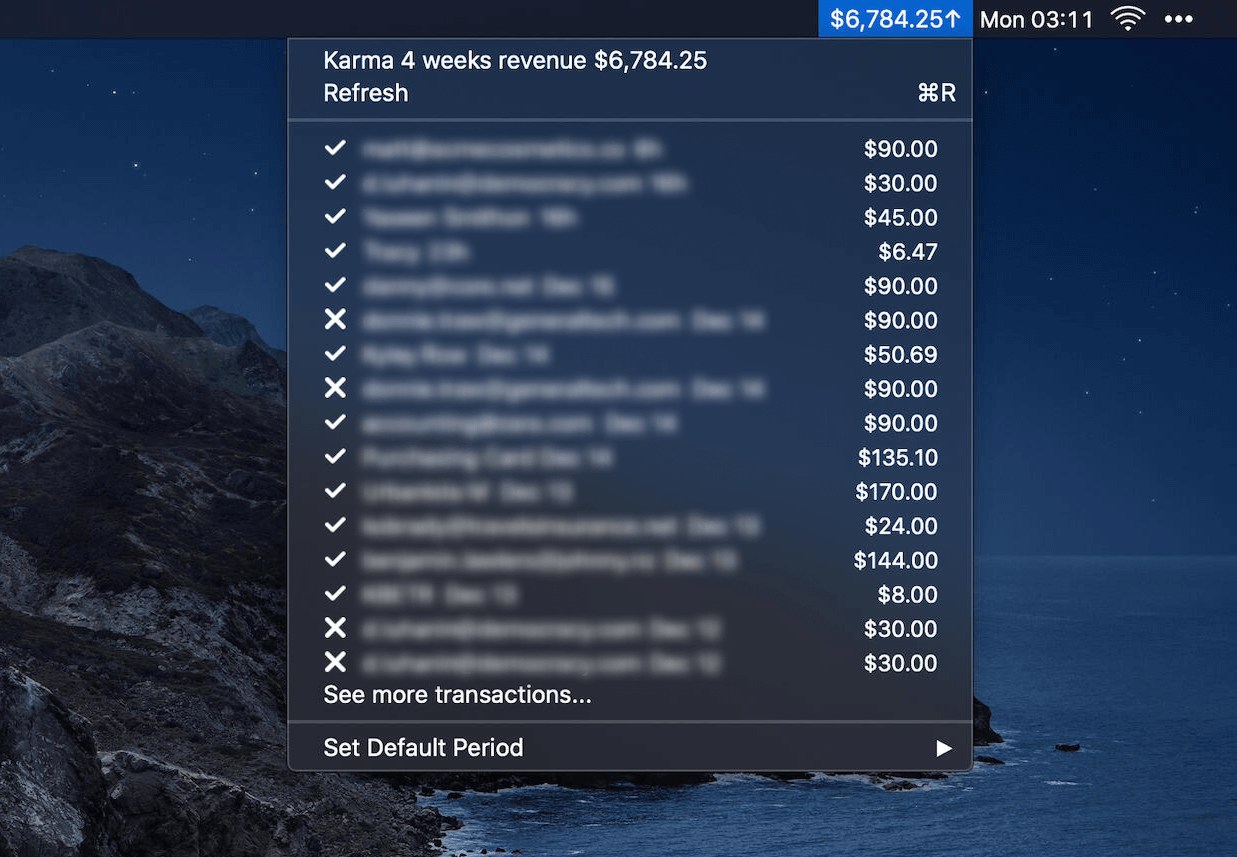
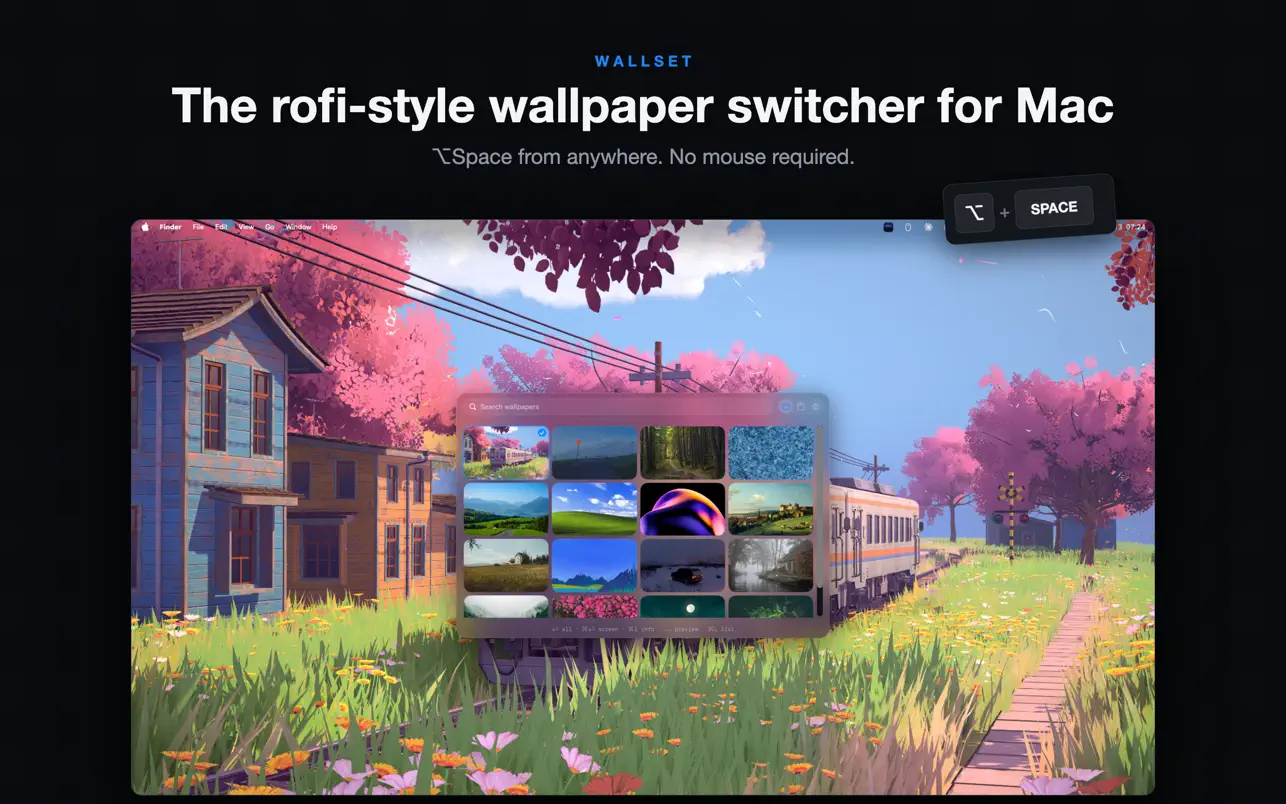
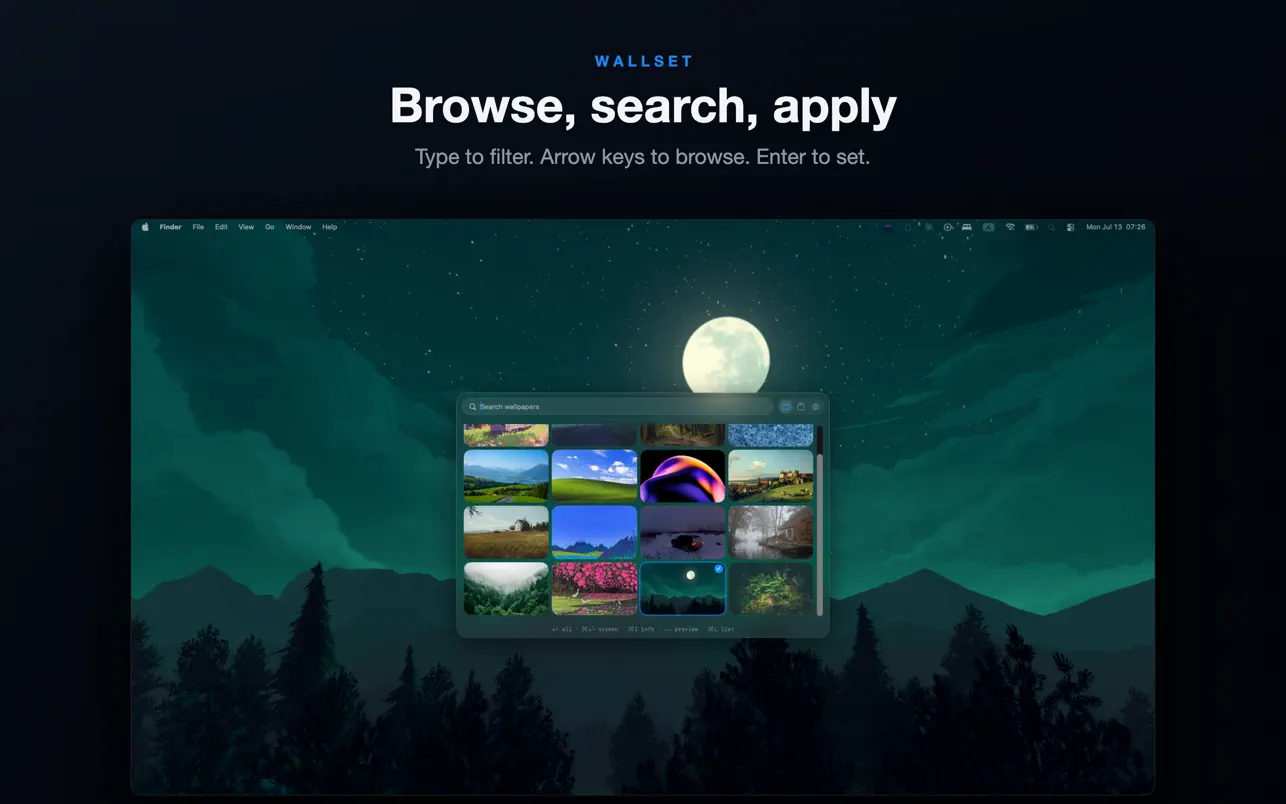
Wallset is a native wallpaper app for macOS that lives in your menu bar. Press ⌥ Space to summon a Rofi-style picker, search your wallpaper library, and switch instantly.
Key Features
- Menu Bar Native — Lives in your menu bar with customizable icon styles (monochrome, full-color, or text-only)
- Instant Hotkey Access — Global hotkey (⌥ Space) summons the wallpaper picker from anywhere
- Keyboard-First — Navigate, search, and switch without touching your mouse
- Local Folders — Point Wallset at any folder of JPG, PNG, HEIC, WebP, or TIFF images
- Four Picker Layouts — Grid, List, Preview List, or Horizontal filmstrip. Cycle with ⌘L
- Full-Size Preview — Press Space to preview any wallpaper at full resolution before applying
- Apply Everywhere — One keystroke sets the wallpaper on every connected display
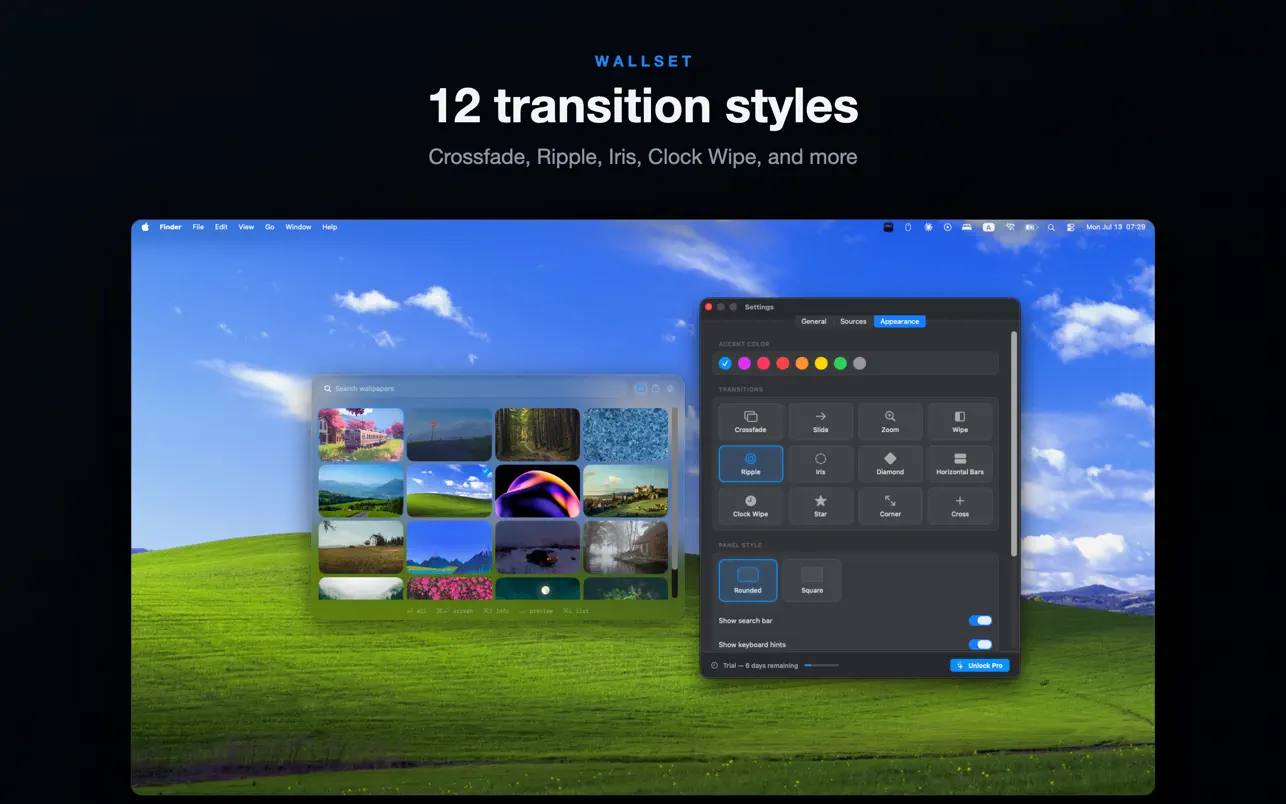
- Crossfade Transition — Smooth 0.4-second crossfade on every manual switch
- Auto-Rotation — Rotate to a random wallpaper on a timer (5 to 120 minutes)
- Shuffle & Quick Actions — Shuffle with ⌘R, restore previous wallpaper, or pause rotation from the menu bar
- Rename & Trash — Manage files directly from the picker
- Wallpaper Info — Filename, dimensions, file size, and date added at a glance with ⌘I
- Launch at Login — Optional automatic startup
Pro Features
- Collections — Group wallpapers into named sets
- 11 Extra Transitions — Slide, Zoom, Wipe, Ripple, Iris, Diamond, and more
- Per-Display Targeting — Hold ⌘ to set wallpaper only on the display under your cursor
- Independent Rotation — Each display gets its own randomly chosen wallpaper
- Online Sources — Browse and download from Wallhaven, Wikimedia Commons, Pixabay, and Unsplash without leaving the app
Pricing
Free to download with a 7-day Pro trial. Pro unlock is a one-time $7.99 purchase — no subscription.