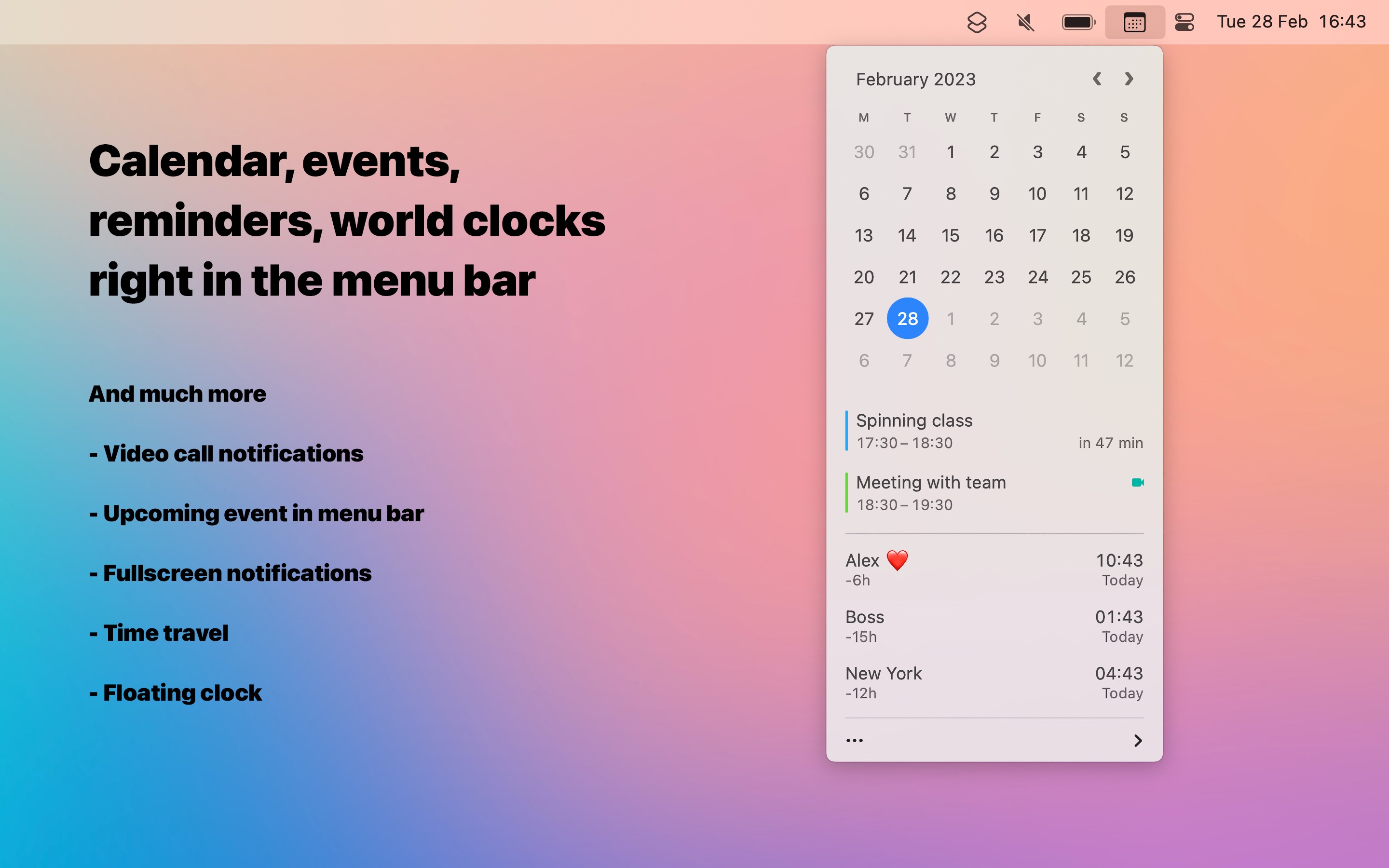
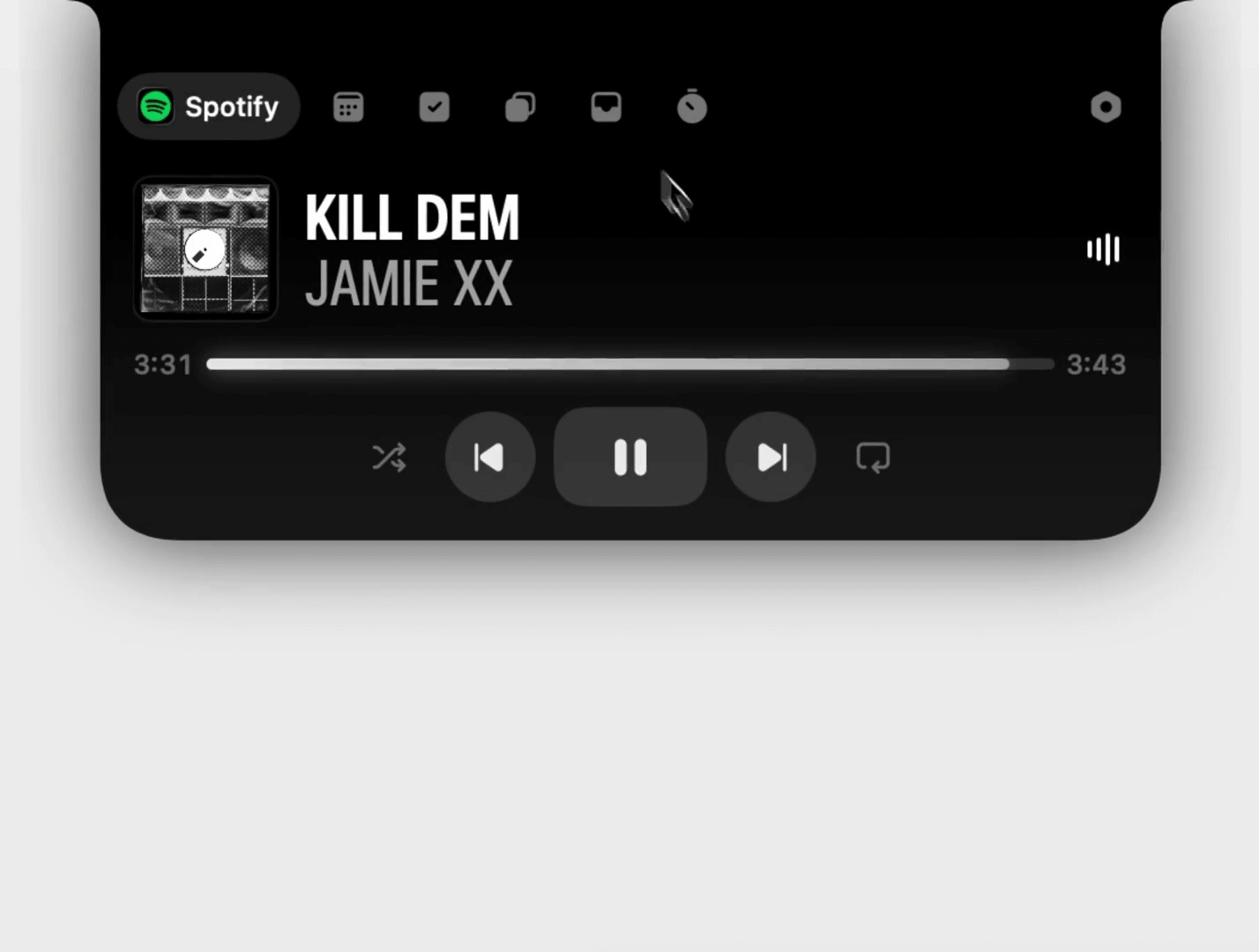
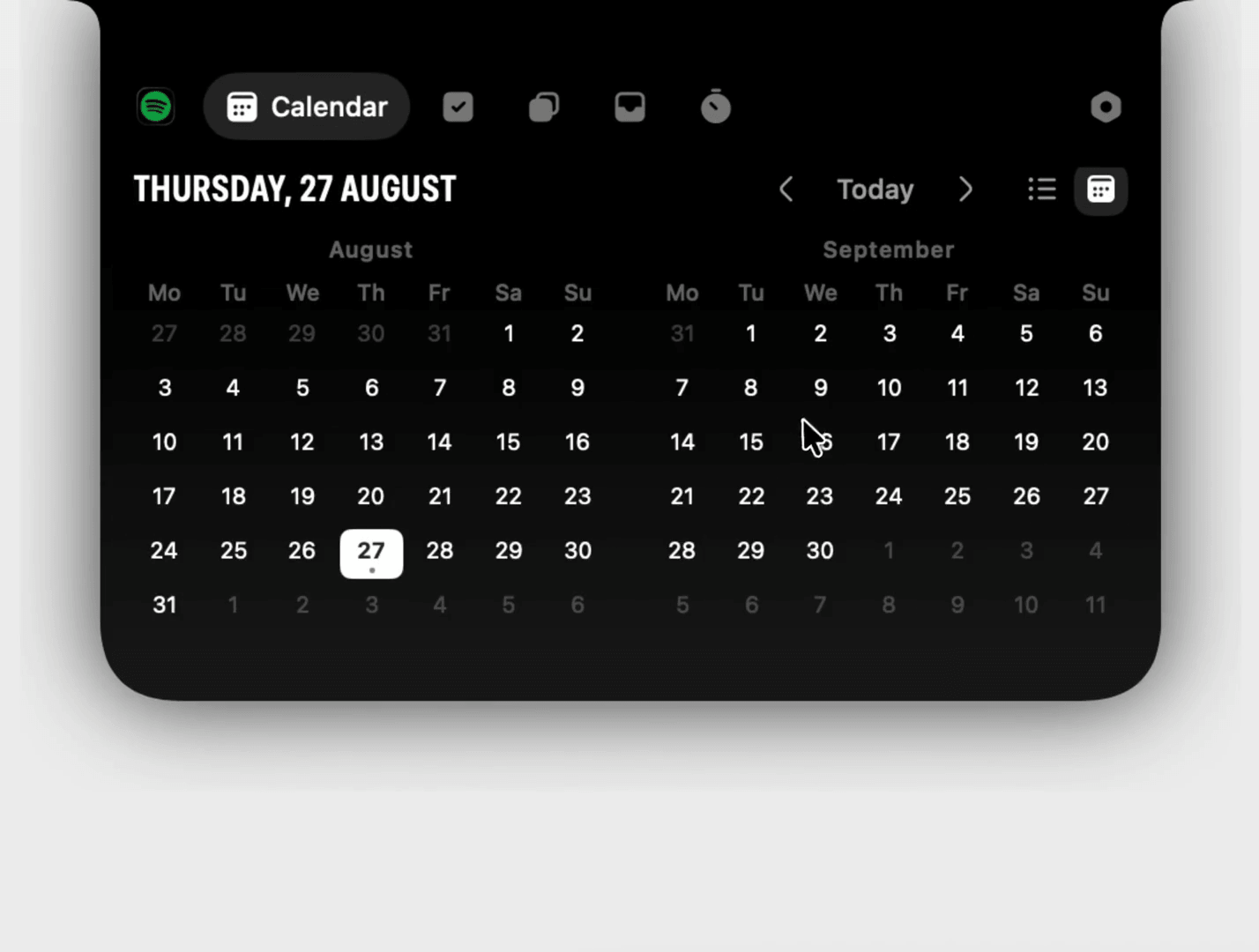
Anclave turns your MacBook notch (or menu bar) into a command center for everything you need at a glance.
Features
- Now Playing — Control Spotify, Apple Music, and browser tabs. Pause, skip, or identify what's playing without switching apps.
- Calendar — See what's next and join meetings directly from the calendar row. Supports Apple Calendar and Google Calendar.
- Tasks — Add and tick off tasks from Reminders and Things without opening anything.
- Clipboard History — Everything you copy, kept and searchable. Filter by app and paste what you copied hours ago. Passwords stay hidden.
- The Shelf — Park files at the notch while deciding where they belong. Drag them back out later or AirDrop them onward.
- Screenshots — Every screenshot lands at the notch, ready to drag into a chat. No more digging through the desktop.
- Notifications — Brief alerts for new tracks, stretch reminders, update notifications, and more.
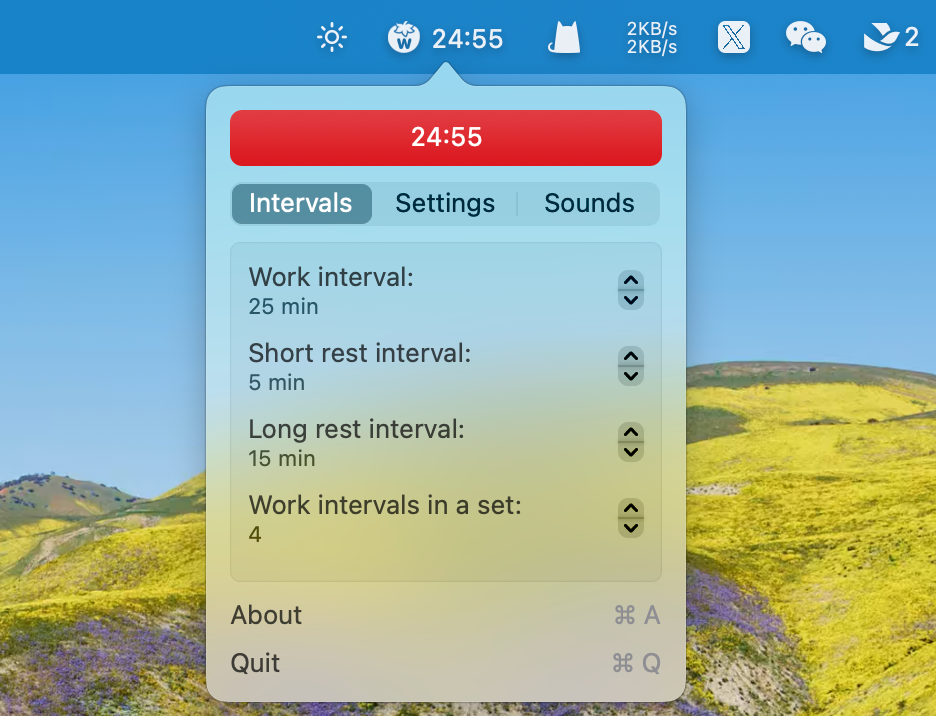
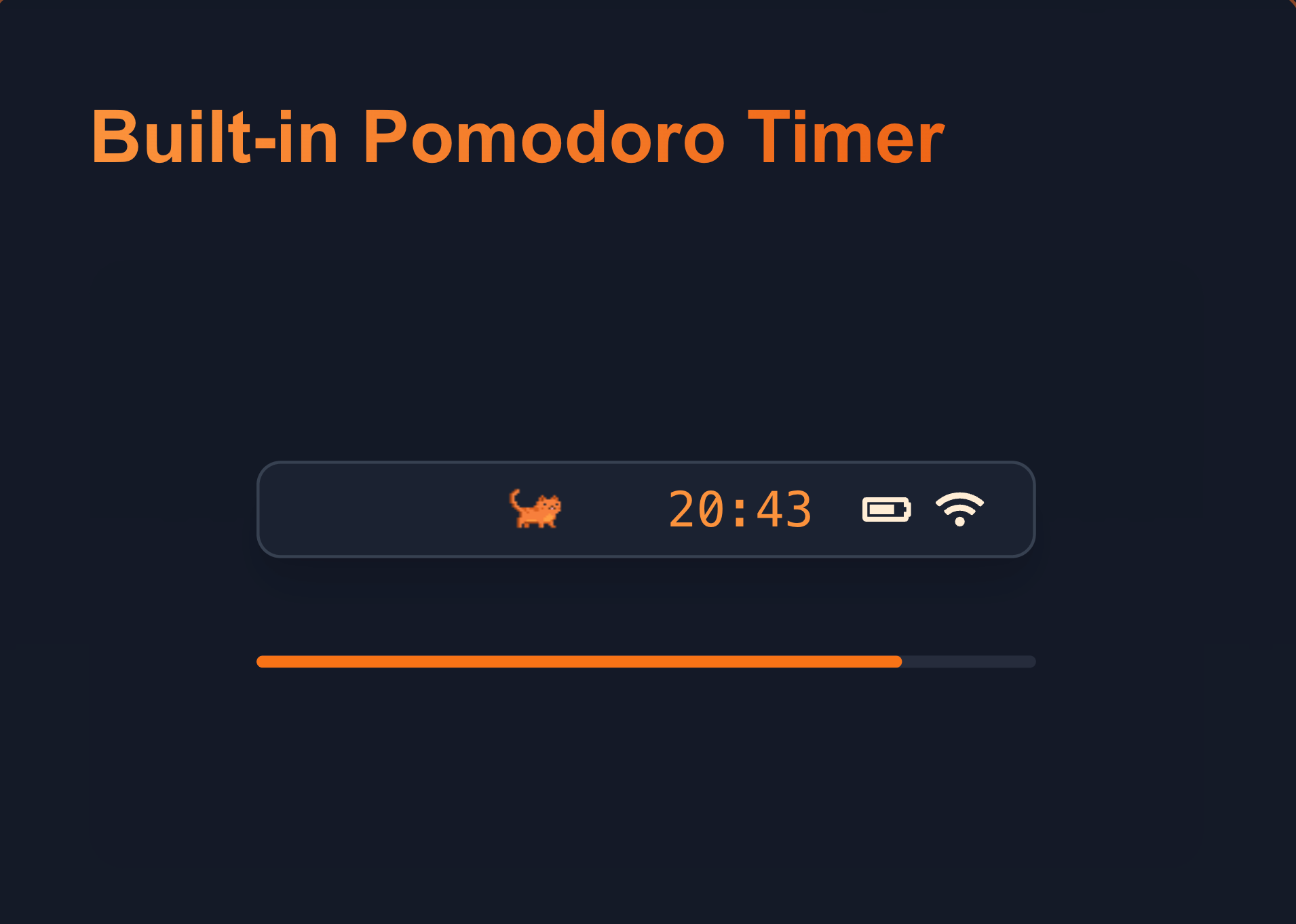
- Pomodoro — Work in focused rounds with a timer that sits at the edge of your vision, no window needed.
- Activity — Track where your hours went by app and quarter hour. Get nudges to stand up before your back complains.
- Coding Agents — Integration with Claude Code and Codex.
Privacy
No account, no server, no analytics. Your music, meetings, and clipboard stay on your Mac. The only network calls are for update checks and the calendars you sign into.
Pricing
Free for 6 days. After that, the player keeps working and the rest opens with a license: €15 one-time payment, good for 3 Macs. Not a subscription.
Requirements
Apple silicon Macs running macOS 14 (Sonoma) or later. The download is 8 MB.
Display Support
Works with or without a notch — on screens without a notch, the panel floats under the menu bar. Supports multiple displays: choose the built-in screen, the main display, or whichever is under your pointer. Can be tucked away while full-screen apps are in front.