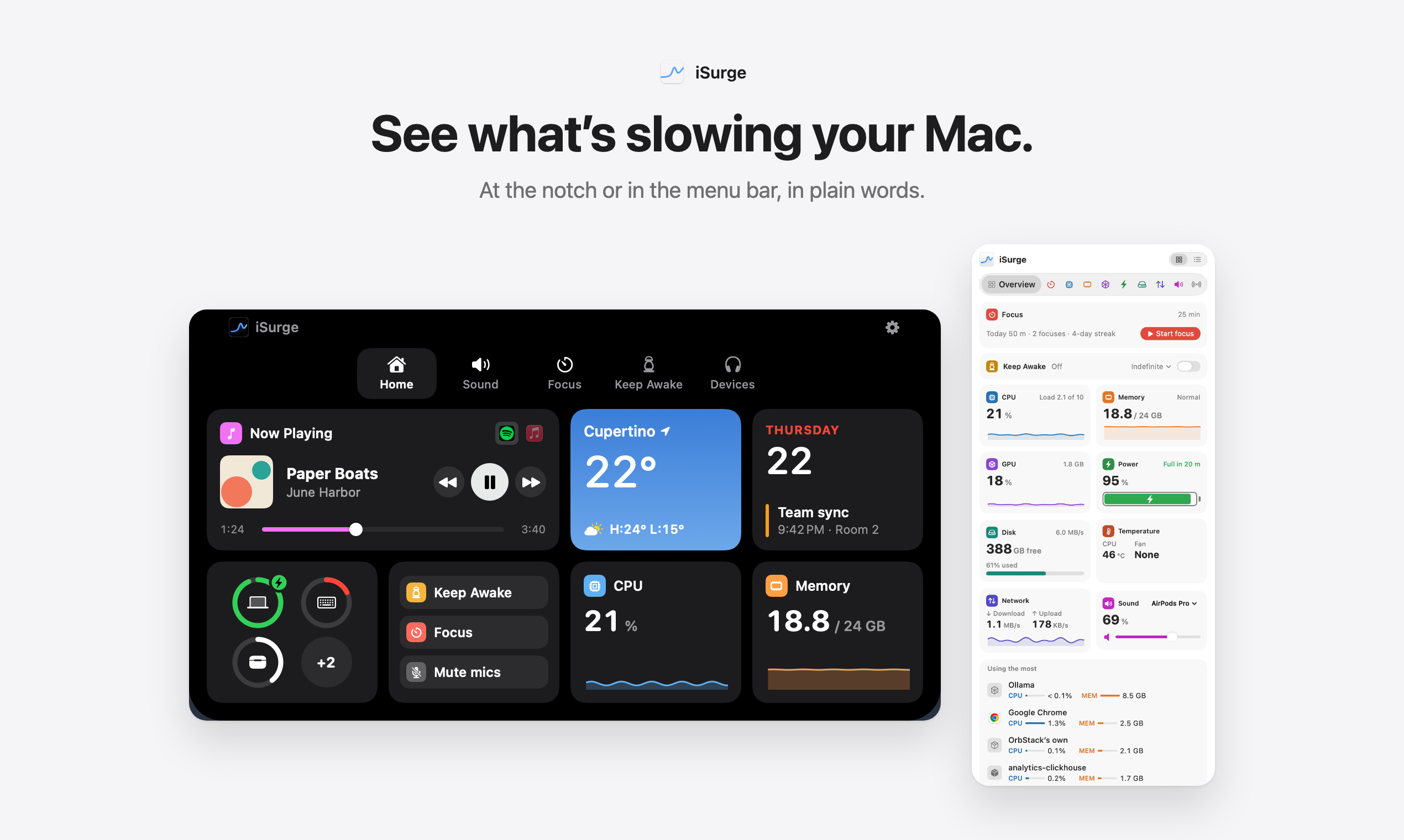
iSurge
The ultimate system monitor for iSurge Mac
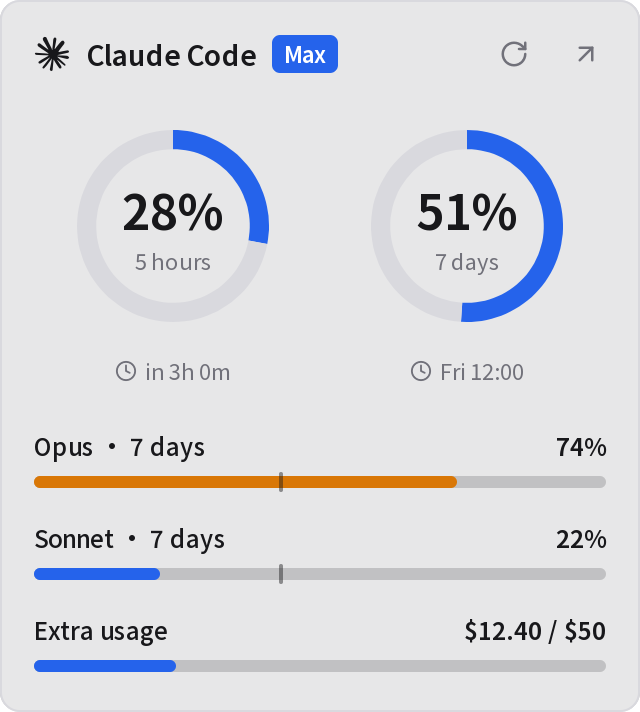
Metrix.Bar
Native menu bar dashboards for the metrics you keep checking.
Split
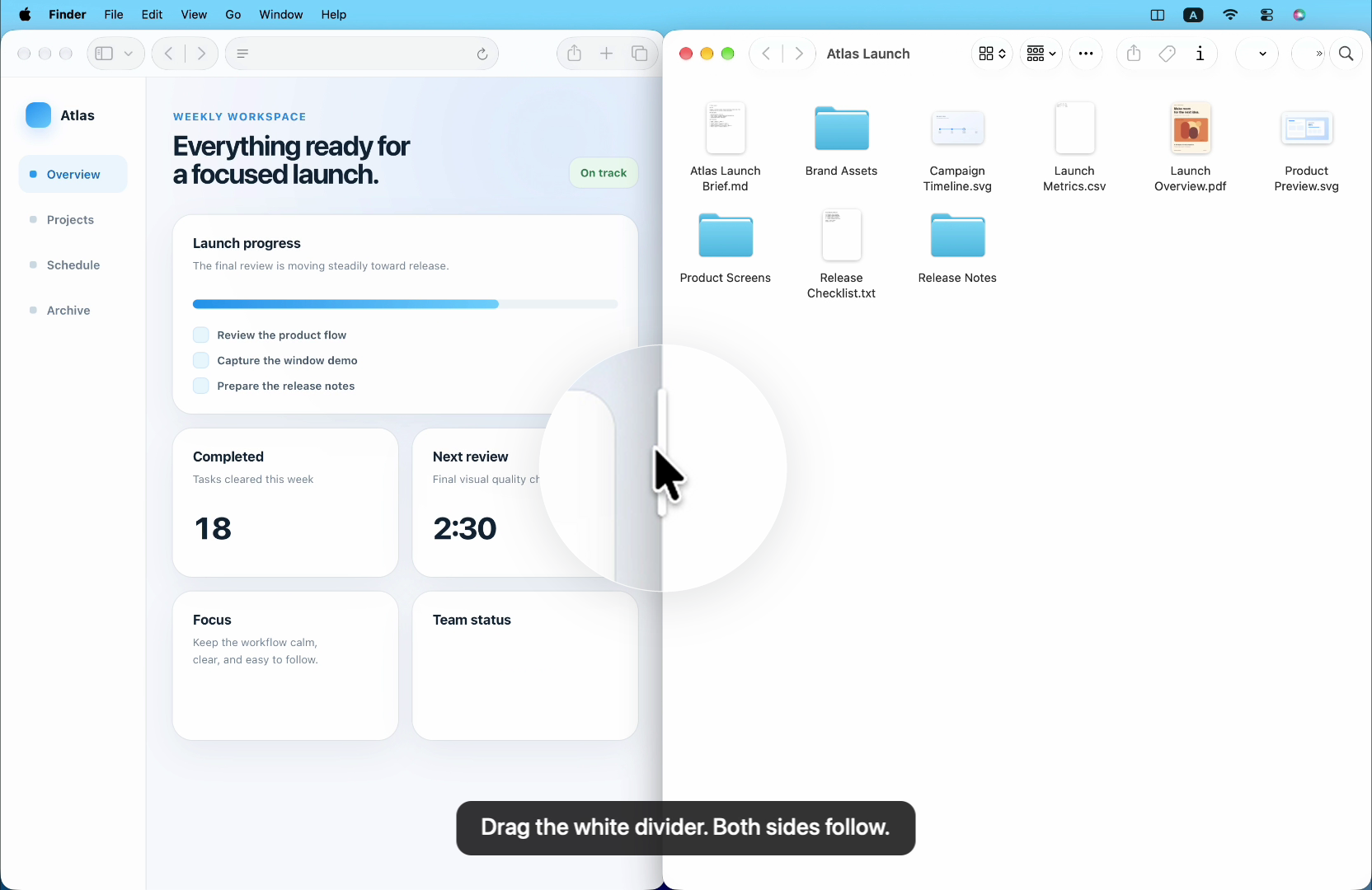
Pair two Mac windows and drag one divider to resize both
EdgeBar
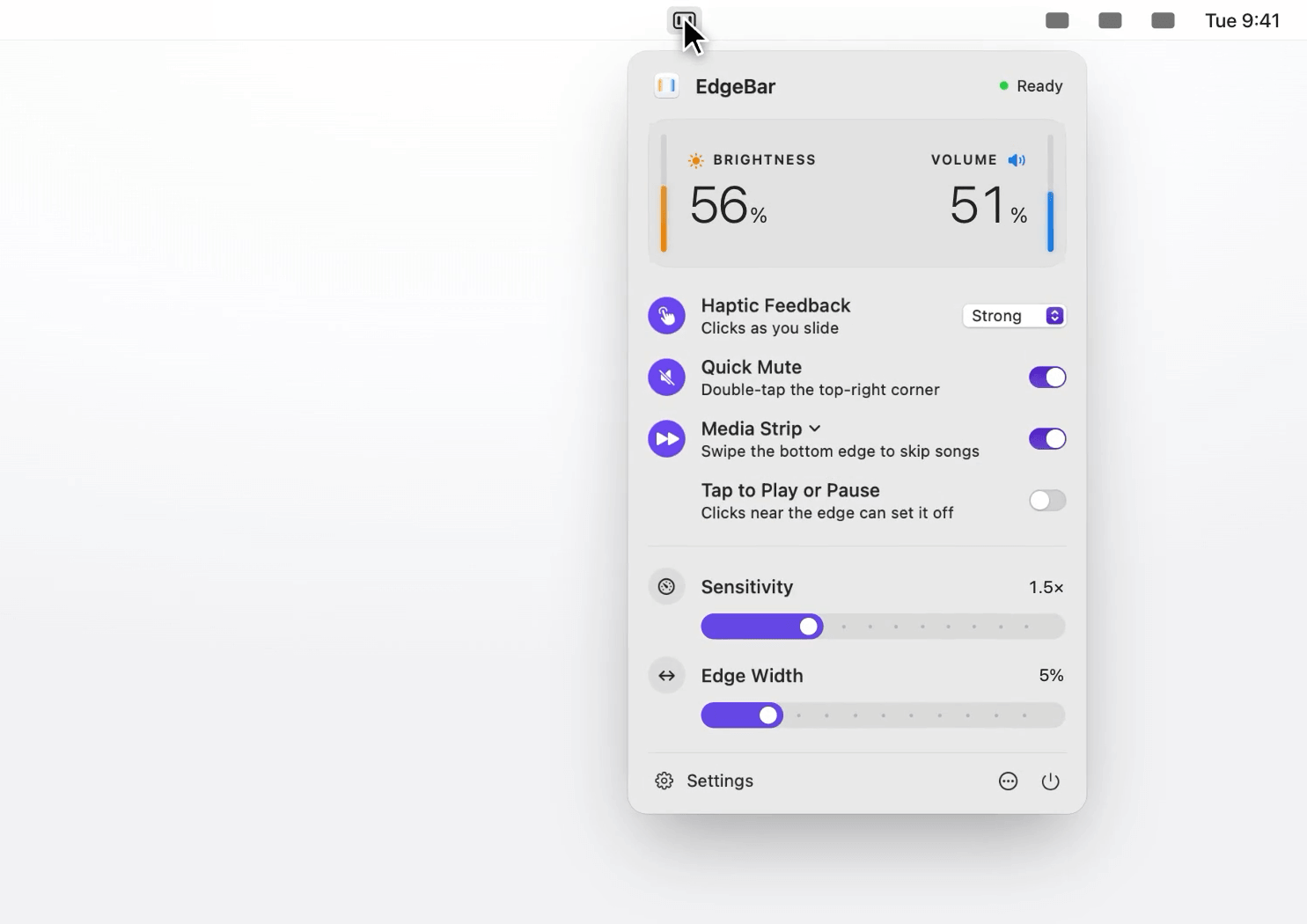
Turn your MacBook trackpad edges into volume and brightness controls
Keep Mac Awake
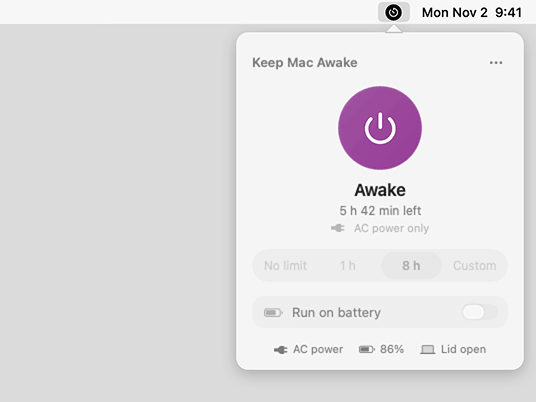
Keeps a MacBook awake with the lid closed, no external display needed, for a session you start from the menu bar.
Status trio
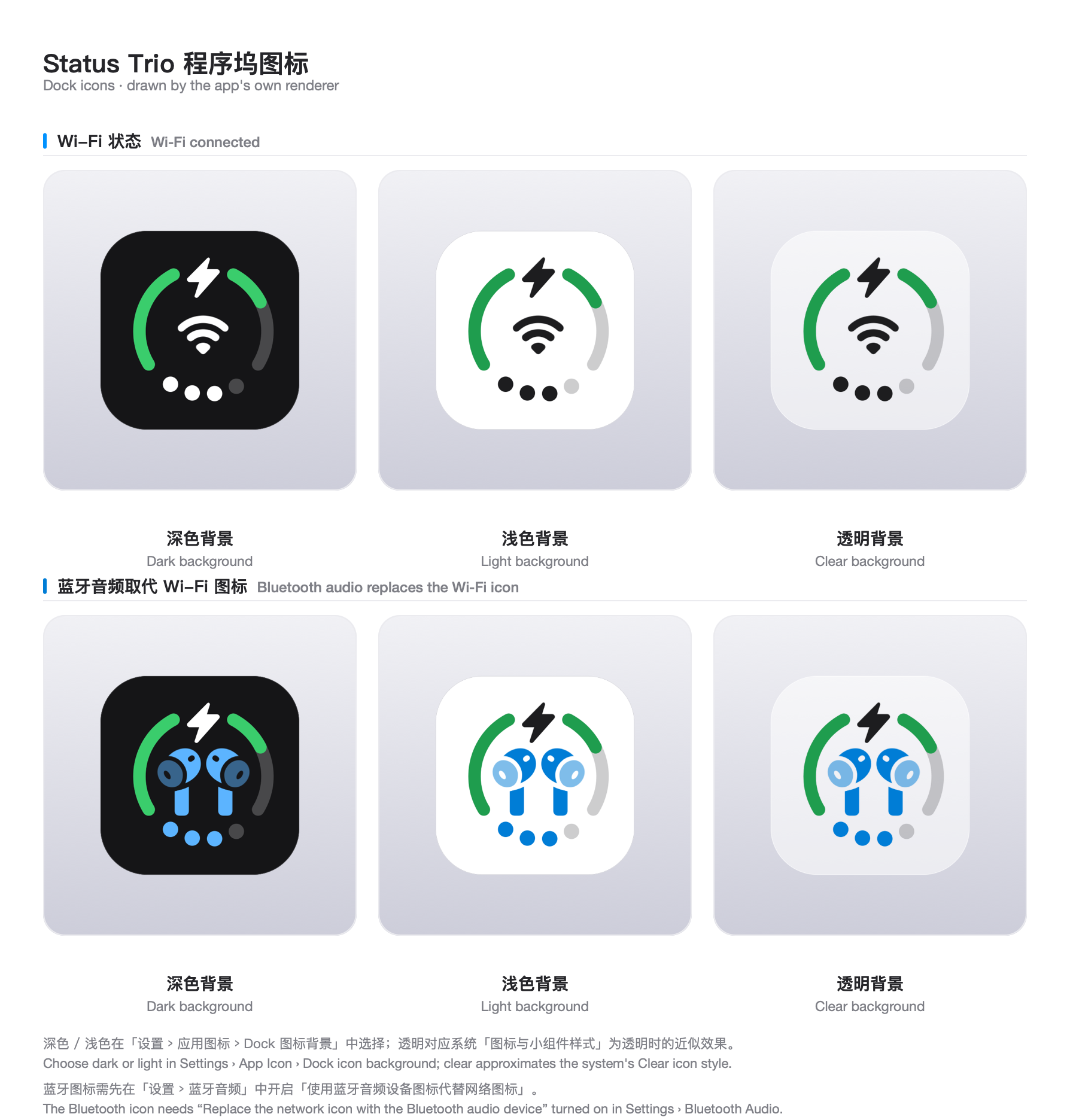
Three system signals. One native macOS status icon — in your menu bar or the Dock.
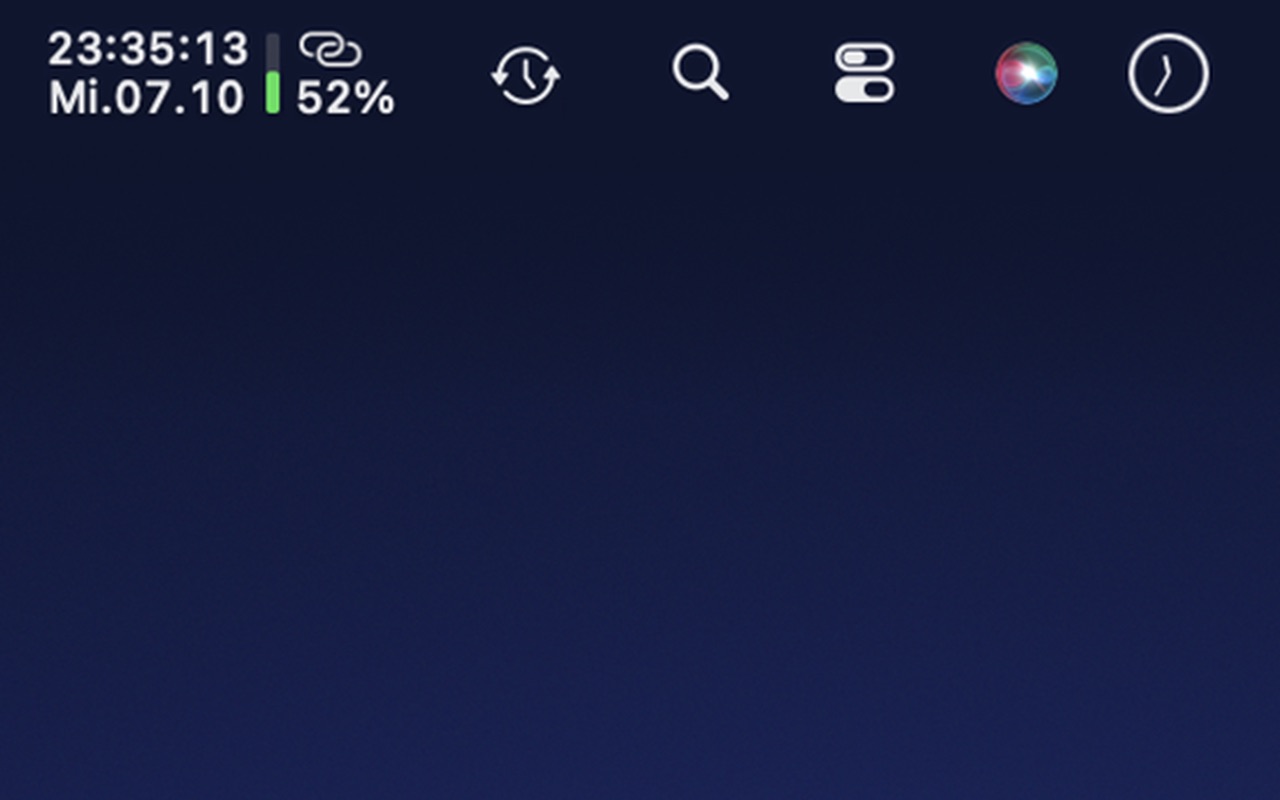
ClockStack: Menu Bar Clock
Time, date, battery bar and Wi-Fi dots in one small menu bar item.
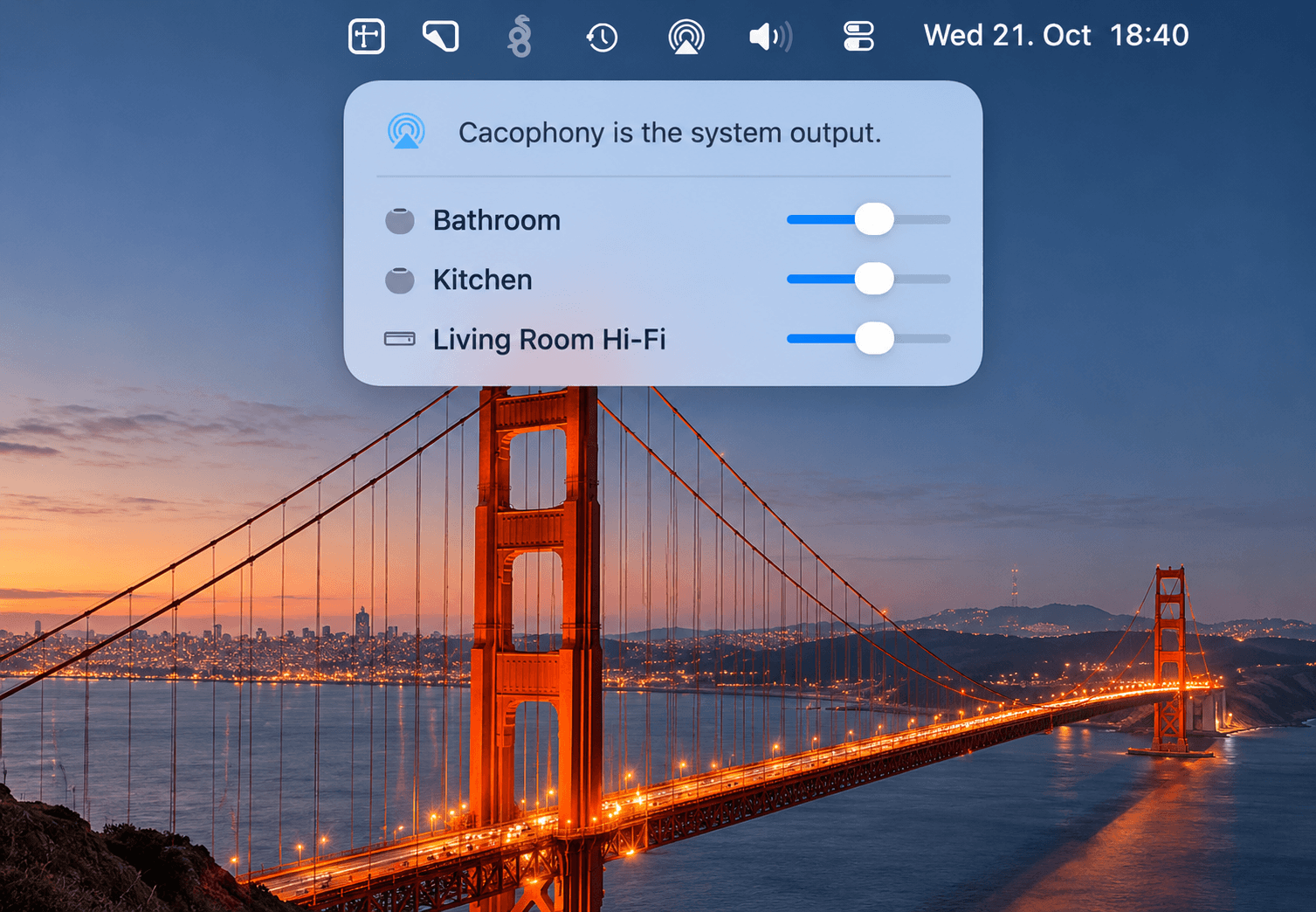
Cacophony
Stream your Mac's audio to multiple AirPlay 2 speakers in sync
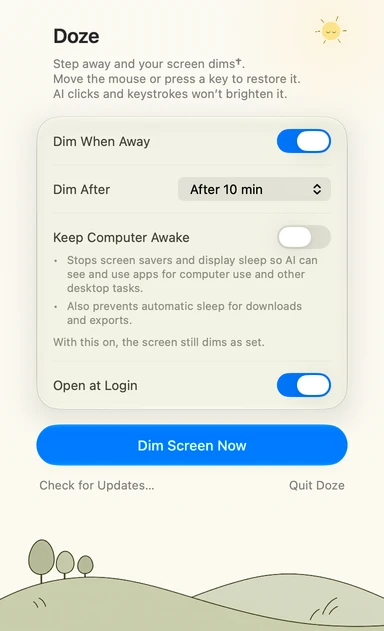
Doze
A menu bar screen dimmer for Mac
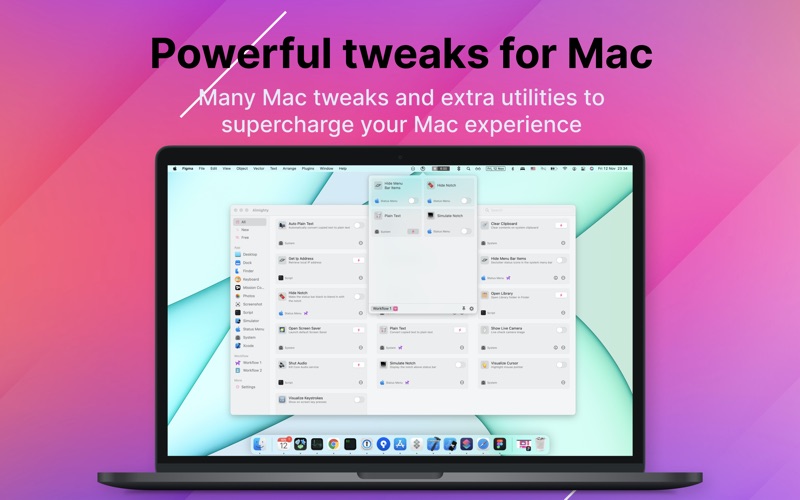
Almighty
Powerful configurations and tweaks for your Mac menu bar
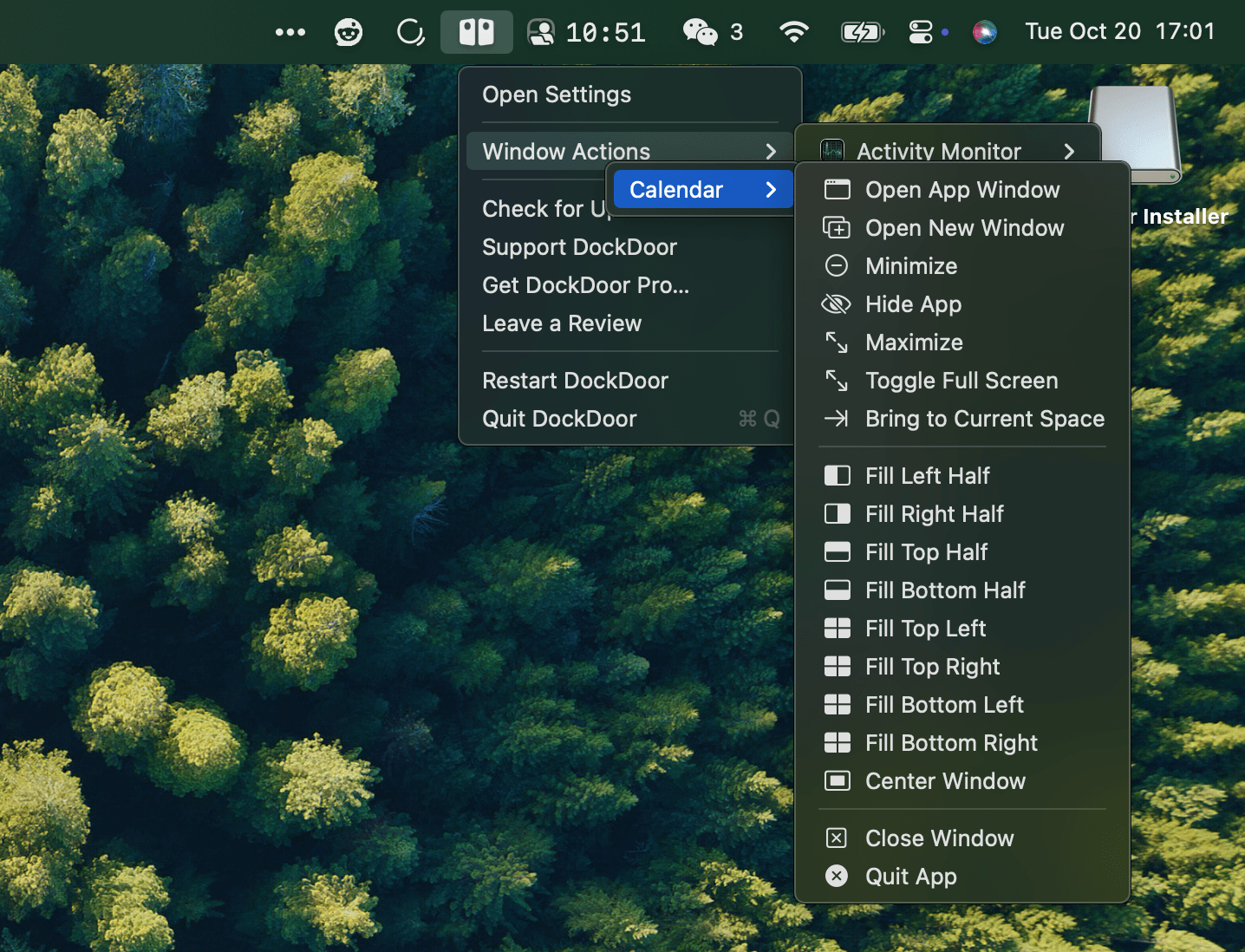
DockDoor
Window previews, Alt+Tab switching and other enhancements for the macOS Dock
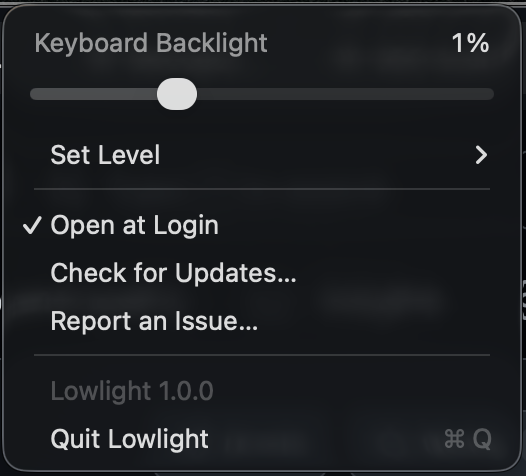
Lowlight
Dim your MacBook keyboard backlight below the lowest setting macOS allows
Trill
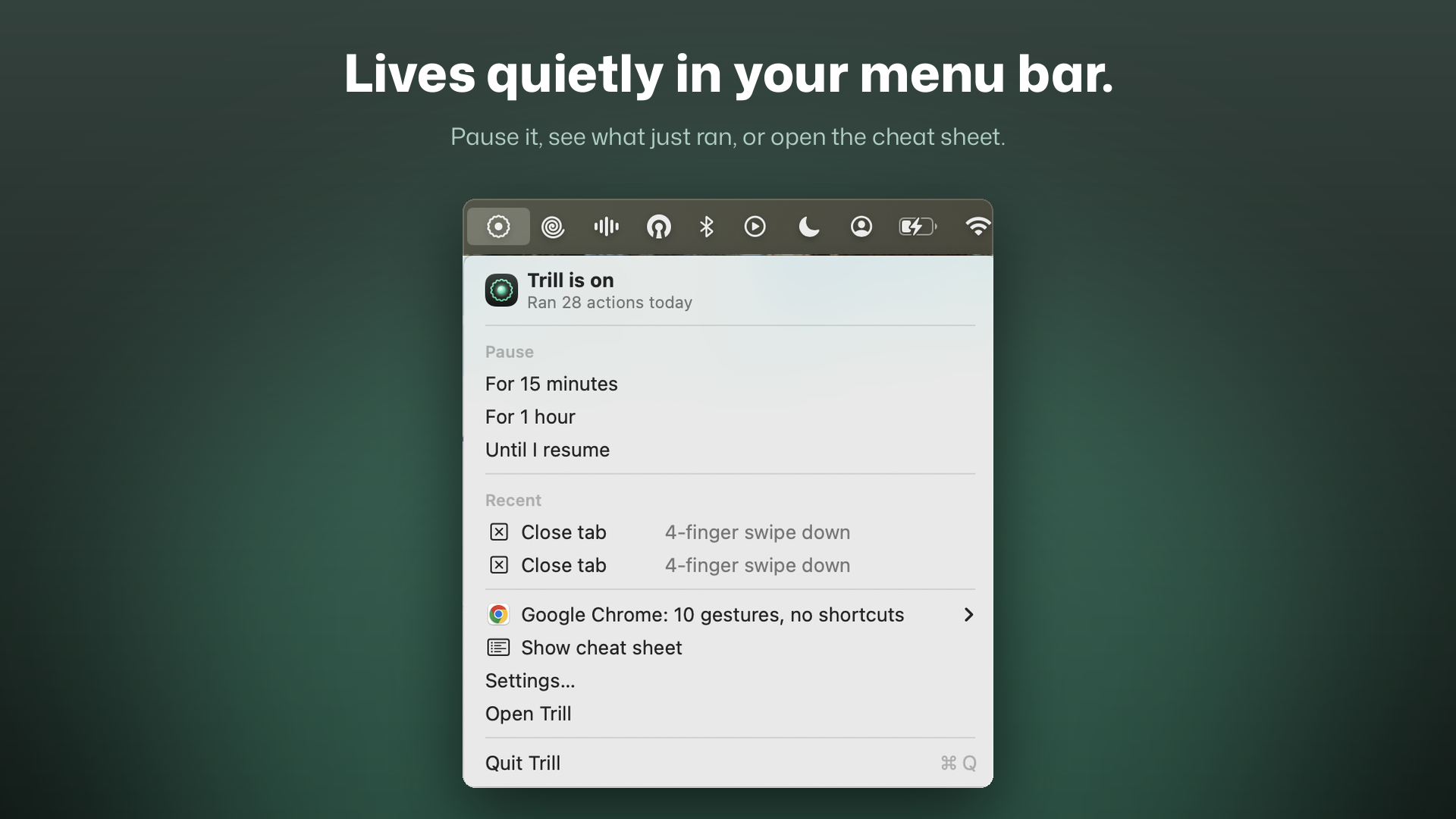
Trill makes your Mac's trackpad do more, and taps back when it does.
ClearBar
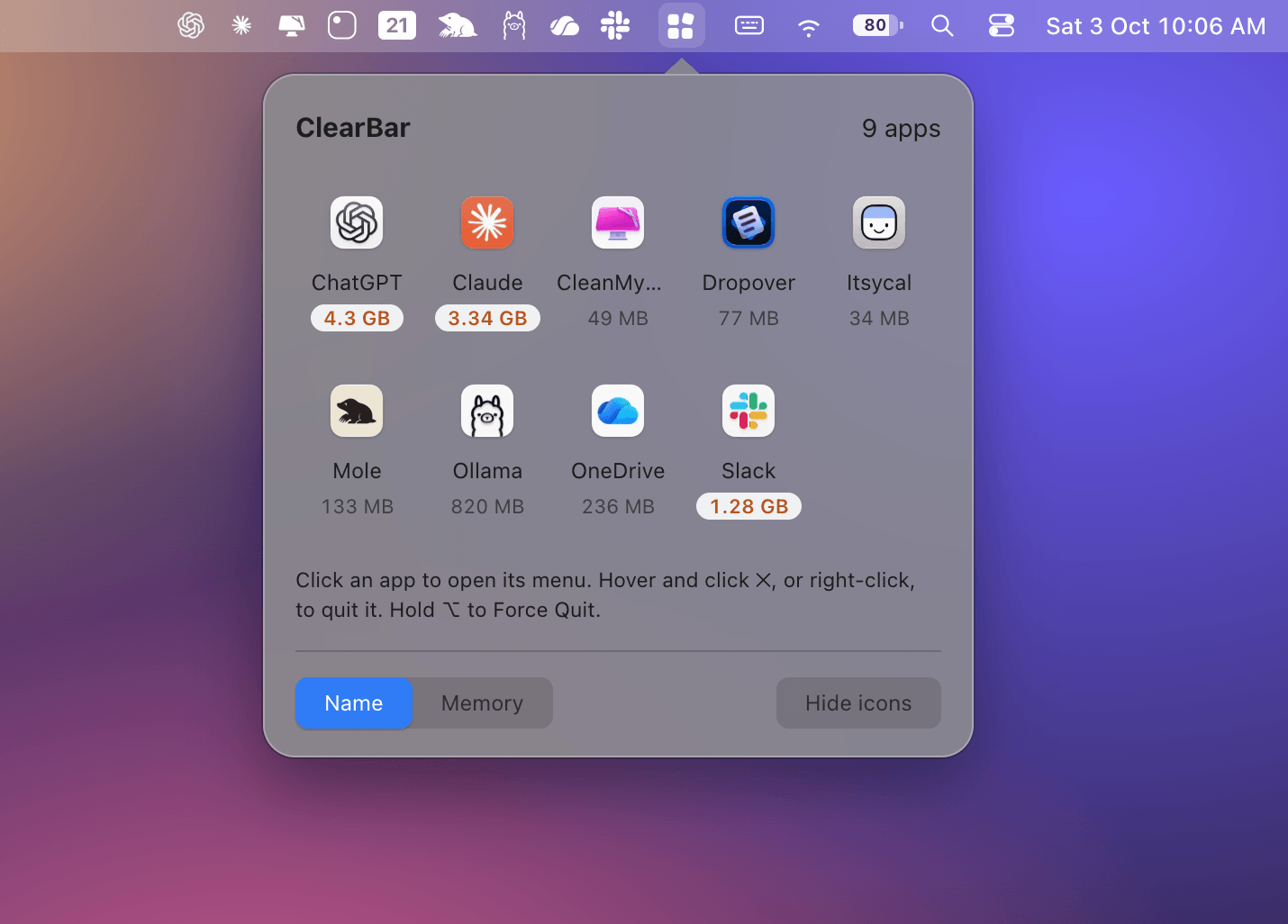
Hide menu bar clutter and keep every app one click away
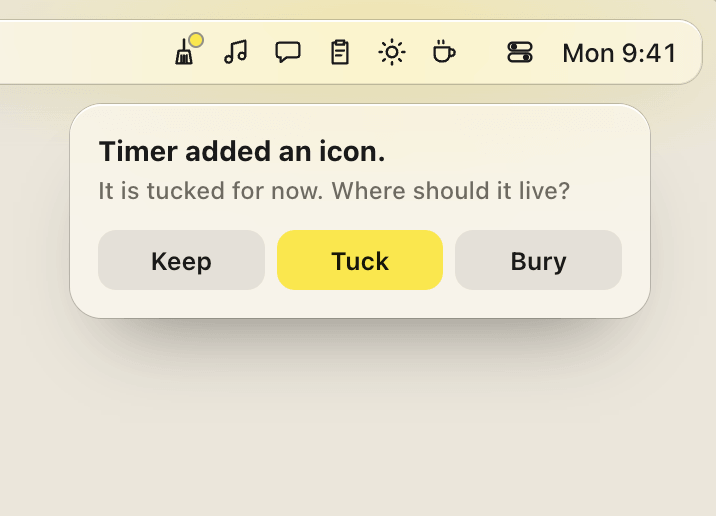

Tiidy
A menu bar manager for macOS. Hide menu bar icons, keep apps tidy, and let rarely used apps nap.
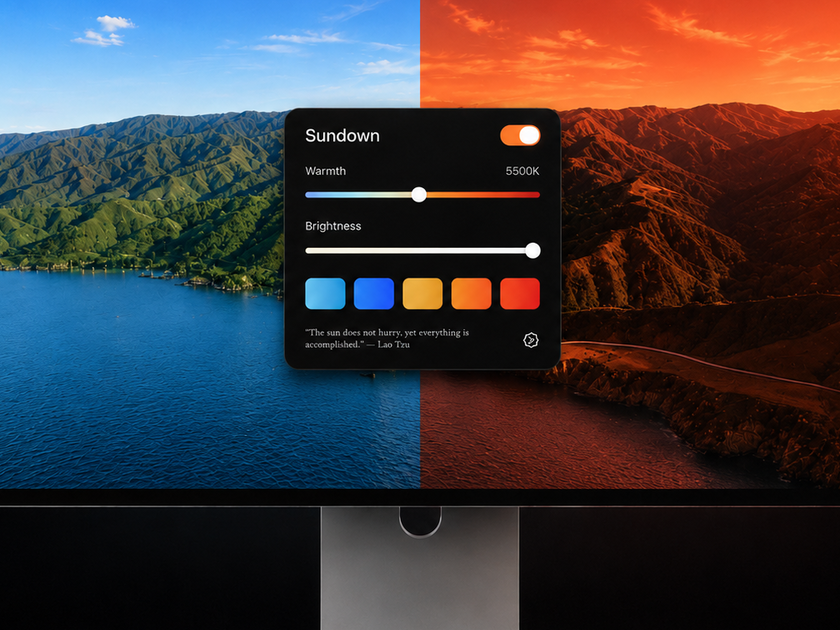
Sundown
A menu bar panel that warms and dims your Mac's display, by hand or on a schedule.
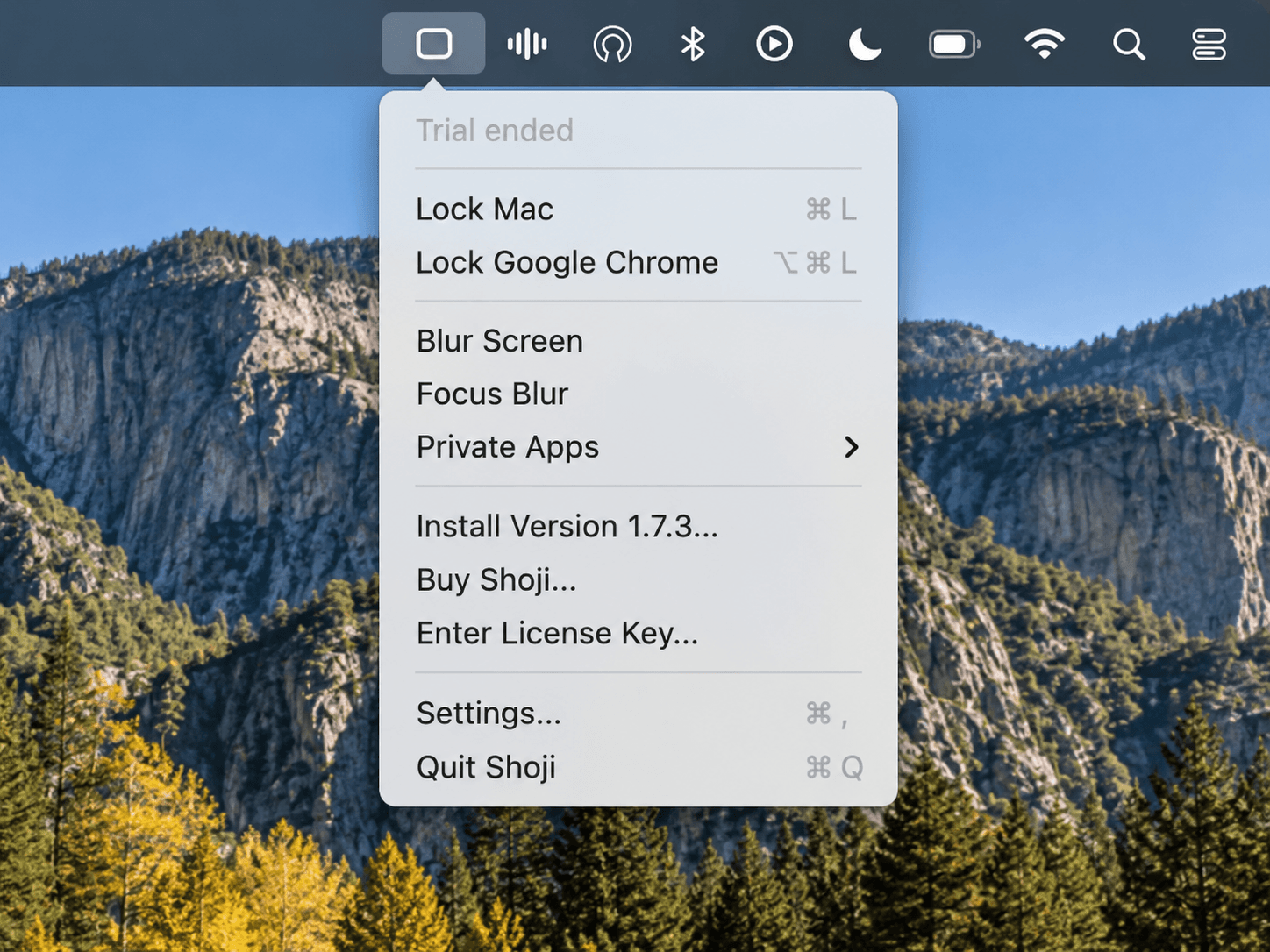
Shoji
Shoji is a privacy screen for the Mac, and it lives entirely in the menu bar.
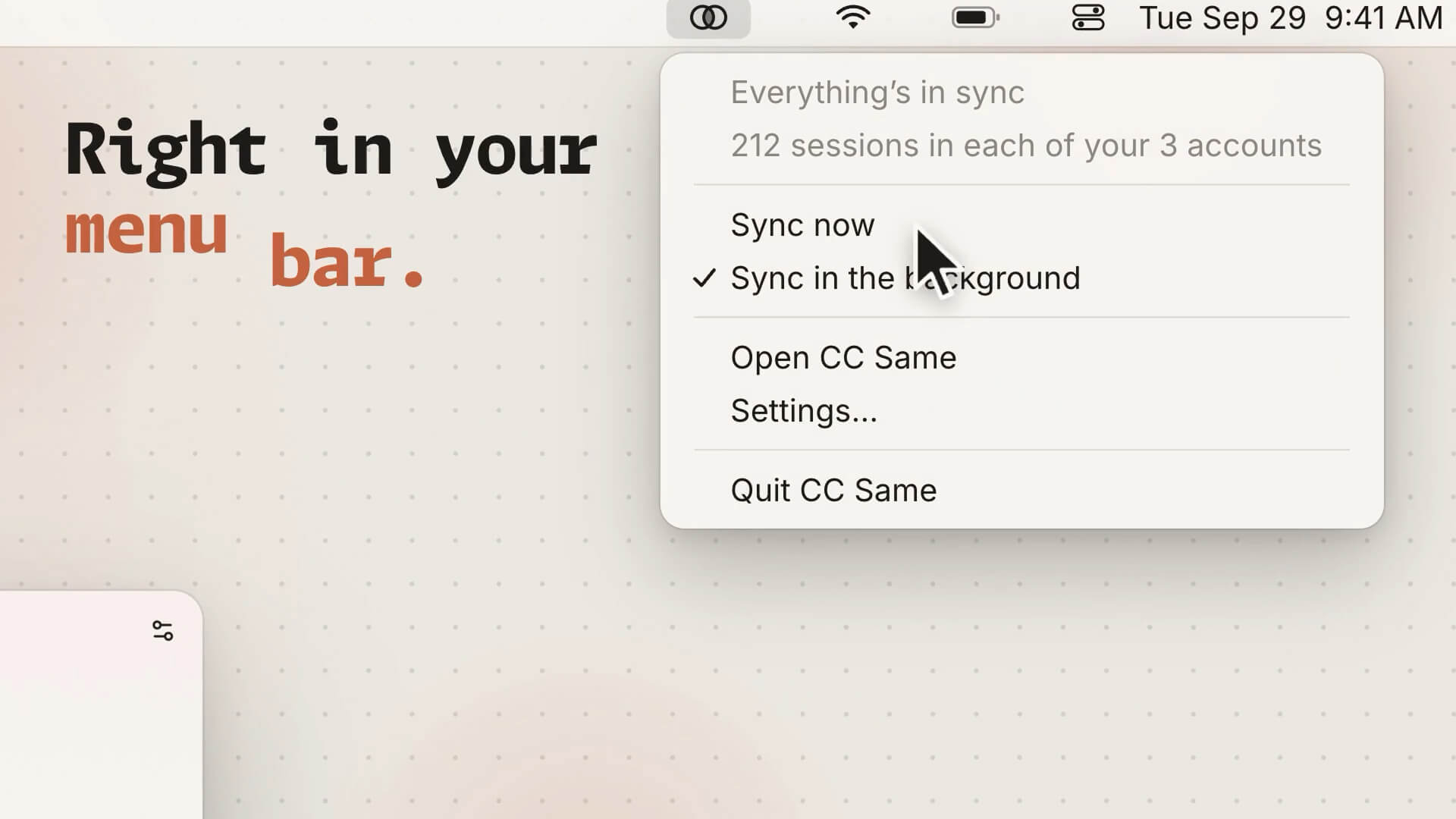
CC Same
Keep Claude Desktop's local sessions identical across all your accounts.
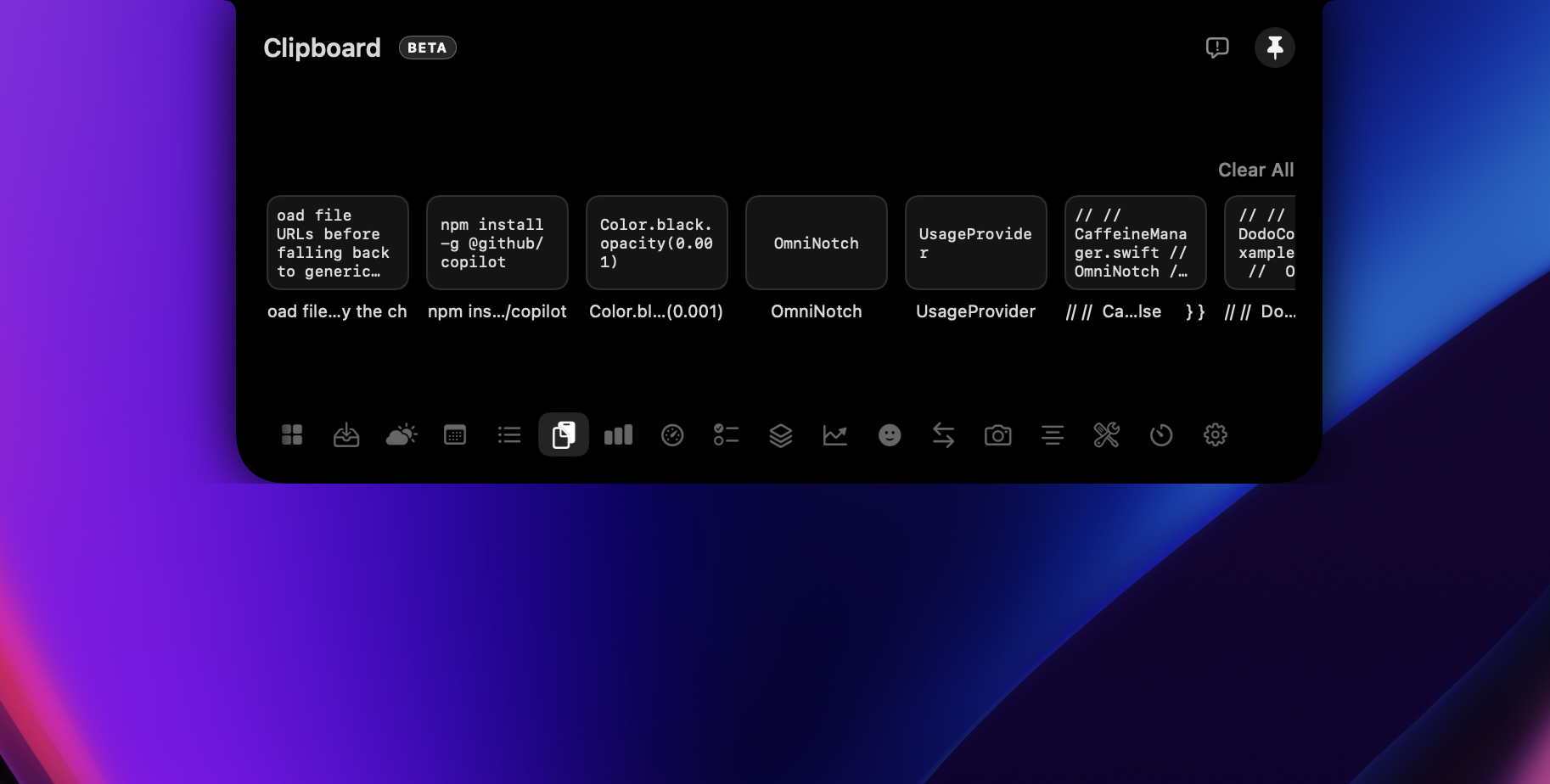
OmniNotch
The Mac notch app that turns your MacBook notch into a workspace — twenty tools in one hover.
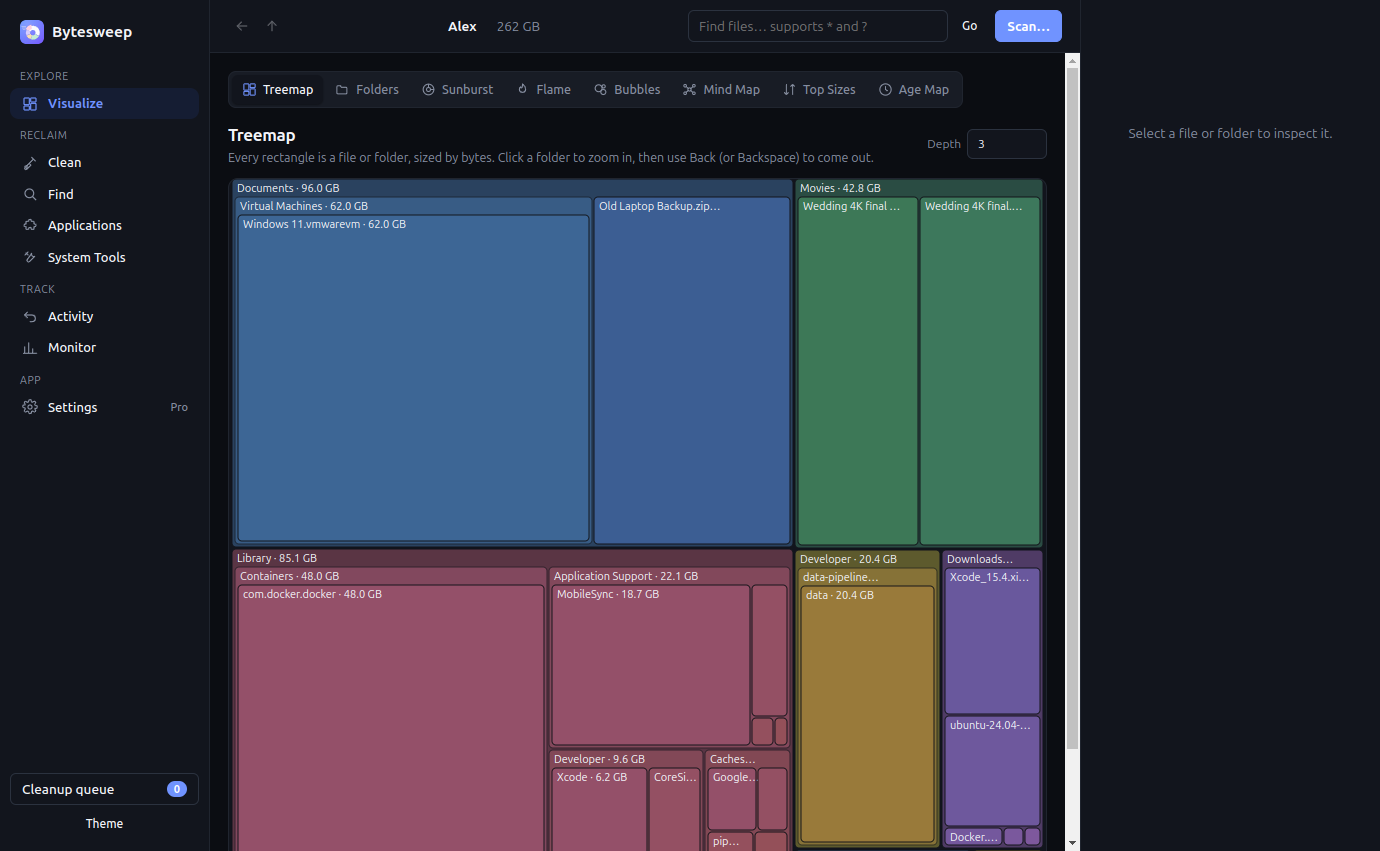
Bytesweep
A Mac cleaner that shows exactly what is eating your storage and warns you before deleting anything irreversible.
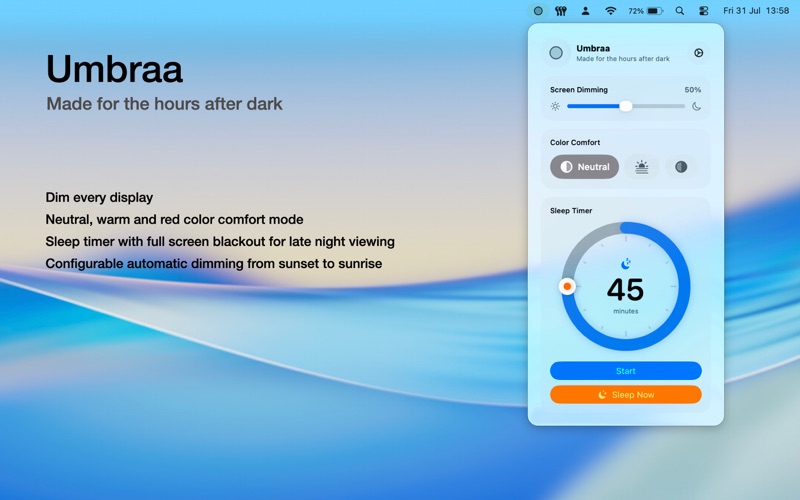
Umbraa
Screen dimmer that lives in your menu bar for comfortable nighttime Mac use
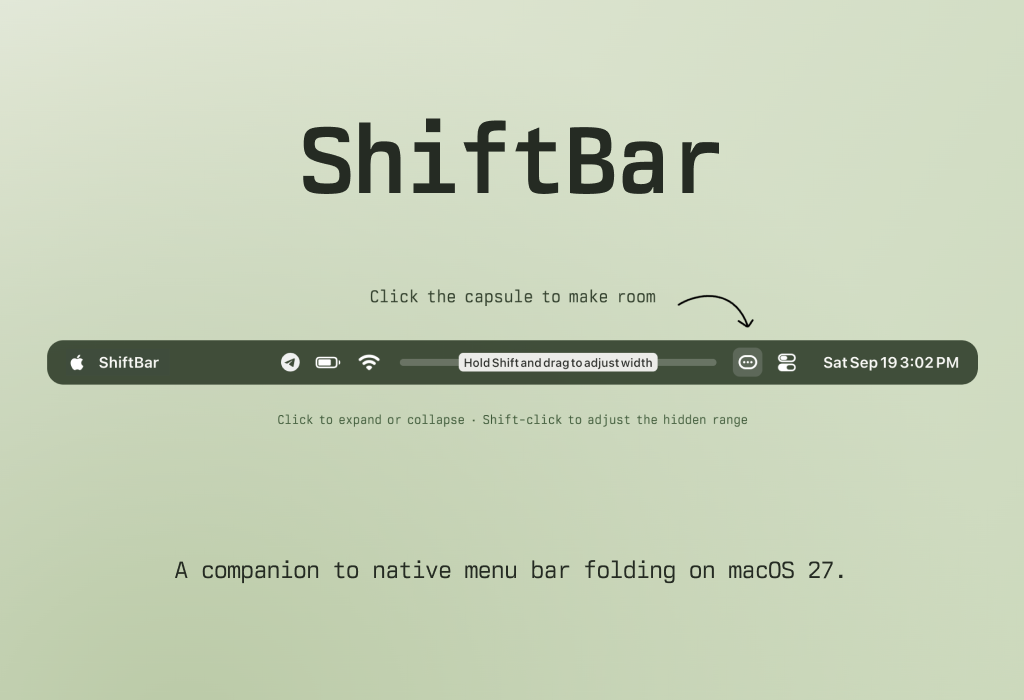
ShiftBar
Choose which menu bar icons to hide. Expand or collapse with a click, before your menu bar fills up.
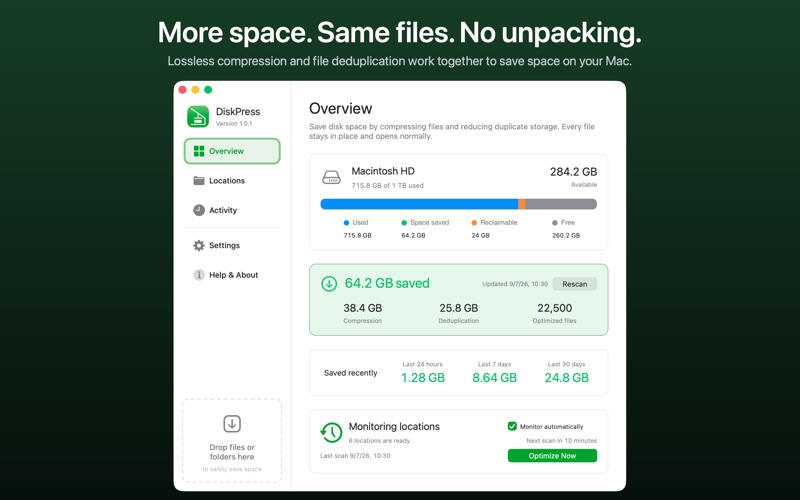
DiskPress
Compress Mac storage and track progress from the menu bar.
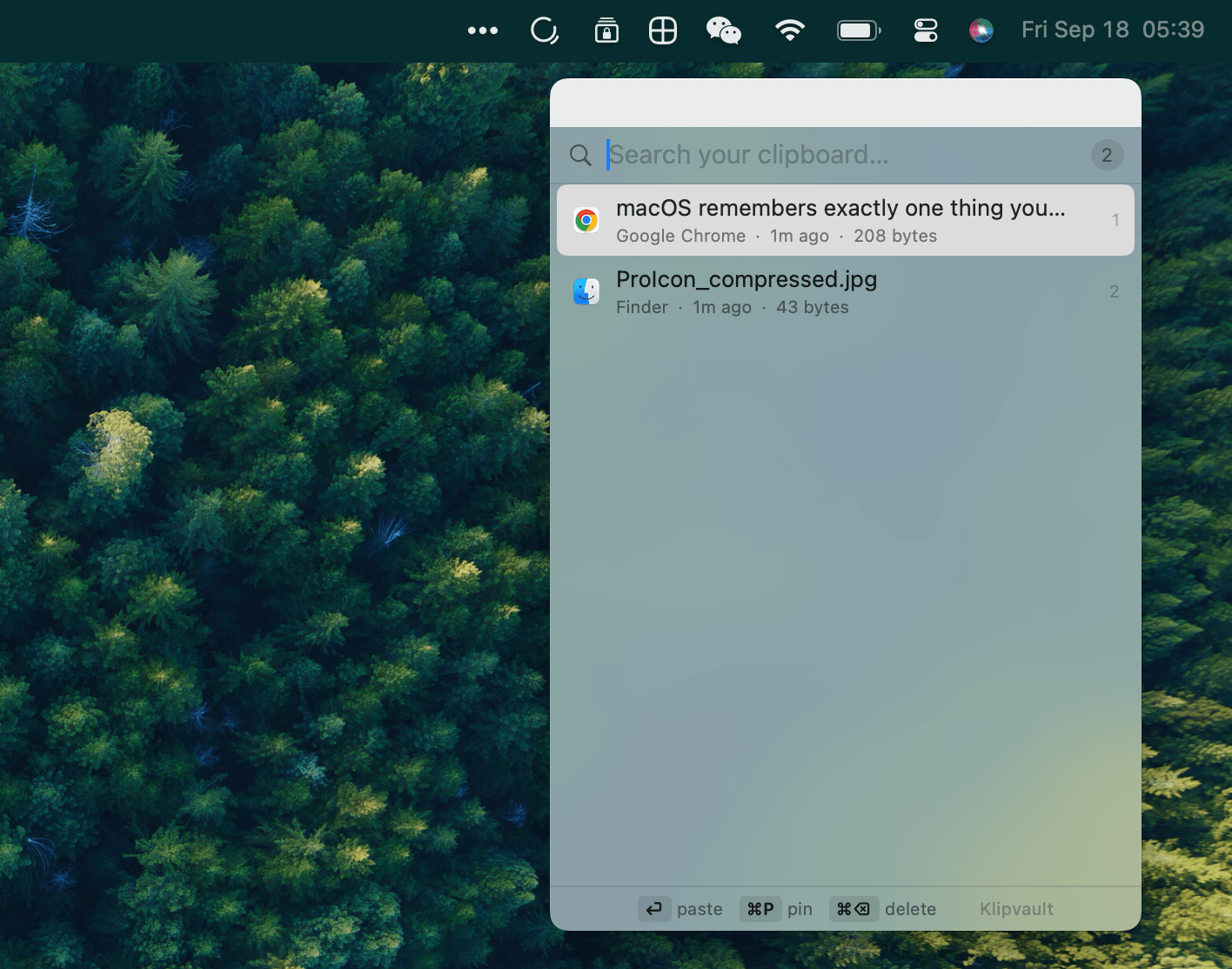
Klipvault
Encrypted clipboard manager for the macOS menu bar with AES-256-GCM, secret detection, and Touch ID lock.