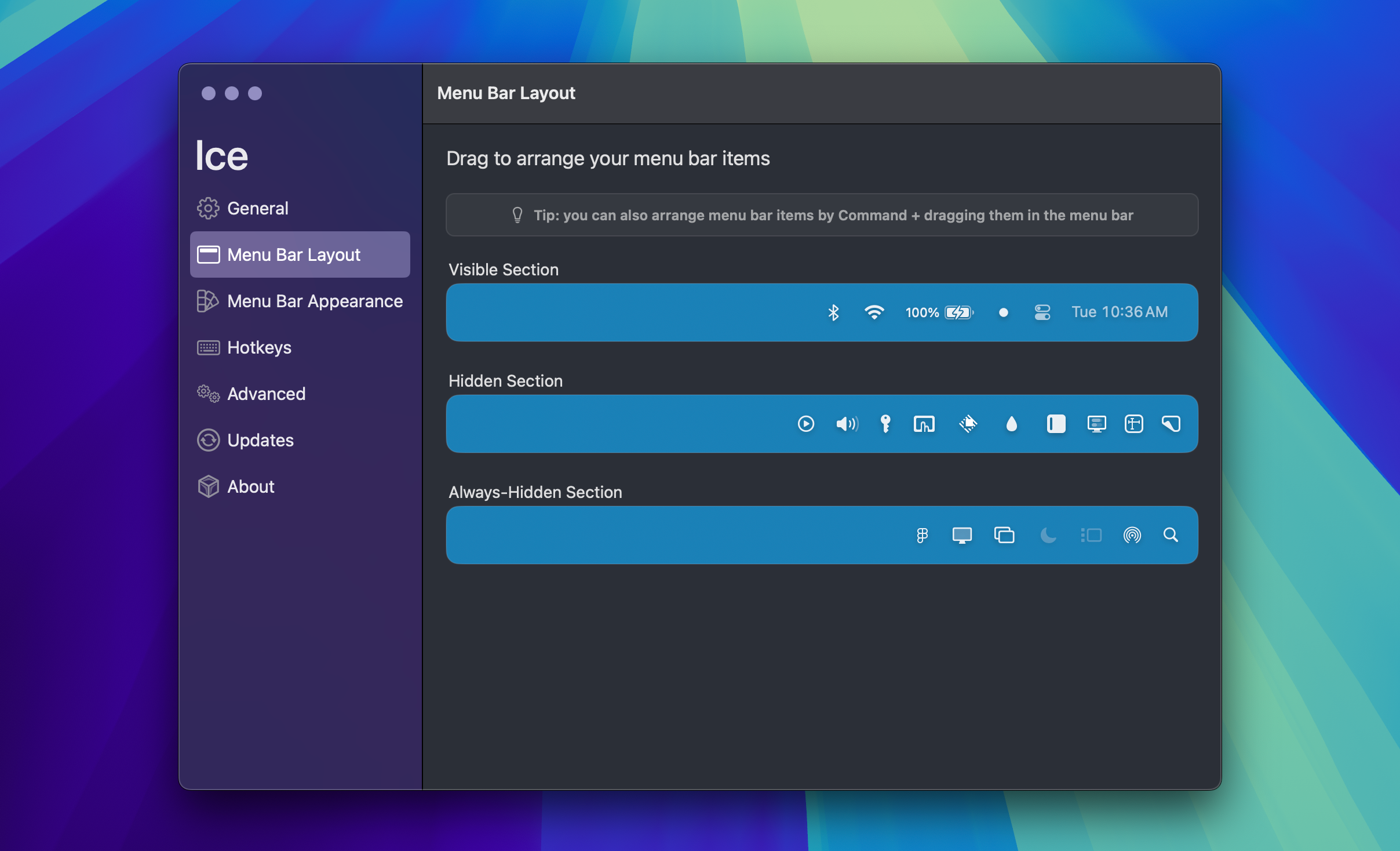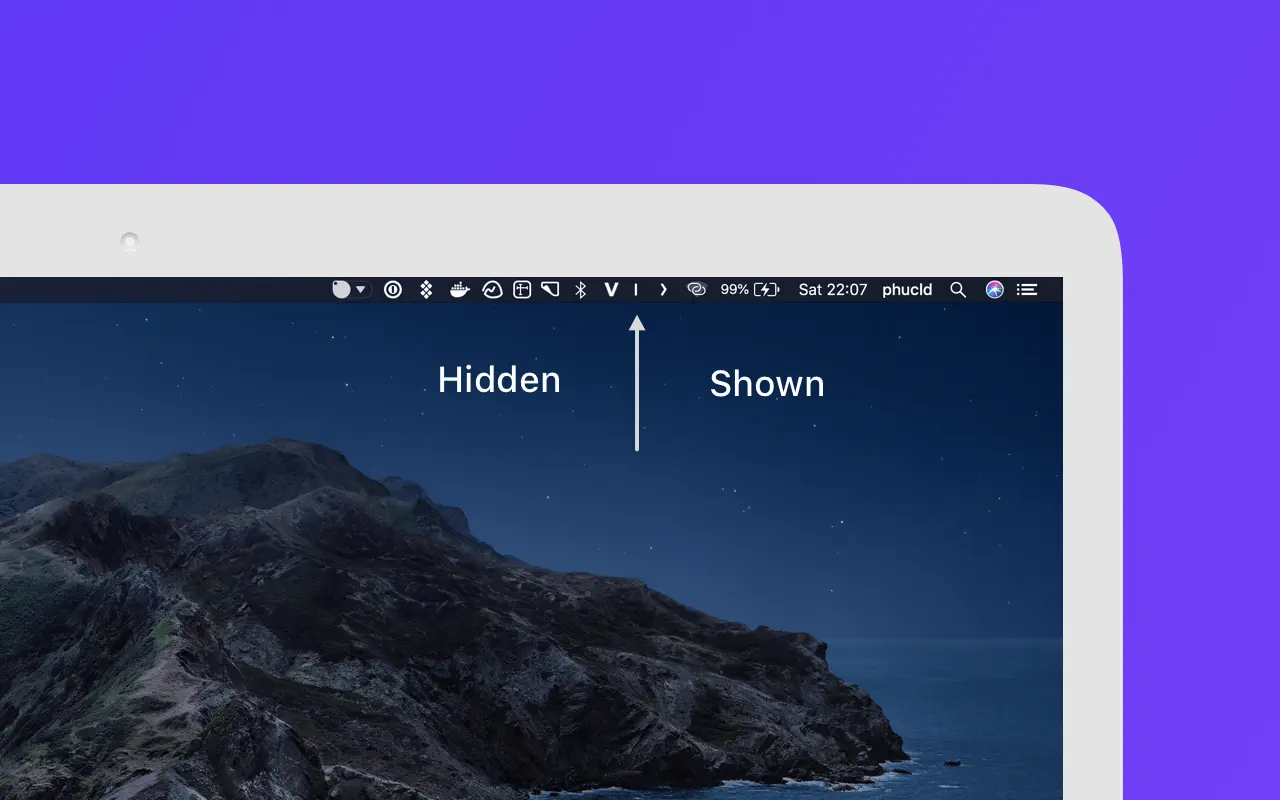
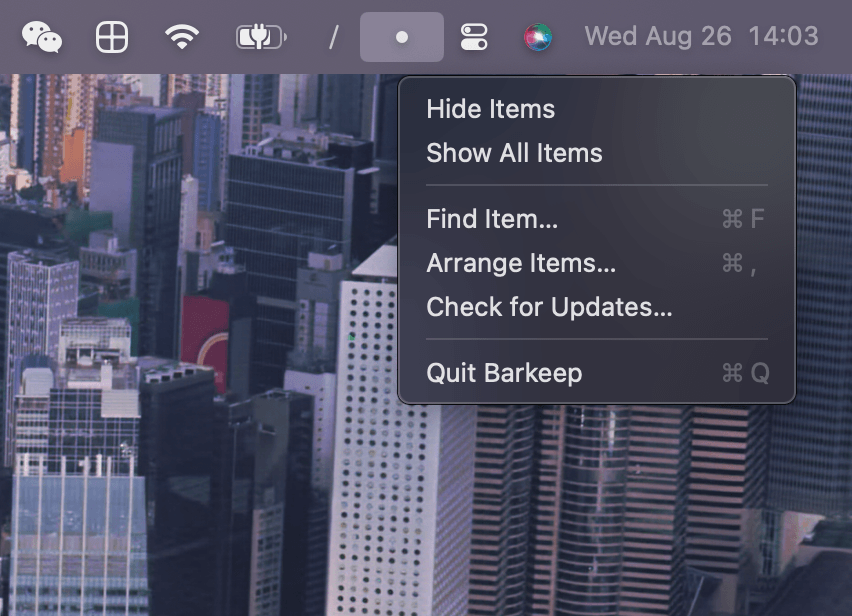
Barkeep splits the macOS menu bar into three sections: Always visible, Hidden, and Always hidden. Click the Barkeep icon to show or hide the Hidden section, option-click to show all sections, and right-click for search, settings, updates, and other common actions.
Key features:
- Three-section organization — drag items between Always visible, Hidden, and Always hidden sections
- Quick access — Command-Backslash to show or hide items, Command-Shift-Space to search and open a menu bar item
- Reveal triggers — optionally reveal hidden items when you click, scroll, or hover in the menu bar, with auto-hide after a delay
- Privacy-first — no account, no analytics, no Screen Recording; settings stored in a single local JSON file
- Security — Touch ID or Mac password can protect every reveal path
- Sparkle updates — built-in automatic update checking
Barkeep requires macOS 14 or later. It uses Accessibility access to list, open, and move menu bar items safely.