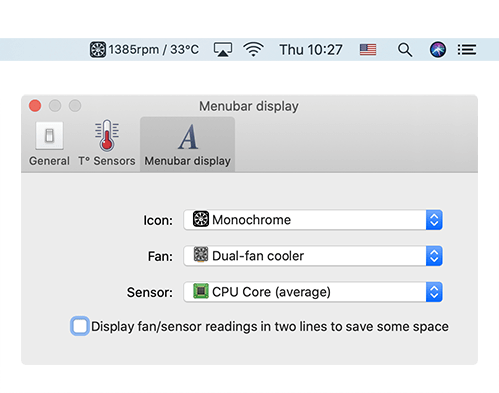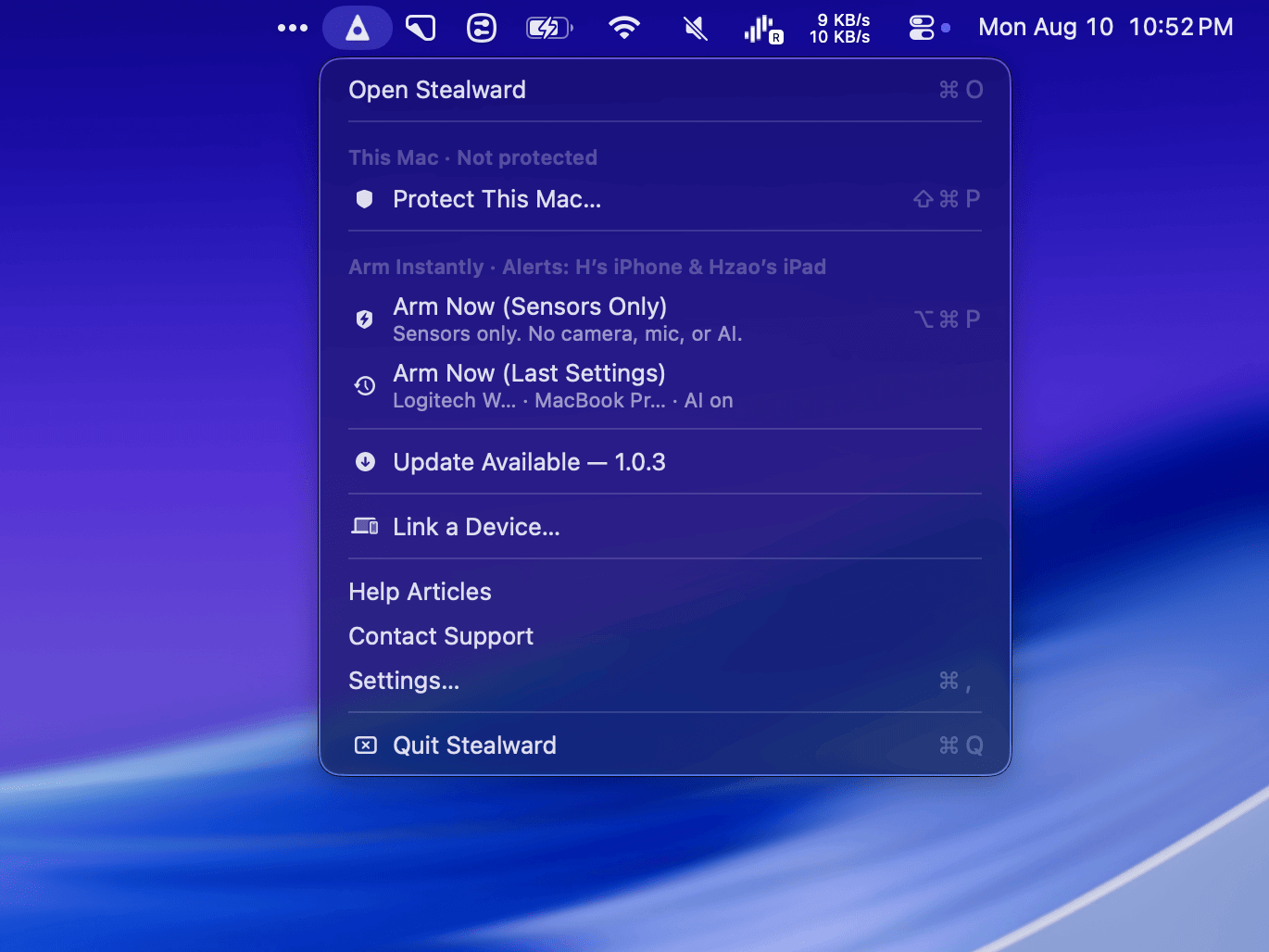
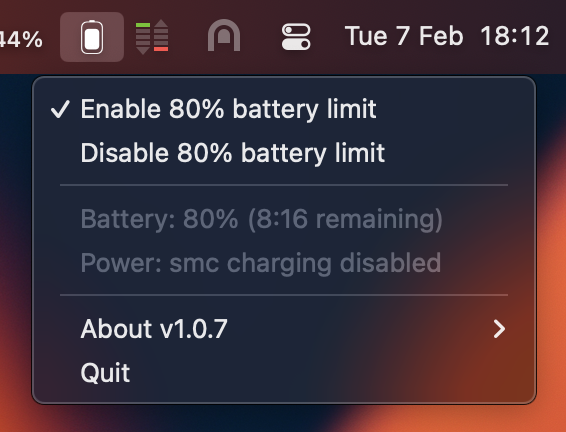
Battery is a free, open-source macOS battery charge limiter for Apple Silicon (M1/M2/M3) MacBook devices, offering both a menu-bar GUI and a command-line tool to control whether the Mac charges while plugged in and to maintain a target charge level (commonly 80%) to help reduce long-term battery wear for machines that stay plugged in most of the time.
What it does
- Keeps a plugged-in MacBook around 80% charge by controlling charging behavior, instead of letting it sit at 100% constantly.
- When the limiter is enabled, it can:
- Discharge the battery down to the target (e.g., 80%) even while plugged in.
- Disable charging above the target and re-enable charging below it.
- Keep the limit active across reboots and even if you close the tray (menu-bar) app.
Requirements / compatibility
- Works on Apple Silicon Macs only; it does not work on Intel Macs.
- For older Macs, the README suggests considering the free version of AlDente as an alternative.
Installation options
Battery can be installed in several ways:
- Homebrew:
brew install battery. - DMG download from the project’s GitHub Releases page.
- CLI-only installation (for users who only want the command-line tool).
When installing via brew or DMG, you must open the macOS app once to complete setup. On first launch, the app requests an administrator password to install required components.
Command-line interface (CLI)
The GUI uses a CLI tool “under the hood,” and installing the GUI also installs the CLI. The CLI supports:
- Maintaining a single target (e.g.,
battery maintain 80) or a range (e.g.,battery maintain 70-80). - Manually toggling charging (
battery charging on/off) and controlling adapter behavior (battery adapter on/off). - Battery calibration and additional commands like update/reinstall/uninstall.
- If you want a custom charging percentage, the README notes the CLI is the only way to do that.
How it differs from macOS “Optimized Battery Charging”
The README contrasts this app with Apple’s built-in Optimized Battery Charging, which uses prediction/ML to delay charging past 80% when it expects you’ll stay plugged in and then finish charging before unplugging. Battery instead emphasizes user control over when limiting is active and what percentage/range to hold.
Networking / privacy note (from the FAQ)
The project notes that blocking the app’s outbound connections mainly affects auto-updates, and lists several domains used for update checks and a simple installation/usage signal (unique IP opens).