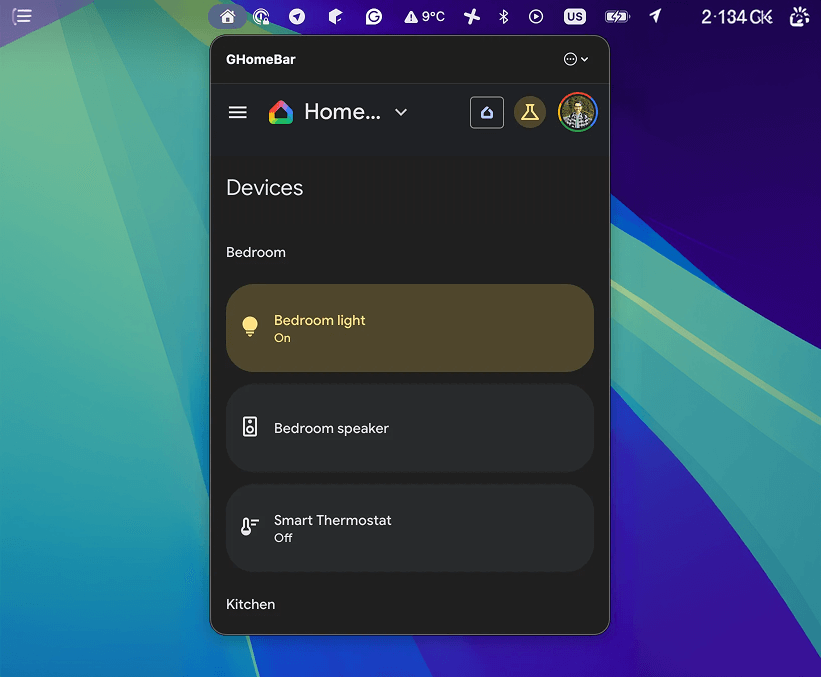
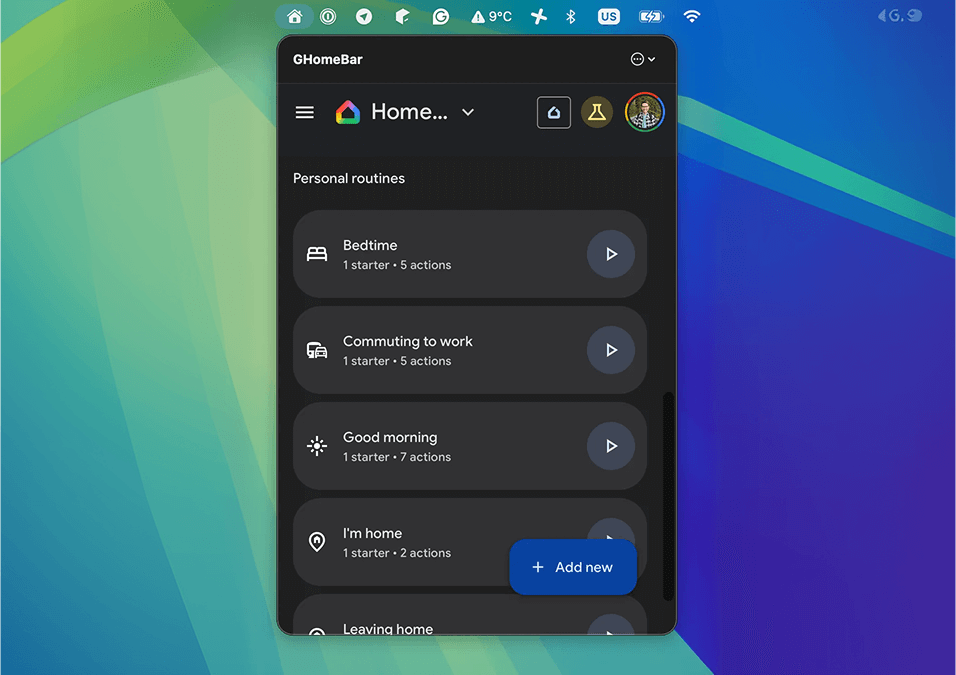
A lightweight, macOS menu bar utility for Google Home. Control your smart home devices on your Mac, without keeping a browser tab open. Based on Google Home web version.
❗Why
There was no way to manage my smart home devices from macOS... until last year, when Google released a web version of the Google Home app. Still, opening a browser just to turn on a light was cumbersome.
GHome Bar opens a small webview pointing to home.google.com in your menu tray. Once you log in, you can manage your smart devices easily.
✨ Features
- Everything Google Home for Web offers, but in your menu bar:
- Manage Devices
- Start/Create Automations
- Control cameras
🏠 How to use
- Make sure you're enrolled in Google Home Public Preview program
- At first start, log in to your Google account
- If you don't see the login page, open the sidebar and tap Go to Google Home for Web
- Enjoy! Consider enabling "Launch at login" in settings to run GHome Bar automatically on startup
⚠️ Disclaimer
This is an unofficial personal project.
GHomeBar is an independent open-source project created just for fun. It is not affiliated with, authorized, maintained, sponsored, or endorsed by Google LLC or any of its affiliates or subsidiaries.
- "Google Home" is a trademark of Google LLC.
- The content displayed within the WebView is rendered directly from
home.google.com.