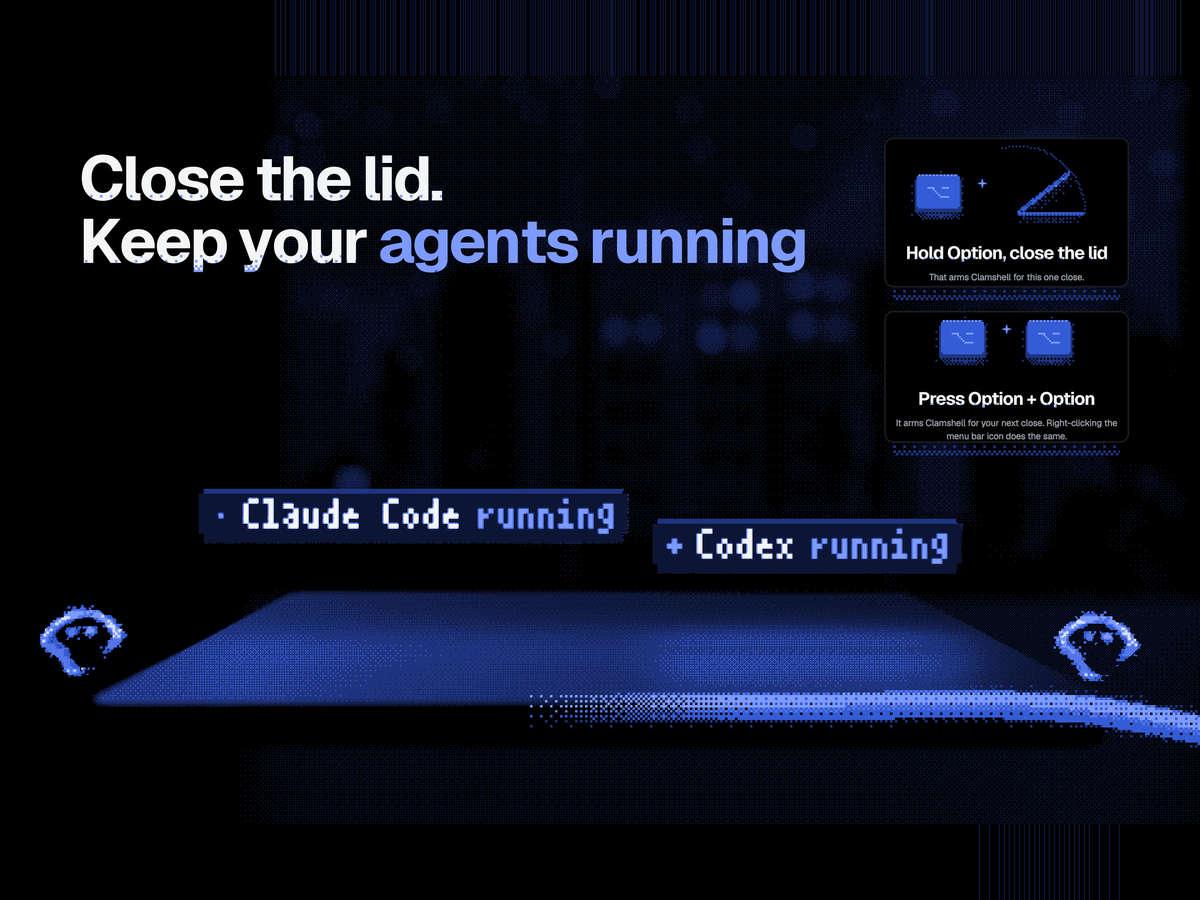
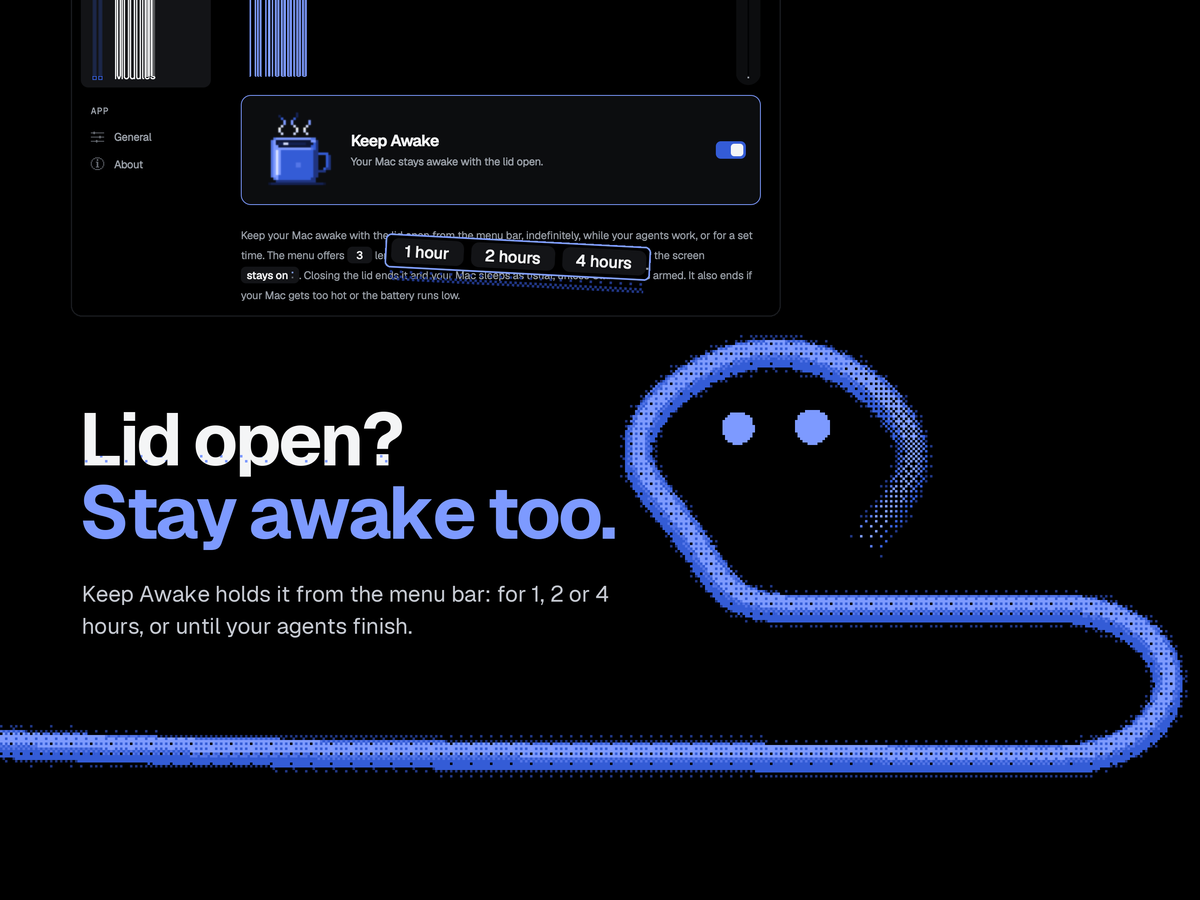
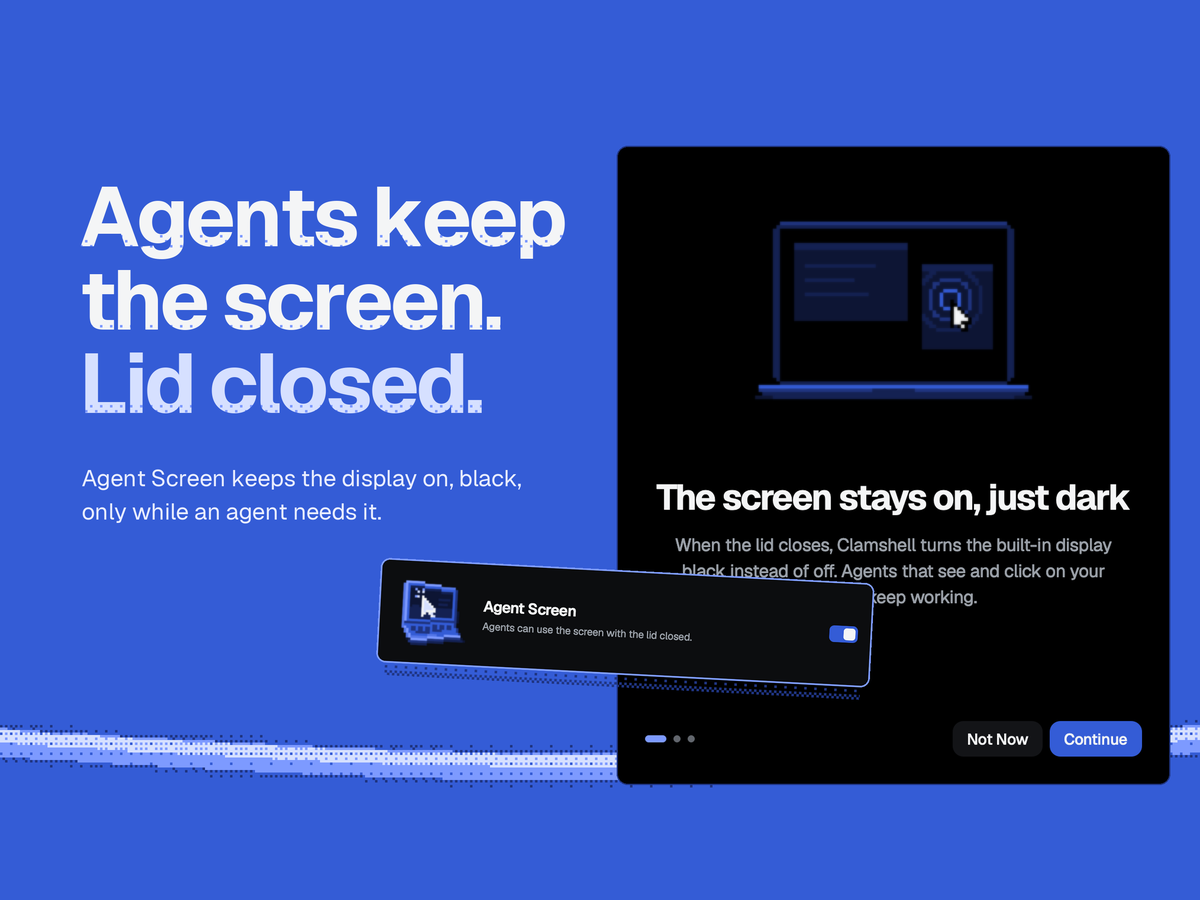
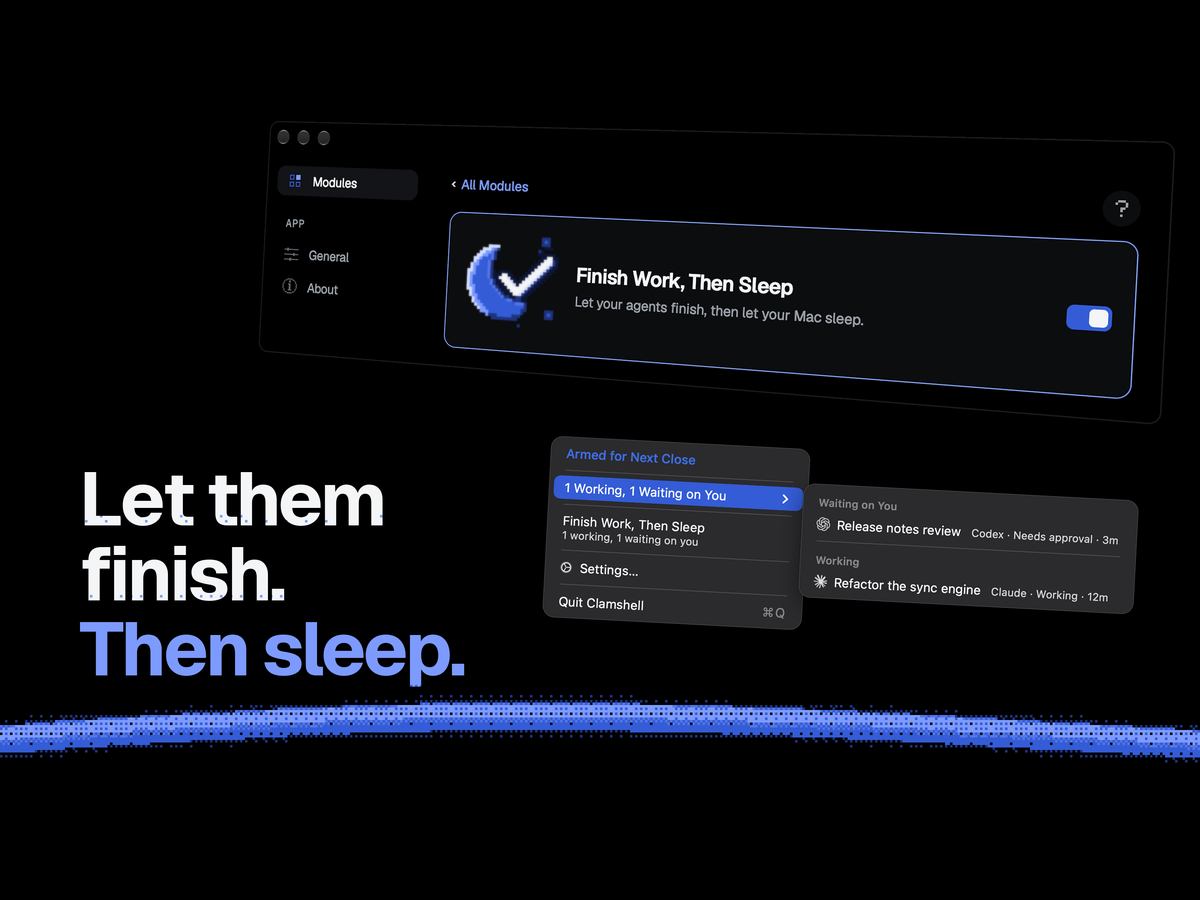
Clamshell lives in your menu bar and has no main window. Arm it, close the lid, and your MacBook keeps running with no external display. Builds, downloads, SSH sessions, and coding agents such as Claude Code and Codex carry on, on battery or power, while the built-in display stays black. Keeping the Mac awake needs no admin password or sudo.
The menu bar icon changes color while Clamshell is armed. Arm it for the next lid close from the menu, by pressing both Option keys, or by holding Option as you close the lid on Macs with a lid angle sensor. Right-click the icon to stay armed until you disarm. Opening the lid locks your Mac, and normal lid sleep returns when you disarm, quit, or restart.
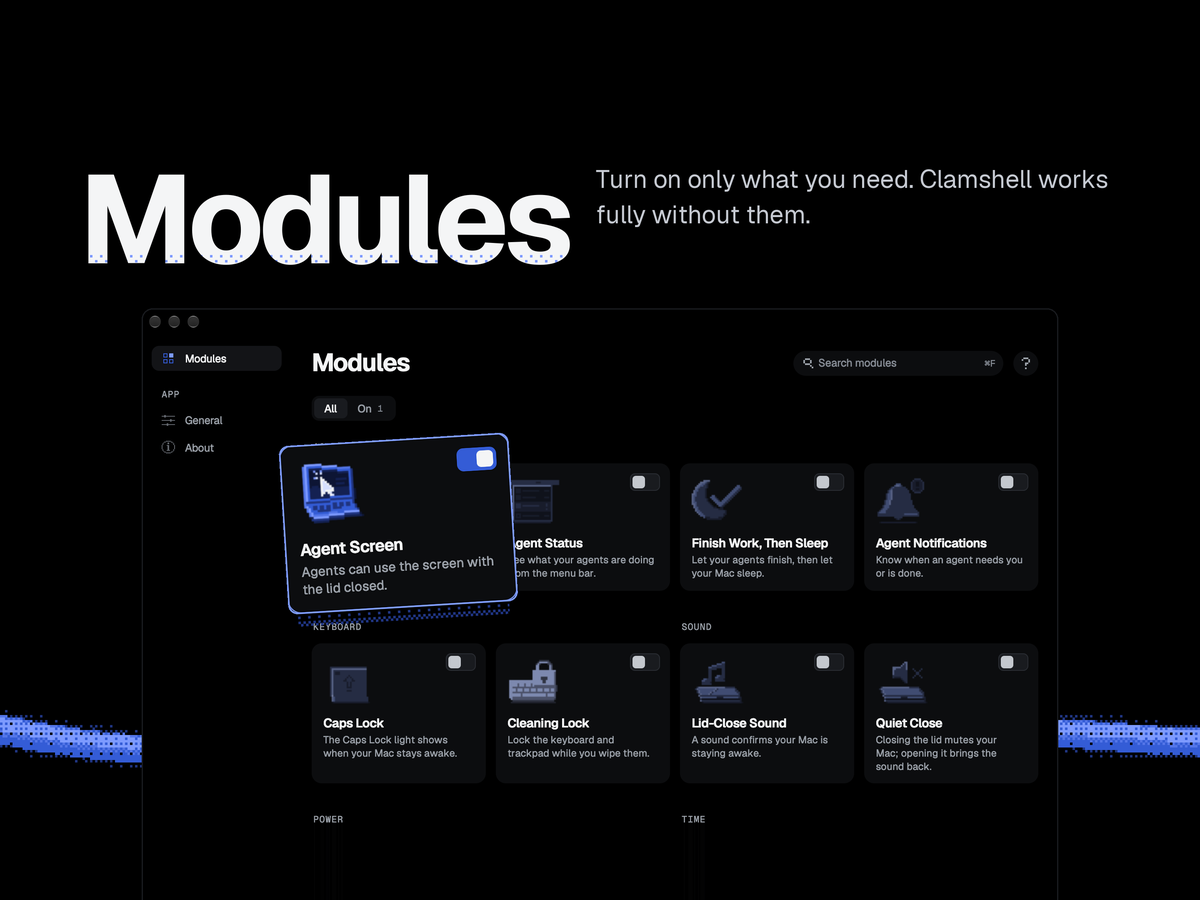
Thermal safety is always on and disarms Clamshell on serious or critical heat. On battery it disarms at 20% by default. Optional modules show what your agents are doing from the menu bar, keep the Mac awake with the lid open, and arm Clamshell while an app runs or on a schedule, so one app covers lid open and lid closed.
Needs an Apple Silicon MacBook on macOS 14 or later. Free for 7 days with no card, then $9.99 once for 1 Mac or $19.99 for up to 3 Macs, with a 14-day money-back guarantee. Also on Setapp and Homebrew (brew install --cask clamshell).