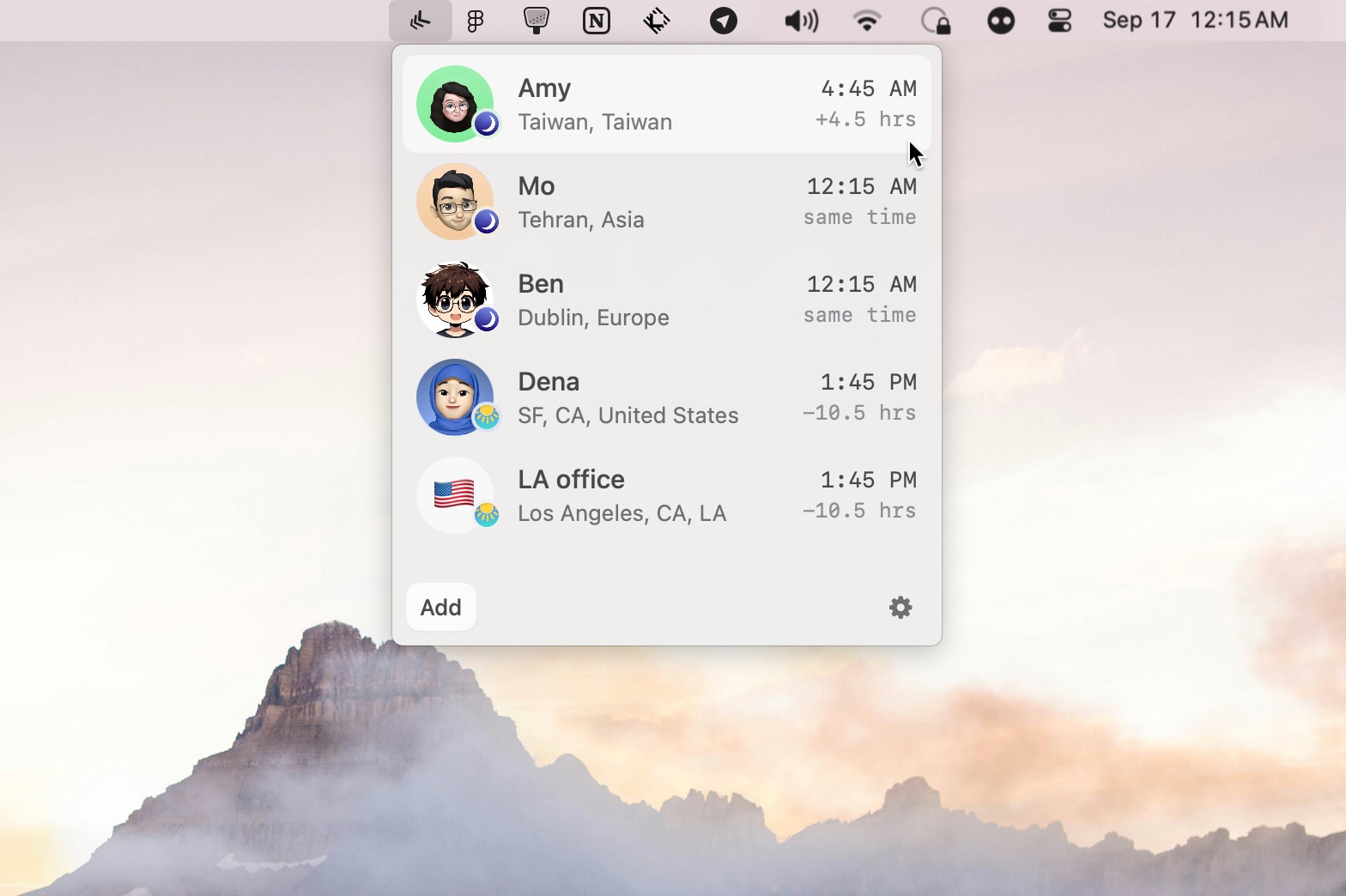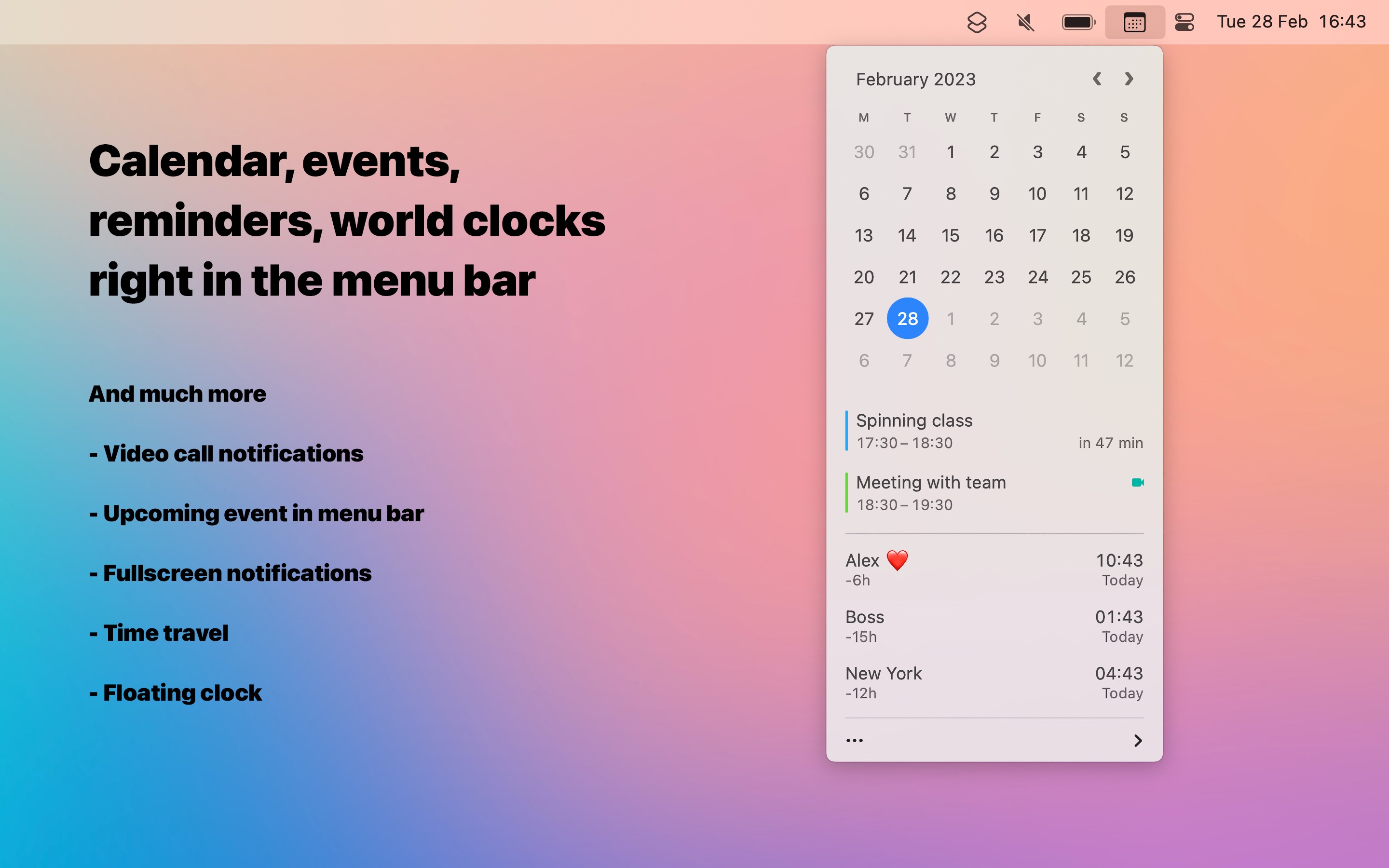
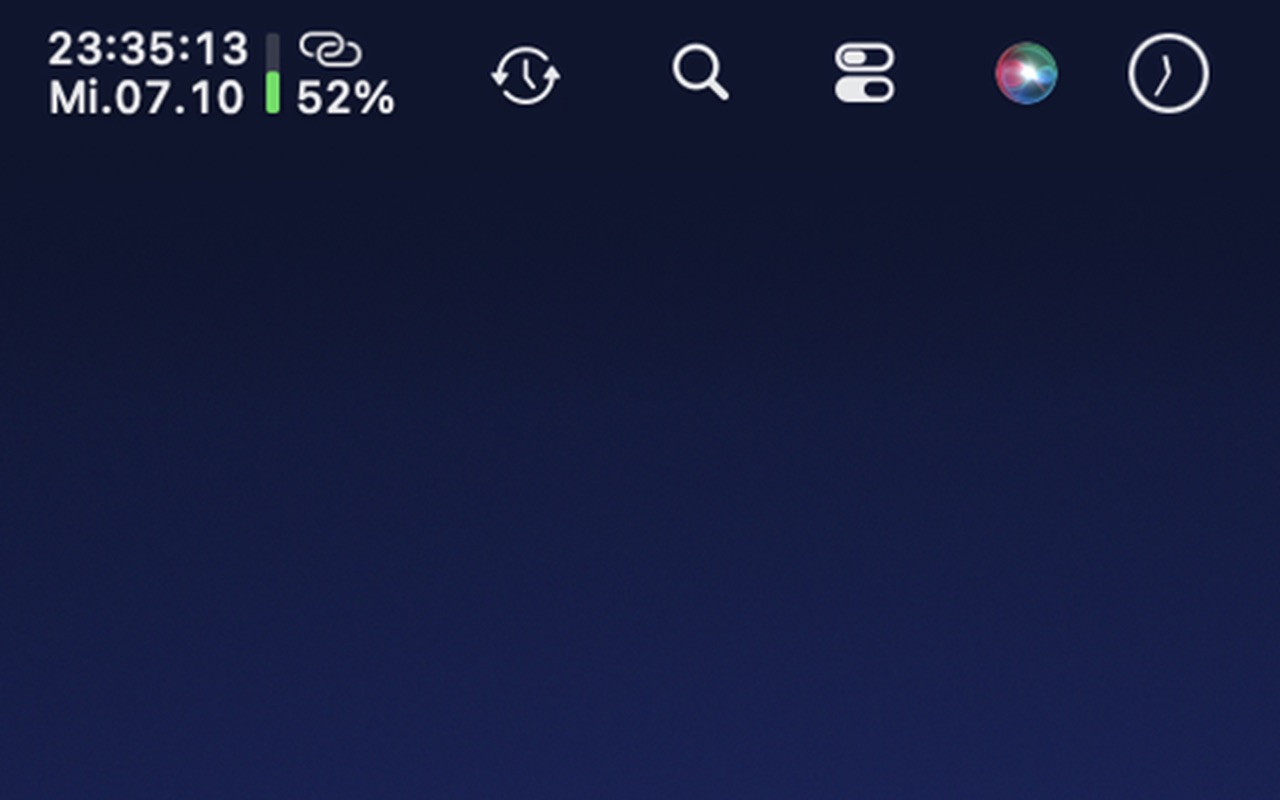
ClockStack puts the time above the date and shows battery and network status right next to them. One small item replaces the clock, battery and Wi-Fi icons, so your menu bar has room again, even next to the MacBook notch.
At a Glance
- Time and date on two lines, with or without seconds
- A battery bar in green, orange or red, yellow in Low Power Mode
- The exact battery percentage, up to 100%
- A moving dot while charging, a still dot when plugged in but not charging
- Three dots for Wi-Fi strength, a hotspot symbol when tethering
- Empty dots when Wi-Fi is on but not connected, orange dots without network access, a red dot when Wi-Fi is off
Your Format
- Follows your Mac's region and 12/24-hour setting by default
- Or choose 24 hours, 12 hours, a compact date, day.month.year, ISO 8601, US, or write your own pattern
- Choose the language of weekday and month names
- Time above date or date above time, bolder text, font size
- Your own thresholds for orange and red
Light on Your Mac
- Updates exactly on the second, or once a minute without seconds
- macOS reports battery and connection changes, the Wi-Fi signal is checked every 15 seconds
- Pauses while the display is off
- Respects Reduce Motion
Private No account, no analytics, no tracking. ClockStack doesn't read your Wi-Fi network name or your location. No data leaves your Mac.