cmdcmd is a keyboard-first window switcher for macOS that lets you press both ⌘ keys at once to fan every visible window out into a grid of live previews, then jump straight to the one you want.
Features
- Dual-Command Trigger: Press left and right Command keys simultaneously to summon the overlay
- Live Window Previews: See real-time thumbnails of all your windows
- Keyboard Navigation: Use arrow keys, WASD, or number keys (1-9) to select windows
- Peek Mode: Hold space to zoom into selected tile
- Window Management: Close windows (⌘W), ignore/un-ignore windows, tag windows with colors
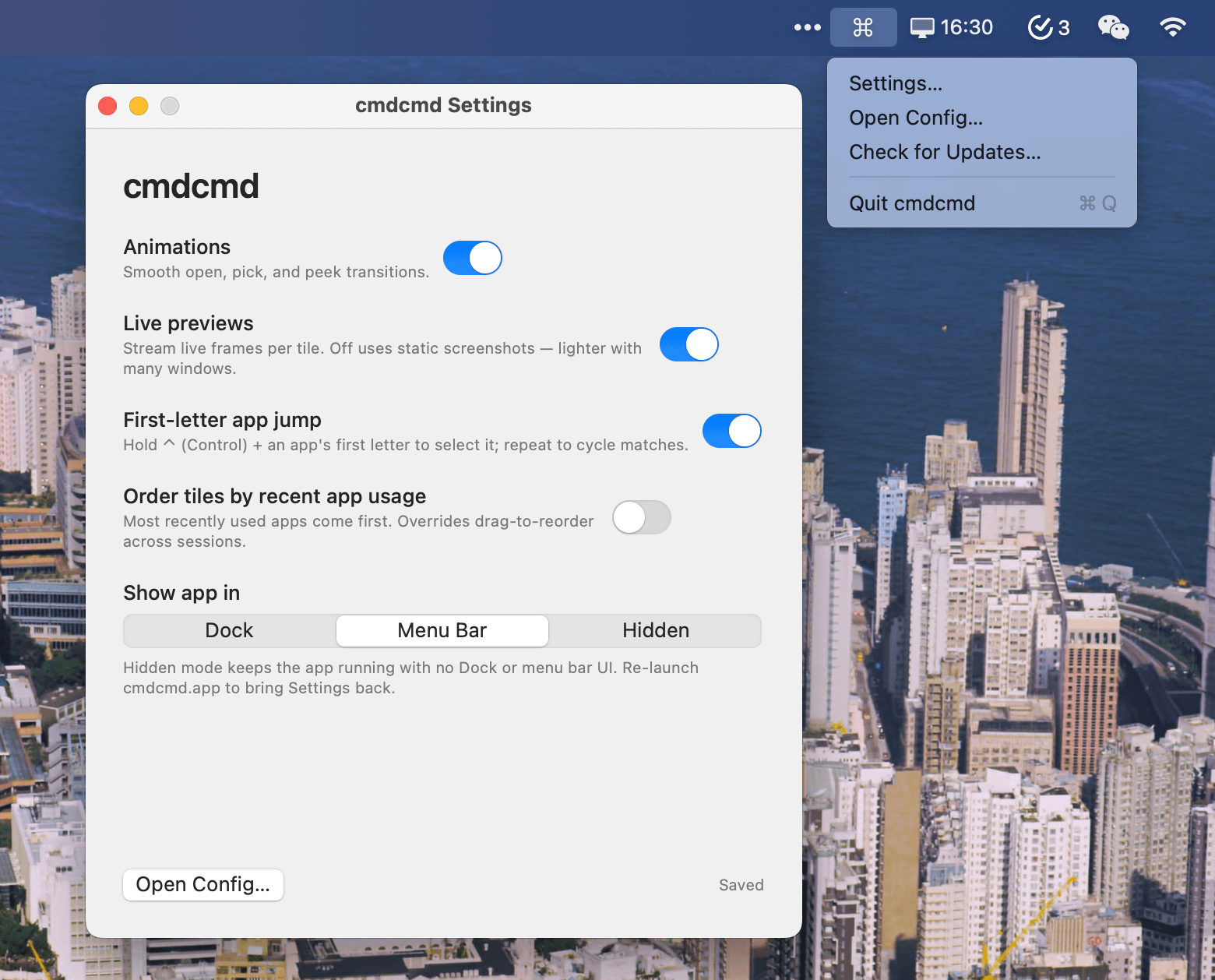
- Three Display Modes: Choose between Dock, Menu Bar, or Hidden mode
- Customizable Keybindings: Configure shortcuts via JSON config file
- Persistent State: Tile order and ignored windows persist per display
Display Modes
- Dock: Traditional Dock icon with right-click menu
- Menu Bar: Runs from the menu bar with system tray icon
- Hidden: No UI visible, relaunch app to access settings
Requirements
- macOS 14+
- Screen Recording permission (for live previews)
- Accessibility permission (for window management)
Open Source
cmdcmd is open source and built with Swift and ScreenCaptureKit.