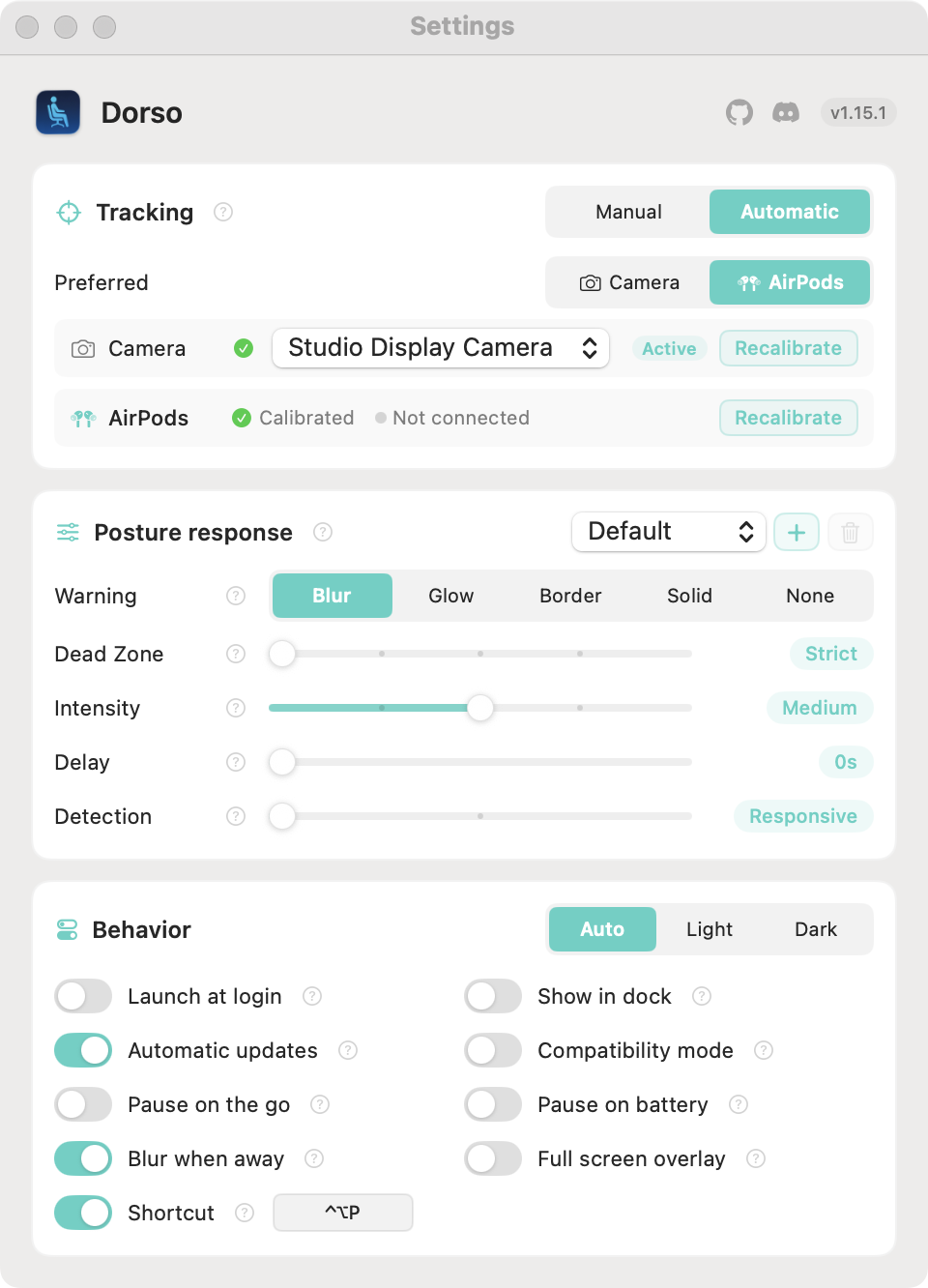
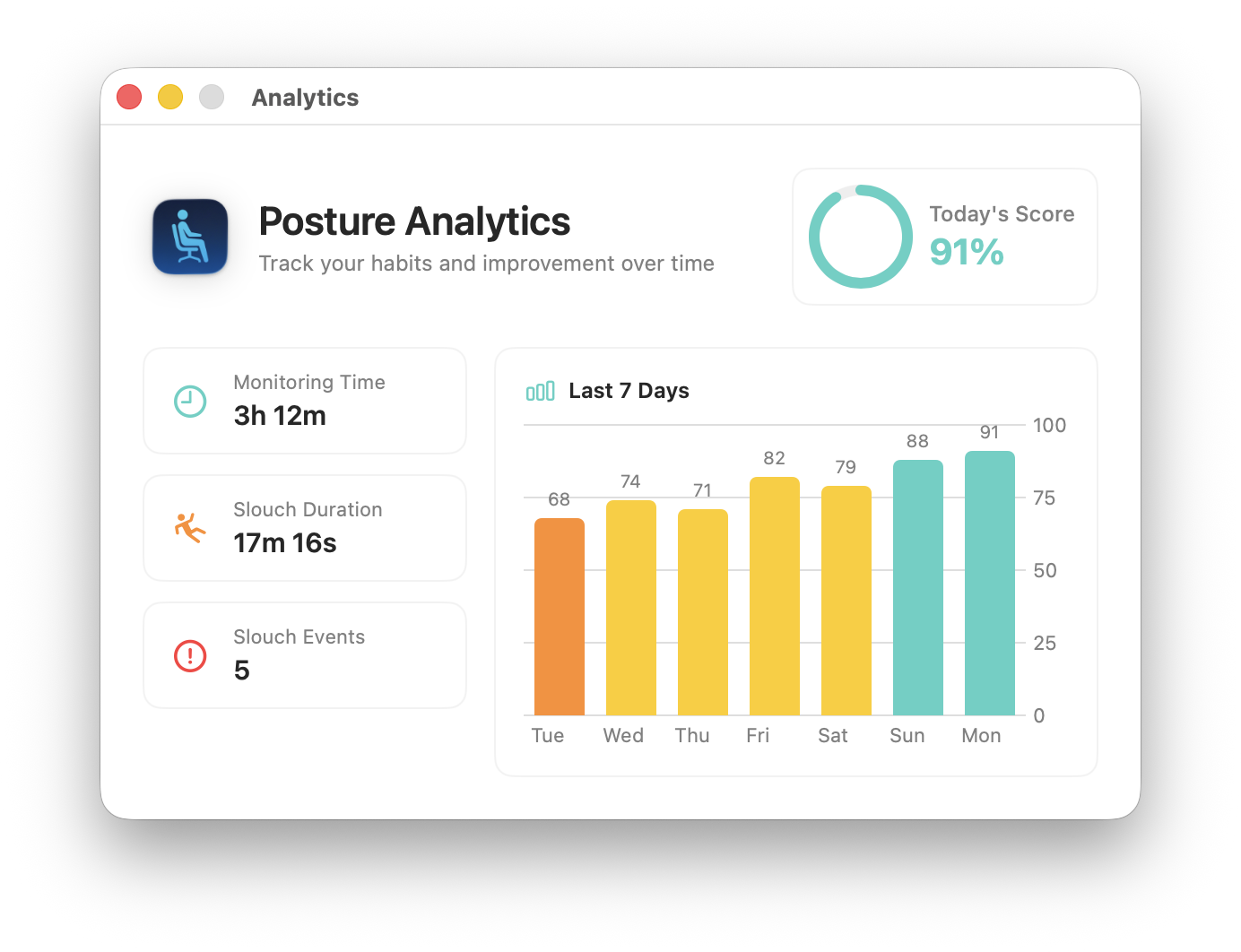
Dorso monitors your posture in real-time using either your Mac's camera or AirPods motion sensors. When it detects that you're slouching, it progressively blurs your screen to remind you to sit up straight. Maintain good posture, and the blur clears instantly.
Features
- Two tracking methods — Use your camera (Vision framework) or AirPods motion sensors
- AirPods motion tracking — Track posture without camera using AirPods Pro, Max, or 3rd gen+ (macOS 14+)
- Progressive screen blur — Gentle visual reminder that intensifies with worse posture
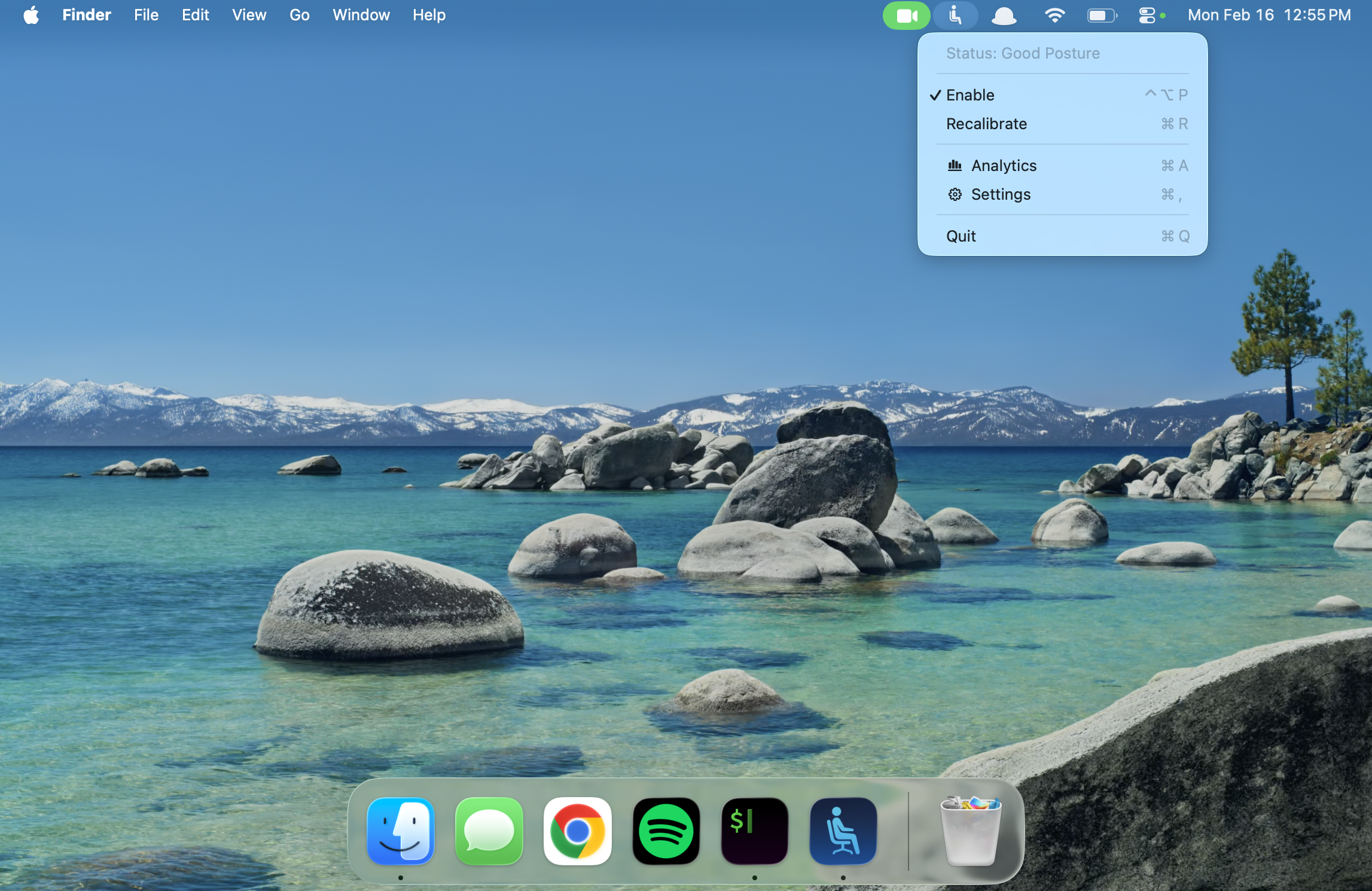
- Menu bar controls — Easy access to settings, calibration, and status from the menu bar
- Multi-display support — Works across all connected monitors
- Privacy-focused — All processing happens locally on your Mac
- Lightweight — Runs as a background app with minimal resource usage
- Optional Dock visibility — Show in Dock and Cmd+Tab app switcher when preferred
- No account required — No signup, no cloud, no tracking
How It Works
Camera Mode uses Apple's Vision framework to detect body pose landmarks, tracking nose and head position to measure vertical head position against your calibrated baseline.
AirPods Mode uses motion sensors in compatible AirPods to track head tilt angle, with no camera required.
Installation
Available via the Mac App Store, Homebrew (brew install dorso), or direct download from GitHub releases.
Requirements
- macOS 13.0 (Ventura) or later
- Camera (built-in or external) for Camera Mode
- AirPods Pro, Max, or 3rd gen+ for AirPods Mode (macOS 14+)