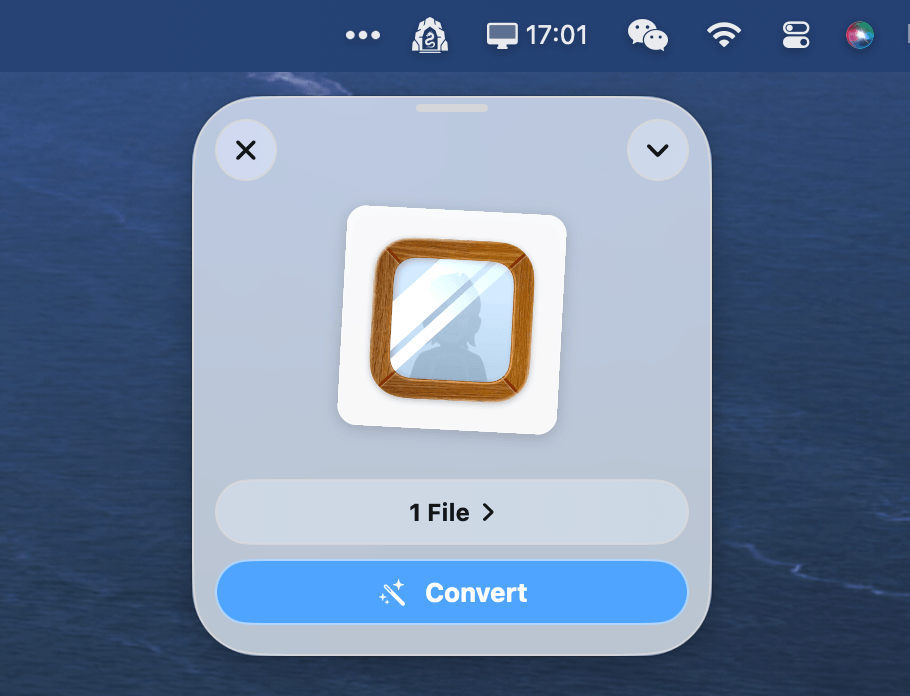
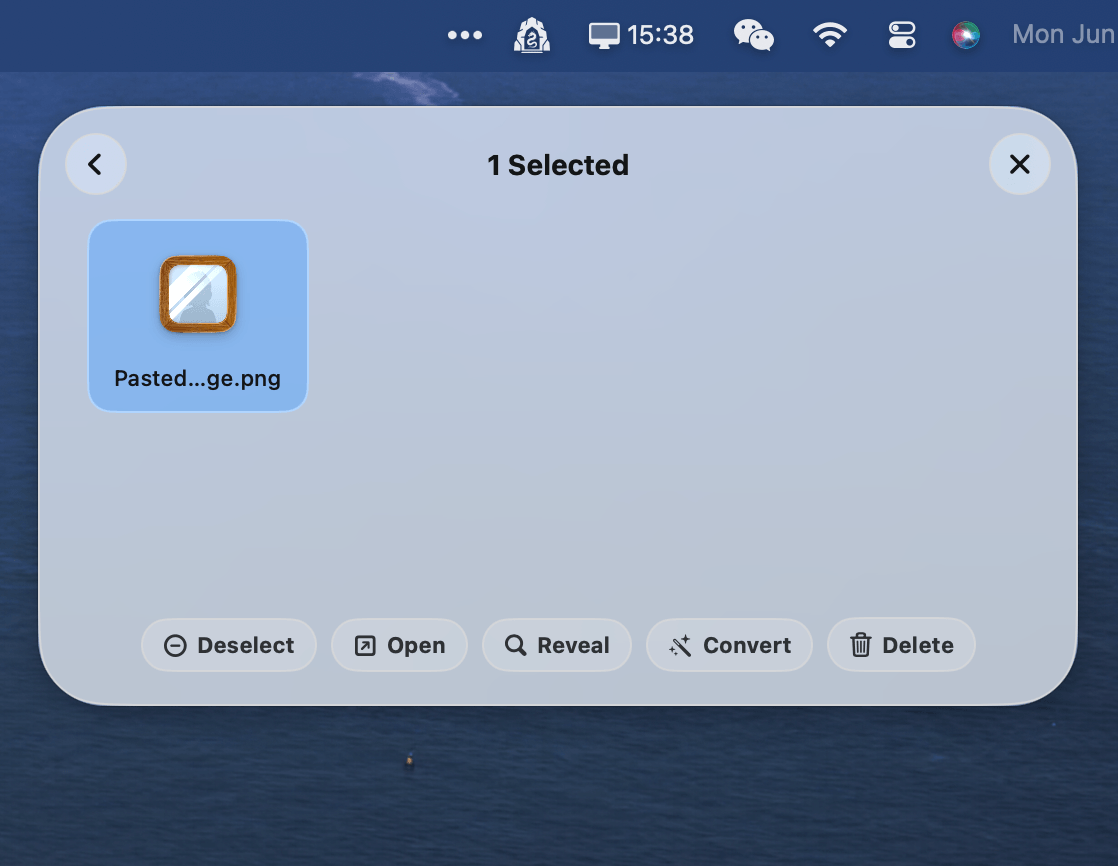
Drag.on (pronounced "Dragon") is a highly polished macOS accessory utility designed to supercharge your drag-and-drop workflows. It provides a temporary floating "shelf" (or "Lair") for files, folders, and images.
Built natively using Swift and SwiftUI, it operates as a lightweight macOS agent app (accessory) that stays tucked away in your menu bar, hidden from the Dock.
Features
- Store files - A drag-and-drop Lair to temporarily store files, images and folders
- Convert images - Supports WebP, PNG, JPEG, ICNS, ICO, and PDF formats with adjustable compression quality
- Manage files - Organize your drop queue
- Super customizable - Customize global hotkeys, summon positioning, shake sensitivity thresholds, and compact mode appearance
- Native - Built with Swift, fully local and privacy-first
How to summon
You can summon the Lair in three simple ways:
- Drag any file and shake the cursor horizontally
- Use the global keyboard shortcut (default: Option + Command + L)
- Click the system status icon in your macOS menu bar
Web Image Drop Routing
When you drop an image from a web browser, Drag.on bypasses the temporary browser cache path and downloads it directly to your Downloads or custom Web Drops folder, ensuring your downloads are always easily accessible.
Open Source
Drag.on is completely free and open source.