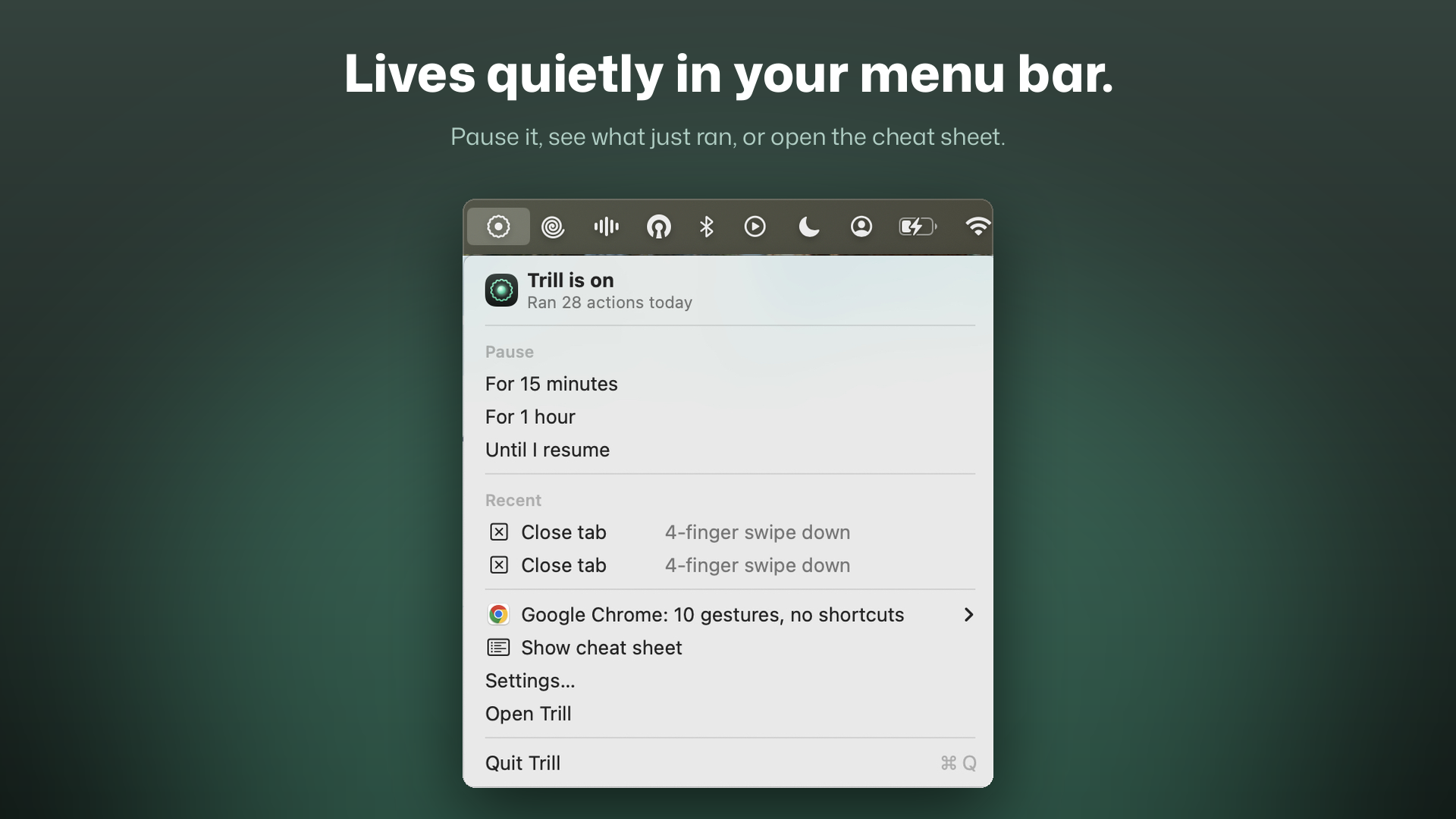
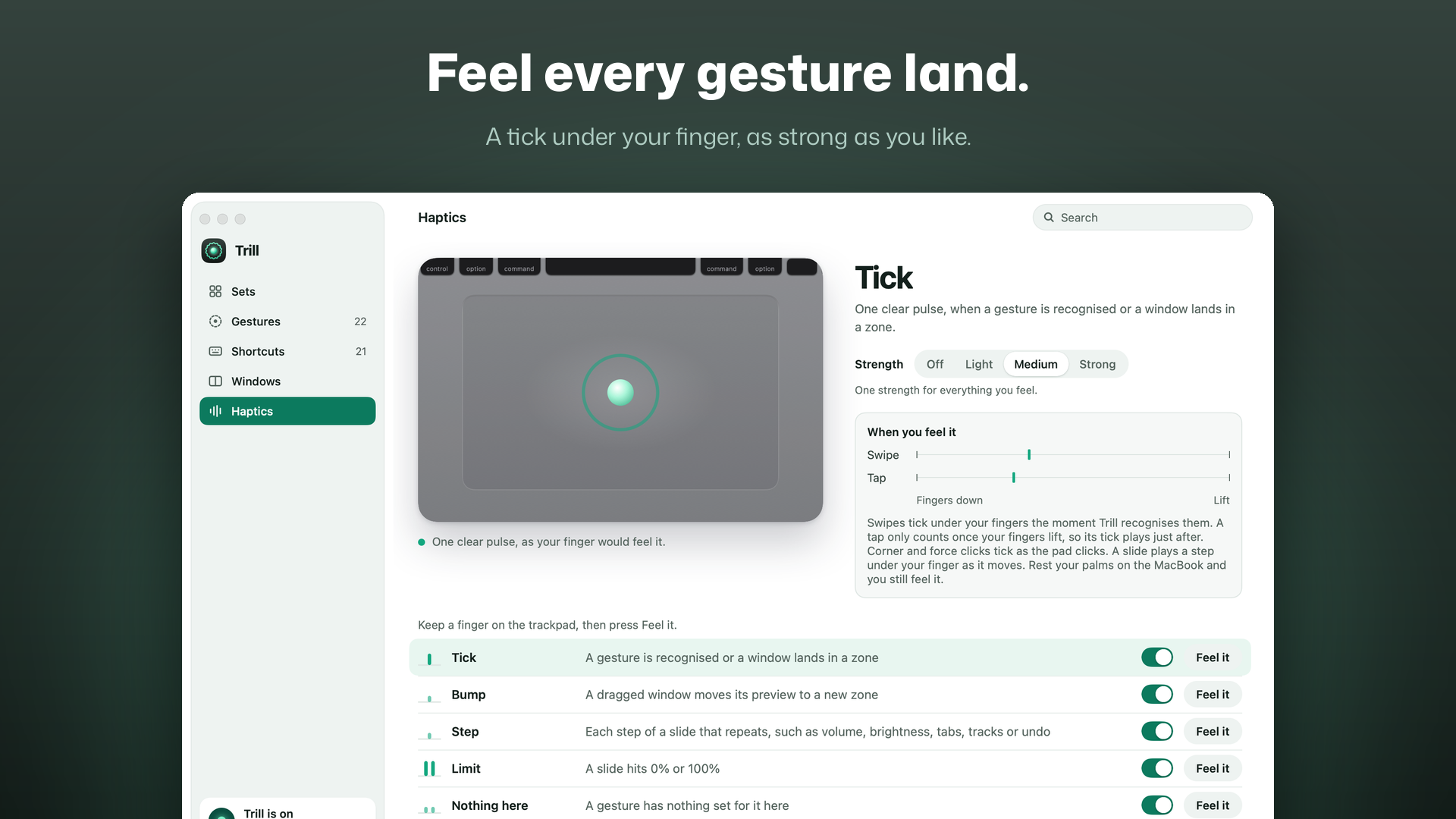
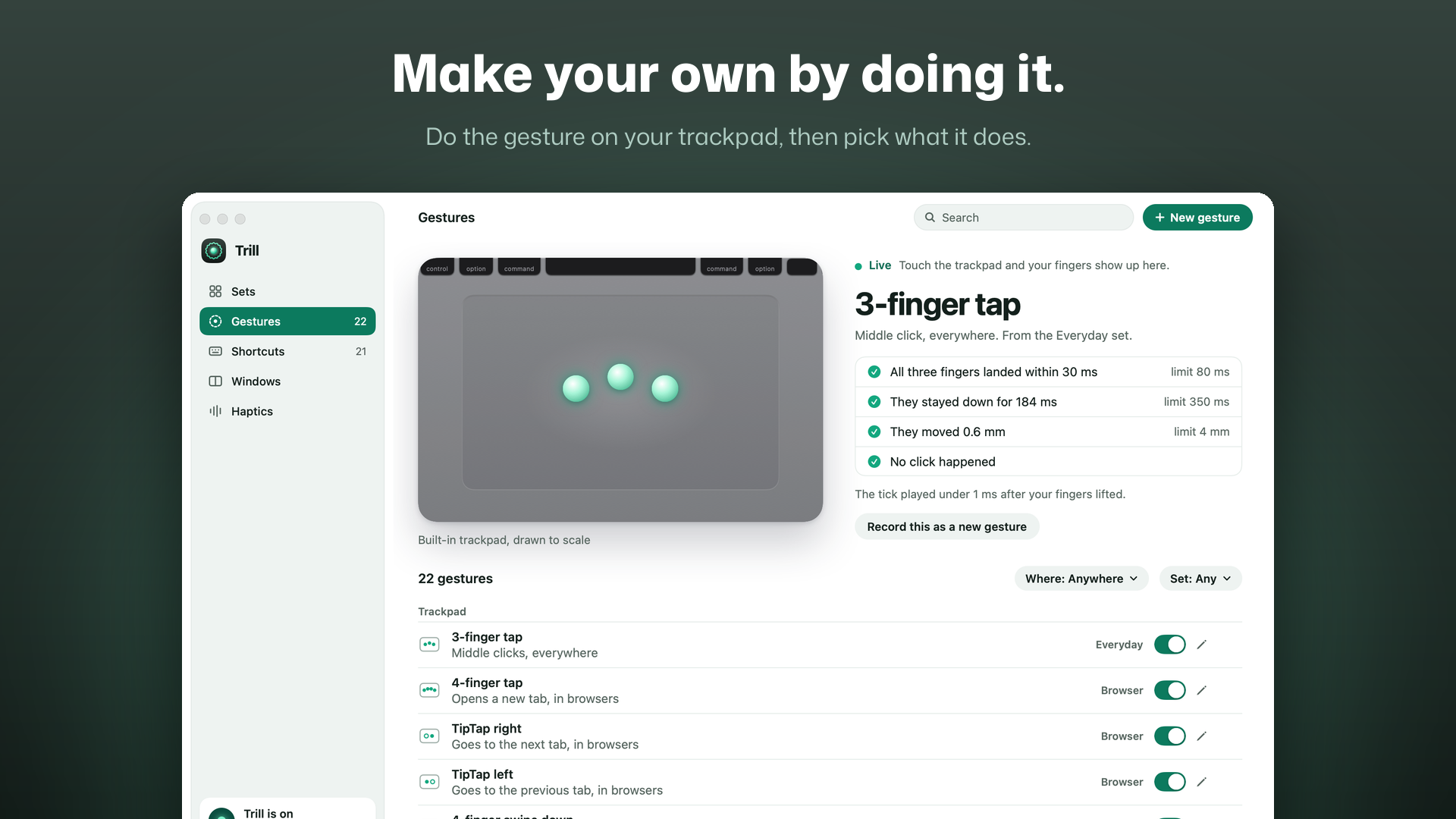
Trill makes your Mac's trackpad do more, and taps back when it does. Switch on a ready-made set of gestures, or record your own by doing it on the trackpad. Every gesture you do gets a tick you can feel under your finger.
Gesture Sets: Everyday, Browser, Windows, Media, Writing and Developer, each a few gestures for one kind of work. The first time you open Trill, it suggests the sets that fit the apps already on your Mac.
Record your own: press New gesture and do it. Trill names what it saw, you pick what it does, and it reads back as a sentence you can check at a glance. Taps and swipes with three, four or five fingers, TipTaps, swipes in from an edge, clicks in a corner, and slides along the left, right or top edge.
More than a hundred actions: press keys, type text, open an app, a file or a link, run one of your Apple Shortcuts or a script, control music, volume and brightness, switch tabs, or move a window. Each gesture works everywhere, or only in the apps you choose.
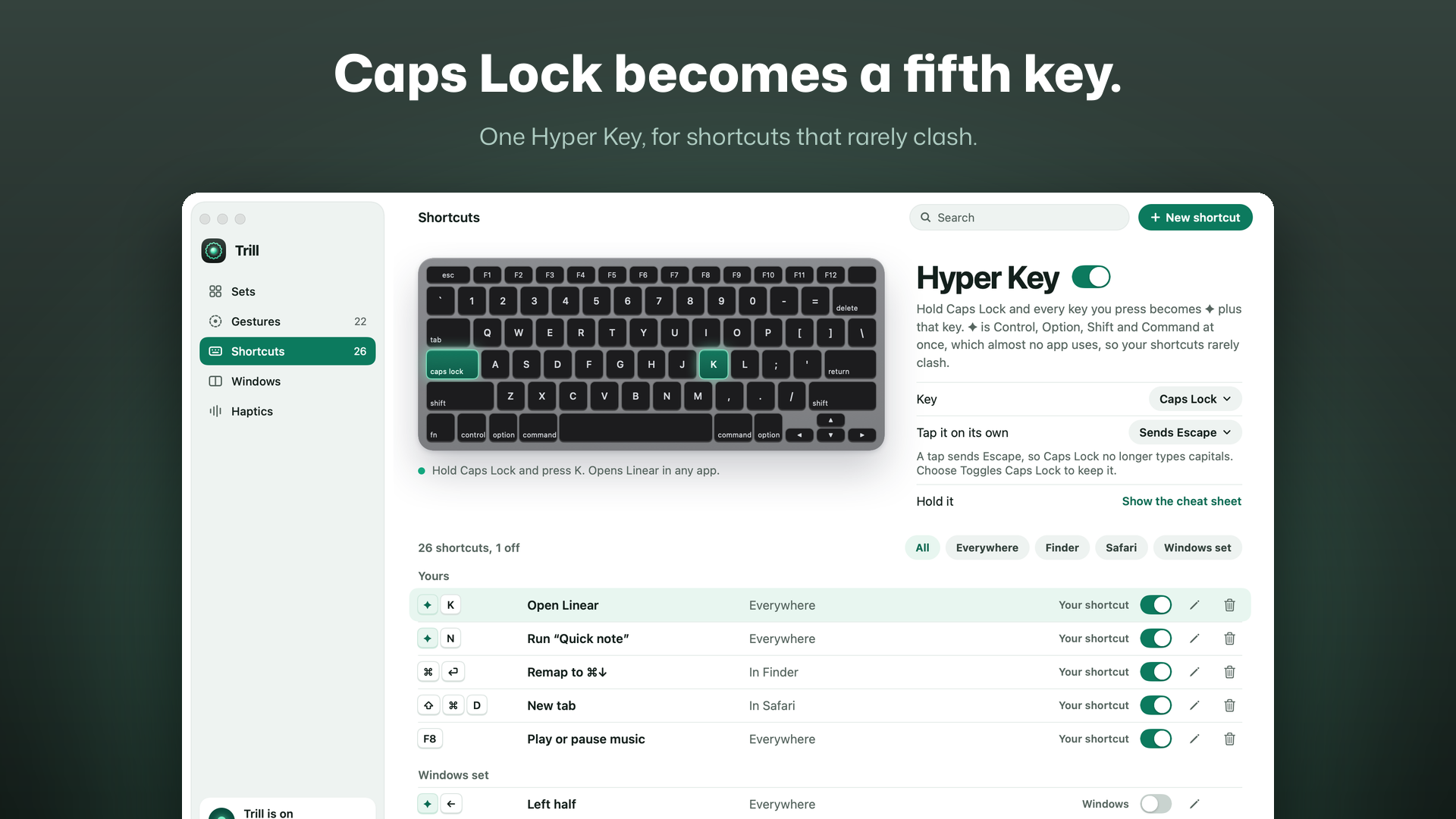
Hyper Key: turn it on and Caps Lock becomes a fifth key for your own keyboard shortcuts. Hold it to see a cheat sheet of every gesture and shortcut for the app in front.
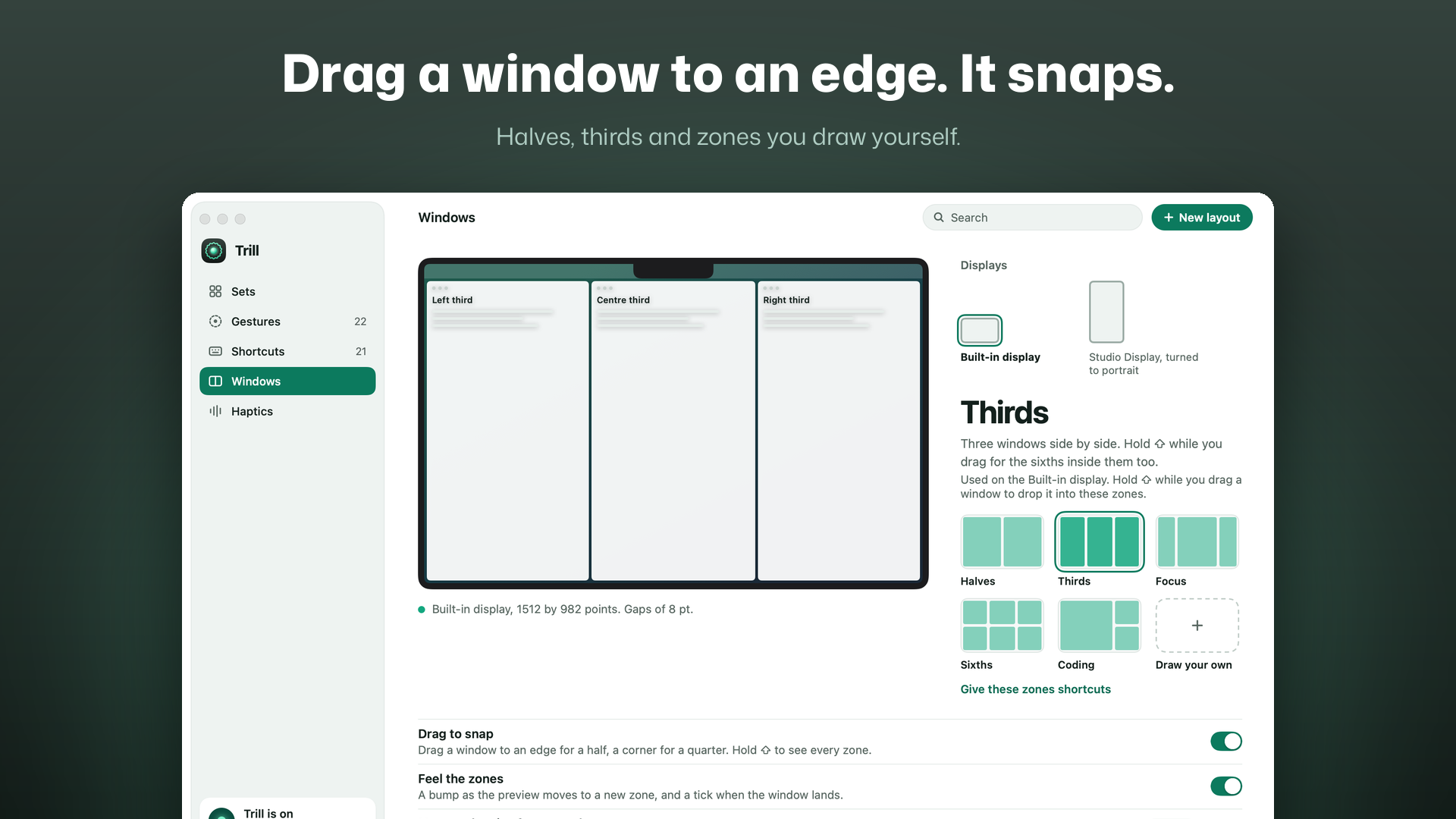
Window snapping: drag a window to an edge for a half or to a corner for a quarter, with a preview before you let go. Layouts and named zones for each display, and move and resize from anywhere if you want it.
It knows what macOS already uses: when one of your gestures is the same as a macOS gesture, Trill keeps yours off, says why, and offers the fix in one click. Put back returns every setting exactly as it was.
Private by design: no analytics. Touches are read on your Mac and never stored or sent. Trill only goes online to check your licence and look for updates.