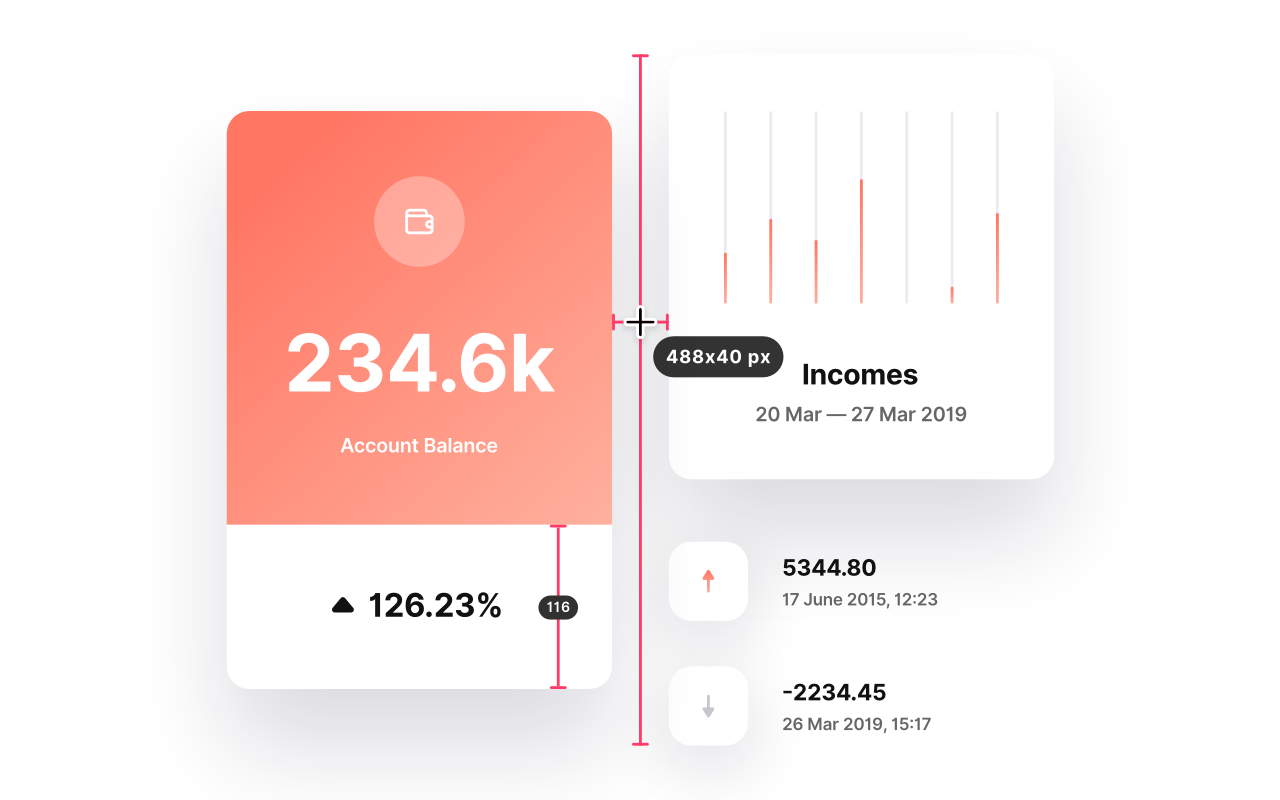

PixPin is a powerful screenshot and screen recording tool with menu bar integration for quick access.
Key Features:
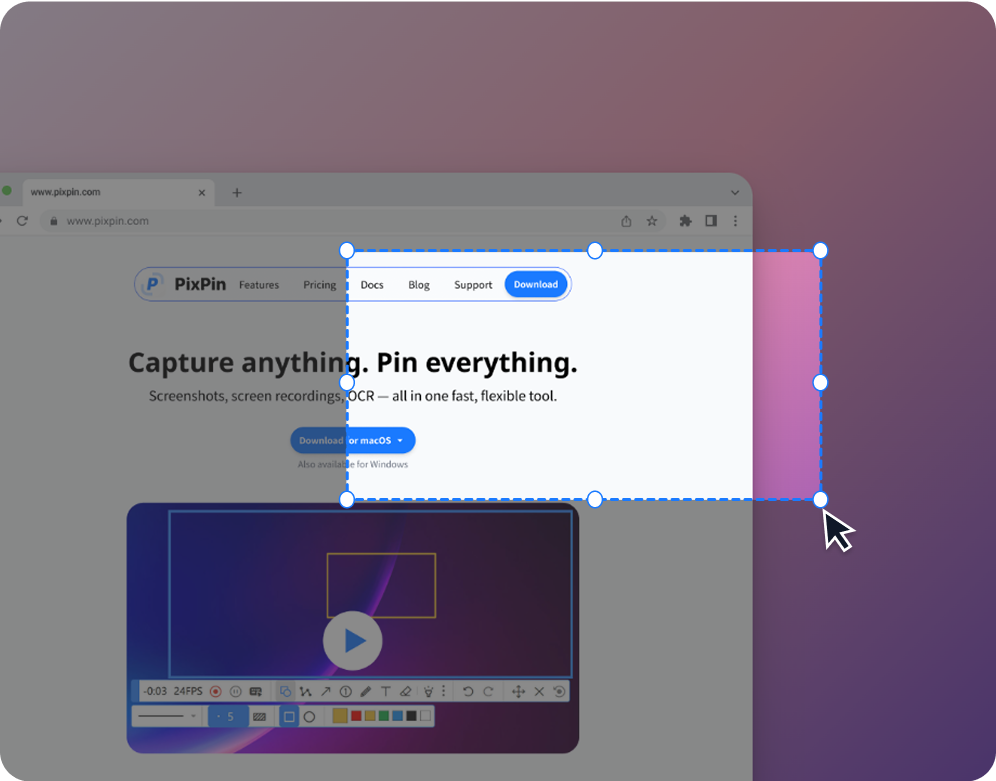
- Screenshots: Quickly capture windows, regions, or full screens with smart auto-detection
- Screen Recording: Record videos or GIFs with annotations and keystroke/mouse click recording
- Long Captures: Stitch long pages, chats, or documents into single images

- Pin to Screen: Pin images, text, colors, and files to your screen like smart sticky notes
- OCR: Extract and copy text directly from screenshots or pinned images
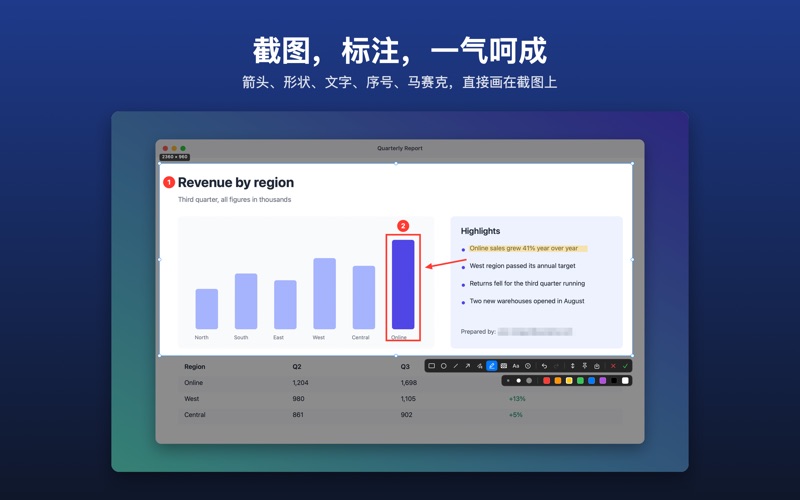
- Annotation: Mark up screenshots with rectangles, arrows, highlights, mosaic, text and more
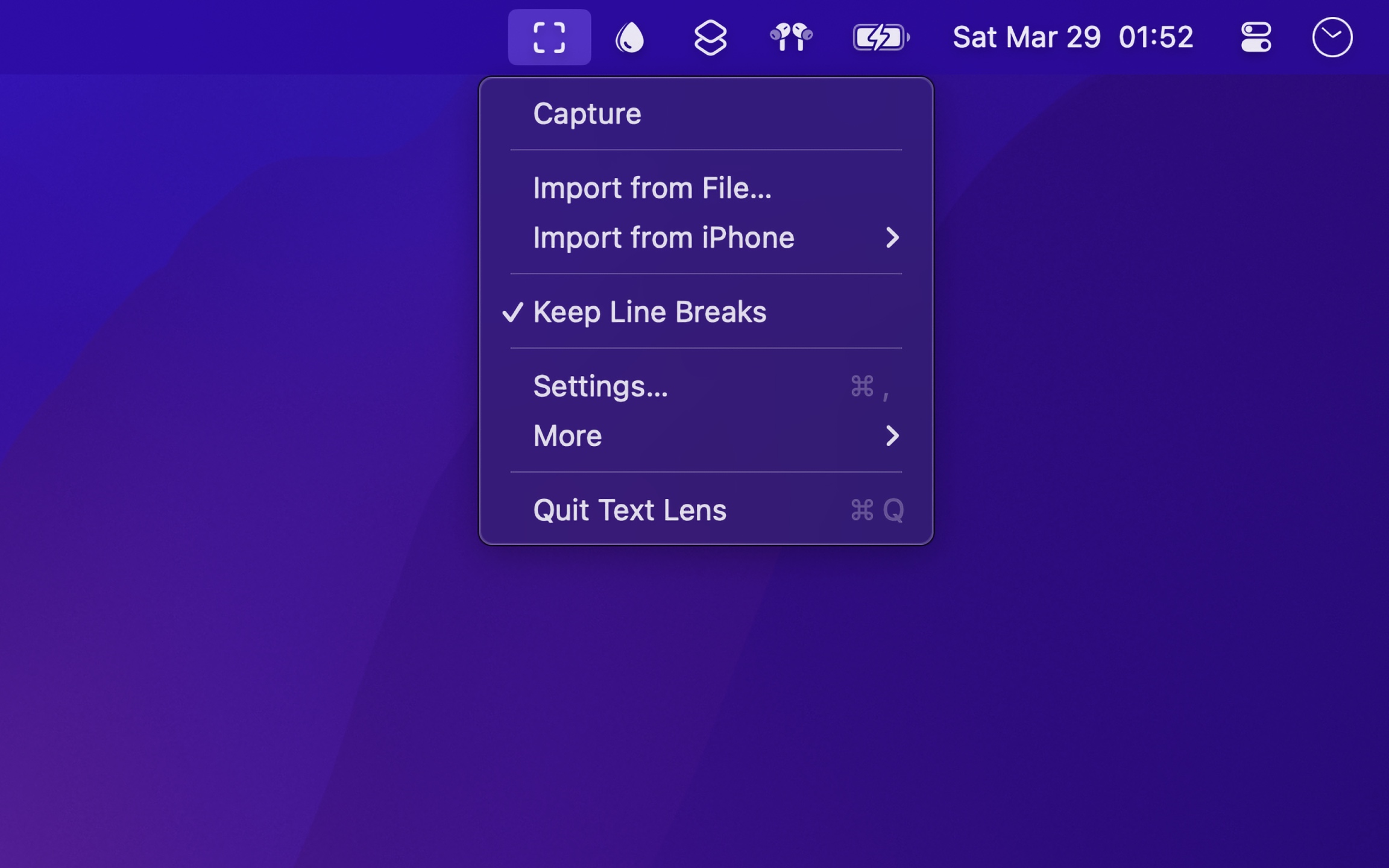
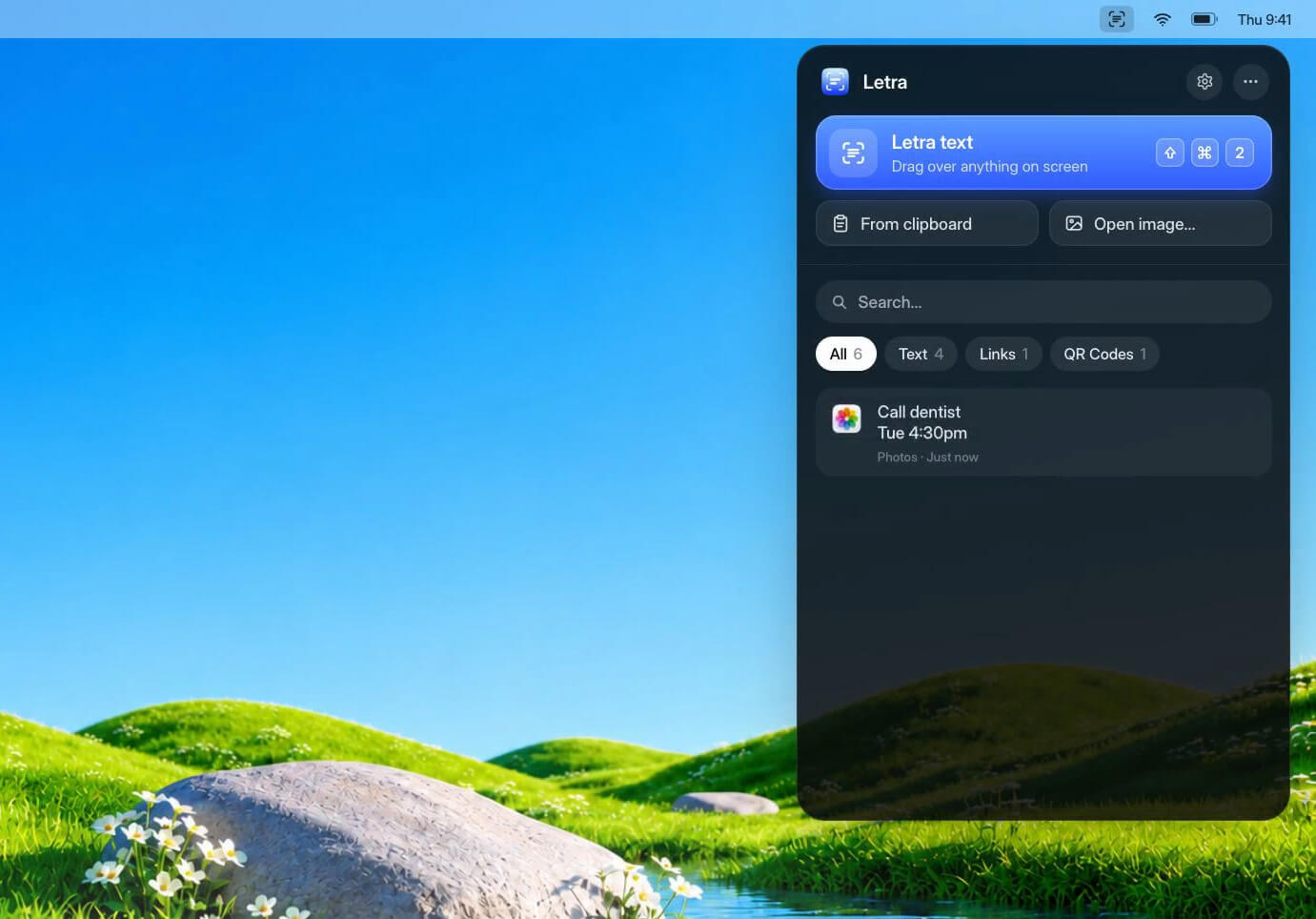
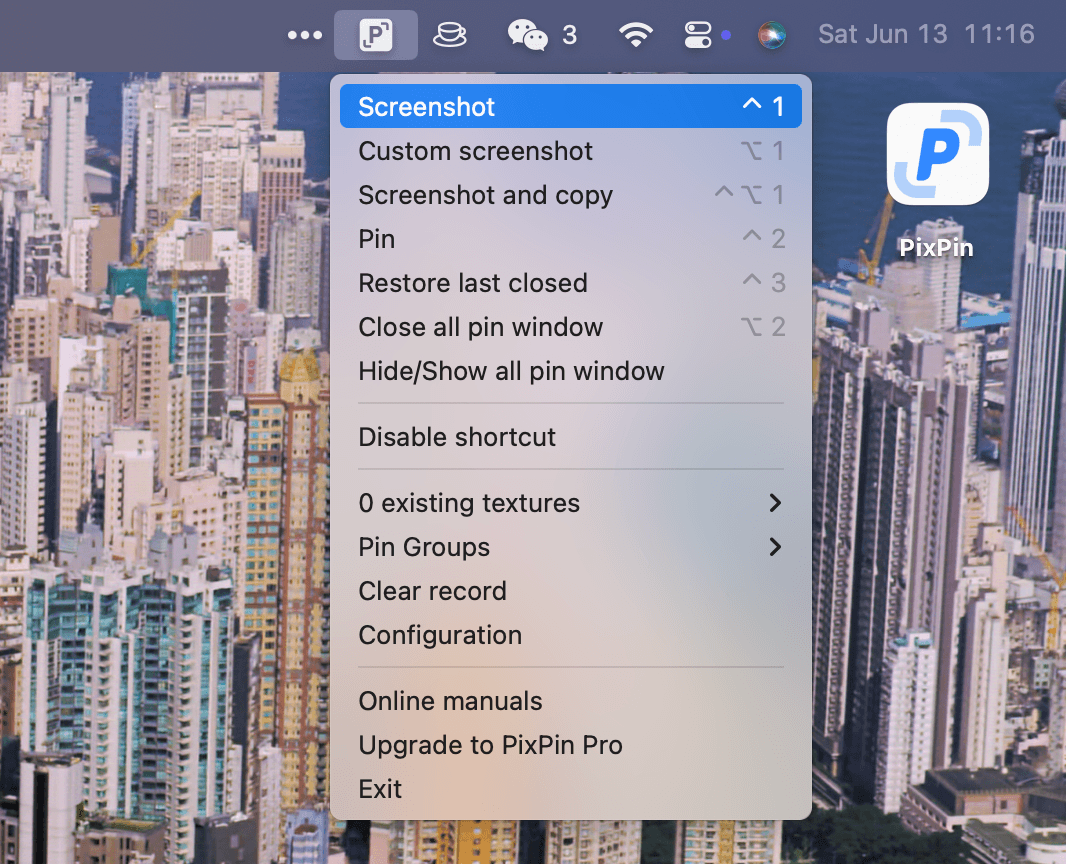
Menu Bar Integration: PixPin runs from the menu bar (macOS) / system tray (Windows), providing instant access to all capture features via global hotkeys and right-click menu.
Use Cases:
- Designers: Pin mockups and UI references
- Developers: Keep API docs and error logs on screen
- Product Managers: Document user flows and feedback
- Educators: Create annotated tutorials and demos
- Writers: Extract quotes with OCR while writing
Available for Windows and macOS. Free to start with optional Pro features.