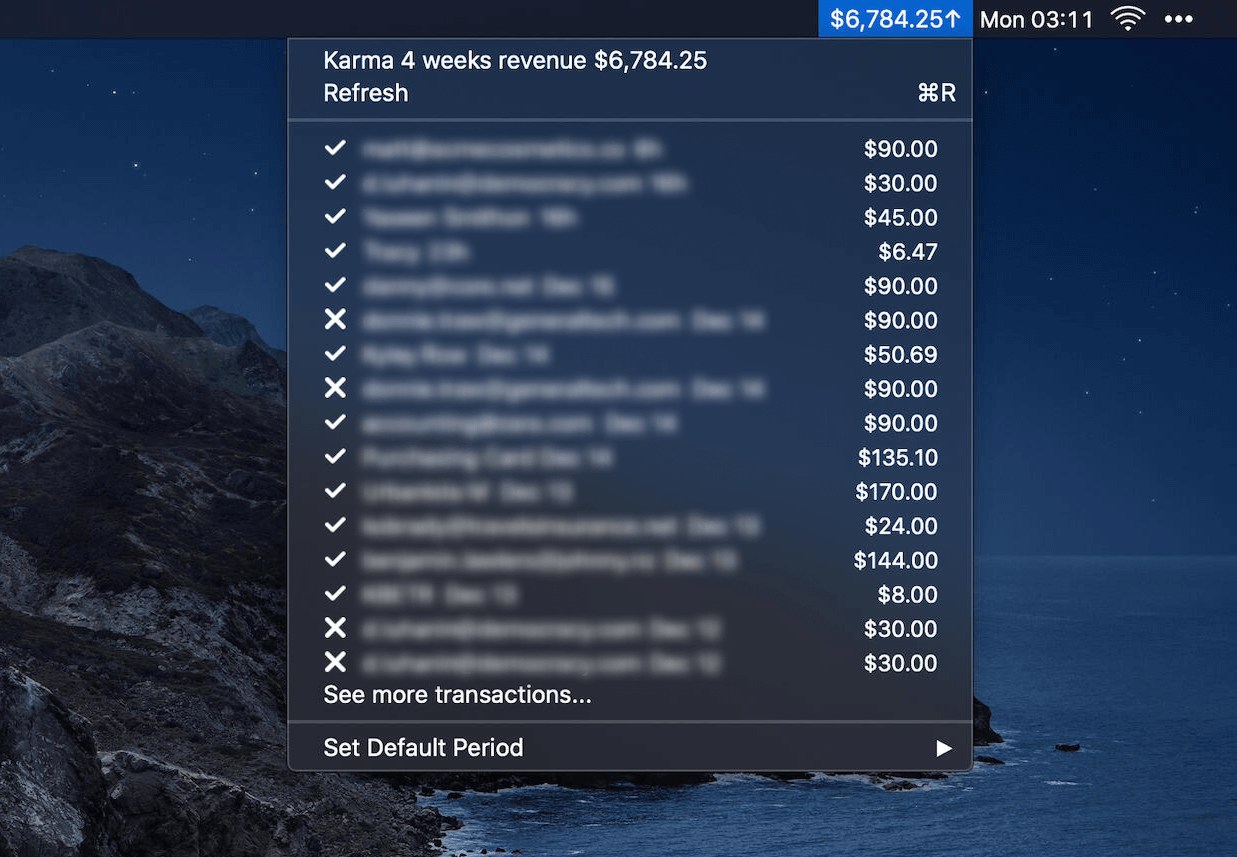
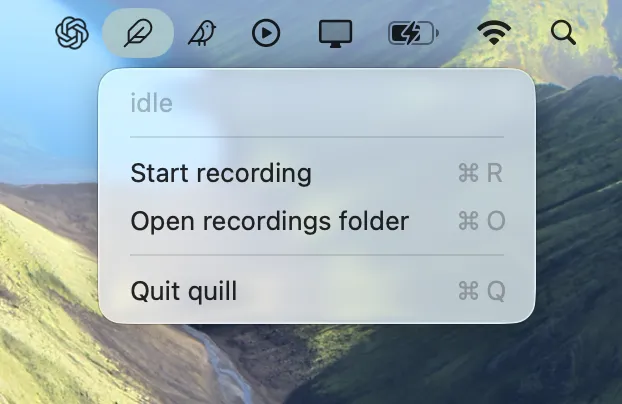
Quill is a minimal, fully local macOS meeting recorder and transcriber that lives in your menu bar. One click records your microphone and all system audio as two separate tracks; when you stop, Quill transcribes both on-device and writes a speaker-tagged transcript. Nothing ever leaves your machine.
Key Features
- One menu-bar click to record — Start capturing mic and system audio instantly from the menu bar
- Dual-track recording — Records your mic and system audio as separate tracks for clean transcription
- On-device transcription — Uses Parakeet (English) via FluidAudio's Core ML port, running entirely offline
- Speaker-tagged transcripts — Mic vs. system audio provides free two-party diarization without a speaker-identification model
- Privacy-first — All processing happens locally; no data leaves your Mac
- CAF format — Resilient format that preserves already-written audio even if the process crashes mid-meeting
- Launch at login — Optional background daemon with
quill install --launch-at-login
Output Files
Each session is saved to ~/Recordings/<yyyy.MM.dd-HHmm>/:
mic.caf— Your side (default input device, AAC)system.caf— Everything the Mac played (AAC)meta.json— Start/end timestamps, duration, per-track start offsetstranscript.json— Canonical transcript with timed, speaker-tagged segmentstranscript.md— Human-readable rendered transcript
Requirements
- macOS 15+ (Core Audio process taps for system audio)
- Apple Silicon recommended for transcription speed
- ~600 MB model download on first transcription
Stack
- Swift binary with no app bundle
- Menu-bar tray UI (no Dock icon)
- Core Audio process taps (no virtual device, no kernel extension)
- FluidAudio Parakeet Core ML for transcription