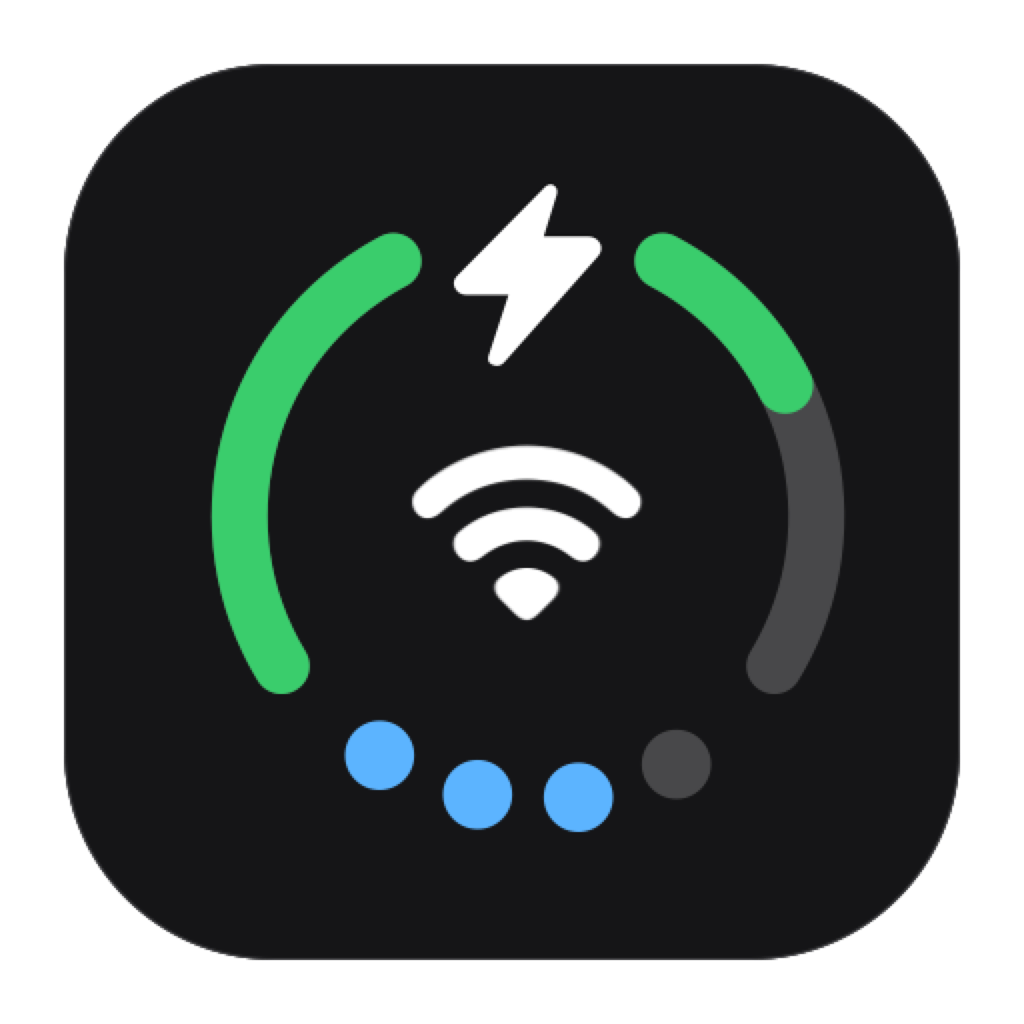
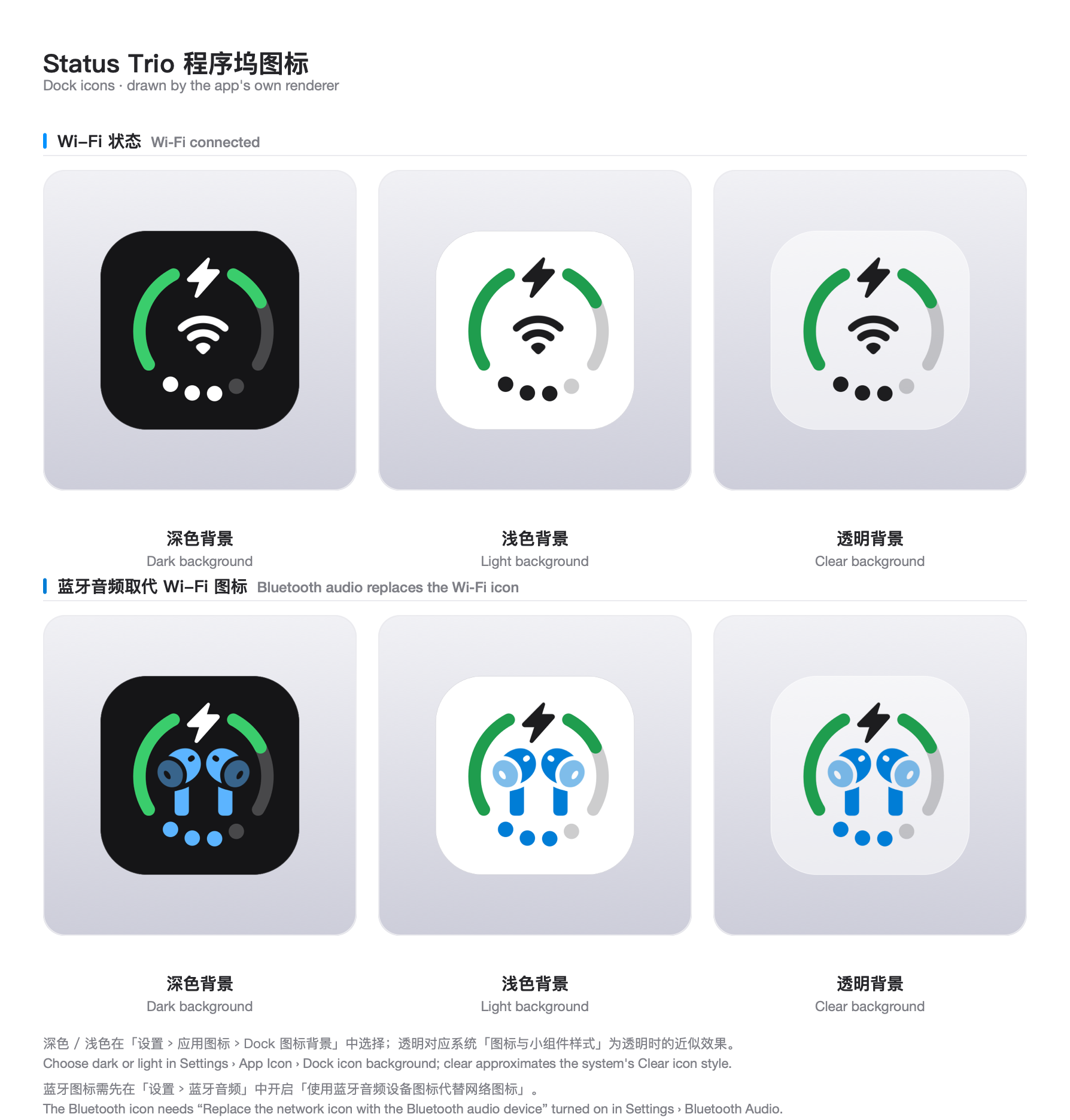
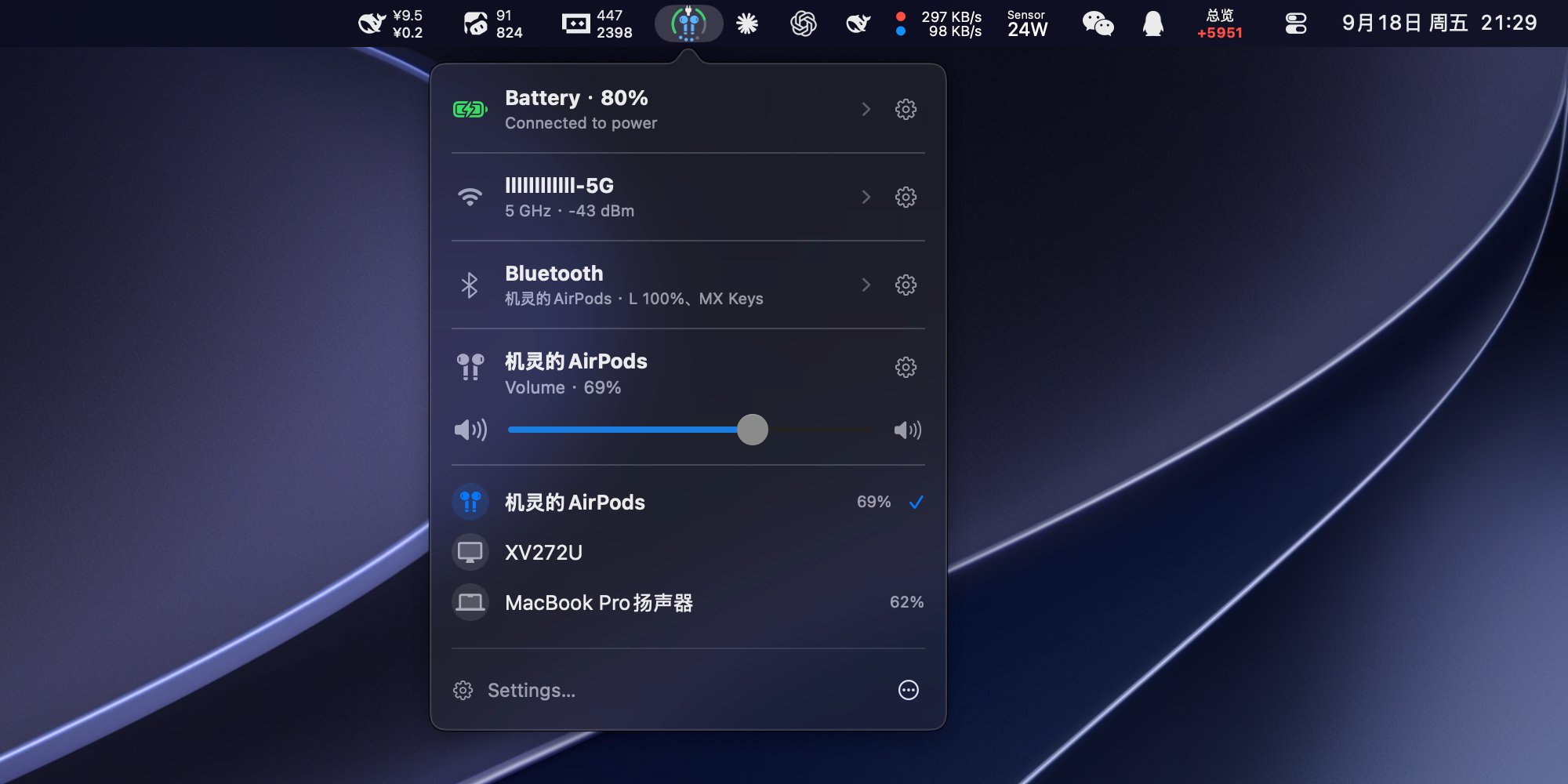
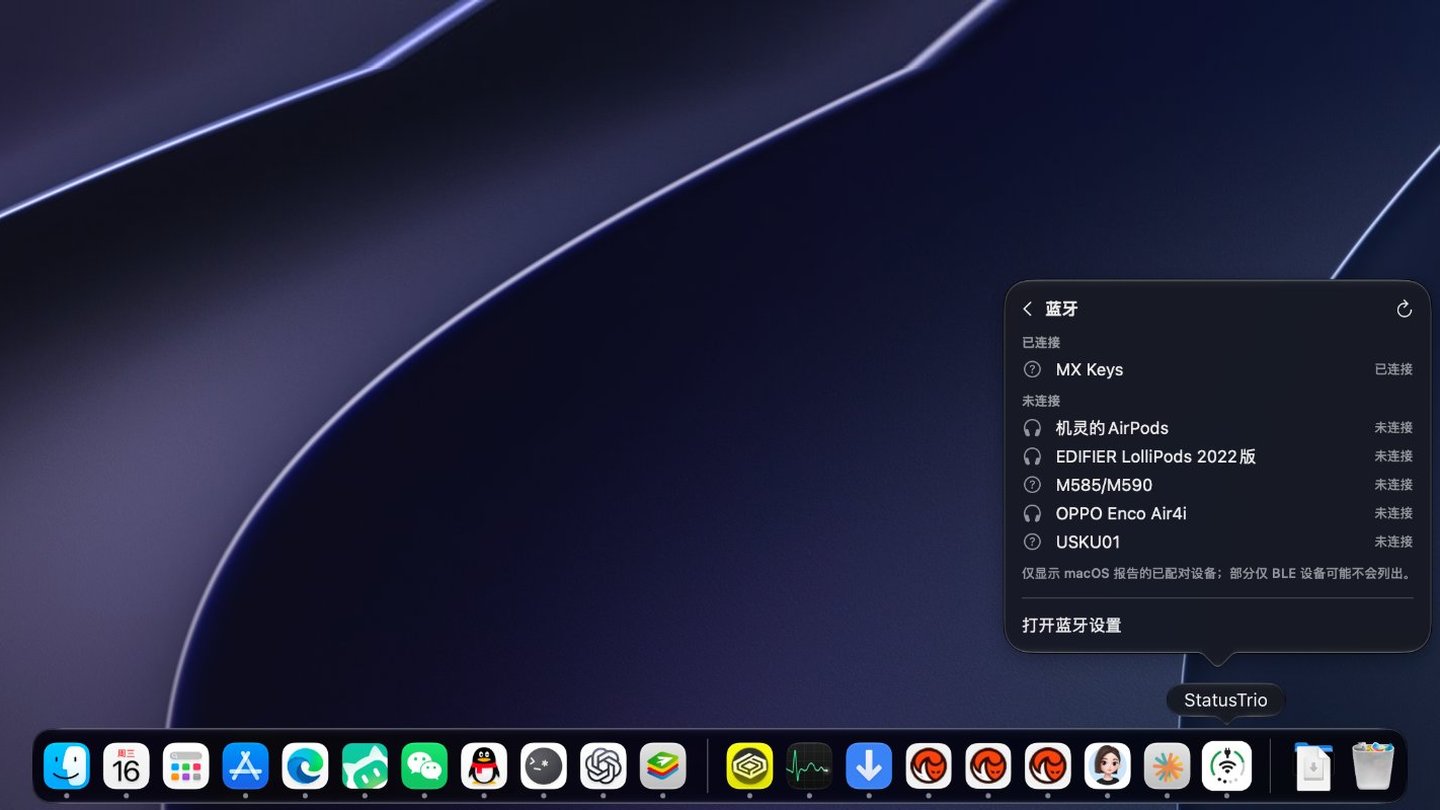
Status Trio is a native macOS status app that combines Wi-Fi, battery, and volume into one compact, configurable icon, shown in the menu bar, in the Dock, or in both. Its popover goes deeper than the icon: a Wi-Fi panel for nearby networks and link details, a Bluetooth panel for paired devices, a Battery Details page, and the audio devices that are playing. It is inspired by the iPhone Duo's combined status bar icon for Wi-Fi, Battery, and Cellular Data, adapted for Mac with Volume instead of Cellular Data.
Status Trio is an independent project and is not affiliated with Apple.
Highlights One icon, three signals — battery, Wi-Fi, and volume share one icon in the menu bar, the Dock, or both, and a Bluetooth device that is playing can take the middle spot with its own symbol. Bluetooth — the volume indicator turns blue while it plays. The panel lists paired devices you can tap to connect or disconnect, shows battery levels by default, and stays off until you enable it. Battery — percentage, charging or plugged in, time to full, and a color when it runs low. Open the row for adapter power, voltage, current, cycle count, and Low Power Mode. Wi-Fi — the network you are on and how strong the signal is. Open it to see nearby networks, check the link details, or switch Wi-Fi off. Switching between networks happens in the Wi-Fi pane of System Settings. Volume — level, mute, and the output device, drawn as dots or an arc. Scroll the whole panel or just the control, and pick which direction turns it up. Make it yours — icon size, symbol scale, ring thickness, status colors, and which sections the popover shows, in the order you want. Menu bar, Dock, or both — and the Dock icon can follow the system style or stay dark or light. Native on macOS — left-click opens the popover, right-click opens the menu, and a first-launch guide explains each part of the icon. Ethernet, a hotspot, or Internet Sharing can keep the Wi-Fi glyph if you prefer. Stays current — status comes from system events with a slow poll as a fallback, and Sparkle updates the app through a signed feed. Also included — twelve languages, and an optional launch at login.