
Tuji is a powerful and easy-to-use screenshot app that allows you to capture content on your screen, add annotations, watermarks, borders, and beautiful backgrounds, and then easily copy or save it as an image.
Features:
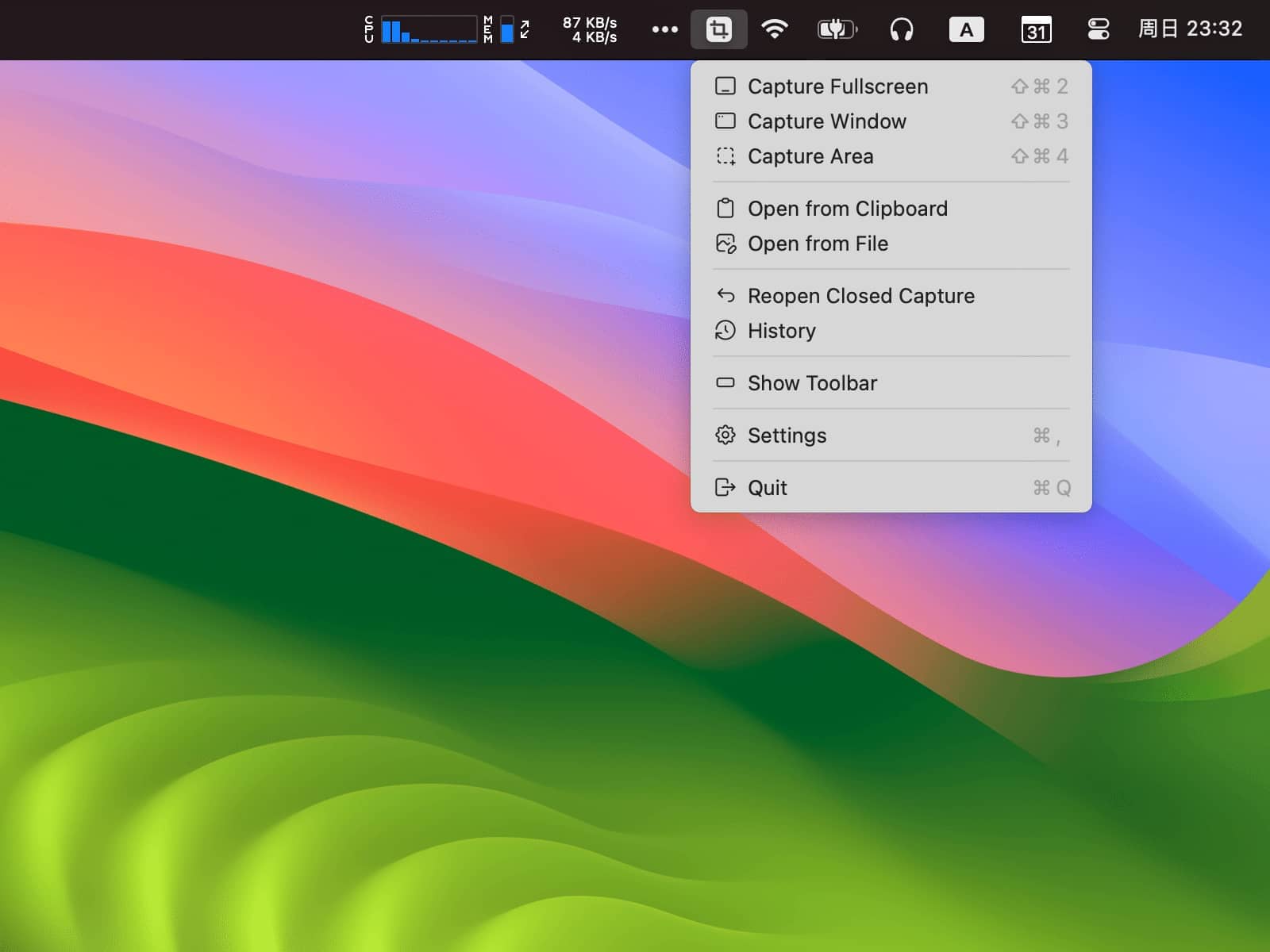
- Take screenshots: full-screen, windowed, and area screenshots
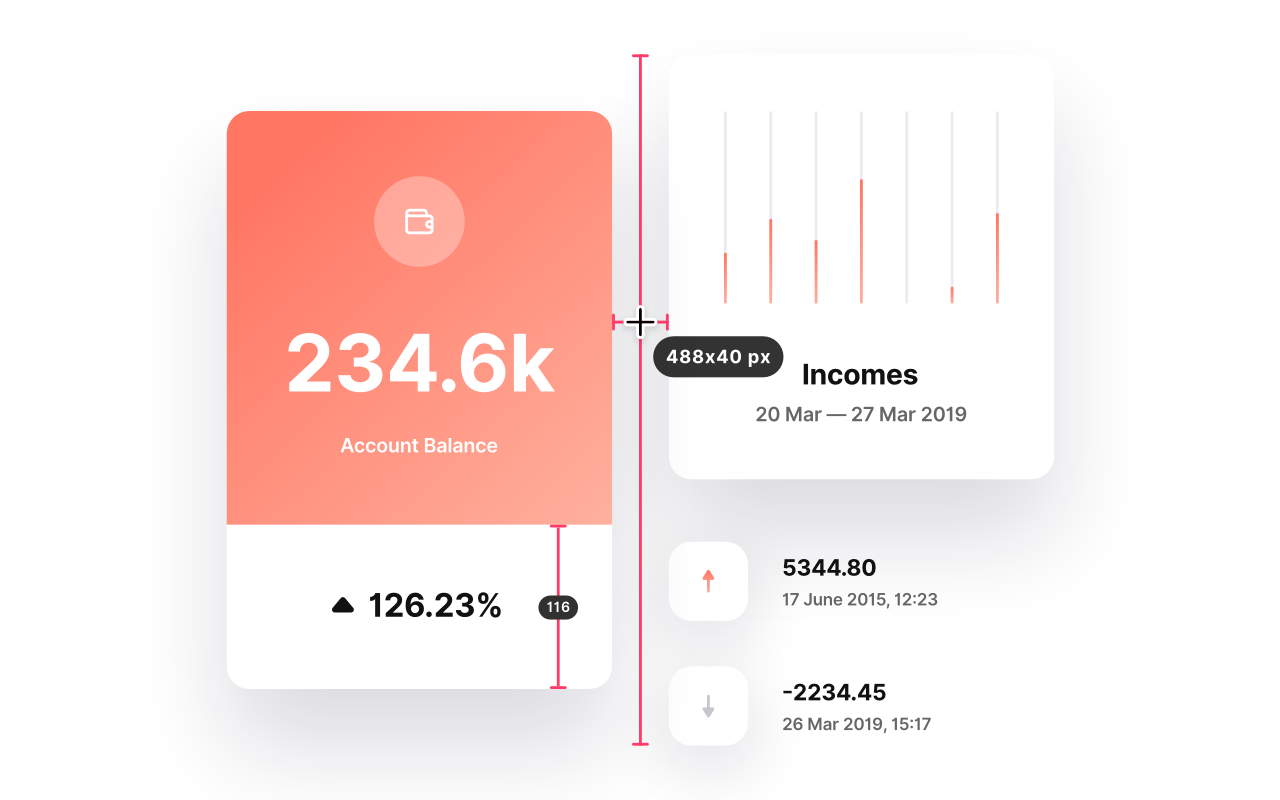
- Diverse annotation tools: rectangles, circles, lines, arrows, text, images, counters, mosaics, QR codes, magnifiers
- Colorful backgrounds: gradients, wallpapers, plain colors, and custom CSS backgrounds
- Aspect ratio: easily adjust to 3:2, 16:9, or other ratios
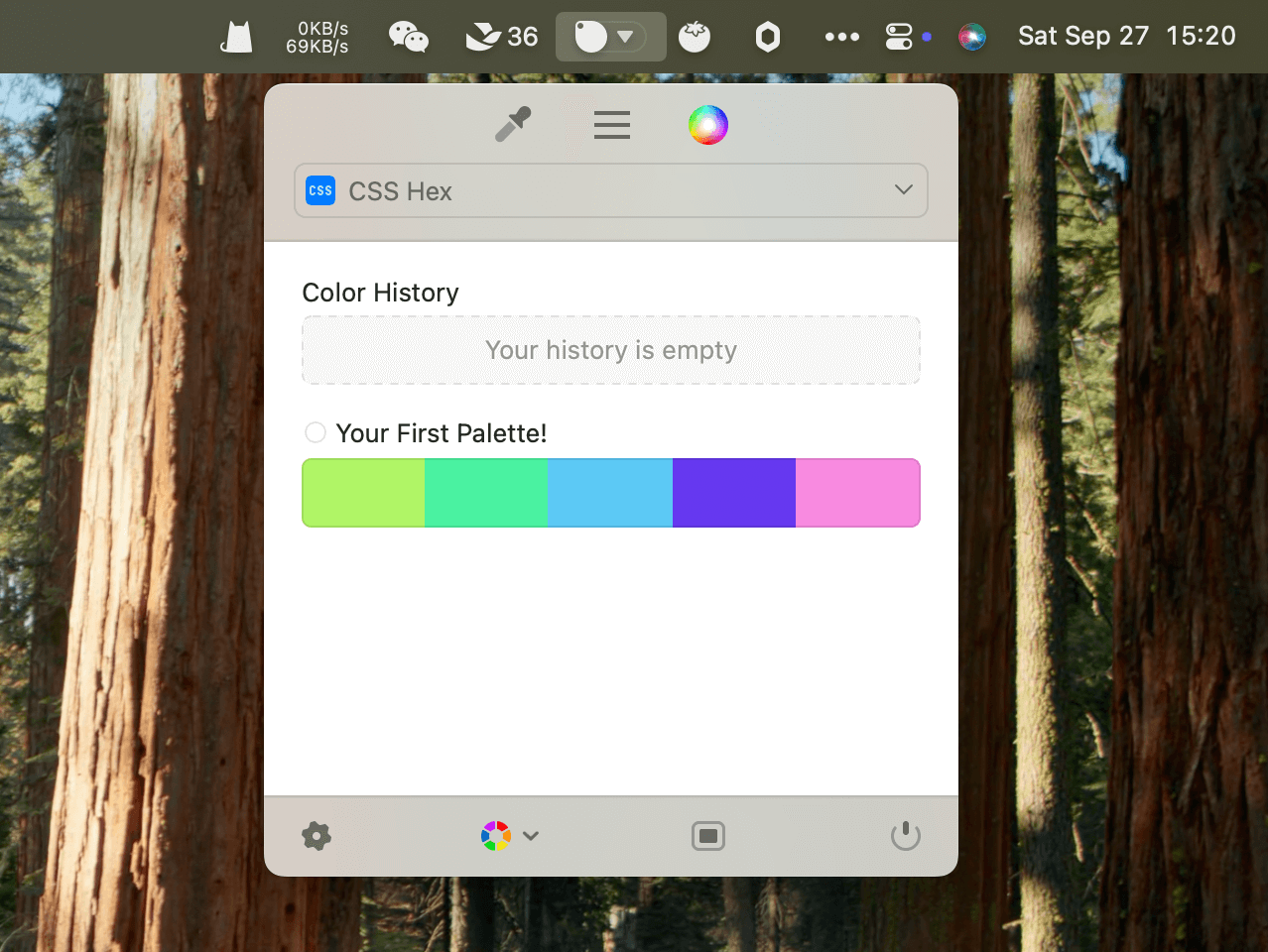
- System tray shortcut menu: quick access from menubar
- History: save and re-edit previous screenshots
- Watermark: customize text, color, size, transparency, and rotation
- More than screenshots: open and edit images from clipboard or local files
- Privacy focused: all operations offline, data stored locally
- Export: one-click copy to clipboard or save as image file