Workflo is a macOS menu-bar app for workspace automation. It stages your setup before you ask — opening the right apps and arranging them based on your calendar, the clock, or display changes.
Key Features
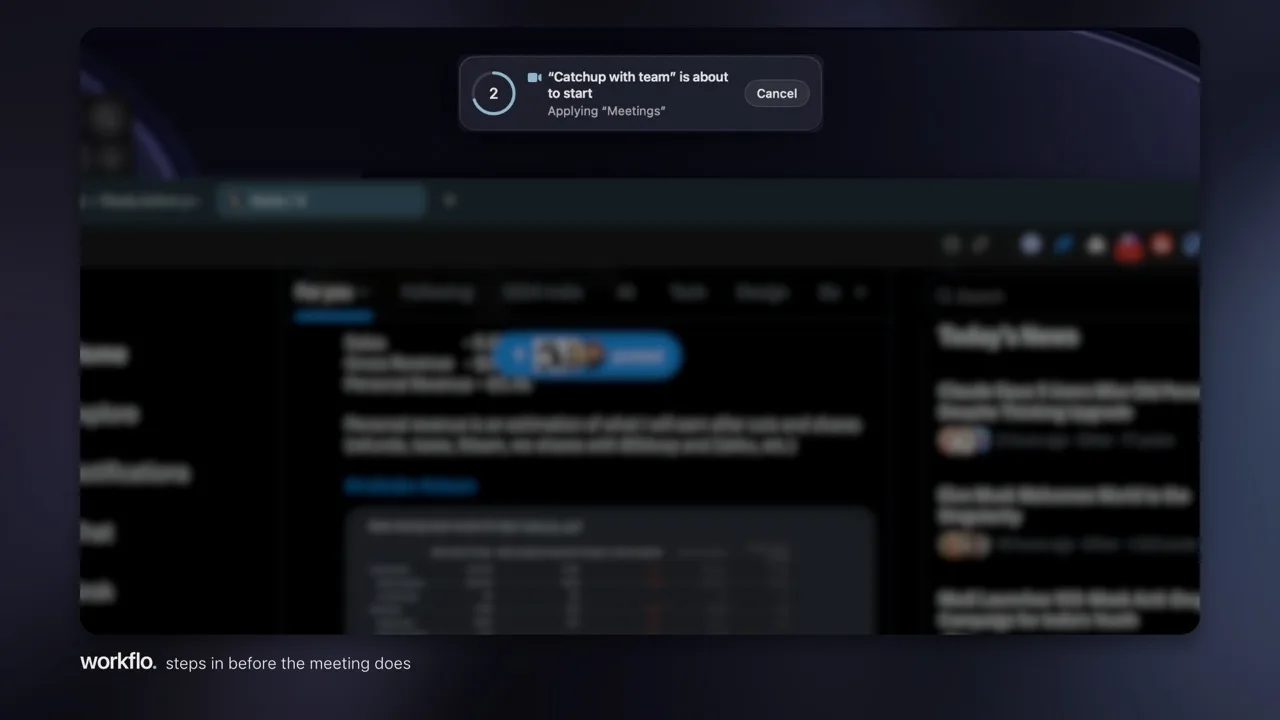
- Triggers — Apply a Scene at a set time, or in the minutes before a calendar event with a video link. A cancelable countdown fires first, as long or short as you set it.
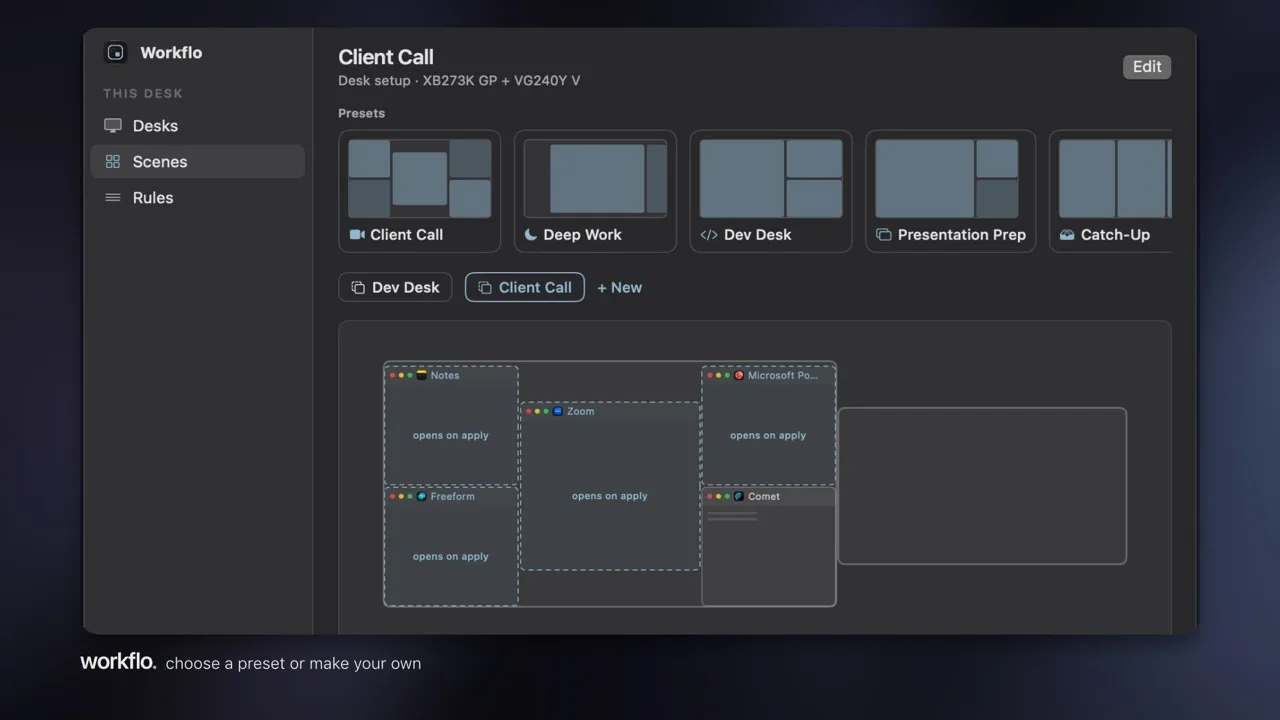
- Scenes — Named presets per Desk: writing, review, monitoring. A Scene can open missing apps, hide the rest, even close the ones you don't need.
- Scene Studio — Design your own Scenes on a drag-and-resize canvas, with support for dual-monitor setups.
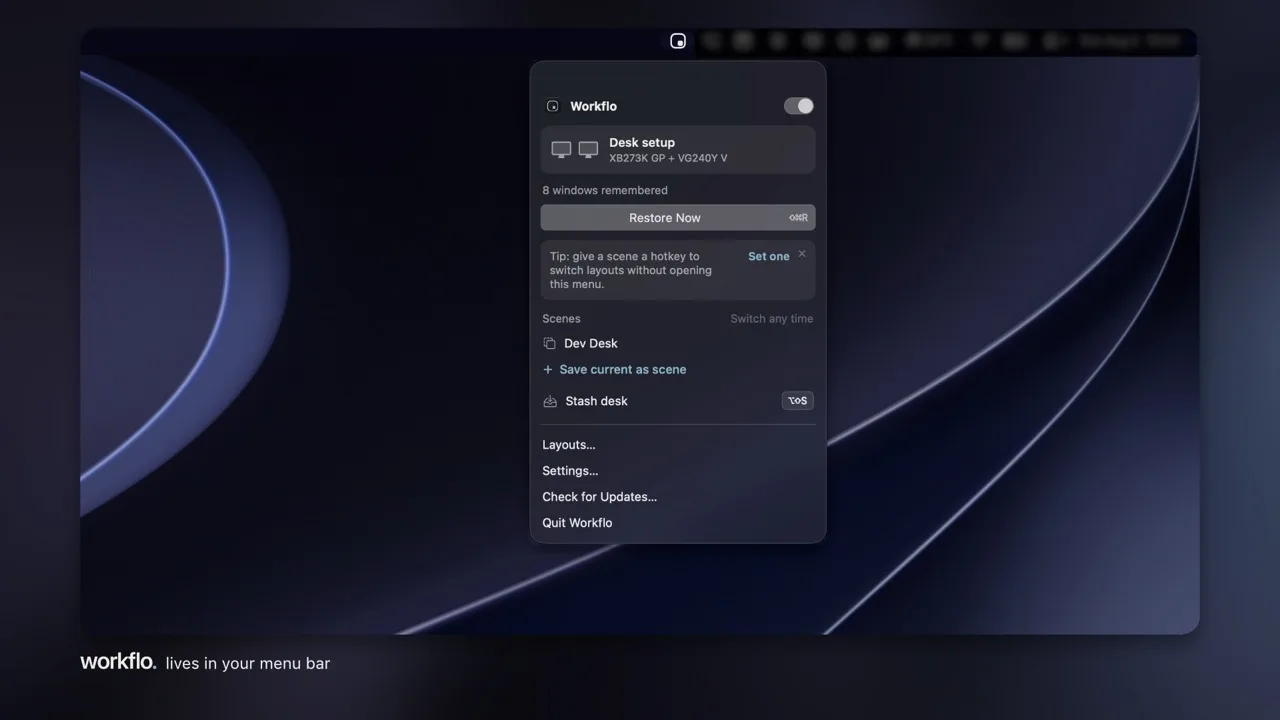
- Stash (⌥⇧S) — Hide every window with one press. Press again and the whole Desk returns, exactly as it was.
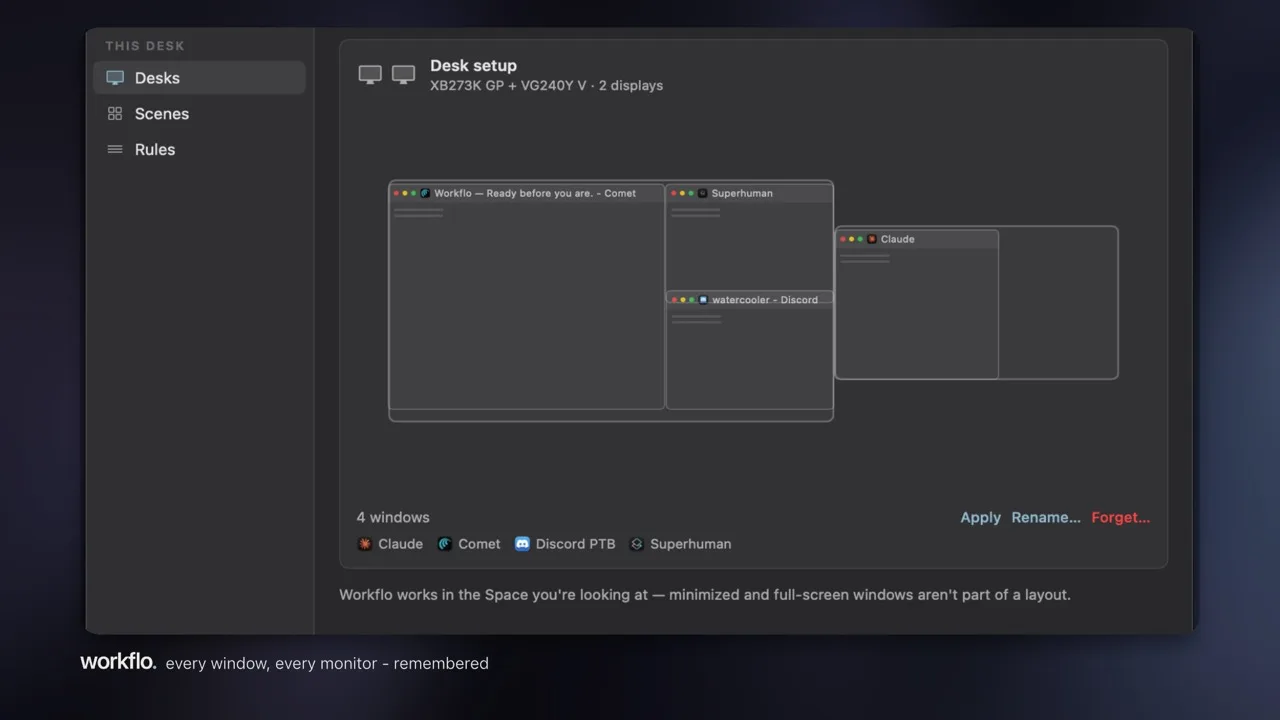
- Launch Placement — Newly launched apps open at their remembered position, not wherever macOS feels like putting them.
- Per-app Rules — Ignore an app entirely, or always restore its size.
Privacy
- Never records your screen — only needs Accessibility permission
- No account, no cloud — your Desks, Scenes, and rules live as plain JSON locally
- Calendar access only when you add a calendar trigger
Pricing
One-time purchase of $19.99 with a 7-day free trial. No subscription.