Berthly is a native macOS app for Apple's container — giving Apple's container tooling the Docker Desktop-style experience it's missing.
Features
- Images — List, pull from a registry, build from a Dockerfile, and inspect layers and metadata.
- Containers — Create and run containers, view details, and stream logs live.
- Machines — Create and manage VMs, set the kernel, and inspect resources.
- Networks & volumes — Create, list, and remove them without touching a terminal.
- Registries — Sign in to private registries and manage saved hosts.
- Integrated terminal — A real terminal attached to your containers, built on SwiftTerm.
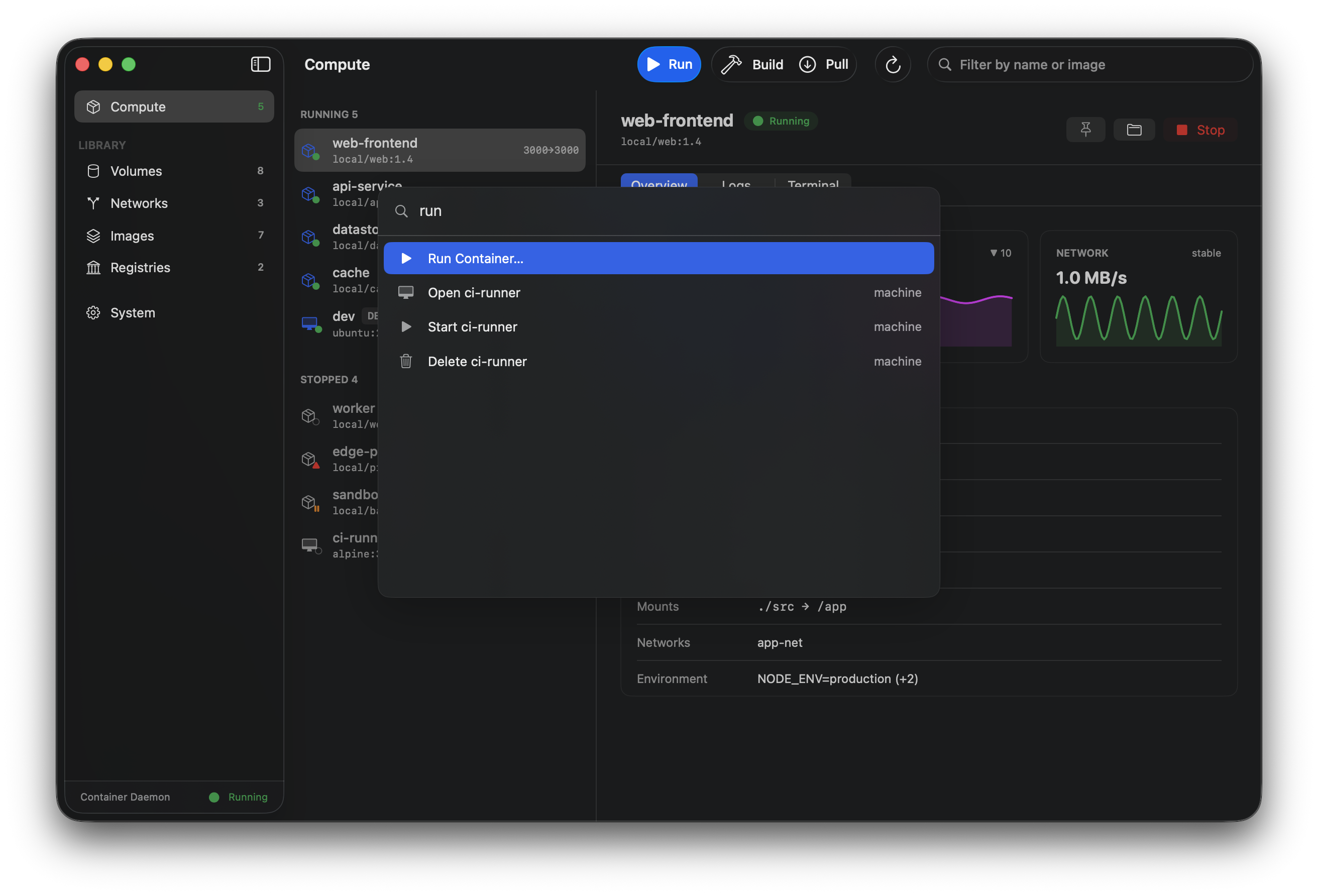
- Command palette — Jump to any action with a keystroke (⌘K).
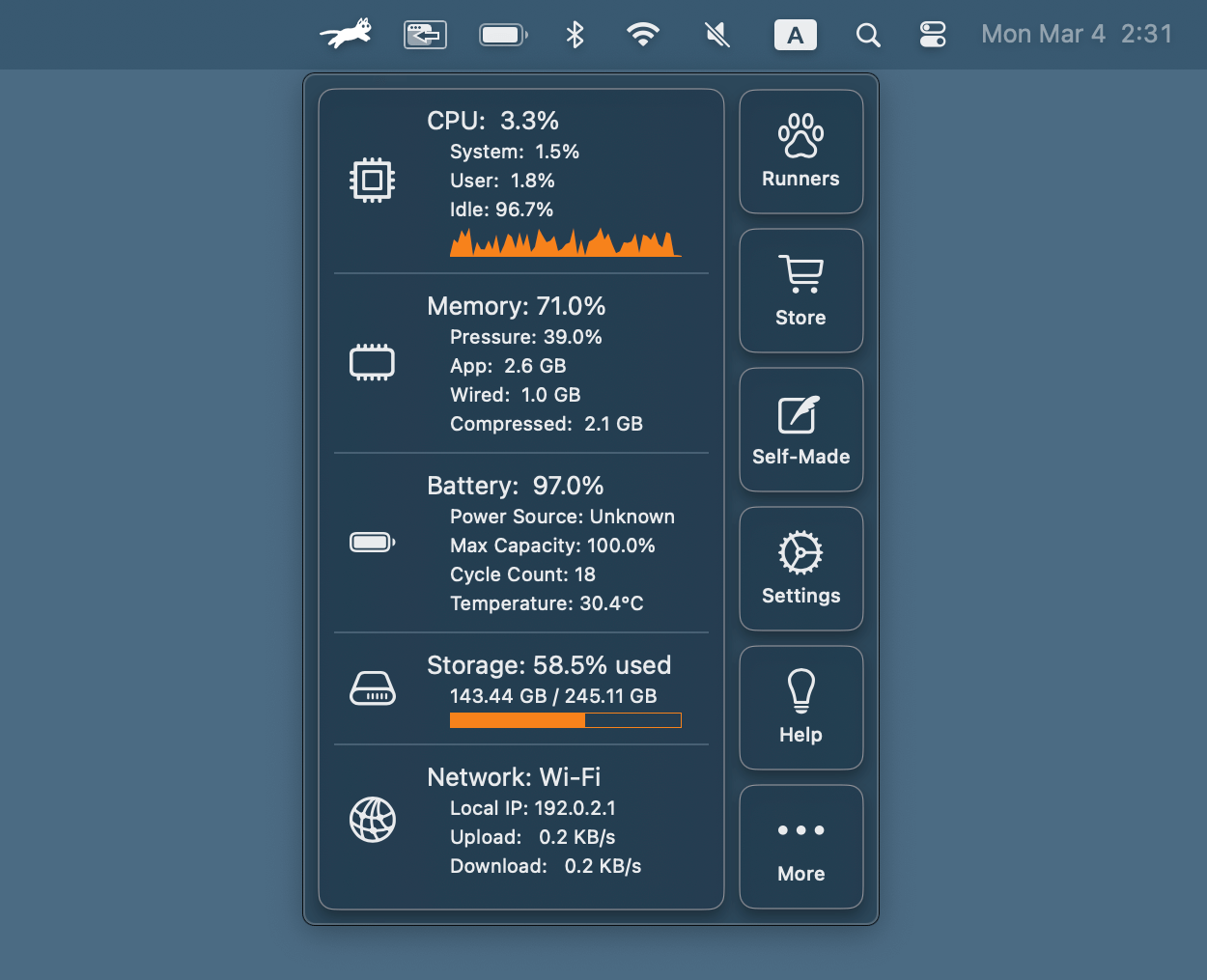
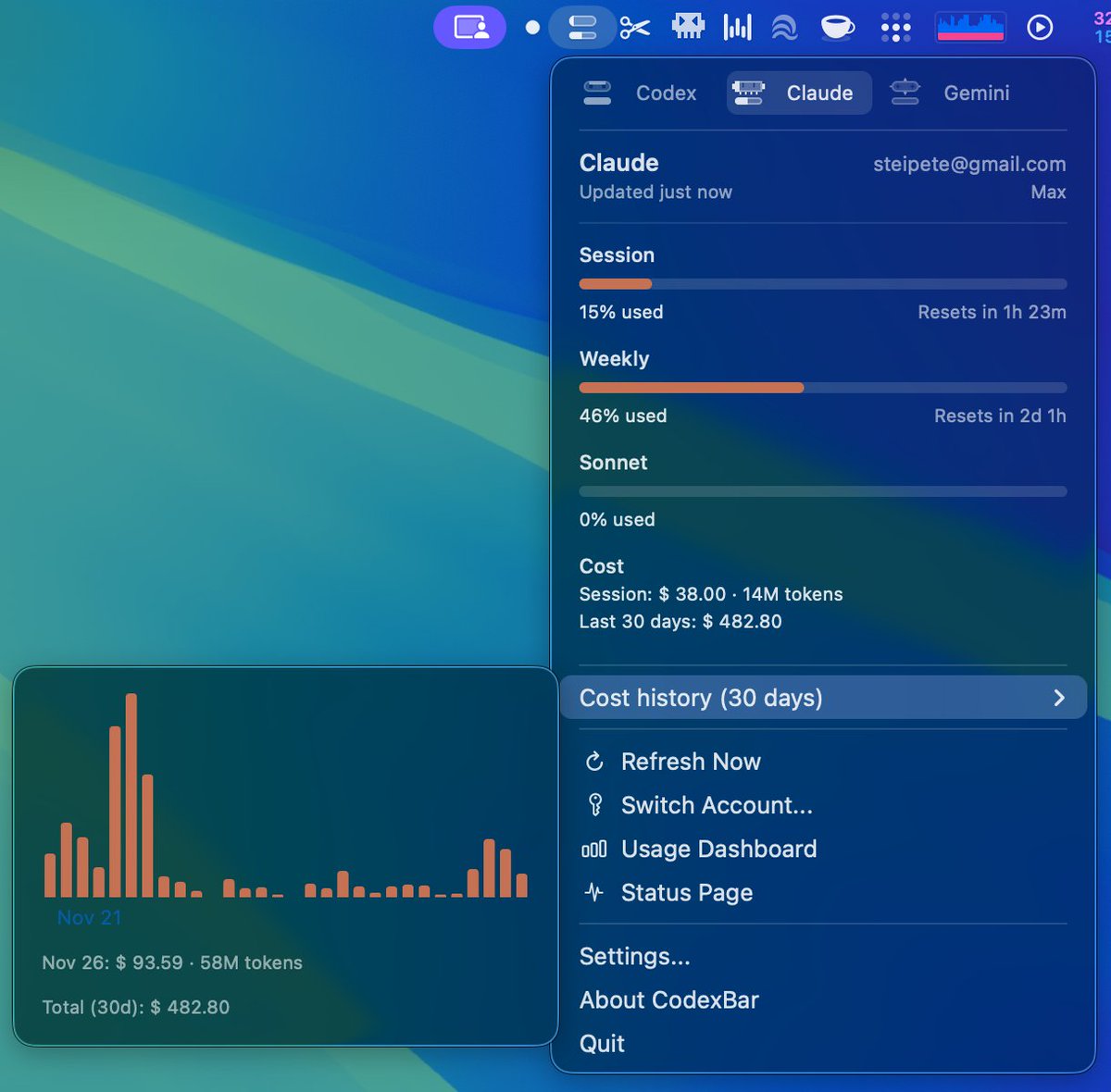
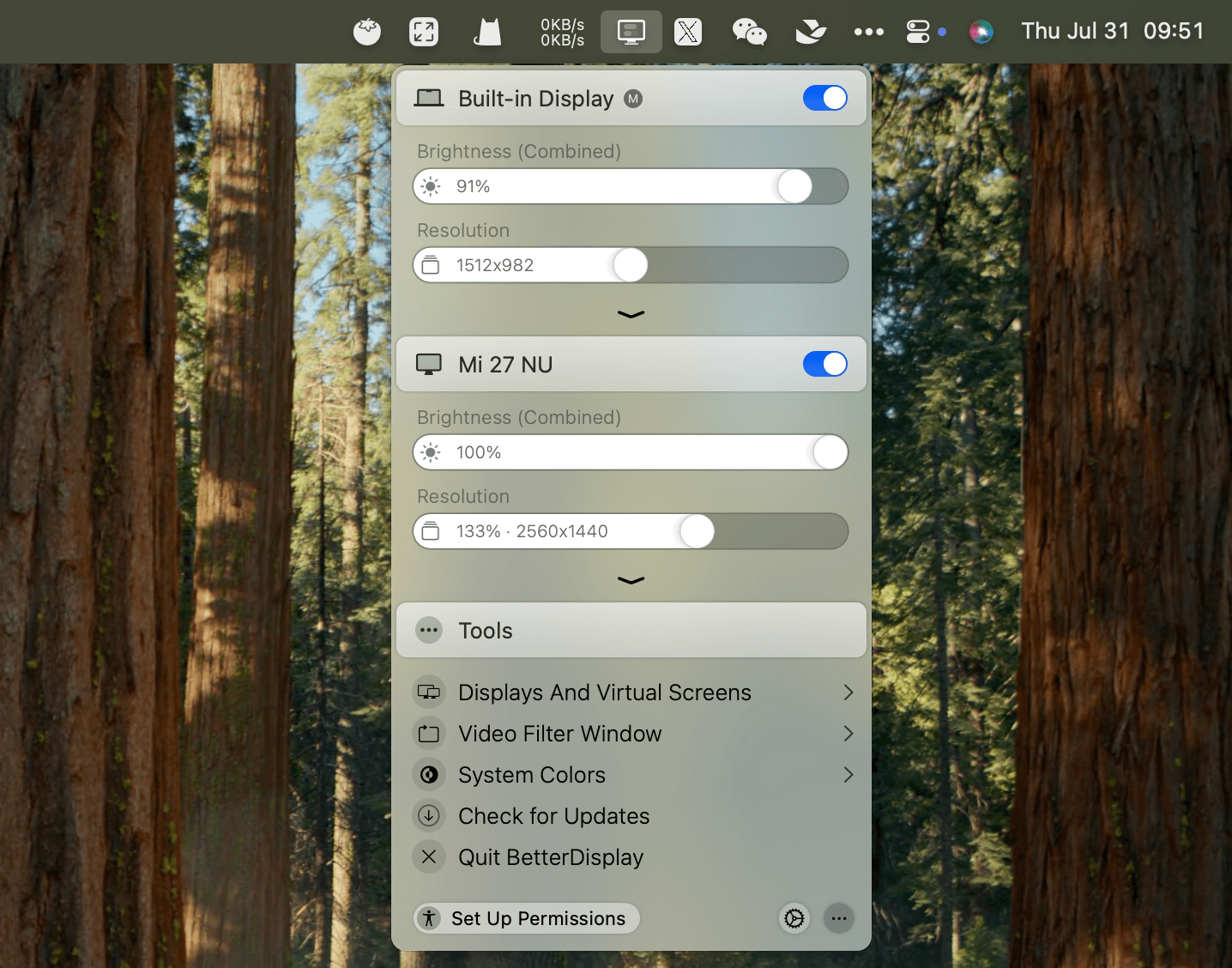
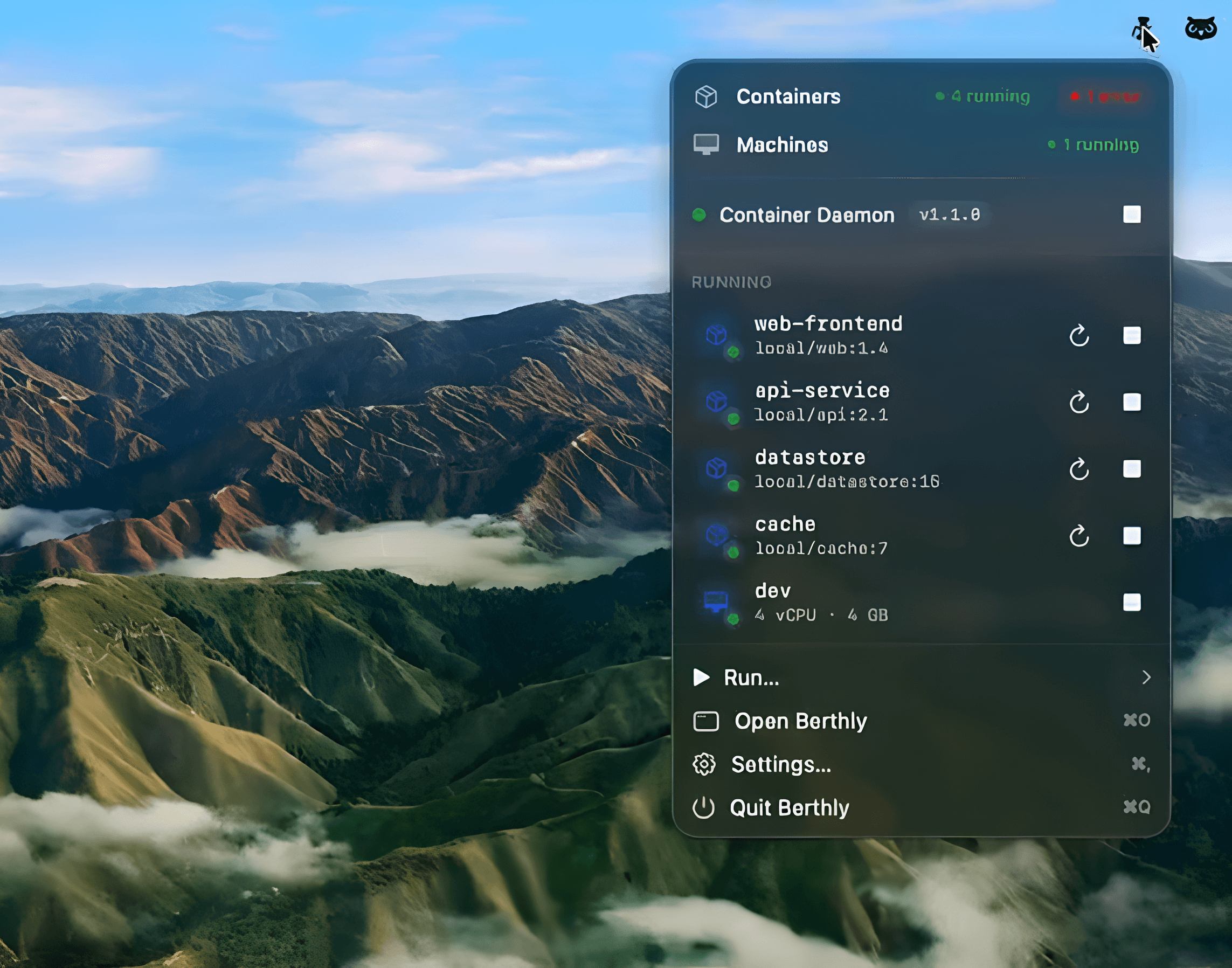
- Menu-bar presence — Quick status and controls without leaving what you're doing.
- Keyboard-first — ⌘K palette, ⌘1–6 section switching, ⌘⌥1–3 detail tabs, and full menu shortcuts for every action.
Beyond the CLI
- Drag-and-drop builds — Drag a Dockerfile/Containerfile from Finder onto the window to open the Build sheet pre-filled.
- Rebuild in one click — Every image build's context and flags are remembered.
- Live monitoring — Live CPU/memory/network charts per container, with favorites pinned to the menu bar.
- Watchtower-style image updates — Berthly periodically compares pulled tags against registries and badges stale images; "Recreate with Latest Image" pulls and rebuilds with volumes intact.
- Disk hygiene — Reclaimable-space badges on Images and Volumes, with one-click pruning.
Requirements
- Apple Silicon Mac
- macOS 26 or later
- Apple's
containerinstalled and running
Berthly is free, open source (Apache-2.0), Developer ID–signed and notarized by Apple.