Cacophony is a system-wide AirPlay 2 output utility for macOS that lives in your menu bar. It installs a virtual CoreAudio output device and streams everything played through it to one or more AirPlay 2 speakers — including HomePods — in perfect sync.
Unlike macOS's built-in AirPlay output, which only supports a single speaker, Cacophony leverages macOS's own AirPlay 2 engine to enable true multi-room audio from any app.
Key Features:
- System-wide audio streaming — works with any app
- Multi-speaker AirPlay 2 output with synchronization
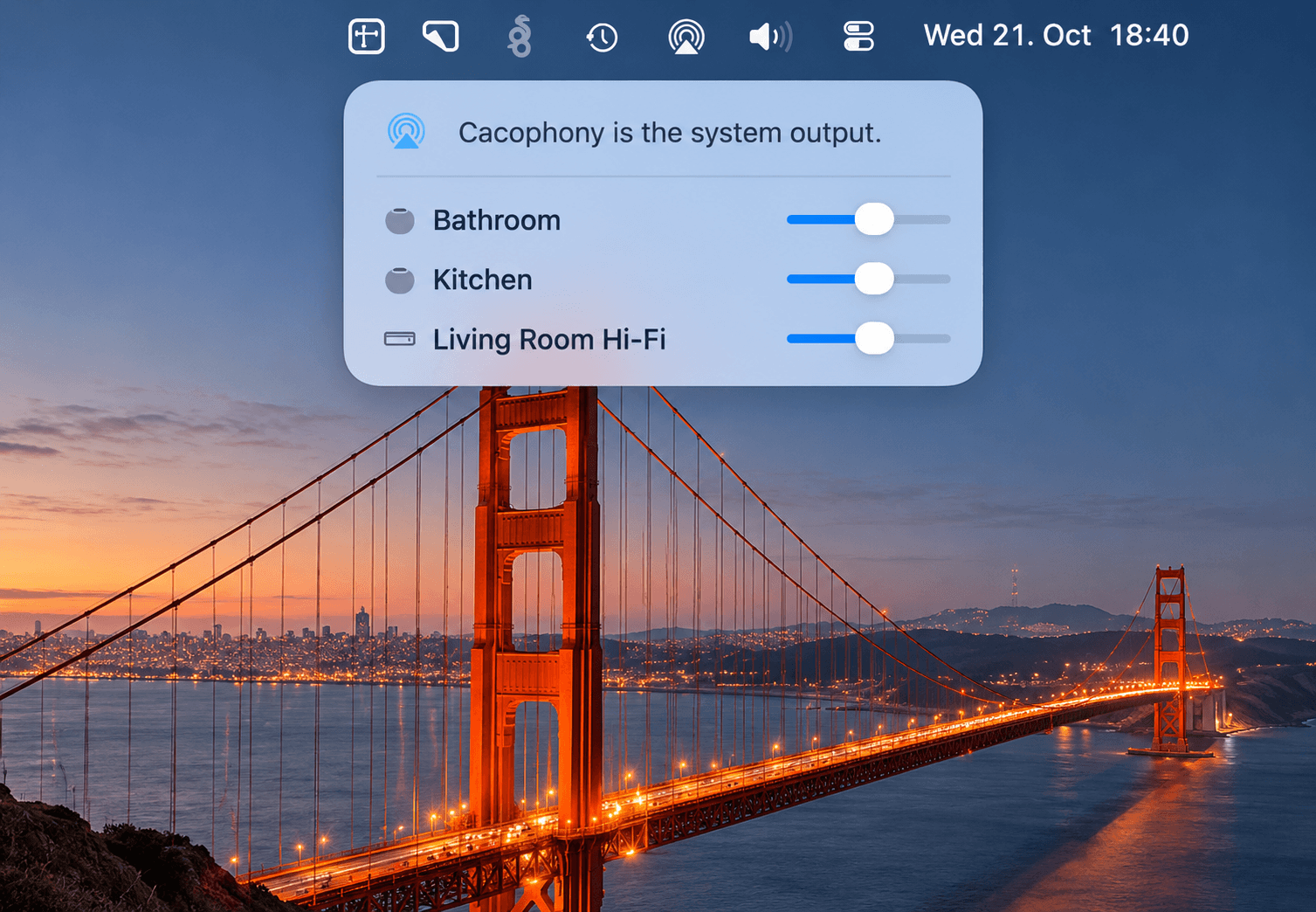
- Per-speaker volume control via the menu bar panel
- Automatic system output switching when speakers are selected
- Launch at Login support
- Driver management entirely from the app
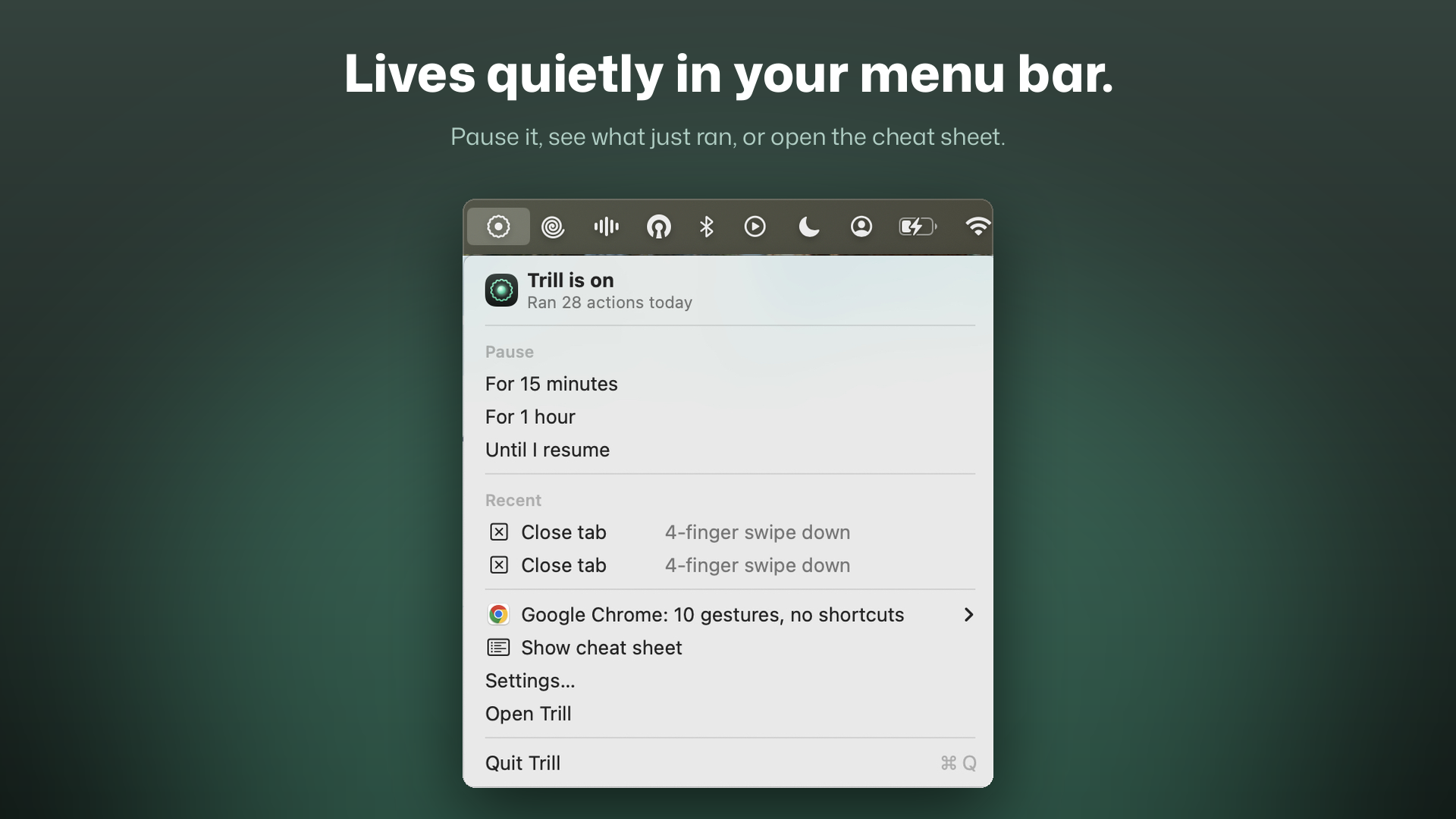
Usage: Left-click the menu bar icon to open the audio panel and select AirPlay speakers. Right-click for driver install/uninstall, Launch at Login toggle, and Quit.
Requirements: macOS 26 or later, AirPlay 2-compatible speakers on the same network.
Cacophony is open source under the MIT License.