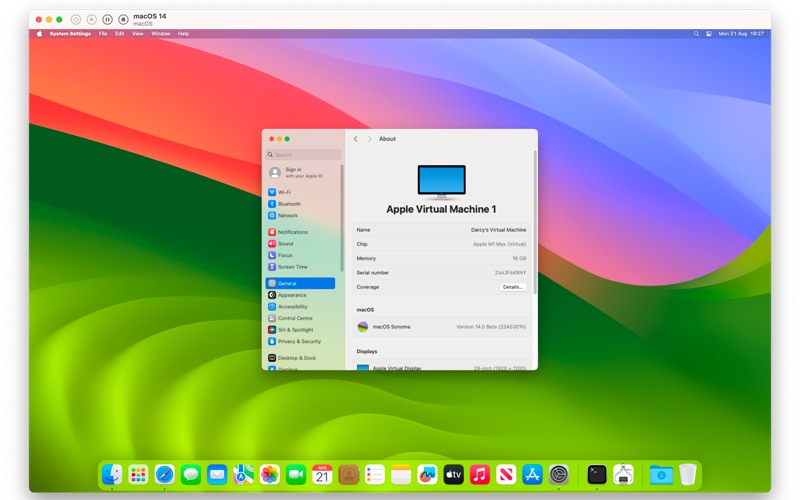
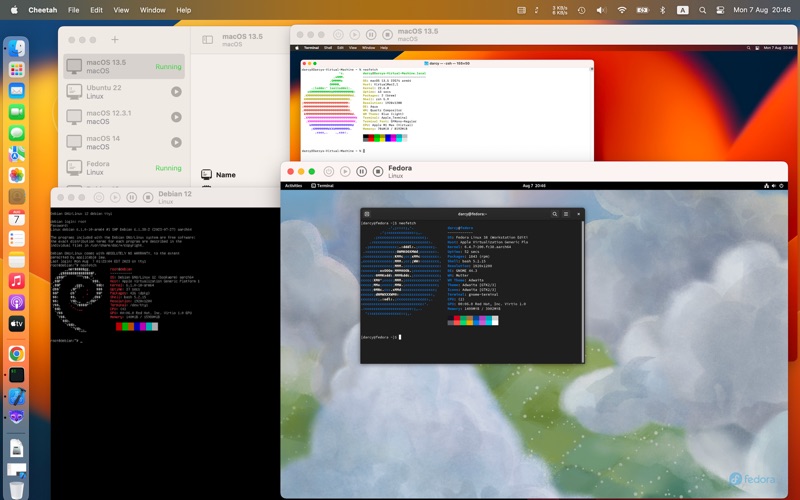
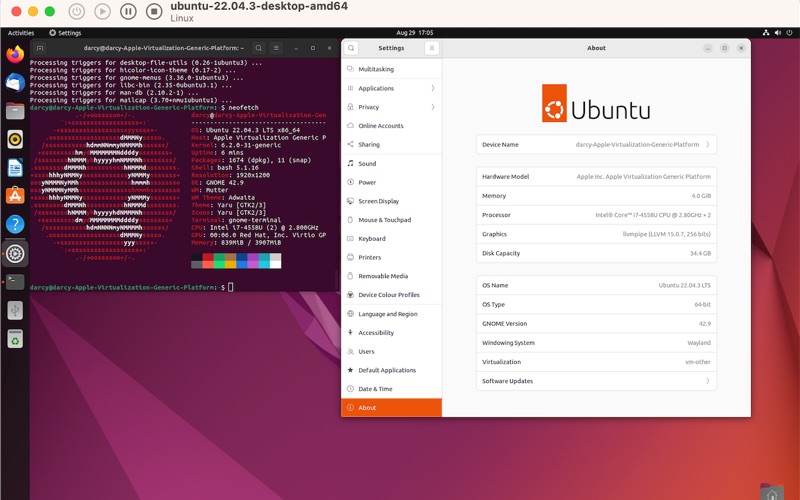
Cheetah harnesses Apple's cutting-edge Virtualization.framework to deliver a lightning-fast, native virtual machine experience on macOS. With its elegant interface and powerful features, Cheetah makes running virtual machines effortless.
Key Features:
- Run multiple virtual machines simultaneously with native performance
- Support for macOS 12+ guests on Apple Silicon
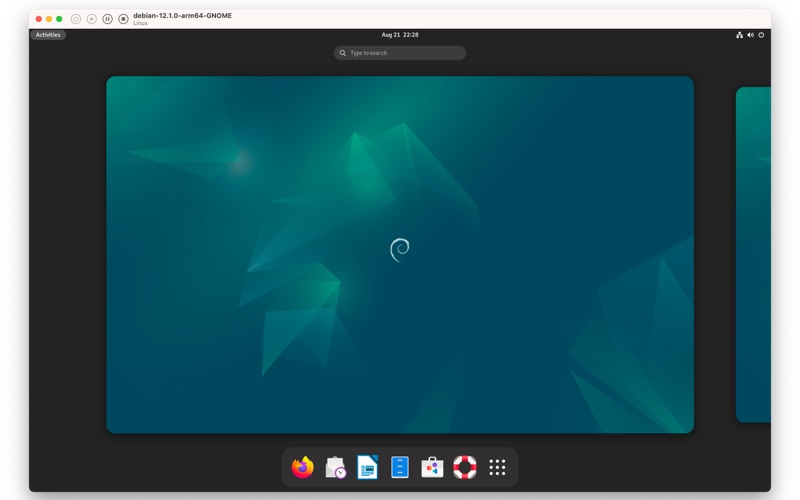
- ARM64 and x86_64 Linux distributions (Ubuntu, Debian, Fedora)
- Rosetta 2 integration for running x86_64 apps on ARM Linux guests
- Clipboard sharing between host and Linux guests (requires SPICE tools)
- Shared (NAT) networking, bridged mode, and private LAN mode
- Automatic IP address detection (IPv4 and IPv6)
- Multi-NIC support with per-interface configuration
- Search and filter VMs by name, OS, or running state
- Background downloads with progress tracking
- System notifications for installations, downloads, and VM errors
- Headless mode for running VMs without a GUI
- Launch at login for always-available VMs
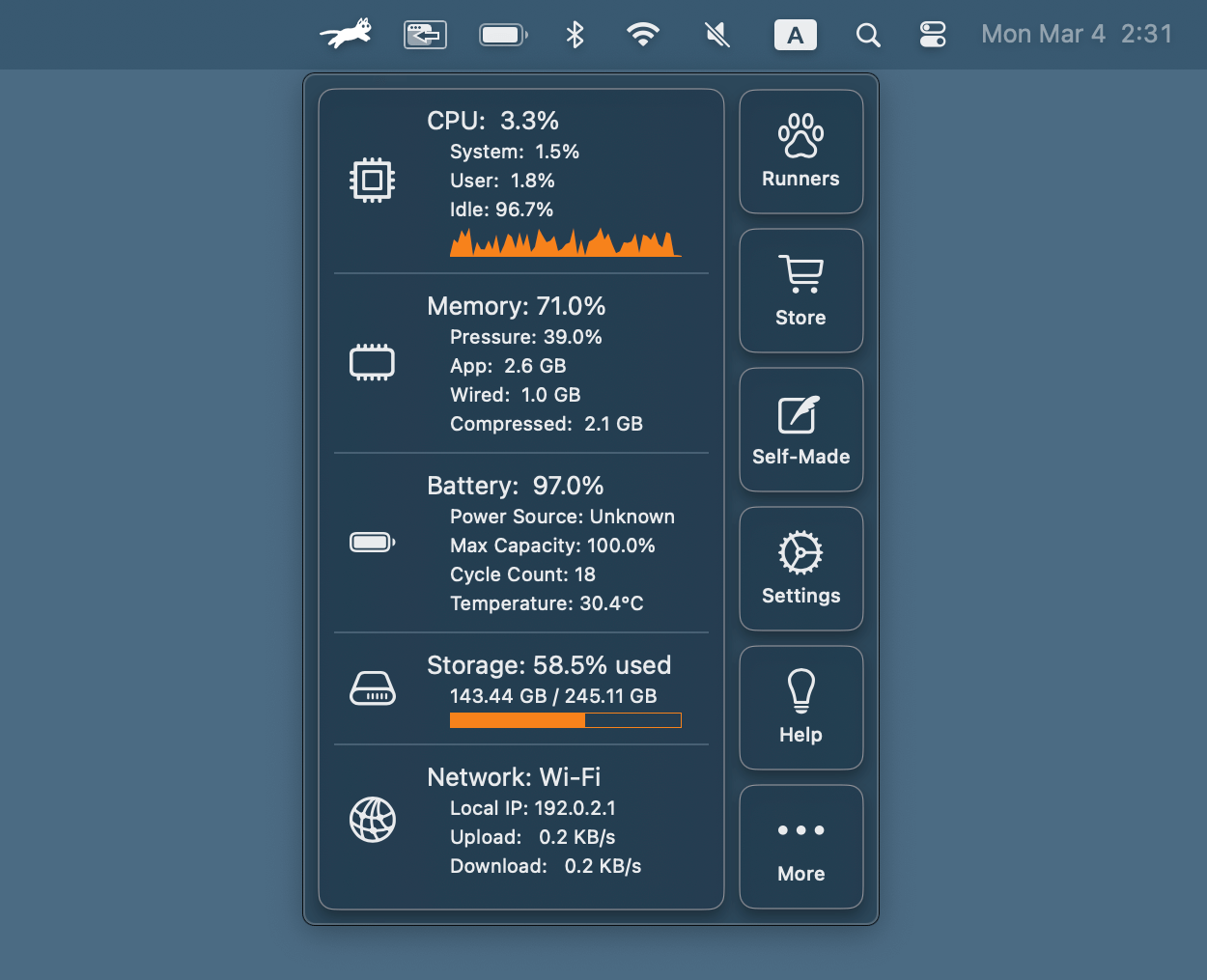
- Menu bar integration for quick access
- Customizable CPU cores and memory allocation
- Dynamic display resolution adjustment
- Shared directories between host and guest
- One-click VM cloning
- Native macOS design with light and dark mode support
- Real-time VM status monitoring
Requirements: macOS 13.0 or later. Apple Silicon Mac for macOS and ARM Linux guests; Intel Mac for x86_64 Linux guests.