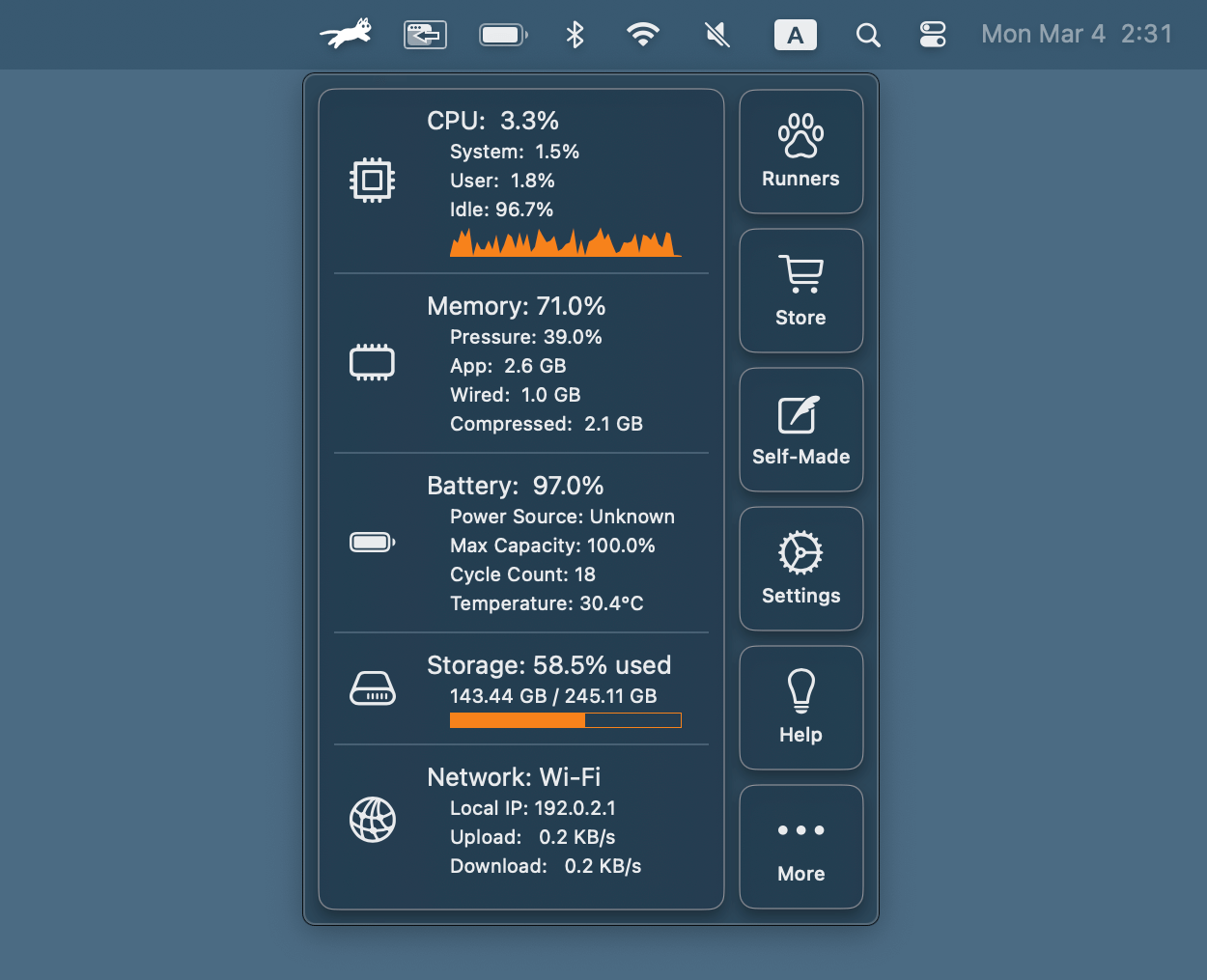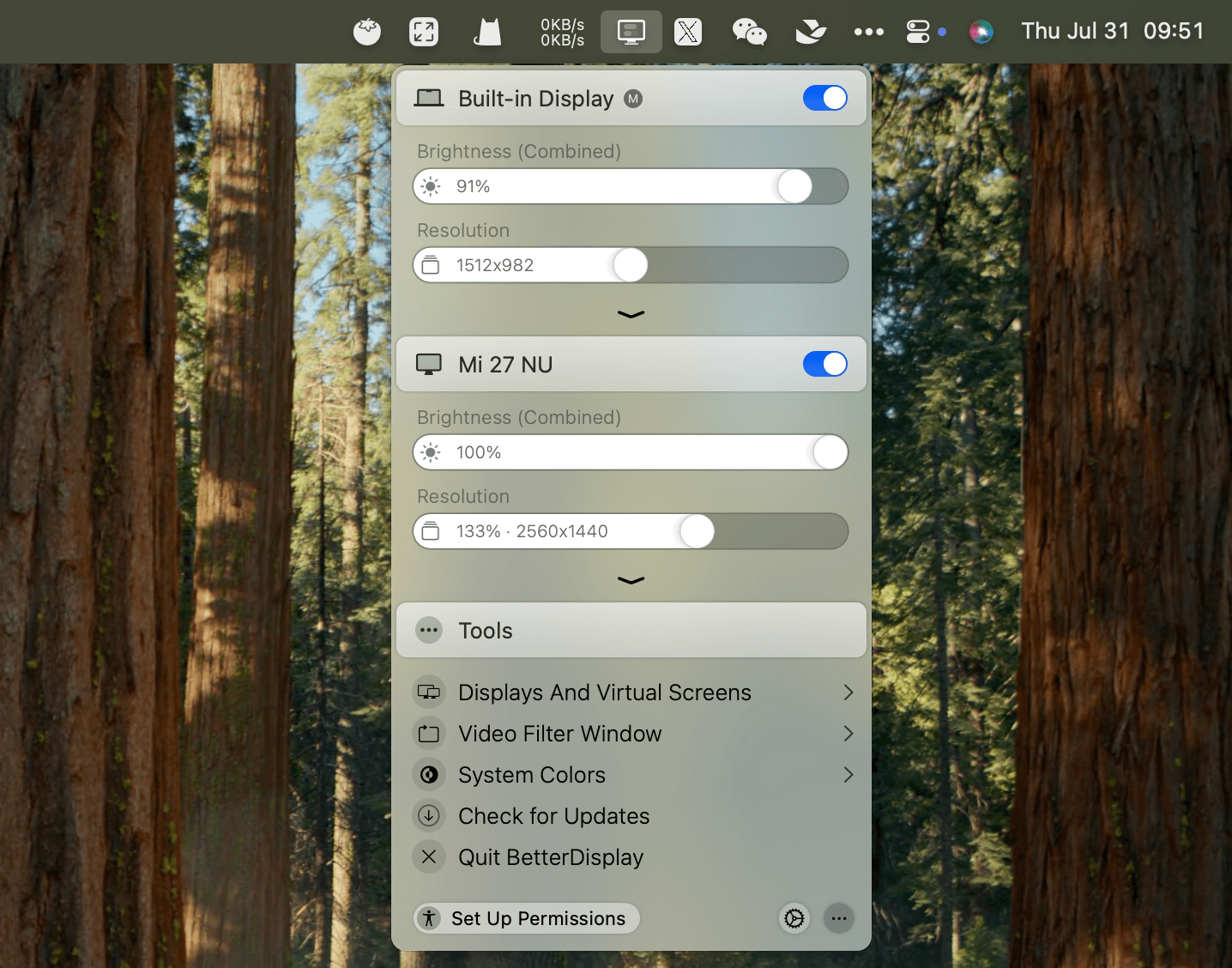
Code Awake is a small, native-feeling macOS utility that lives in your menu bar and keeps your Mac awake when you need it most.
Features
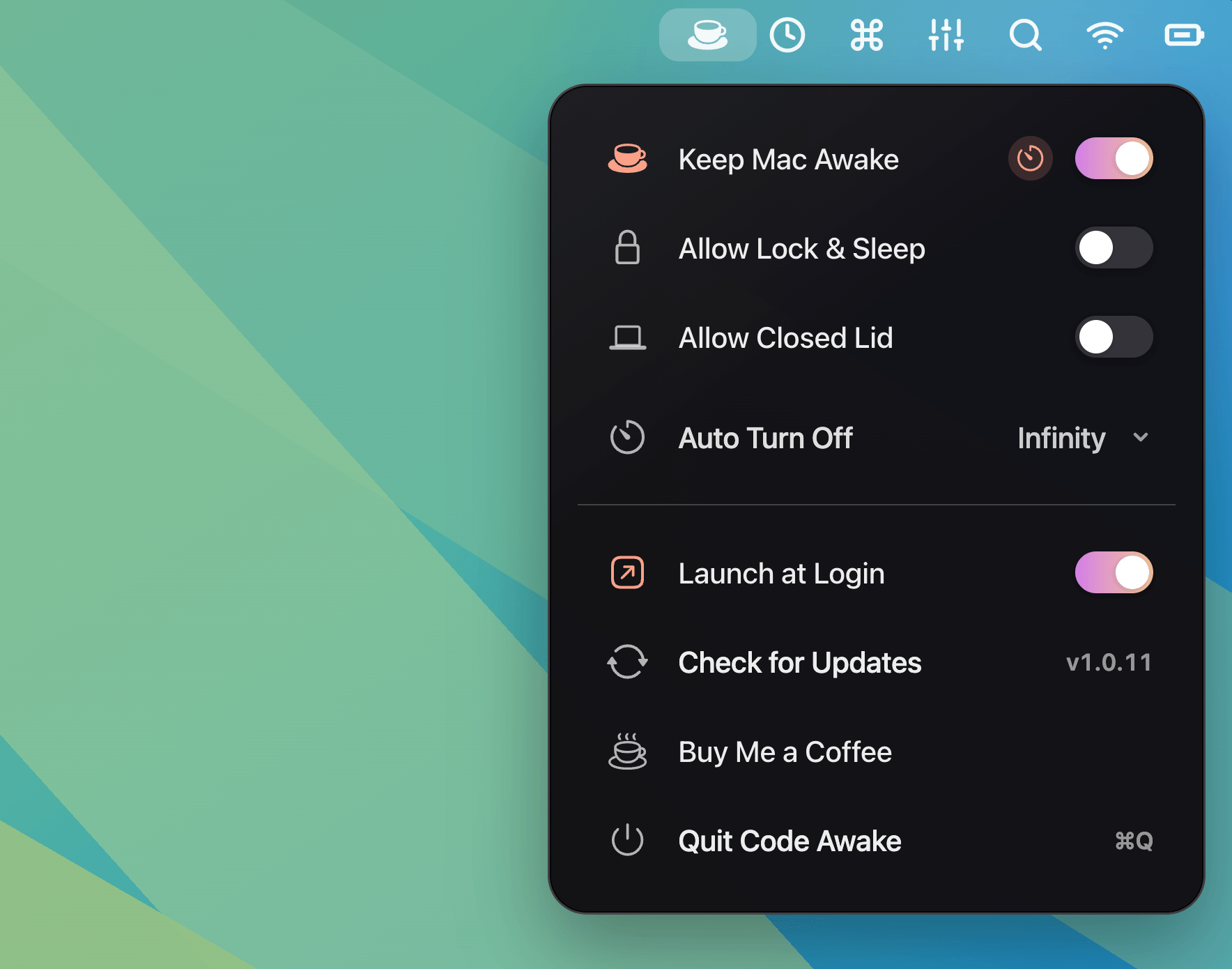
- Prevent idle sleep — Keep your Mac awake while builds, downloads, exports, and background tasks need time to finish
- Works with closed lid — Keep your Mac reachable for remote sessions and companion workflows when macOS allows closed-lid wake
- Remote friendly — Stay reachable for screen sharing, SSH, companion devices, and long-running sessions
- Launch at Login — Start automatically and keep your awake controls ready the moment your Mac is back online
- Battery safety — Awake mode turns off automatically when battery drops to 10% while running on battery power
- Optional Lock & Sleep — Keep the display/session awake by default, or let macOS lock and sleep the display while the Mac stays awake
How it works
Start your build, transfer, presentation, or remote session. Toggle "Keep Mac Awake" from the menu bar. Let the work finish without babysitting power settings.
Code Awake is intentionally small: no dashboards to manage, no noisy setup, just a menu bar control that helps macOS stay ready for the job in front of you.