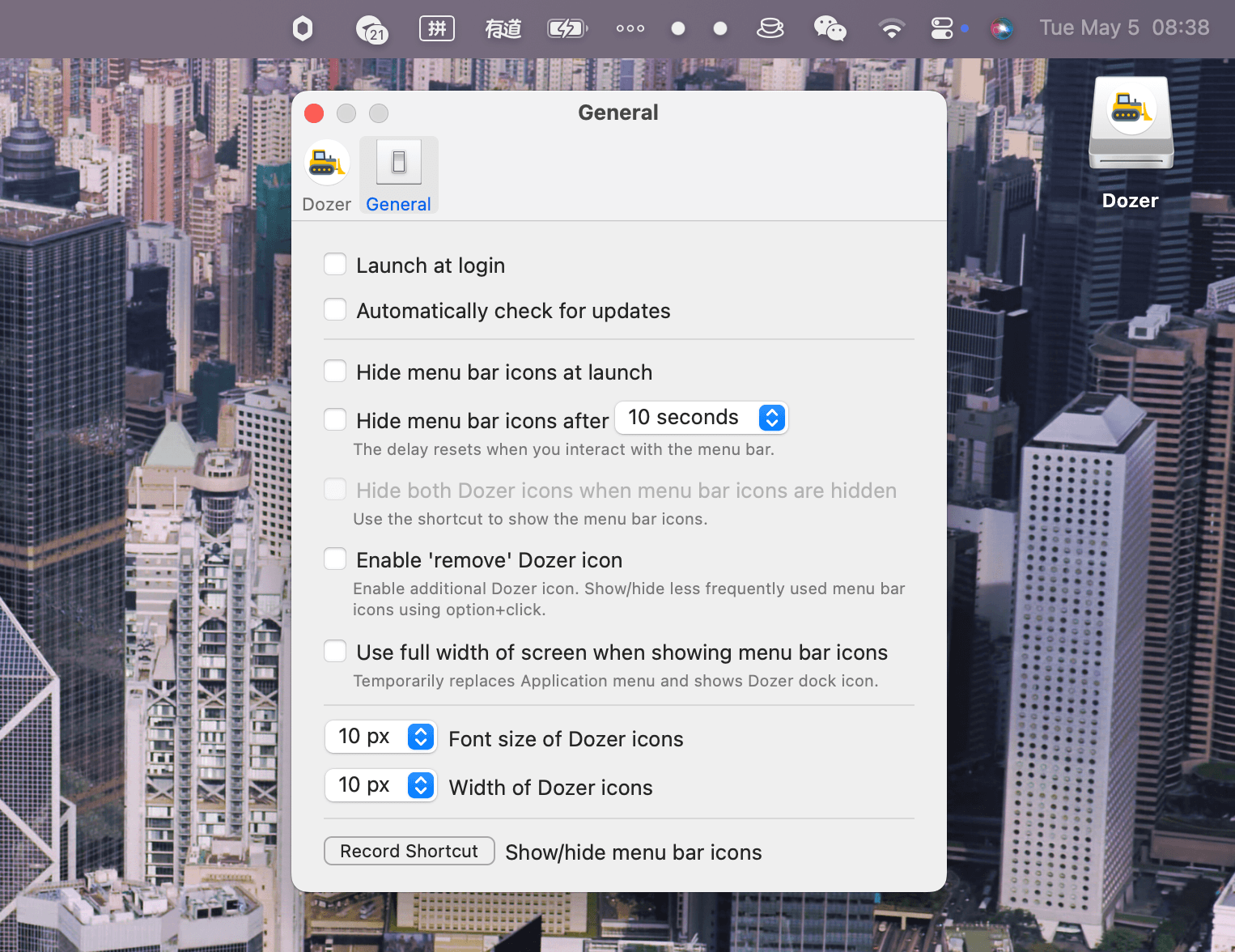
Dozer is a free and open-source macOS app that helps you hide menu bar icons to keep your Mac looking clean and organized.
Features
- Hide menu bar icons - Keep your menu bar tidy by hiding icons you don't need to see all the time
- Two groups of icons - Configure separate groups: one shown on regular click, another on option-click
- Simple interaction - Left-click to toggle the first group, Option-click for the second group
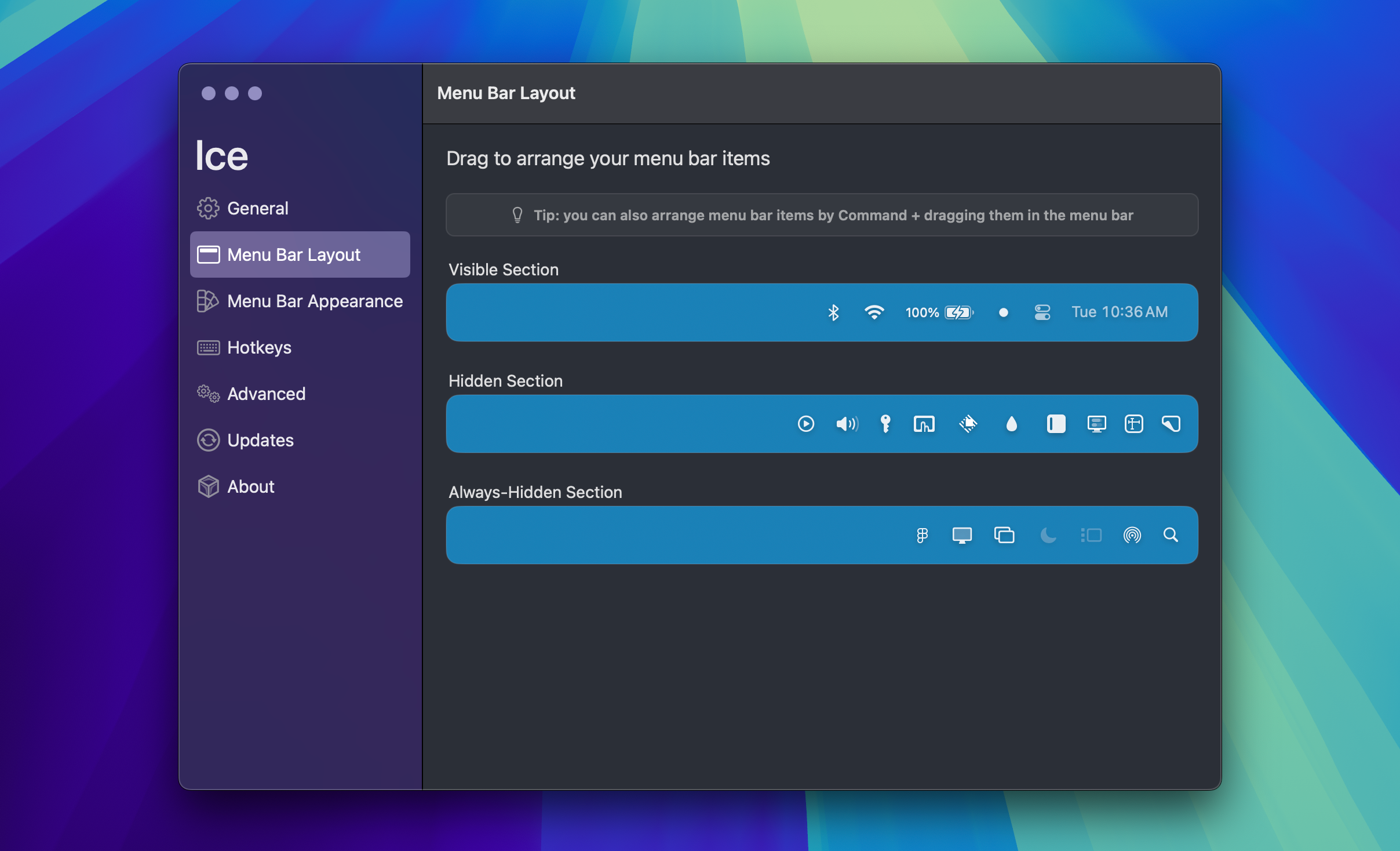
- Easy setup - Drag menu bar icons while holding Command (⌘) to arrange them
Usage
- Move the icons you want to hide until clicked to the left of the second Dozer icon
- Move the icons you want to hide until option-clicked to the left of the third Dozer icon
- Left-click any Dozer icon to hide/show the first group
- Option-click any Dozer icon to show the second group
- Right-click for settings
Installation
Homebrew:
brew install --cask dozer
Manual: Download from GitHub releases and drag to Applications folder.
Requirements
- macOS 10.13 (High Sierra) or later
License
MPL 2.0