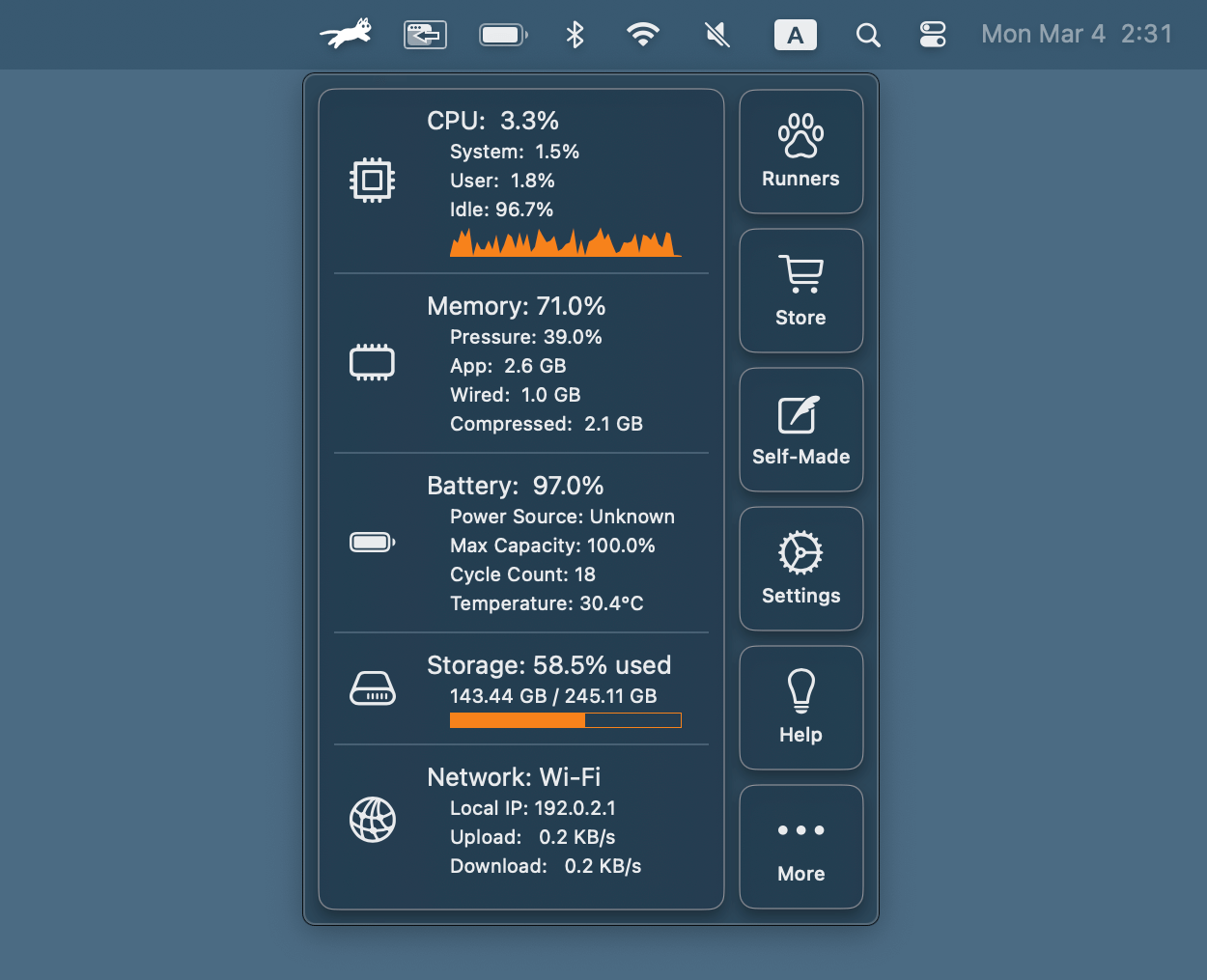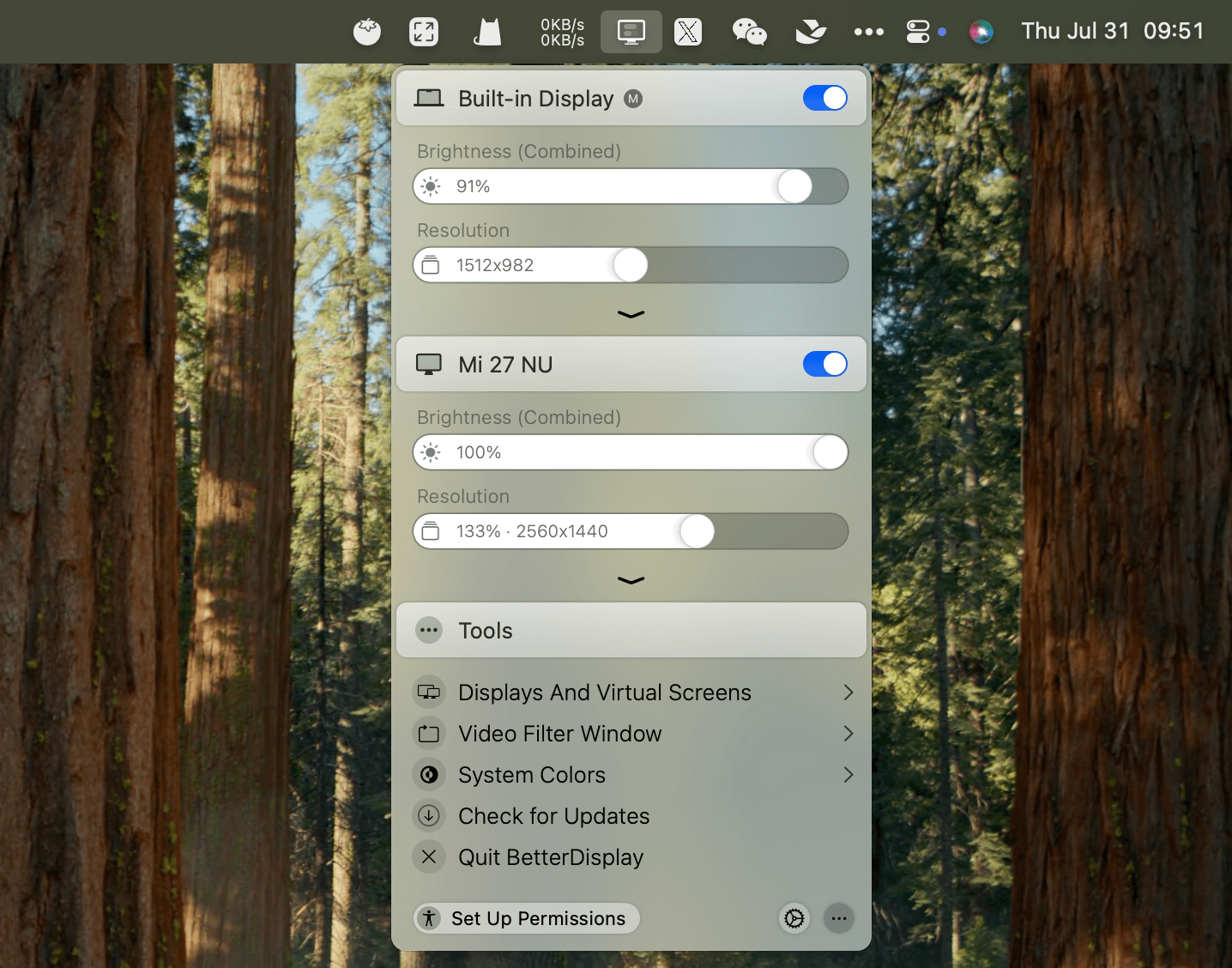
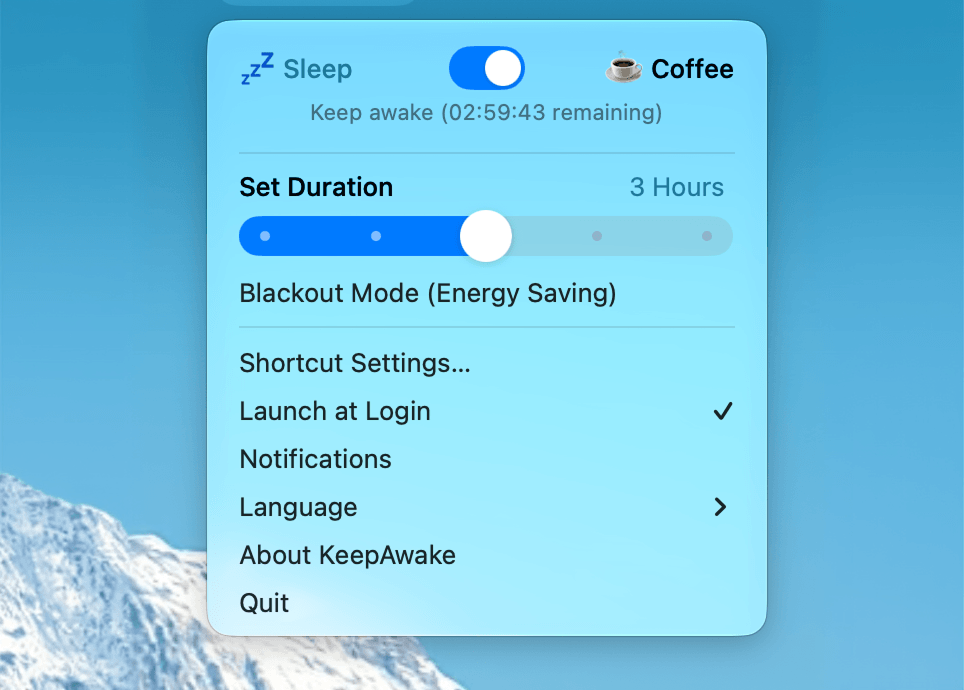
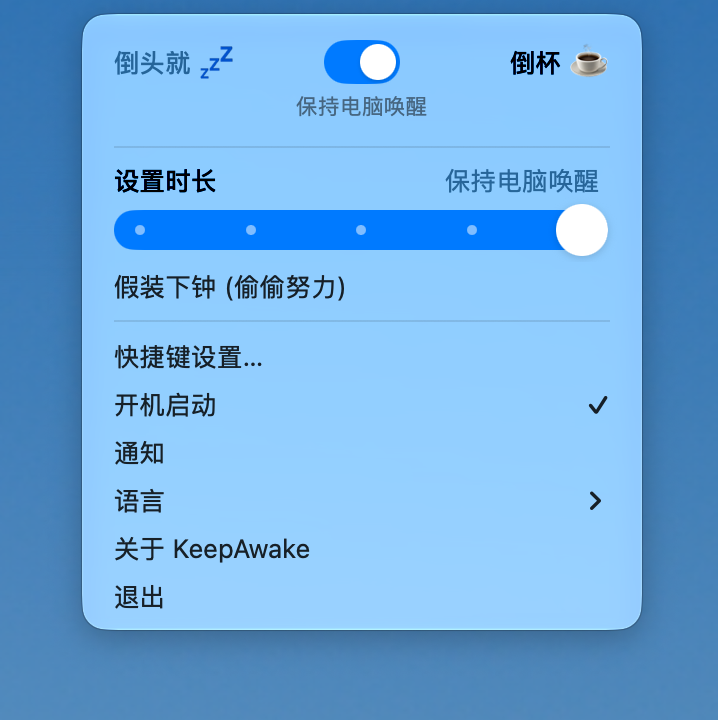
KeepAwake is a native macOS menu bar utility that prevents your Mac from going to sleep while running background tasks, automation Agents, or long-running processes.
Features
- Menu bar status — See at a glance whether normal sleep or KeepAwake is active.
- Smart power policy detection — Reads the effective power policy on launch and when opening the menu, so another program's
caffeinateis not mistaken for KeepAwake's own state. - Flexible durations — Indefinite, 15-minute, 1-hour, 3-hour, or until-next-8:00-AM timers.
- Blackout Mode — Dims built-in and external displays to zero brightness without powering them off, keeping displays in the system graphics topology for background screenshots or automation. Uses DisplayServices for built-in displays, DDC/CI for external displays, with Gamma fallback where available.
- Safe recovery — Protected temporary recovery file plus an independent watchdog for best-effort restoration after unexpected exits. Rapid mouse movement or three key presses in a short window can restore displays.
- Localization — English and Simplified Chinese menus and notifications, following macOS preferred language.
- Notifications & Launch at Login — Enabled by default on first run; either can be turned off from the menu and the choice is preserved.
- Configurable shortcuts — Global keyboard shortcuts for Keep Awake and Blackout Mode with conflict detection.
Privacy & Security
- No network requests, analytics SDK, remote-control path, or third-party runtime dependency.
- Manages only its own
/usr/bin/caffeinateprocess. - Keyboard recovery monitor operates in memory only; does not store or upload typed input.
Requirements
- macOS 13 or later
- No third-party packages or Xcode project required for source builds