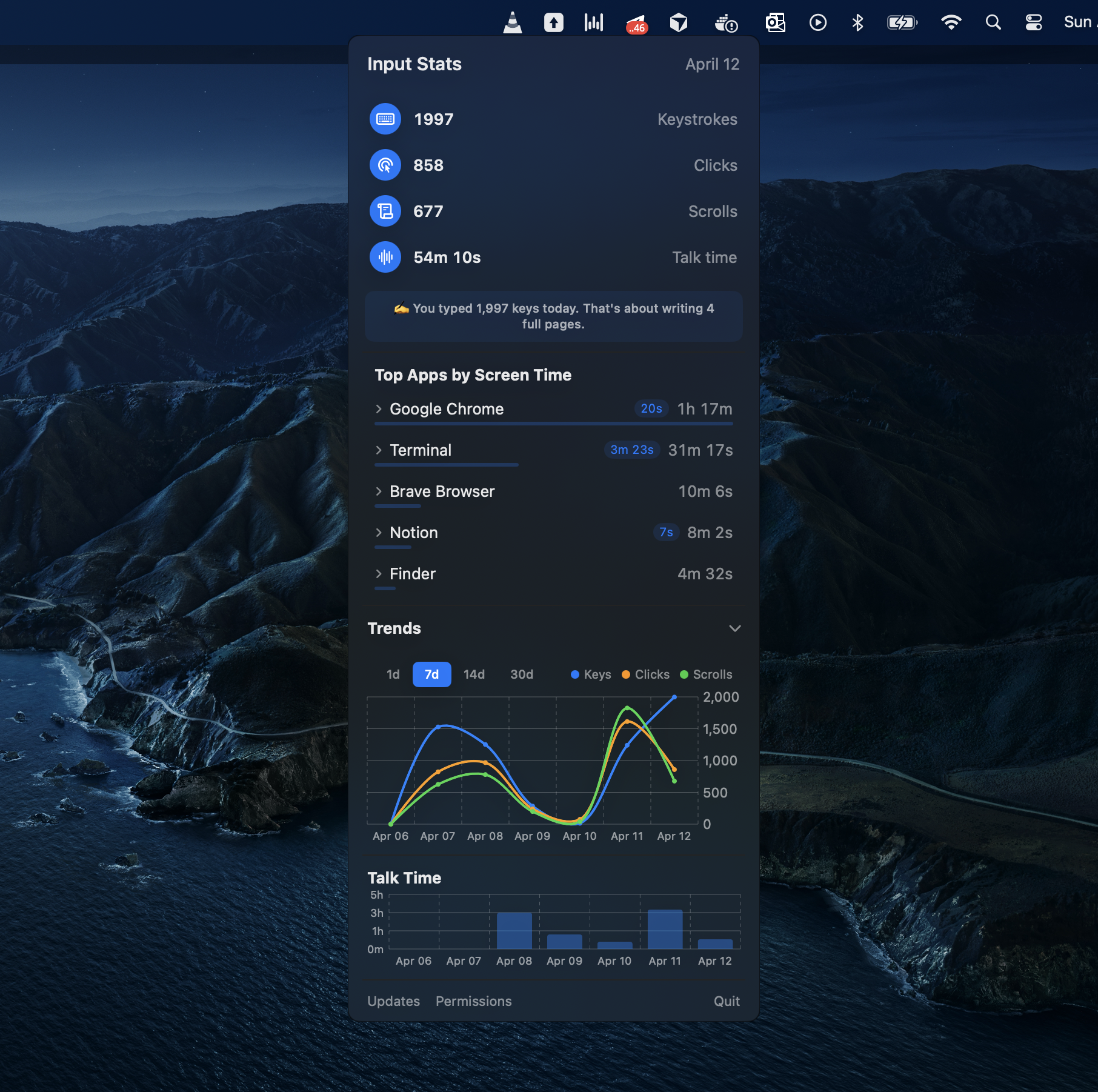
Mac Input Stats is a macOS menu bar app that helps you understand how you use your Mac through typing, clicks, scrolling, and voice input.
Features
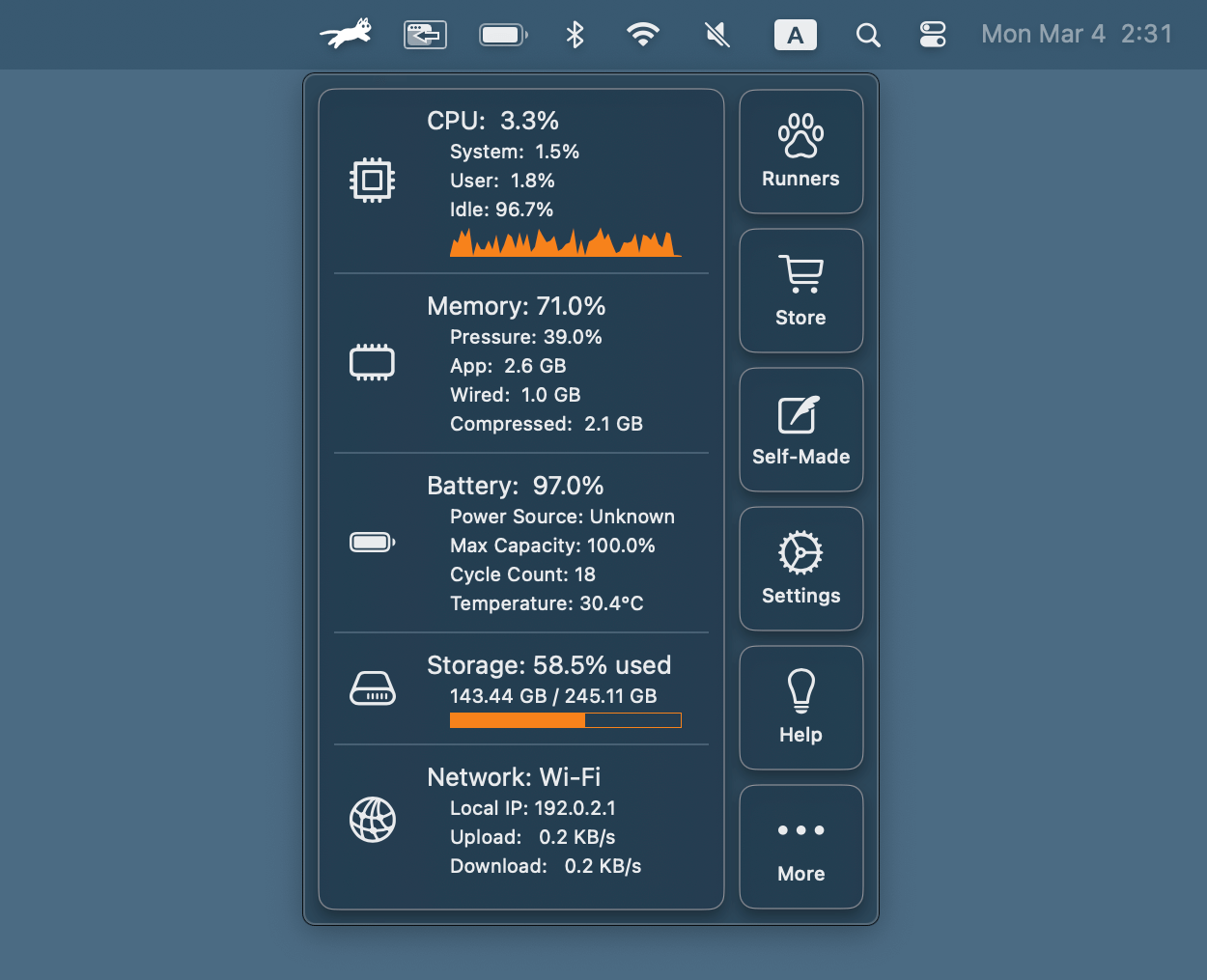
- Menu bar widget with a floating panel for quick-glance daily stats
- Per-app breakdown of keystrokes, clicks, scrolls, screen time, and talk time
- Talk time detection using CoreAudio microphone activity monitoring
- Trend charts with interactive 1d / 7d / 14d / 30d range picker
- Daily persistence with a rolling 7-day history
Data Privacy
All data is stored locally in UserDefaults — nothing is sent to any server. The plist file lives at ~/Library/Preferences/com.suveene.MacInputStats.plist.
Installation
Download MacInputStats-x.x.x.dmg from the latest GitHub Release, open the DMG and drag Mac Input Stats to Applications.
Requirements
- macOS 14.0+
- Input Monitoring permission (requested on first launch)