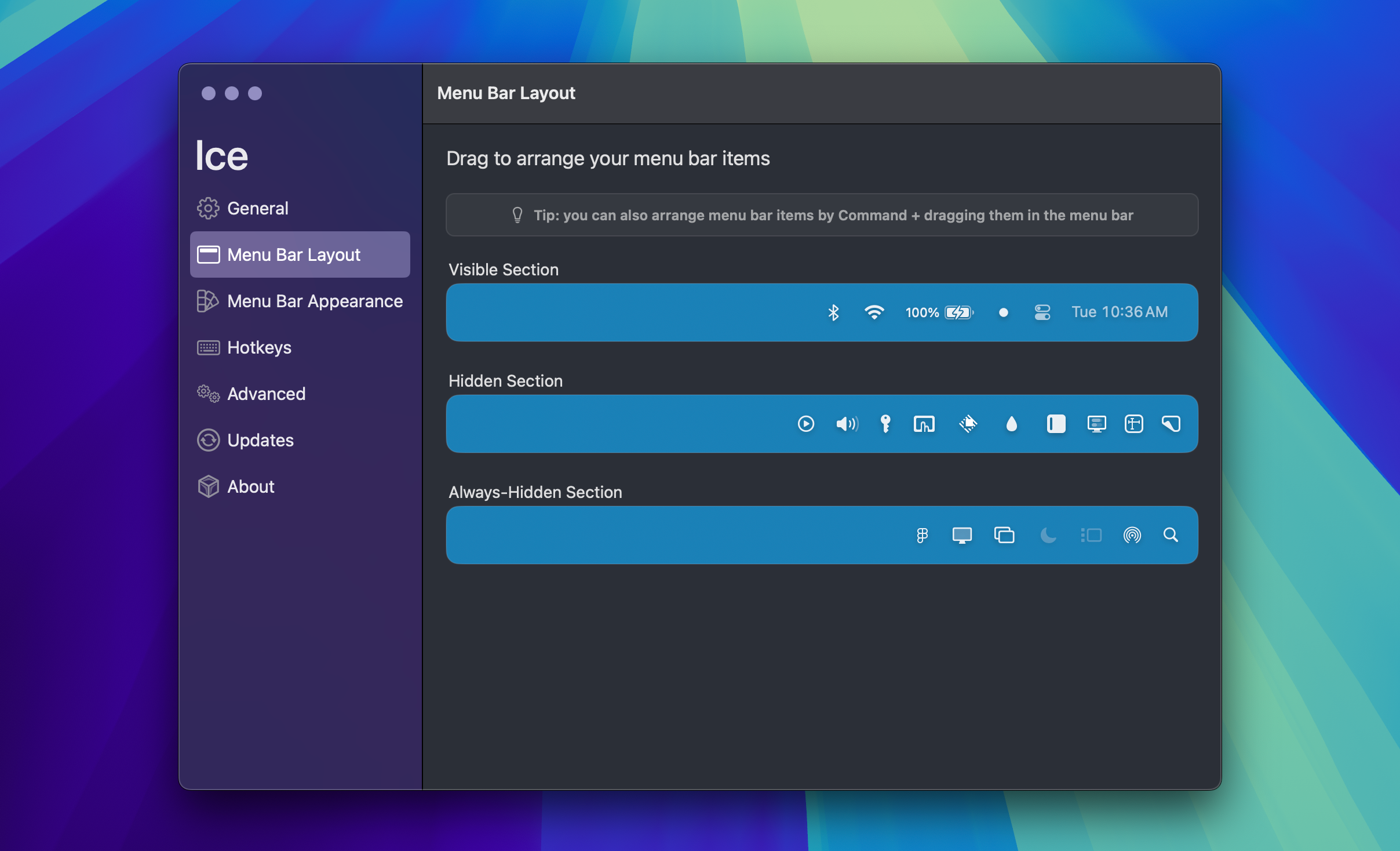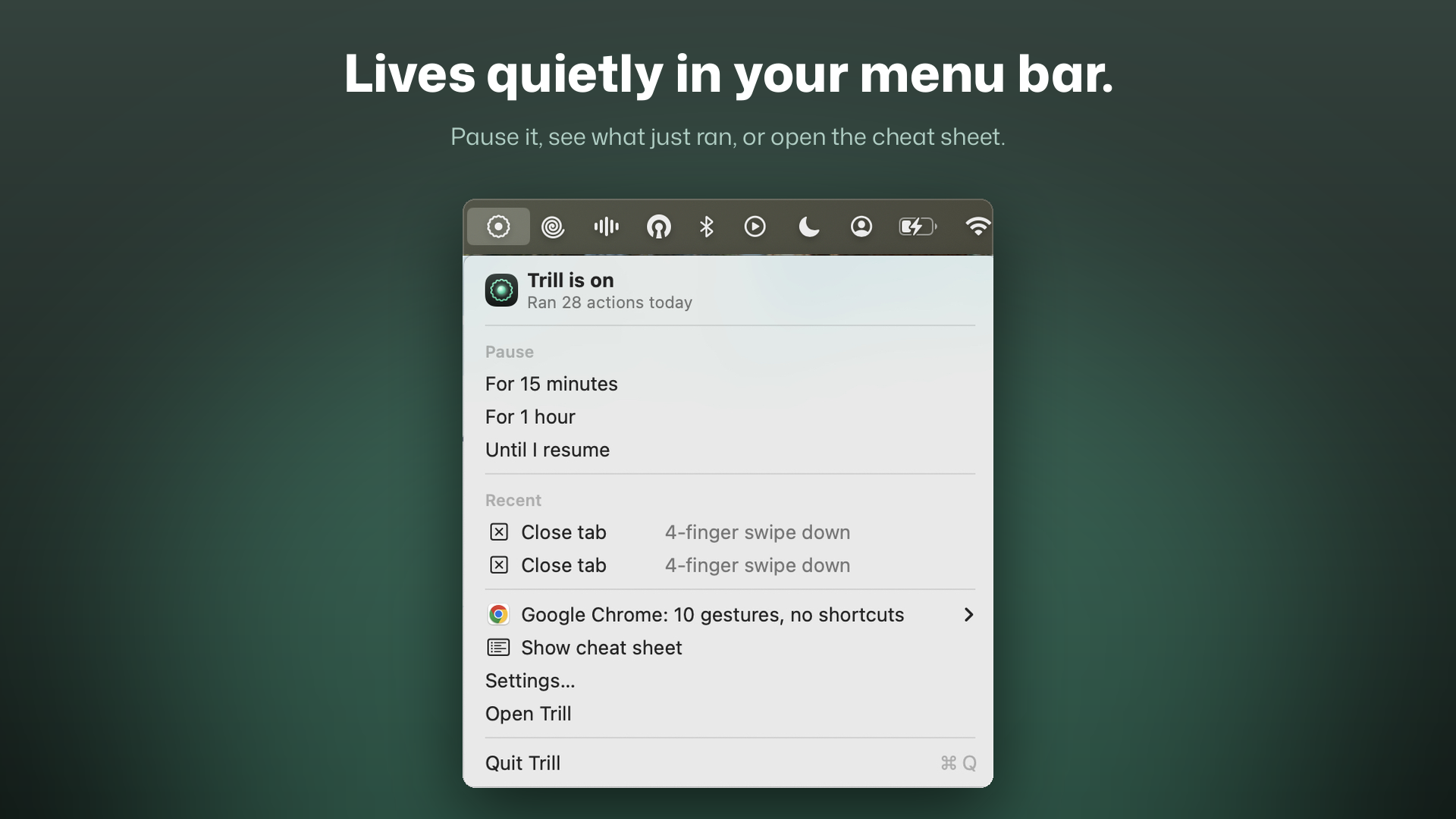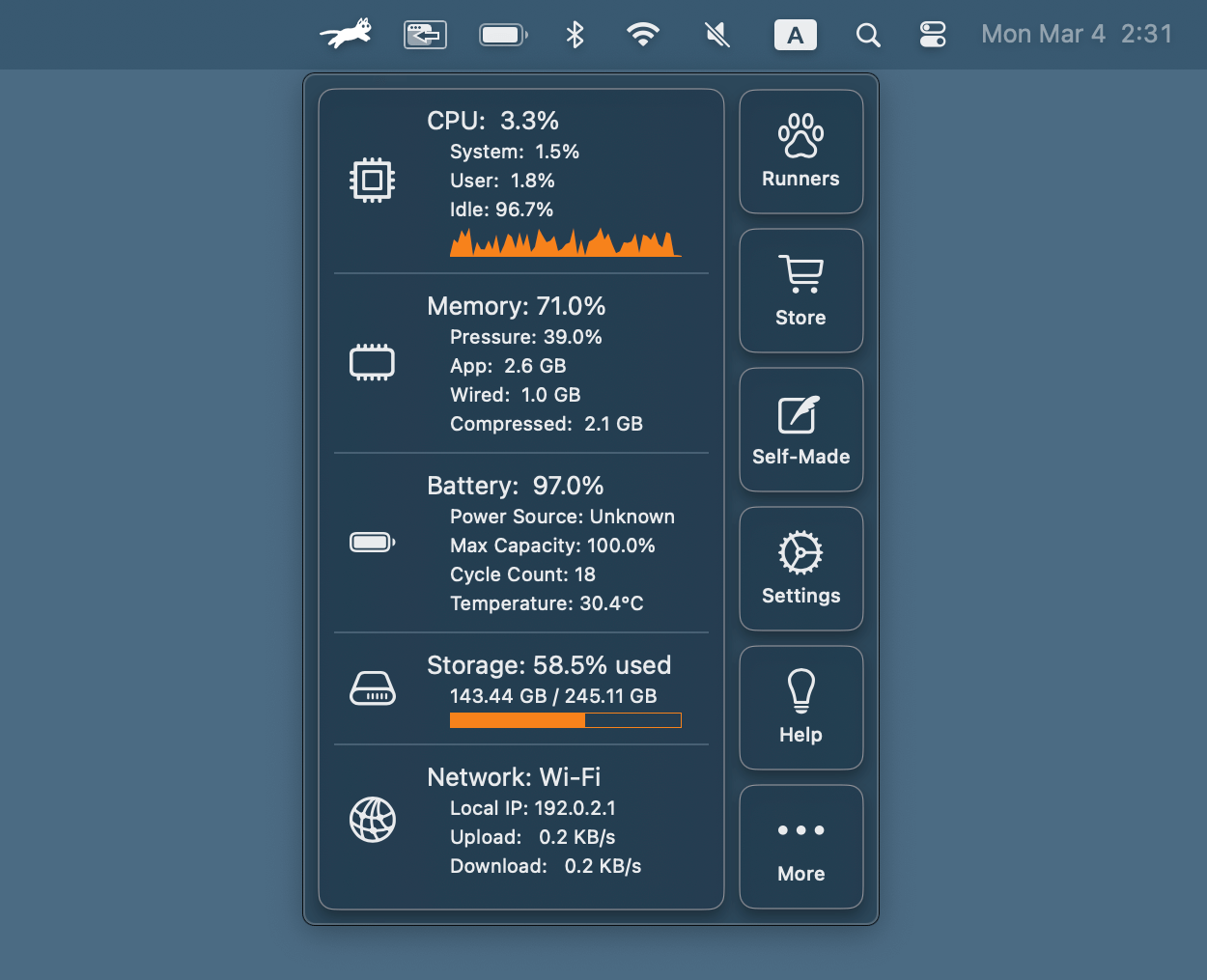
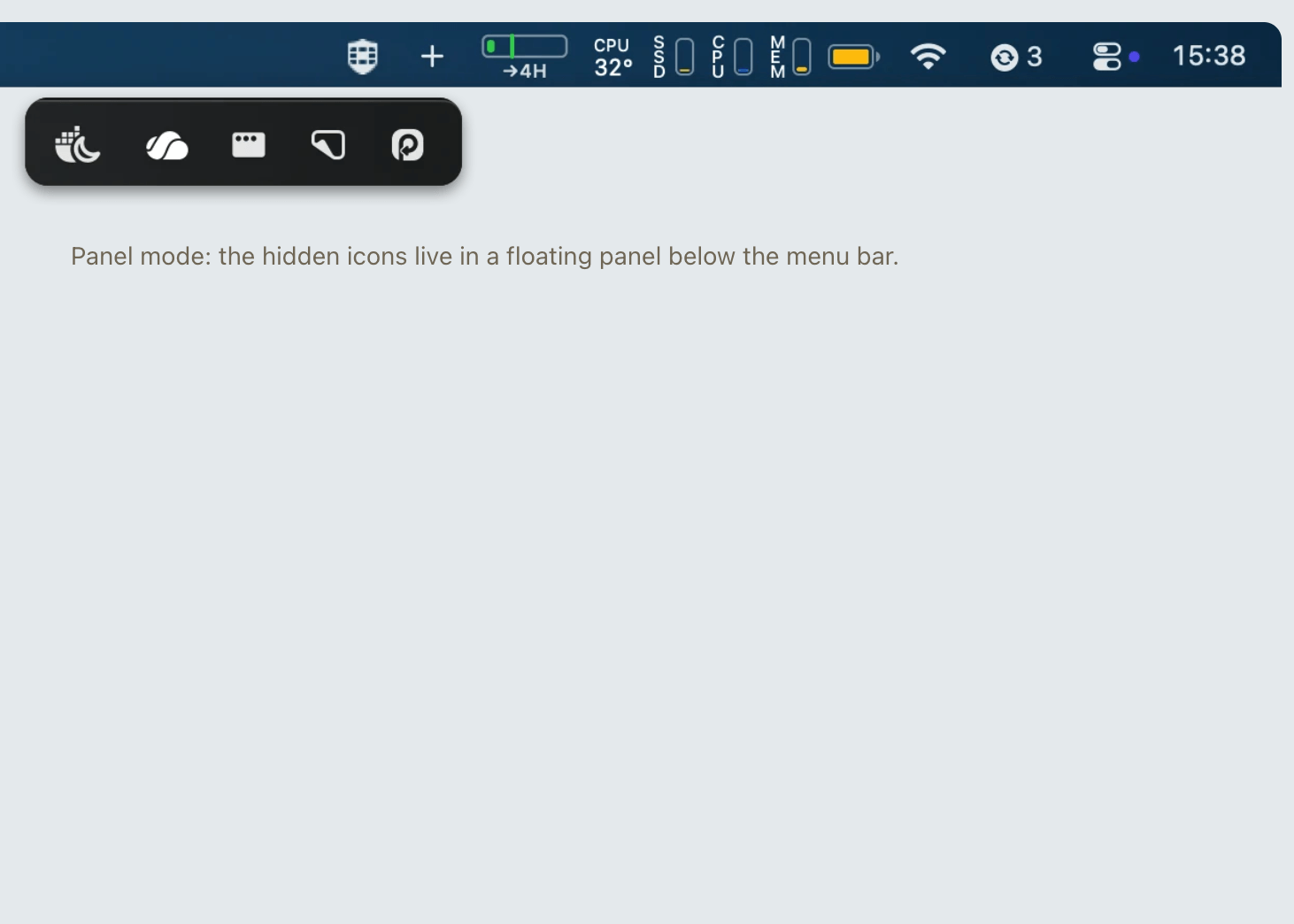
MenubarHide is a native macOS app that helps you clean up a crowded menu bar by hiding icons — and unlike other managers, it shows the hidden ones in a floating panel below the menu bar, completely out of the notch's reach.
Two Modes
- Sideways (classic): A separator expands to push icons off-screen. One click brings them back.
- Panel (notch-friendly): Hidden icons appear in a floating panel below the menu bar. Every icon is always visible and clickable, no matter how full the bar is.
Key Features
- Choose what to hide: Hold ⌘ and drag icons to the left of the
#separator - Toggle hide/show: Click the
+/−button, or press ⌃⌥H anywhere - Click-through panel: Click an icon in the panel and the click is forwarded to the real icon
- Launch at login: Right-click the button to enable auto-start
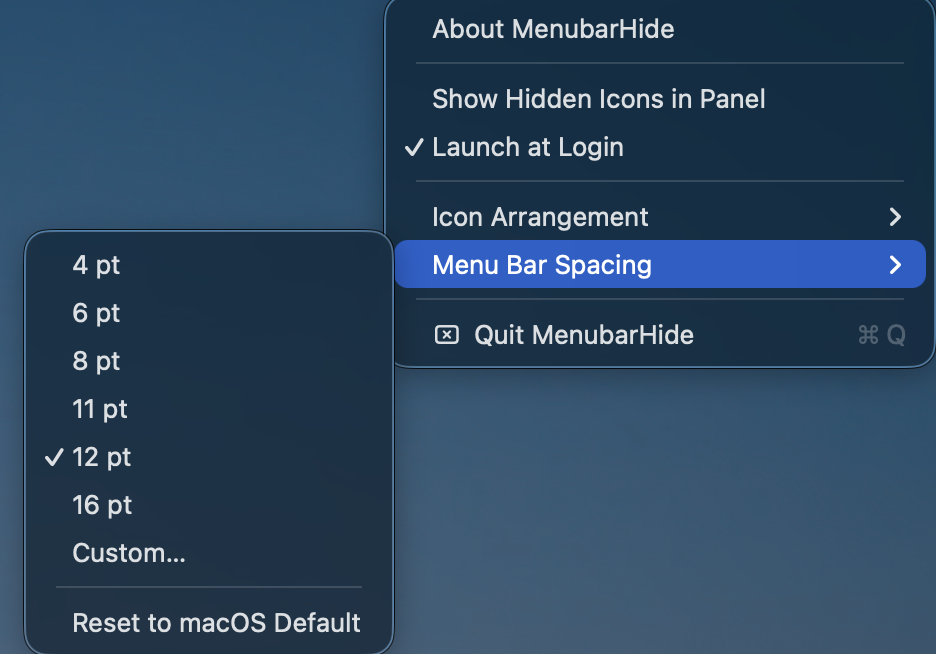
- Menu bar spacing: Adjust icon spacing to fit more icons on the bar
- Layout persistence: Saves and restores icon arrangement across reboots
- macOS 26 Tahoe ready: Battle-hardened on the latest macOS version
Permissions
- Screen Recording: Required for the panel mode to capture hidden icon images
- Accessibility: Required to forward clicks from the panel to the real icons
Nothing is recorded or stored — captures are point-in-time images kept only in memory while the panel is open. The sideways mode needs no permissions at all.
Requirements
macOS 14 (Sonoma) or later. Universal binary for Apple Silicon and Intel.